White Rose Romantic AI Video Editing Prompt For Flow AI
By Prompt Scene ·
AI video generation has become much more creative than simple text-to-video experiments. With the right prompt, you can now create a complete cinematic fashion story with consistent clothing, location, facial identity, body proportions, lighting, and camera movement.
Use the uploaded reference photo for the man's face, hairstyle, skin tone, body build and height. Keep identity exactly same as reference photo — no alteration to face, body, or hairstyle in any scene. Keep his skin natural, clean, and clear exactly as shown in the reference photo — no artificial smoothing, no plastic look, no added blemishes.

Keep the person's body proportions natural and realistic, matching the exact build shown in the reference photo — do not add extra muscle, height, or bulk. This must work accurately for any person of any age or body type who uploads their own reference photo — the generated face, skin, and body must always match the uploaded photo exactly, never a generic or different look.

Outfit (same throughout, do not change): a cream/ivory button-down shirt with a small embroidered polo logo, a grey knit cardigan draped over the shoulders, rust-brown wide-leg trousers, black pointed leather boots, a rose-gold wristwatch, and stylish sunglasses.

Location (same throughout all 7 scenes, do not change): a charming old-world street café with rustic weathered stone walls, elderly patrons seated at nearby tables, hexagonal-tiled outdoor pavement, a lively street atmosphere, and — for one indoor scene — a rustic tea-stall with an open flame and metal kettle.

Color grade: rich, full, natural warm cinematic color grading built directly into the scene — realistic natural colors, warm daylight and firelight tones, cinematic contrast, never faded, never black and white, never desaturated.

Create 7 cinematic scenes, same outfit and same locations throughout:

Scene 1: Close-up shot — his feet and legs in black pointed boots and rust-brown trousers walking 7 to 8 natural steps along the hexagonal-tiled pavement, passing near a rustic wooden bench, natural daylight.

Scene 2: Close-up torso shot — he holds a single white rose delicately in one hand at chest height, no sunglasses yet, an elderly patron seated at a table softly blurred behind him inside the rustic café.

Scene 3: Close-up over-the-shoulder shot — he removes his sunglasses with one hand, glancing back toward the camera, bright sunlit background, the rose-gold watch visible on his wrist.

Scene 4: Close-up shot — sunglasses now on, he gently holds the white rose up to his face and smells it, weathered stone café wall and blurred patrons behind him.

Scene 5: Close-up shot — he tilts his head back with sunglasses reflecting the light, calm relaxed confident pose, same weathered stone wall and café atmosphere behind him.

Scene 6: Medium shot — indoors, he pours tea from a traditional metal kettle over an open flame into a small cup and saucer, sunglasses on, the white rose tucked behind his ear, warm firelight glowing on his face, rustic tea-stall setting.

Scene 7: Final medium shot — back outdoors on the bright sunlit street, he walks forward holding the white rose near his chest, head lowered thoughtfully then lifting to look at the camera, café tables and passersby softly blurred behind him, cinematic slow zoom-out to finish.

Format: 16:9 widescreen, 4K/8K ultra-realistic quality, continuous fashion-editorial story flow from Scene 1 to Scene 7, no scene skipped, smooth cinematic transitions between poses.

Watermark: small semi-transparent text "Prompt Scene" fixed in the same bottom corner throughout, minimal white or light-colored font, low opacity, non-intrusive, appearing only once at any given time.
If you are looking for a stylish AI video prompt for men that feels like a professional fashion film, this 7-scene white rose concept is worth trying. The video follows a man through an old-world café street, using a white rose as the central visual element.
The main focus of this prompt is identity preservation. Your uploaded reference photo is used to maintain the same face, hairstyle, skin tone, body build, height, and natural proportions throughout every scene.
What Makes This AI Video Prompt Different?
Many AI-generated videos struggle with consistency. The person’s face may change between scenes, the clothes can suddenly look different, or the body proportions may become unrealistic.
This prompt is designed to reduce those problems by clearly instructing the AI to maintain the same character throughout the entire sequence.
The man’s face, hairstyle, skin tone, body build, and height should remain consistent with the uploaded reference photo. The prompt also specifically avoids artificial skin smoothing, excessive muscle definition, unnecessary changes to body shape, or a generic AI-generated appearance.
This makes the concept useful for creators who want to turn their own photo into a cinematic fashion video.
Outfit and Overall Fashion Style
The outfit remains unchanged across the seven scenes.
The character wears a cream or ivory button-down shirt featuring a small embroidered polo logo. A grey knit cardigan is casually draped over his shoulders, creating a relaxed fashion-editorial appearance.
The outfit is completed with rust-brown wide-leg trousers and black pointed leather boots. A rose-gold wristwatch adds a subtle luxury detail, while stylish sunglasses are introduced naturally during the story.
Keeping the same outfit throughout the video is important because it helps the AI maintain visual continuity from one scene to another.
The overall style is sophisticated without looking overly artificial. The combination of warm colors, vintage architecture, classic clothing, and the white rose creates a cinematic fashion-film atmosphere.
Scene 1 – Walking Through the Café Street
The video begins with a close-up shot focused on the man’s feet and legs.
He walks naturally for around seven to eight steps across hexagonal-tiled pavement. His black pointed boots and rust-brown trousers remain the main focus of the frame.
A rustic wooden bench appears nearby as he walks through the old-world café street.
Natural daylight illuminates the pavement and clothing, while the camera captures realistic movement rather than an exaggerated fashion walk.
This opening shot establishes the location and introduces the character without immediately revealing his face.
Scene 2 – The White Rose
The second scene moves to a close-up torso shot.
The man holds a single white rose delicately in one hand at chest height. At this point, he is not wearing sunglasses, allowing the viewer to see his natural appearance more clearly.
Behind him, an elderly café patron is softly blurred at a nearby table.
The shallow depth of field keeps attention on the rose and the character while still showing enough of the café environment to establish the setting.
The white rose becomes an important visual element of the story and adds a soft romantic-editorial feeling without changing the overall fashion-focused concept.
Scene 3 – Removing the Sunglasses
The third scene uses a close-up over-the-shoulder composition.
The man removes his sunglasses with one hand while looking back toward the camera. Bright sunlight fills the background, creating a naturally illuminated cinematic frame.
His rose-gold wristwatch becomes visible during the movement, adding another small fashion detail to the shot.
The camera should preserve the man’s identity from the reference image while maintaining realistic hand movement and natural facial expressions.
This scene acts as a visual transition between the introduction and the more expressive parts of the story.
Scene 4 – Smelling the Rose
In the fourth scene, the sunglasses are now back on.
The man gently raises the white rose toward his face and smells it. Behind him is the same weathered stone café wall with softly blurred patrons.
The warm daylight and rustic architecture give the scene a timeless European-inspired street café feeling.
The AI should maintain realistic skin texture, facial proportions, clothing details, and lighting. Nothing about the character’s appearance should suddenly become overly polished or artificial.
Scene 5 – Looking Toward the Light
The fifth scene focuses on mood and attitude.
The man tilts his head slightly backward while wearing his sunglasses. Light reflects naturally from the sunglasses, creating a subtle cinematic highlight.
His expression and posture remain calm and confident.
The weathered stone wall and café atmosphere continue in the background, keeping the visual world consistent with the previous scenes.
This shot gives the video a strong fashion-editorial moment before the story moves indoors.
Scene 6 – Traditional Tea Stall
The sixth scene changes the environment slightly while staying within the same overall old-world setting.
The man is now indoors at a rustic tea stall. He pours tea from a traditional metal kettle over an open flame into a small cup and saucer.
The white rose is tucked behind his ear, creating a memorable visual detail.
He continues wearing the same outfit and sunglasses.
Warm firelight falls naturally across his face and clothing. The metal kettle, flame, tea cup, and rustic surroundings create a strong contrast with the bright outdoor scenes.
This scene also adds storytelling because it gives the video a brief change in environment while preserving the same character and fashion style.
Scene 7 – The Final Walk
The final scene returns outdoors to the bright, sunlit café street.
The man walks forward while holding the white rose near his chest. His head is initially lowered thoughtfully before he slowly lifts it and looks toward the camera.
Café tables and passing people remain softly blurred in the background.
The video finishes with a cinematic slow zoom-out, allowing the audience to see more of the surrounding street while keeping the character as the main focus.
This creates a natural ending for the seven-scene fashion story.
Color Grading and Cinematic Look
Color grading plays an important role in this concept.
The prompt calls for rich, natural, warm cinematic colors rather than faded or heavily desaturated footage. Daylight scenes should have realistic warm tones, while the indoor tea-stall scene should feature warmer firelight.
The final video should never look black and white or excessively washed out.
Natural contrast, realistic skin tones, detailed clothing textures, and atmospheric lighting should work together to create a premium fashion-editorial appearance.
How to Use This AI Video Prompt
To get better results, upload a clear reference photo where the person’s face and body are visible.
The reference image should be used as the primary identity source. The AI should preserve the person’s facial structure, hairstyle, skin tone, body proportions, and overall appearance instead of generating a different character.
When using a multi-scene video generator, keep the character description and outfit instructions consistent across every scene.
It is also important to avoid changing the location unnecessarily. Consistent environments help the final video feel like one continuous cinematic story rather than seven unrelated clips.
Final Thoughts
This 7-scene cinematic white rose AI video prompt is designed for creators who want to transform a personal reference photo into a stylish fashion-editorial video.
From the opening walking shot to the white rose sequence, sunglasses transition, traditional tea-stall scene, and final slow zoom-out, every scene contributes to the same visual story.
The combination of vintage café architecture, warm cinematic lighting, classic clothing, and identity preservation makes this concept suitable for social media videos, fashion edits, profile content, and creative AI video experiments.
You can use the complete prompt above with a compatible AI video generation tool and adjust the camera movement, duration, or visual intensity according to your preferred style.
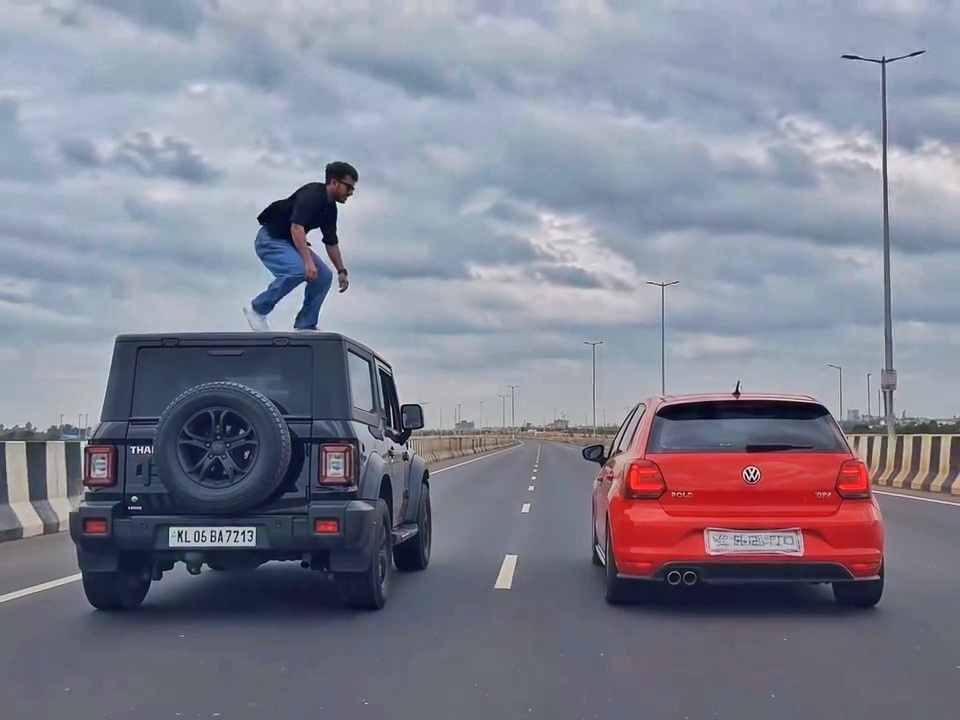
A rear-view, wide-angle cinematic shot on a wide highway under an overcast sky. A black SUV driving on the left lane and a red hatchback driving parallel on the right lane at medium speed. A young man emerges from the roof of the black SUV, stands up, and performs a dramatic acrobatic backflip through the air across the gap between the vehicles, successfully landing on top of the roof of the red h
Create a 10-second photorealistic cinematic video using the 2 uploaded reference images. Reference Image 1 = MAN and Reference Image 2 = WOMAN. Preserve both faces, identities, facial features, and hair exactly from the references. Create a scene inside an abandoned snow-covered mountain cabin. The man wears a beige beanie and petrol-blue winter parka and is crying while aiming a handgun at the wo
Use the uploaded reference video as the PRIMARY visual and motion reference. Recreate the video as closely as possible to the reference video, matching its exact shot structure, timing, pacing, camera movement, framing, subject movement, gestures, facial expressions, environment, lighting, transitions, motion blur and overall cinematic style. Do not reinterpret the sequence or create a different c
Cinematic ultra-realistic 16:9 video, 4K quality, real natural textures, rich built-in color grading, no scene cuts, continuous flow. Shots 1-3 are bright sunny daylight; during the 2-second pause in Shot 4 the sky slowly turns into a magical starry night. From Shot 5 onward everything moves in graceful SLOW MOTION. IDENTITY LOCK: the main person must be exactly the person in the uploaded referenc
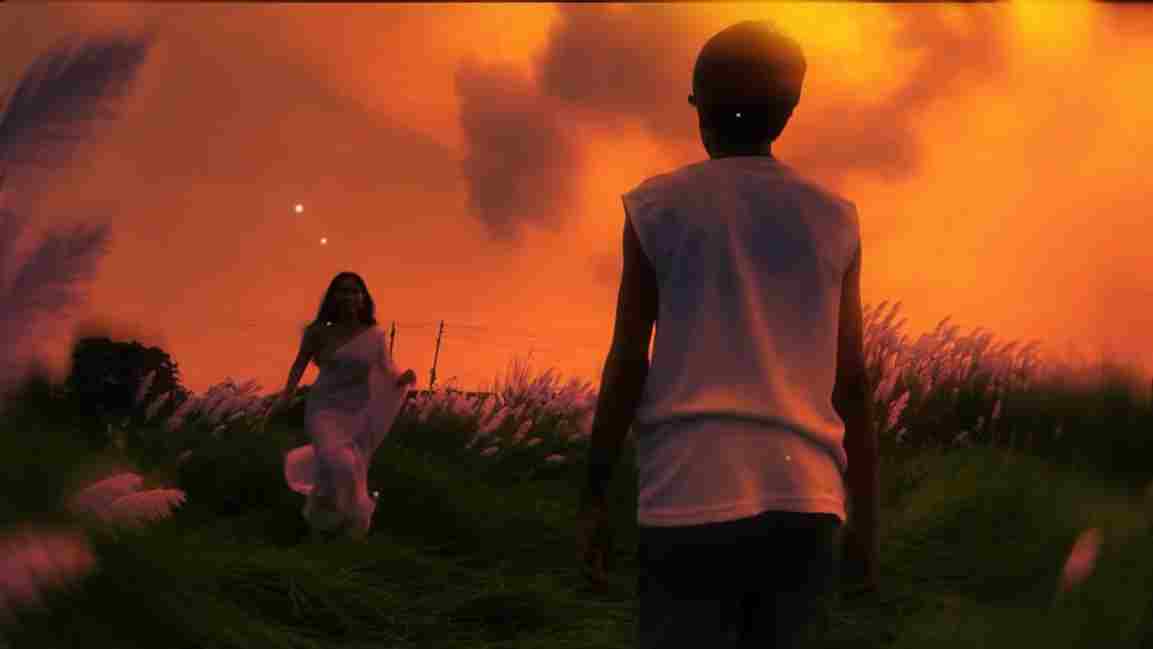
Use the uploaded photo as the exact base and preserve everything already present without any changes, including my face, facial features, hair, body shape, clothes, pose, skin tone, objects, background, lighting, colors, camera angle, perspective, depth, and composition. Add only one realistic adult Indian woman wearing a simple, elegant saree, naturally running toward me from the front. Match her
A hyper-realistic, cinematic 8k portrait of a serene Indian goddess sitting on a mossy granite cliff ledge in the Himalayas, framed by snow-capped mountain peaks and a distant cascading waterfall in the mist. She is dressed in an opulent white silk saree featuring intricate gold zari borders and a matching fitted crop blouse with crossed gold body chains. She wears heavy royal temple jewelry: an e
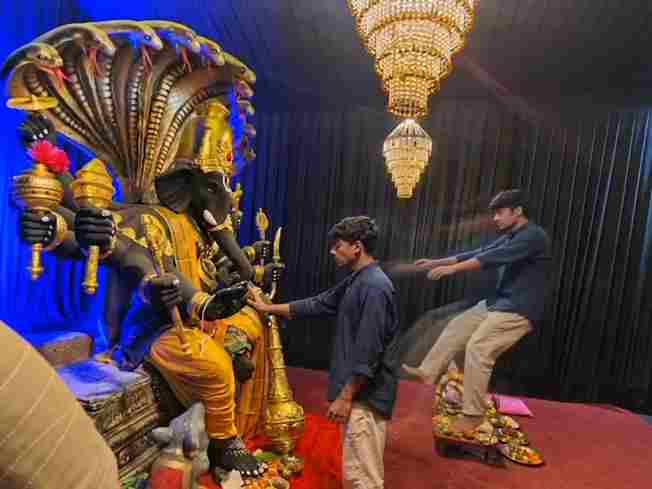
Create a near-square devotional VFX fantasy video inside a richly decorated Ganesh pandal hall. A young barefoot devotee with curly dark hair, light stubble, a dark navy button-up kurta-shirt, and beige trousers stands before a colossal graphite-black Ganesha murti seated in lalitasana on a carved throne. Ganesha wears a golden jeweled crown, white tusks, a left-curving trunk, multiple arms holdin
Swap the face of the lead male character in the source video with my face, using Image 1 as the identity reference. The attached collage shows me from several angles — use every angle to lock in an accurate likeness. Match my facial structure precisely: proportions, eye shape, nose, lips, jawline, and skin tone, along with any unique facial markers. My identity must stay stable and clearly recogni