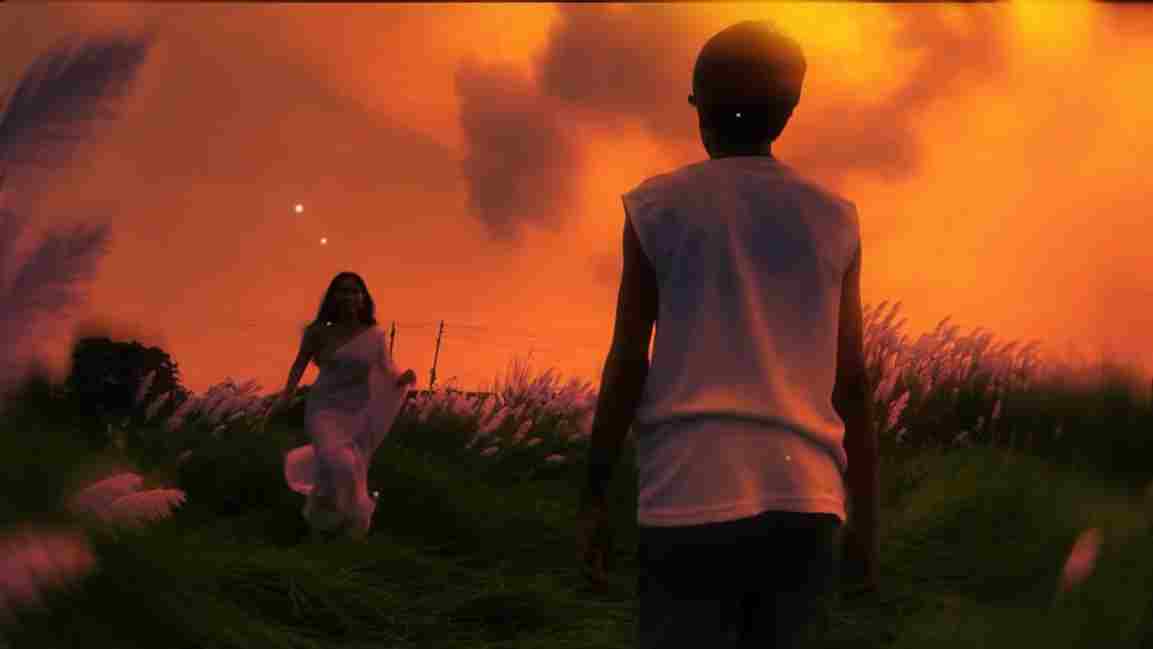
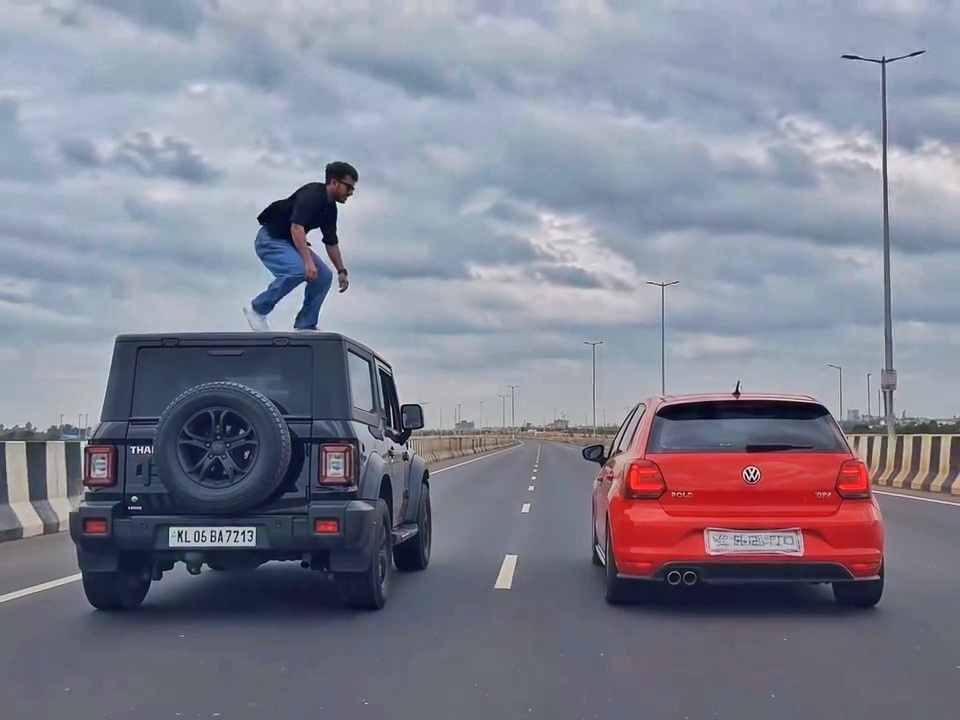
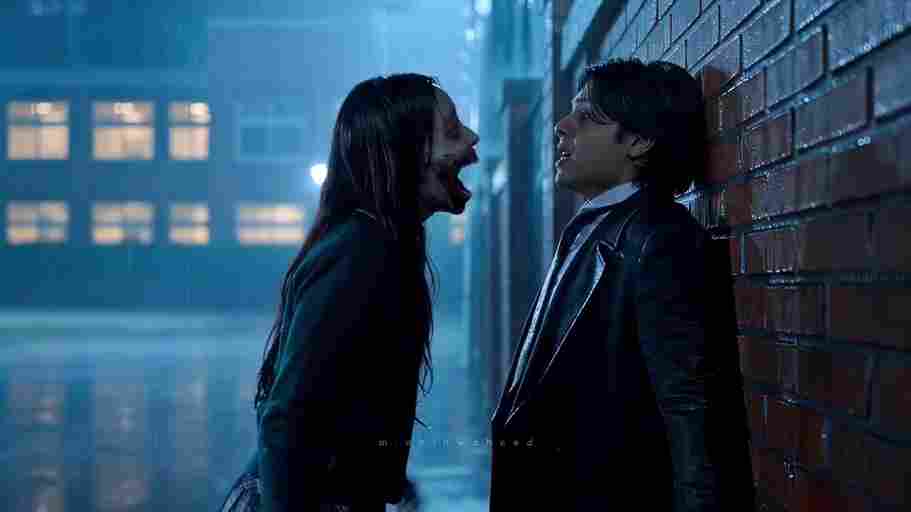
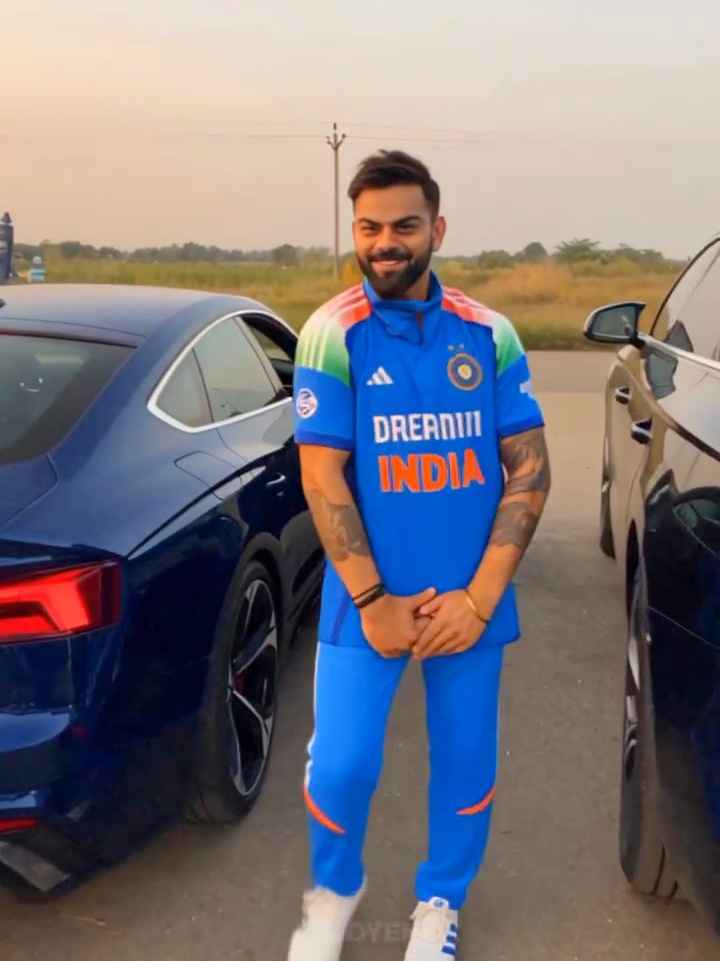
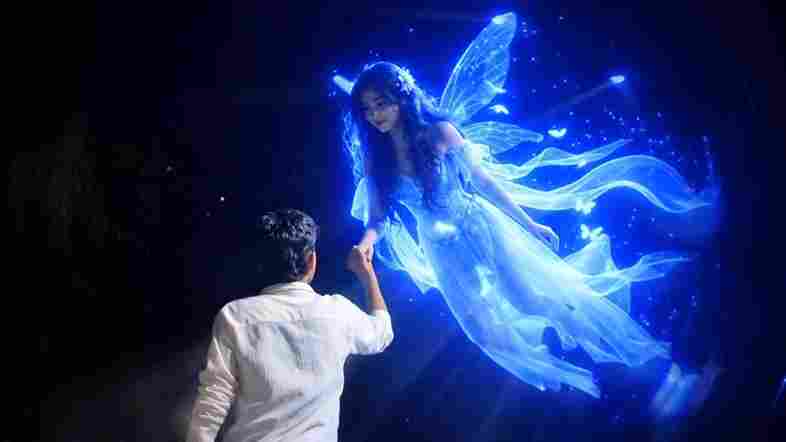
The Couple Love Story AI Video trend is becoming popular across Instagram Reels, YouTube Shorts, and other social media platforms. This trend combines real footage with AI-generated characters to create a cinematic romantic story. In the popular style, a person is shown walking alone in an outdoor location before an AI-generated girl appears and moves toward them. The combination of natural movement, cinematic lighting, slow motion, and romantic visuals makes the final video look like a professionally created love story. In this guide, Prompt Scene will show you how to create a similar video using AI photo editing, image-to-video generation, and simple video editing techniques.
What Is the Couple Love Story AI Video Trend?
The Couple Love Story AI Video is an editing concept where a normal walking video is transformed into a cinematic romantic scene using artificial intelligence. The video can begin with a person walking through an open field, countryside road, garden, or another outdoor location. After a transition, an adult woman can be added to the scene using an AI image-editing tool, making it appear as if she was originally present in the location. The edited image can then be animated with an image-to-video AI tool to create realistic walking or running movement. Finally, all the clips can be combined with music, transitions, color grading, and cinematic effects.
What You Need to Create This AI Video
Before starting the editing process, you should have a short video of yourself walking, a clear screenshot from that video, an AI image-editing tool, an image-to-video generator, and a mobile video editing application such as CapCut or VN. You will also need the AI prompts provided below to add the second character and animate the final image. For the best social media result, record your original video vertically in a 9:16 aspect ratio and choose an outdoor location with enough open space around you.
Use this Image and Video Prompt
AI IMAGE PROMPT:
Use the uploaded photo as the exact base and preserve everything already present without any changes, including my face, facial features, hair, body shape, clothes, pose, skin tone, objects, background, lighting, colors, camera angle, perspective, depth, and composition. Add only one realistic adult Indian woman wearing a simple, elegant saree, naturally running toward me from the front. Match her size, perspective, lighting, shadows, depth, ground contact, skin texture, hair, saree fabric, and overall appearance perfectly with the original scene. Keep the result highly photorealistic and naturally integrated. Do not add or remove anything else. Apply a realistic warm cinematic sunset look to the entire image while preserving all original details.
AI VIDEO PROMPT:
Use the uploaded image as the exact first frame and preserve everything exactly unchanged, including my face, appearance, clothes, body, the woman’s identity and saree, fence, field, trees, cow, sky, background, lighting, colors, perspective, camera angle, and composition. Create an ultra-realistic cinematic slow-motion video where I slowly walk forward away from the camera on the same path while the adult Indian woman naturally runs toward me from the background. Keep both movements smooth and physically accurate, with realistic footsteps, body balance, saree and hair movement, shadows, depth, and scale. Keep the camera stable with subtle forward tracking. No zoom, rotation, distortion, scene changes, new people, or appearance changes.
How to Generate Couple Love Story Video
First, open Google Flow in your browser and sign in with your Google account. Start a new project and select the video-generation option that allows you to create a video from an uploaded image. Upload the AI-edited couple image that you created in the previous step and make sure it is selected as the starting frame. Choose the vertical video format if you are creating an Instagram Reel or YouTube Short, then paste the Couple Love Story AI Video Prompt provided above into the prompt box. Click the generate button and wait for Flow to process your image and create the animated video
Tips for a More Realistic Result
Choosing the right original footage is one of the most important parts of this AI editing process. Record yourself in a location with good lighting, enough open space, and a clean background so that the AI can understand the scene properly. When selecting the screenshot, choose a frame where your body position looks natural and your face is clearly visible. Keep the camera angle and perspective unchanged when creating the AI image, and use detailed instructions whenever you want the AI to preserve specific elements. If the generated video contains strange movement, distorted hands, floating feet, or changes to the characters, try generating another version rather than using a poor result.
Why the Screenshot Matters
The screenshot acts as the bridge between your original video and the AI-generated scene. A poor-quality or badly positioned screenshot can make it difficult for the AI to correctly place the additional character. Try to select a frame with clear details, natural body positioning, and enough background space for the woman to be added. The more information the original image provides about perspective, lighting, and depth, the easier it can be for the AI to create a believable composition.
Final Thoughts
Creating a Couple Love Story AI Video does not require you to record every scene with another person. With a simple walking video, a carefully selected screenshot, an AI photo-editing prompt, and an image-to-video generator, you can create a cinematic romantic scene using your own footage. The key to a realistic result is maintaining consistency between the original frame and the AI-generated content. Try the prompts provided in this guide, experiment with different locations and cinematic styles, and customize the scene to create your own unique AI love story video for social media.