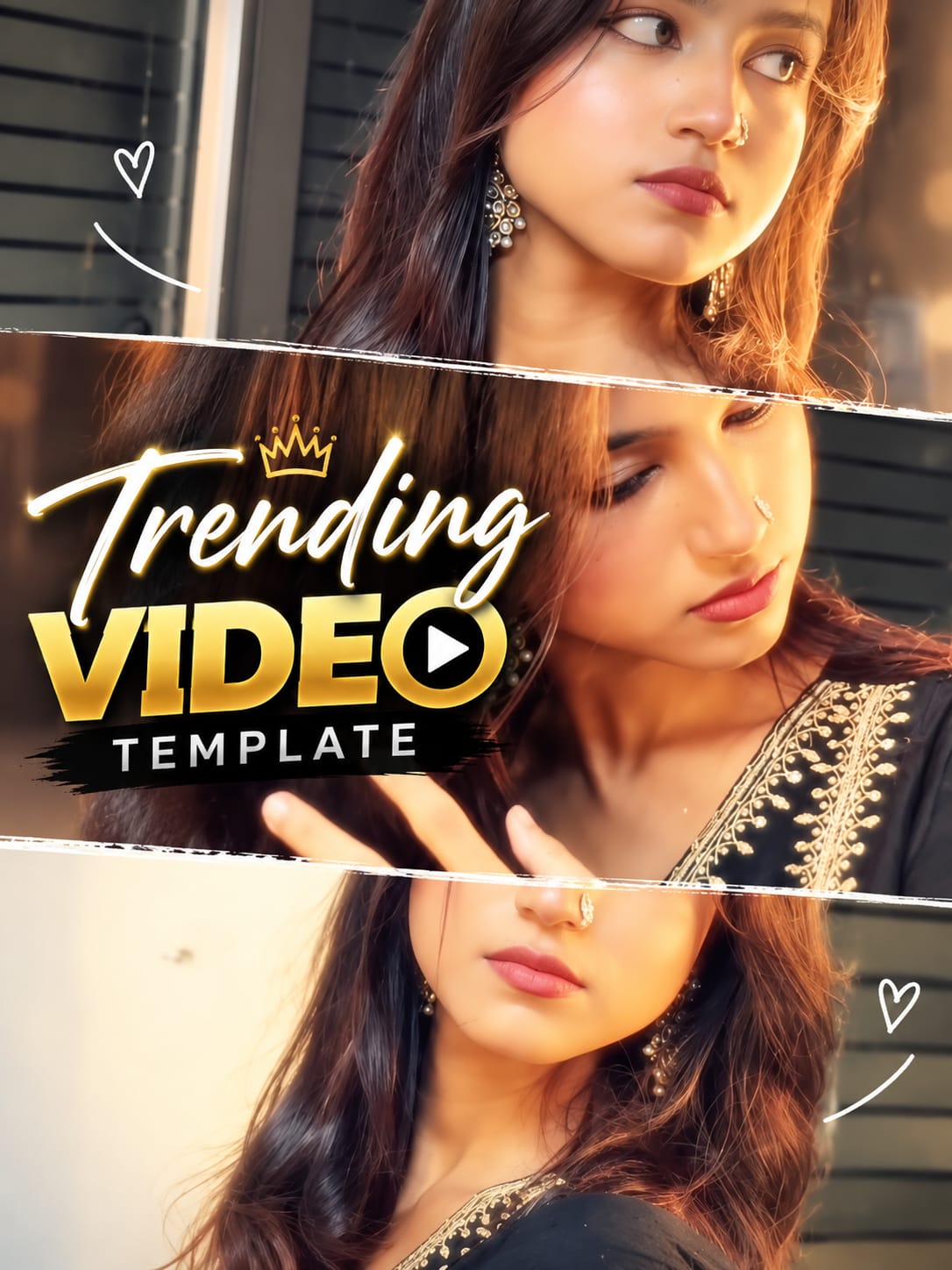
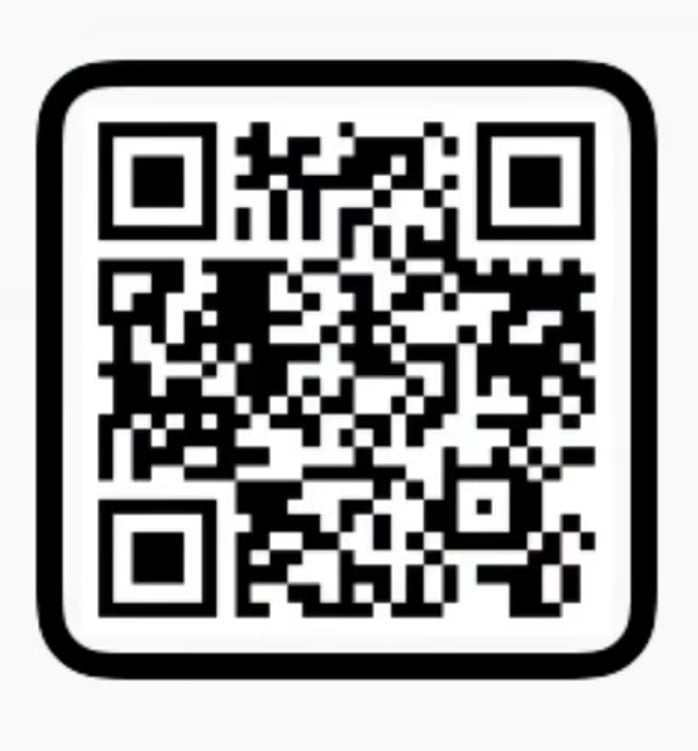
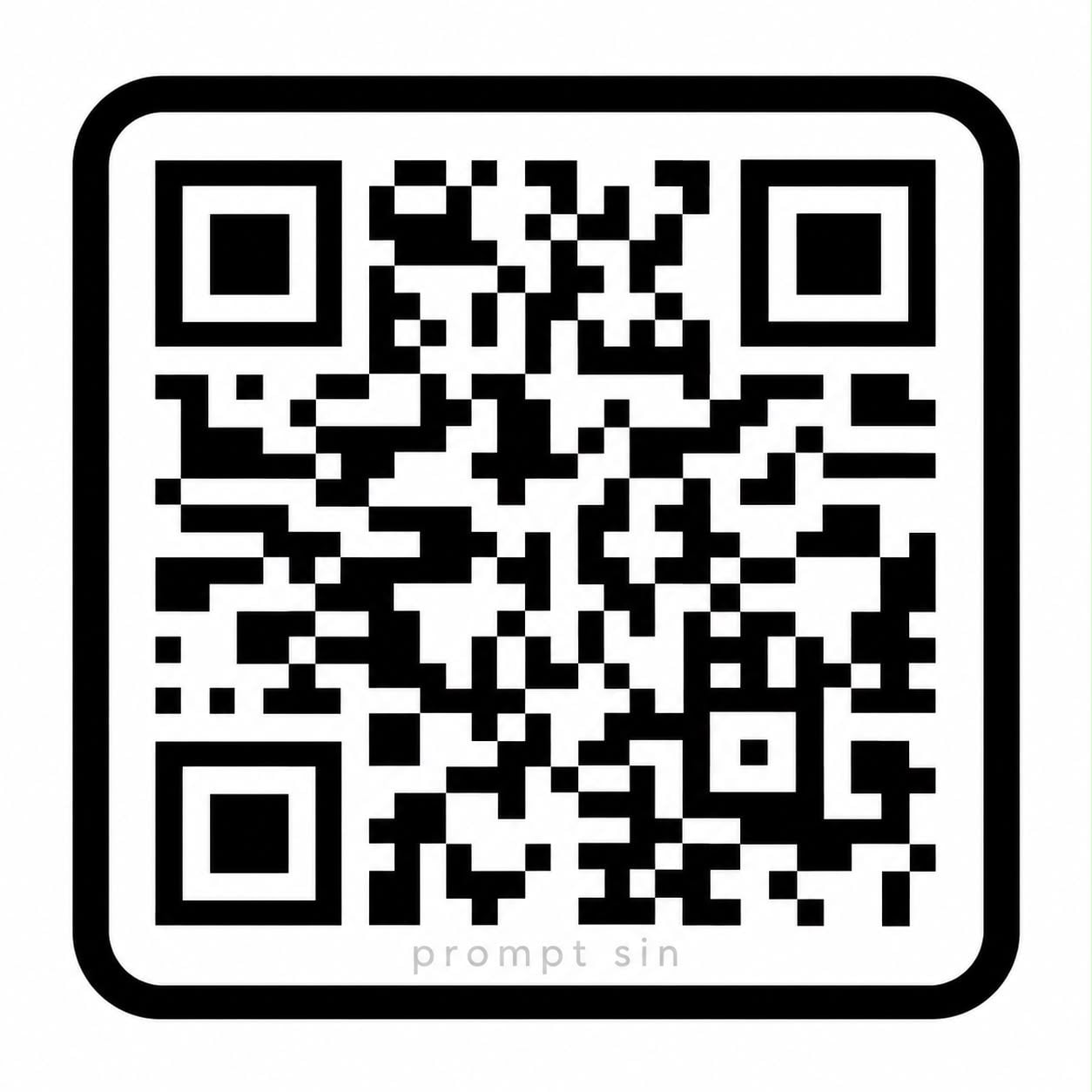
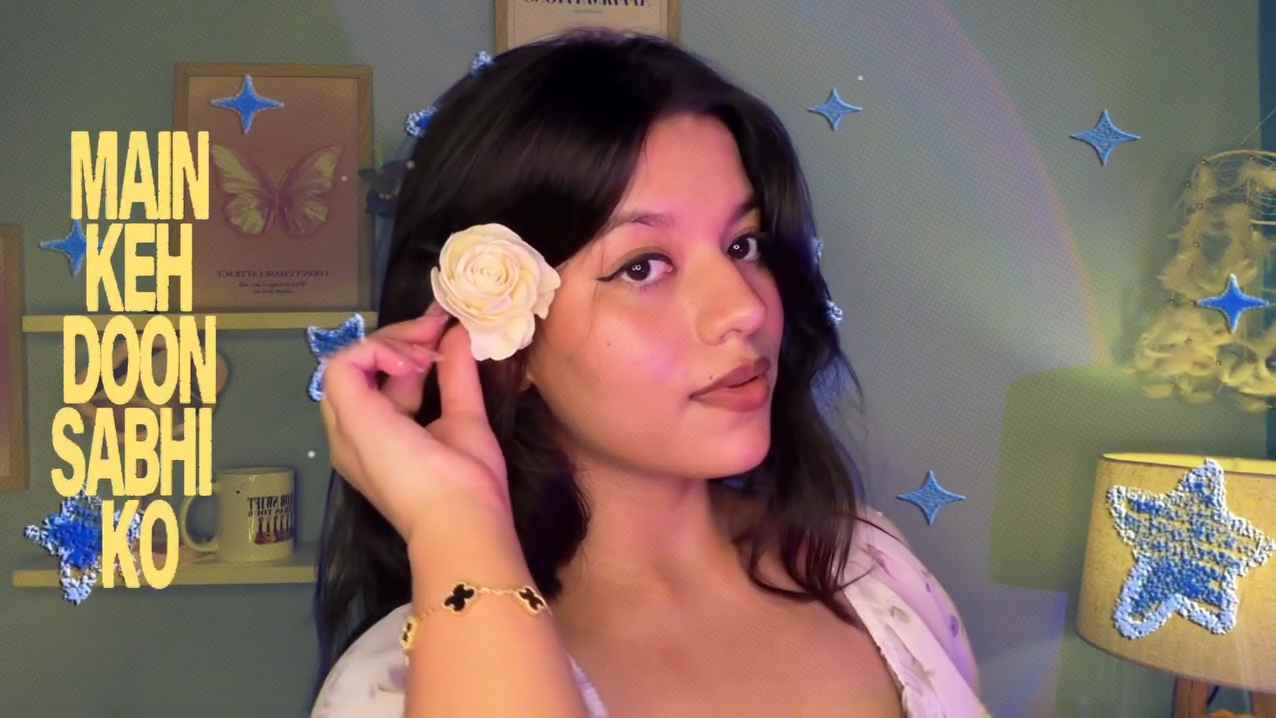
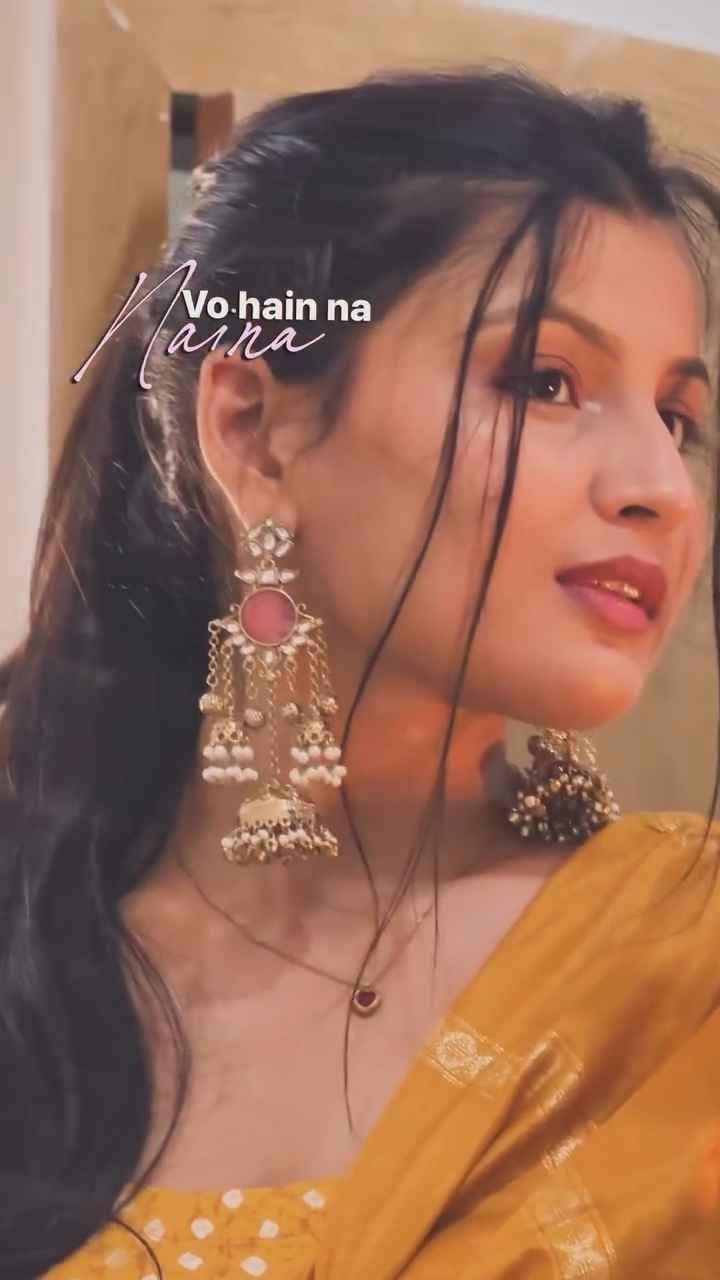
Build a clean, beat-synced Punjabi song edit in VN using this ready-to-import template code. Add your photos or clips, preview the timing, and export for Reels or Shorts.

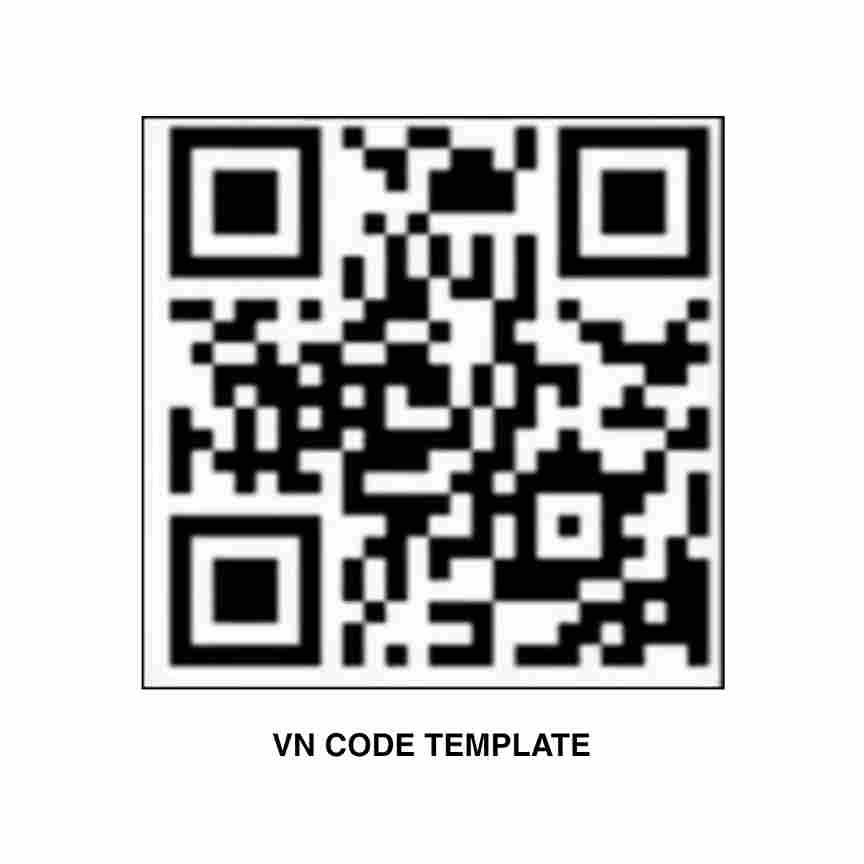
How to use this template
- Save the VN template code image(s) above to your phone.
- Open the VN Video Editor app and find the scanner/import option (if available in your version).
- Scan or import the saved VN code image to load the template.
- Insert your photos or video clips into the required slots.
- Preview the full edit, then export in your preferred quality for Instagram Reels, YouTube Shorts, or WhatsApp Status.