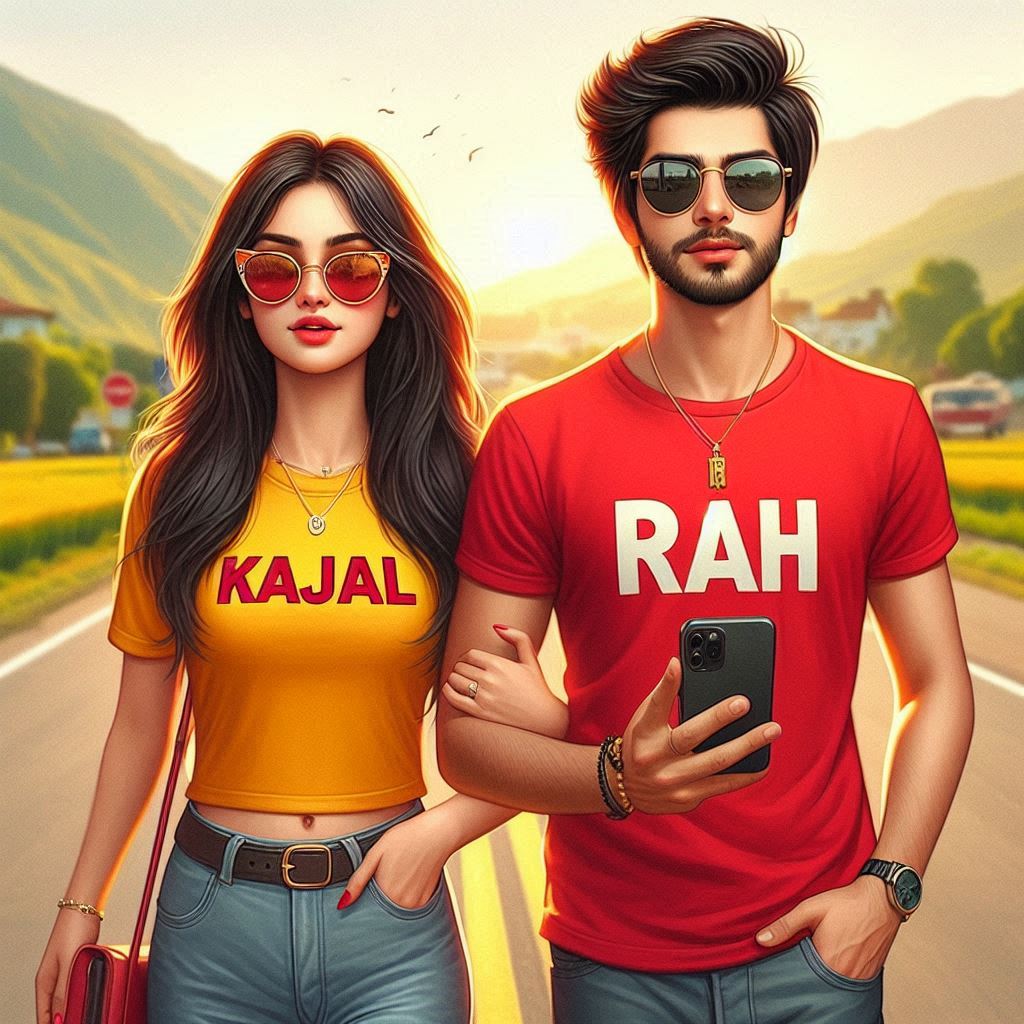
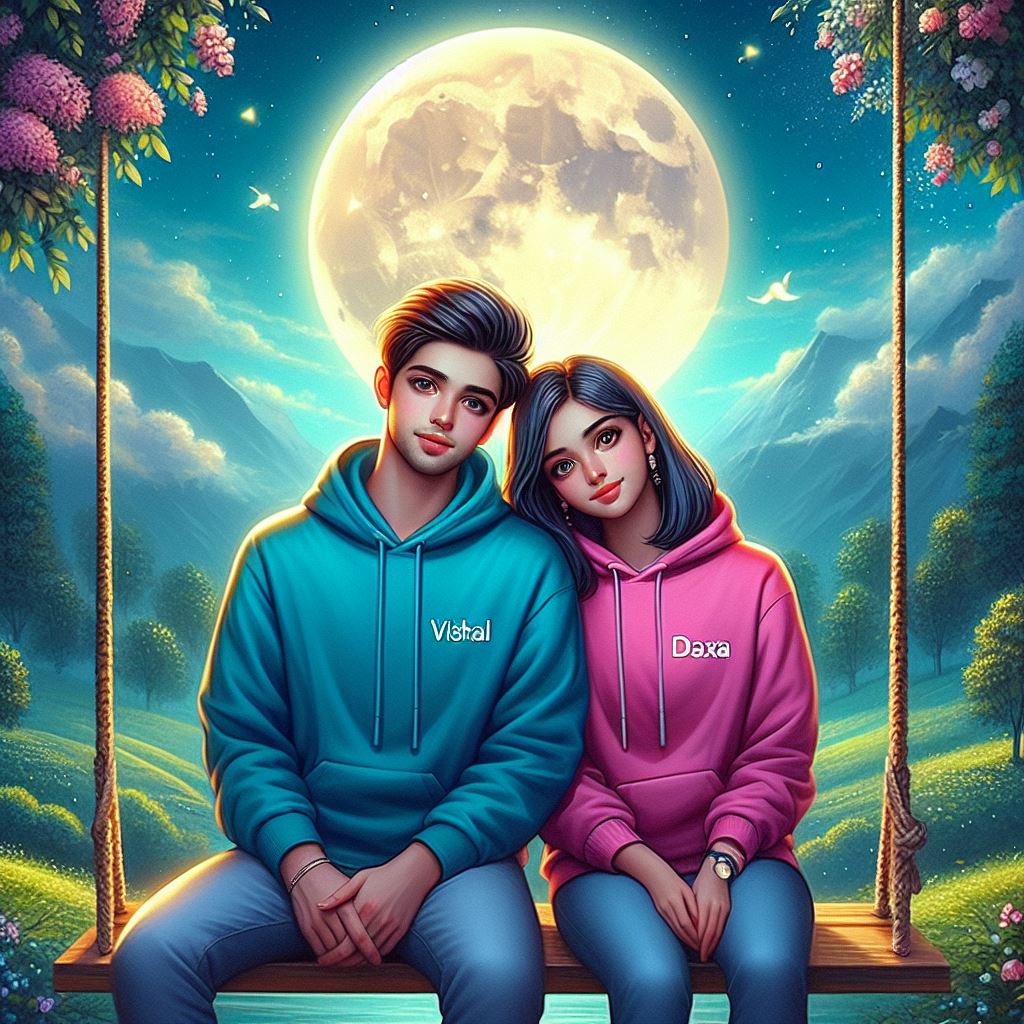
Make your photo look like it was captured at a real Dussehra mela—cinematic sunset, dramatic clouds, and a giant Ravana effigy dominating the frame.
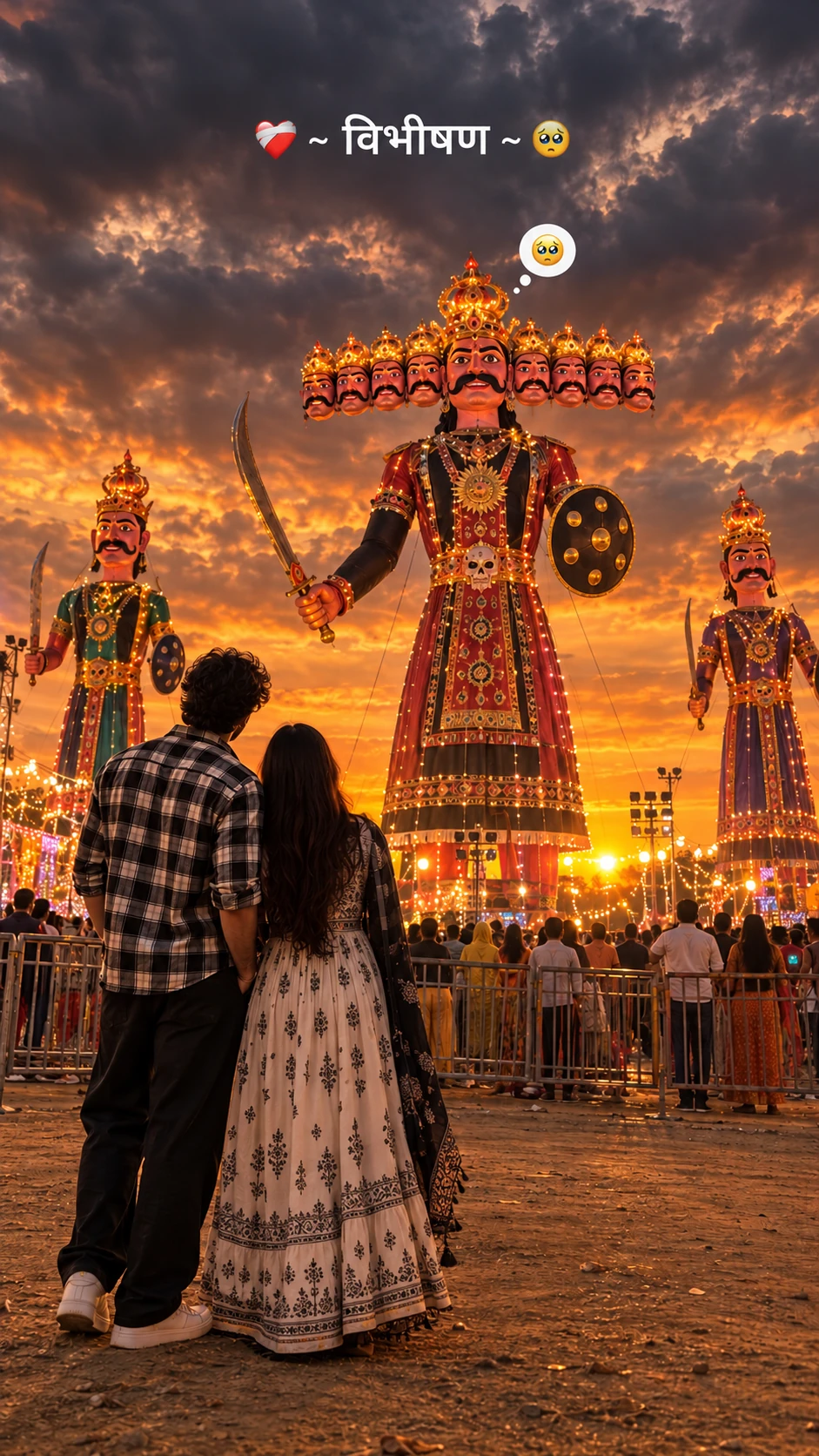
Create an ultra-realistic, cinematic 4K photograph of a young person standing in the foreground with their back facing the camera, looking at a giant Ravana effigy during a Dussehra festival at sunset. The person is wearing a black-and-white checkered oversized shirt, loose black trousers, and white sneakers, with long dark hair falling naturally down the back.
In the background, show three enormous traditional Ravana effigies, with the tallest one in the center featuring ten heads, an elaborate golden crown, a thick black moustache, traditional red and black royal attire, golden jewelry, a curved sword, and a round shield. Two smaller decorated effigies stand on either side.
The sky is filled with dramatic dark grey monsoon clouds, with a warm golden-orange sunset glowing along the horizon. Festival lights, distant crowds, metal barricades, and an open dusty ground create an authentic Indian Dussehra Mela atmosphere.
Composition: Vertical 9:16 smartphone wallpaper, full-body rear view of the person positioned in the lower-left foreground, giant Ravana effigy dominating the center, low-angle cinematic perspective, realistic proportions, natural depth, atmospheric lighting, subtle film grain, detailed fabric textures, moody color grading, warm sunset highlights, deep cloudy shadows, professional photography, realistic skin and hair texture.
Text overlay at the top: “❤️🩹 ~ विभीषण ~ 🥺” in clean, bold white Devanagari typography. Add a small cute thought bubble above the central Ravana effigy containing a pleading, teary-eyed emoji.
Quality: Photorealistic, highly detailed, natural lighting, sharp focus, cinematic contrast, realistic festival environment, 4K quality.
Negative prompt: Cartoon, anime, illustration, blurry image, oversaturated colors, extra limbs, distorted effigy faces, incorrect number of Ravana heads, duplicate people, artificial lighting, low resolution, watermark, unwanted text, distorted body proportions.How to use this prompt
- Open ChatGPT and start a new chat.
- Upload the photo you want to transform.
- Paste the prompt and send it.
- If needed, regenerate once or twice to fine-tune the look.