Celebrity Funny Dance AI Video Editing Prompt 2026
By Prompt Scene ·
Celebrity Funny Dance AI Video Editing is a fun way to create entertaining AI videos where a person appears in a humorous dance scene alongside a celebrity or celebrity-inspired character. AI video tools can use reference photos and videos to create short cinematic clips with specific movements, expressions, camera angles, and funny situations. This type of AI video is especially suitable for Instagram Reels, YouTube Shorts, Facebook videos, and other short-form content. If you want to create your own funny dance video, you can use the ready-made prompt below with a compatible AI video generator.
What Is Celebrity Funny Dance AI Video Editing?
Celebrity Funny Dance AI Video Editing is an AI-based video creation technique where reference images are used to place different people into a funny dance scene. Instead of recording the complete video yourself, you can provide your photo and, if supported, a reference video for the desired movement and camera style. The AI then generates a short video with dancing, funny expressions, natural body movement, and cinematic camera motion. Similar AI dance workflows are currently being used by creators to turn ordinary photos into entertaining short videos.
Celebrity Funny Dance AI Video Editing Prompt
Use the following prompt with your uploaded reference image and compatible AI video tool. For a more consistent result, use a clear full-body photo where your face, outfit, and overall appearance are visible.
Use the uploaded reference video as the PRIMARY visual and motion reference. Recreate the video as closely as
possible to the reference video, matching its exact shot structure, timing, pacing, camera movement, framing, subject
movement, gestures, facial expressions, environment, lighting, transitions, motion blur and overall cinematic style. Do
not reinterpret the sequence or create a different composition.
REFERENCE VIDEO MATCHING: Follow the reference video’s visual choreography shot-by-shot. Preserve the
same sequence of actions, approximate duration of every shot, camera angles, camera distance, lens perspective,
handheld movement, whip-pan direction, subject entrances/exits, body movements, gestures, facial expressions,
background placement, lighting changes and transitions. The result should feel like the same video was recreated
rather than a new video inspired by it.
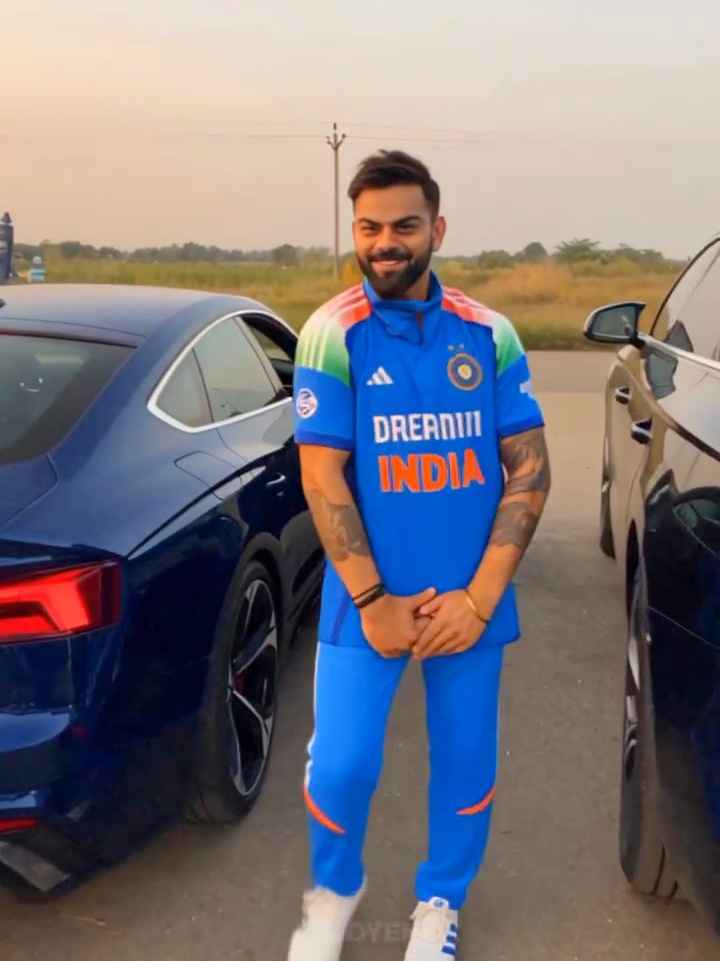
SHOT 1 — opening: Recreate the exact opening composition and subject positioning from the reference. Match the
subject’s body posture, dancing rhythm, hand gestures, facial expression, camera distance and handheld movement.
Preserve the same sunset/golden-hour environment, background vehicles, dusty ground, warm backlight and lens
flare.
SHOT 2 — fast movement transition: Reproduce the reference video’s exact rapid camera movement/whip-pan.
Match the direction, speed, camera rotation, distance from the subject and amount of natural motion blur. The
transition must feel like a real handheld camera movement, not a digital transition.
SHOT 3 — second character reveal: Recreate the exact framing and timing of the second character appearing after
the whip-pan. Match the character’s position relative to the camera, body movement, hand gesture, head movement,
facial expression, sunglasses, clothing appearance and wide-angle perspective. Keep the same background and
sunset lighting as visible in the reference.
SHOT 4 — rapid camera movement: Match the reference’s quick camera movement away from the second
character, including camera direction, speed, framing and motion blur. Briefly reveal the same type of roadside
environment and parked vehicles before the next reveal.
SHOT 5 — final close-up: Recreate the exact final close-up composition from the reference. Match the camera
distance, face position, head angle, eye direction, facial expression, hairstyle, glasses, clothing, lighting and shallow
depth of field. Preserve the same deadpan/comedic feeling and timing of the final look toward the camera.
CAMERA: Match the reference video precisely — vertical 9:16, handheld smartphone-camera aesthetic, wide-angle
perspective where present, natural camera shake, realistic rolling-shutter distortion, authentic motion blur, rapid
camera movements and imperfect framing.
LIGHTING: Match the reference video’s golden-hour sunset lighting, warm highlights, backlight/rim light, natural
shadows, atmospheric haze and lens flare. Do not introduce studio lighting or a different time of day. MOTION: Prioritize natural human movement and reproduce the reference timing and choreography. Do not add
extra actions, poses, camera moves or slow motion that are not present in the reference.
EDITING: Preserve the same shot order, pacing, cuts and transitions as the reference. The final video should have
the same rhythm and comedic timing.
REALISM: Photorealistic, natural skin texture, realistic anatomy, physically accurate clothing movement, realistic
facial expressions, natural environmental lighting, cinematic but authentic smartphone footage.
IMPORTANT: The uploaded reference video is the source of truth for the visual sequence. Do not make a loose
interpretation. Recreate the reference as closely as the model allows, including composition, movement, timing,
camera behavior and transitions.
Output: 9:16 vertical, same overall duration as the reference, highly realistic cinematic Instagram Reel.
Agar tum reference video ke characters ko apni uploaded image wale person se replace karna chahte ho, to prompt
ke beginning mein ye line bhi add kar dena:
Use my uploaded character/image as the identity reference, but keep the reference video’s exact choreography,
camera movement, shot composition, timing and transitions. Replace only the character identity/appearance while
preserving everything else from the reference
To create this funny dance AI video using Flow AI, you need one reference dance video and three character photos. First, choose a suitable dance video that shows the movement and style you want to recreate. Then, prepare three clear photos of the characters you want to include in the video. Open Flow AI, start a new project, and upload the reference video along with all three character photos. After uploading the files, copy the Celebrity Funny Dance AI Video Editing Prompt from this page and paste it into Flow AI. Make sure all three character photos are correctly selected as references. Finally, click Generate and wait for Flow AI to create your video. Once generated, preview the result and download it if you are satisfied.
Make the Dance Look Funny
The main purpose of this edit is entertainment, so the dance should look playful rather than overly serious. You can use exaggerated but natural hand movements, funny facial expressions, small jumps, energetic steps, and humorous reactions. Describing specific movements in the prompt can be more useful than simply writing “make the person dance,” because AI video models can interpret detailed movement instructions more clearly.
Tips for Better Celebrity Funny Dance AI Videos
Use a clear and high-quality reference photo for better character consistency. Keep the face visible and avoid heavily blurred images. If you are using a reference video, choose one with clear movement and stable visual quality. Keep your prompt specific about identity, movement, camera behavior, and scene continuity. If the first result has face changes, strange hands, or unnatural dance movements, try generating another version with clearer instructions. Always review the final video before publishing it.
Keep AI Celebrity Videos Clearly Creative
When creating a video involving a real celebrity, treat the result as an AI-generated or fictional fan-made creation rather than real footage. Avoid presenting an AI-generated scene as something that actually happened. Adding a simple AI-generated label when appropriate can help viewers understand that the video is digitally created. AI tools are increasingly being used for fictional celebrity-style fan videos, but responsible presentation is important when recognizable public figures are involved.
Final Words
Celebrity Funny Dance AI Video Editing is a creative way to turn a simple photo into an entertaining short video. With a clear reference image, a suitable AI video generator, and a detailed prompt, you can create funny dance scenes with expressive movements, cinematic camera motion, and creative character interactions. Remember to review the generated result carefully and clearly present fictional AI scenes as AI-generated content, especially when recognizable celebrities are involved. I hope this guide helps you create your own Celebrity Funny Dance AI Video Editing video.
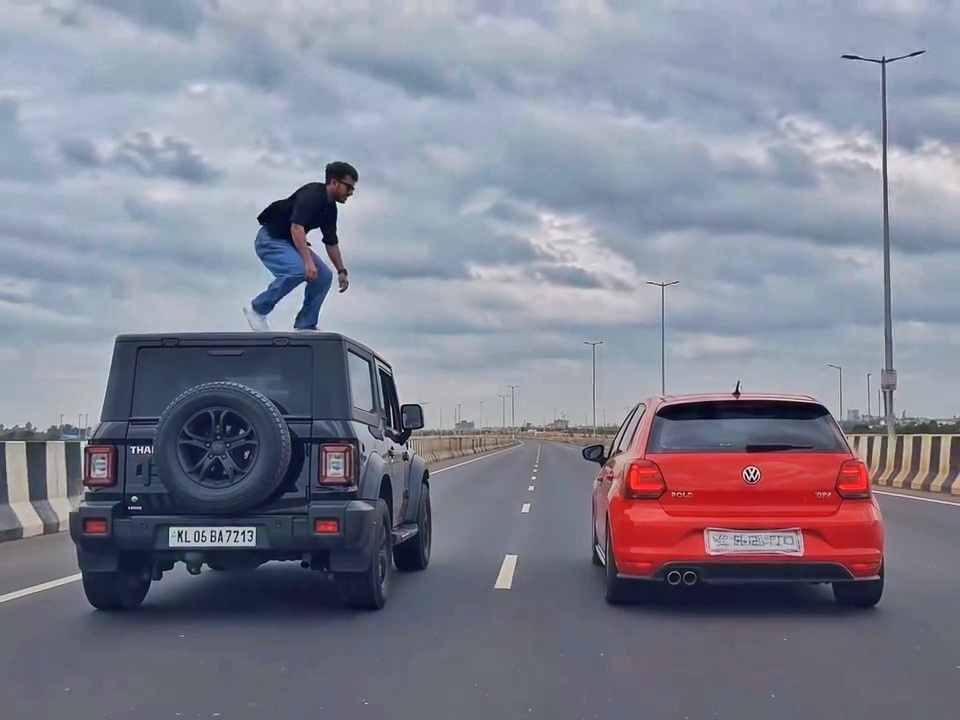
A rear-view, wide-angle cinematic shot on a wide highway under an overcast sky. A black SUV driving on the left lane and a red hatchback driving parallel on the right lane at medium speed. A young man emerges from the roof of the black SUV, stands up, and performs a dramatic acrobatic backflip through the air across the gap between the vehicles, successfully landing on top of the roof of the red h
Create a 10-second photorealistic cinematic video using the 2 uploaded reference images. Reference Image 1 = MAN and Reference Image 2 = WOMAN. Preserve both faces, identities, facial features, and hair exactly from the references. Create a scene inside an abandoned snow-covered mountain cabin. The man wears a beige beanie and petrol-blue winter parka and is crying while aiming a handgun at the wo
Cinematic ultra-realistic 16:9 video, 4K quality, real natural textures, rich built-in color grading, no scene cuts, continuous flow. Shots 1-3 are bright sunny daylight; during the 2-second pause in Shot 4 the sky slowly turns into a magical starry night. From Shot 5 onward everything moves in graceful SLOW MOTION. IDENTITY LOCK: the main person must be exactly the person in the uploaded referenc
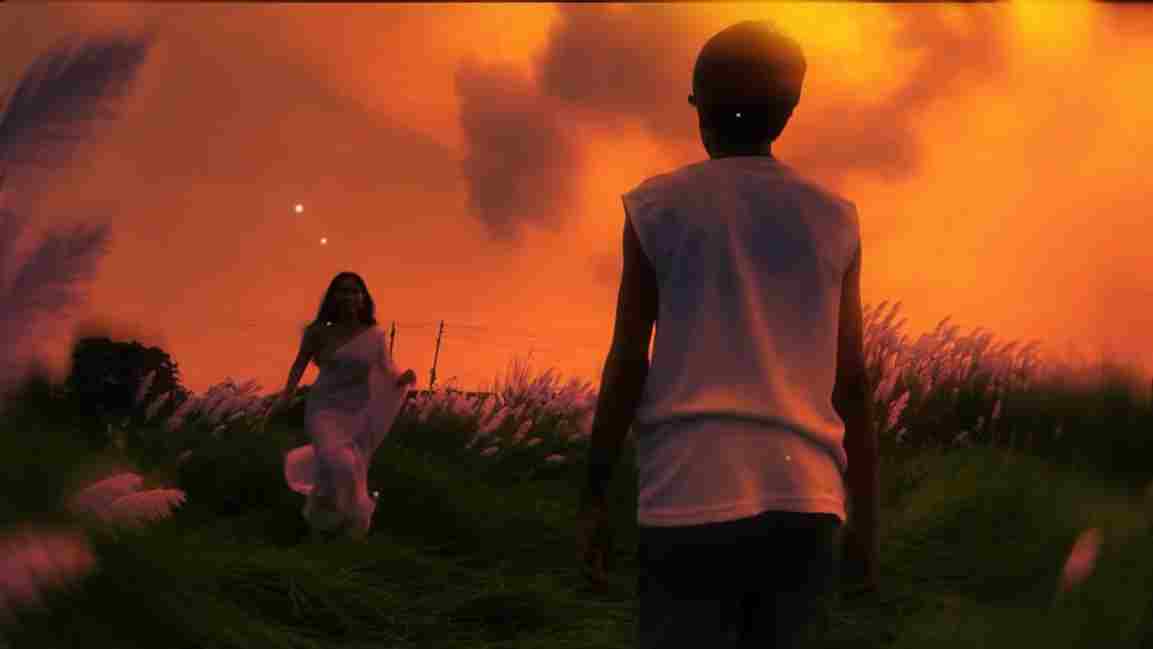
Use the uploaded photo as the exact base and preserve everything already present without any changes, including my face, facial features, hair, body shape, clothes, pose, skin tone, objects, background, lighting, colors, camera angle, perspective, depth, and composition. Add only one realistic adult Indian woman wearing a simple, elegant saree, naturally running toward me from the front. Match her
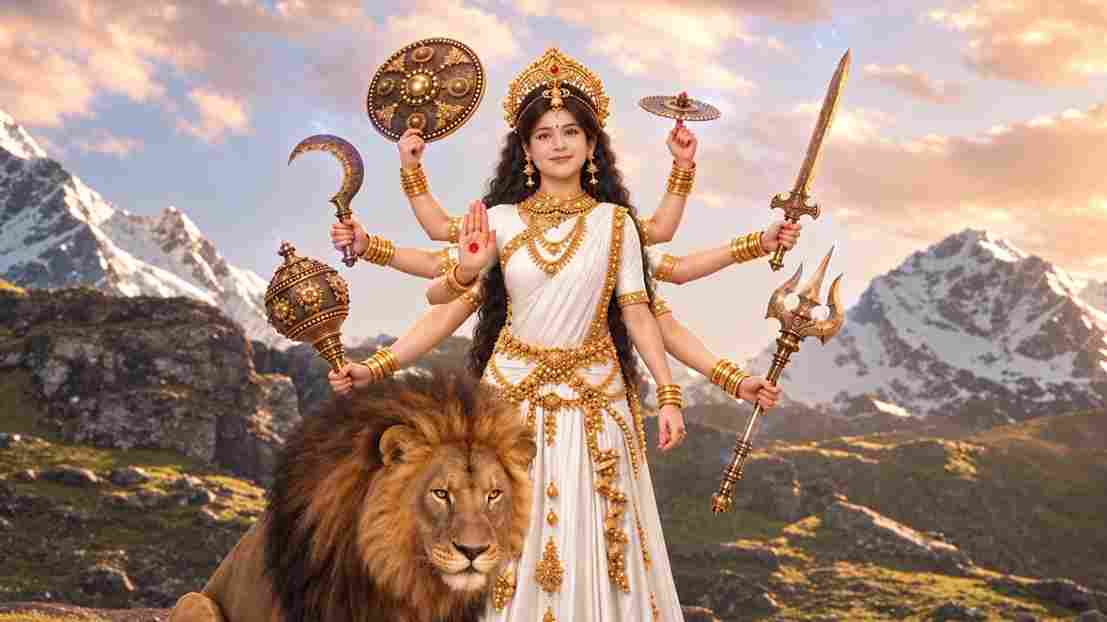
A hyper-realistic, cinematic 8k portrait of a serene Indian goddess sitting on a mossy granite cliff ledge in the Himalayas, framed by snow-capped mountain peaks and a distant cascading waterfall in the mist. She is dressed in an opulent white silk saree featuring intricate gold zari borders and a matching fitted crop blouse with crossed gold body chains. She wears heavy royal temple jewelry: an e
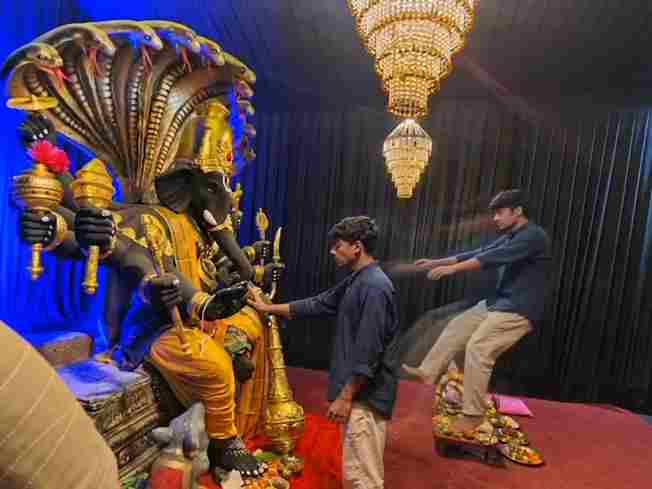
Create a near-square devotional VFX fantasy video inside a richly decorated Ganesh pandal hall. A young barefoot devotee with curly dark hair, light stubble, a dark navy button-up kurta-shirt, and beige trousers stands before a colossal graphite-black Ganesha murti seated in lalitasana on a carved throne. Ganesha wears a golden jeweled crown, white tusks, a left-curving trunk, multiple arms holdin
Swap the face of the lead male character in the source video with my face, using Image 1 as the identity reference. The attached collage shows me from several angles — use every angle to lock in an accurate likeness. Match my facial structure precisely: proportions, eye shape, nose, lips, jawline, and skin tone, along with any unique facial markers. My identity must stay stable and clearly recogni
Create an ultra-realistic REAL-WORLD CAMERA VIDEO, not an AI-looking or CGI-looking video. Use TWO uploaded references: REFERENCE VIDEO: This controls the exact car, car movement, camera movement, camera angle, framing, timing, scene transition, environment, lighting, actions and overall visual composition. CHARACTER IMAGE: This controls the exact identity and appearance of the person. The final r