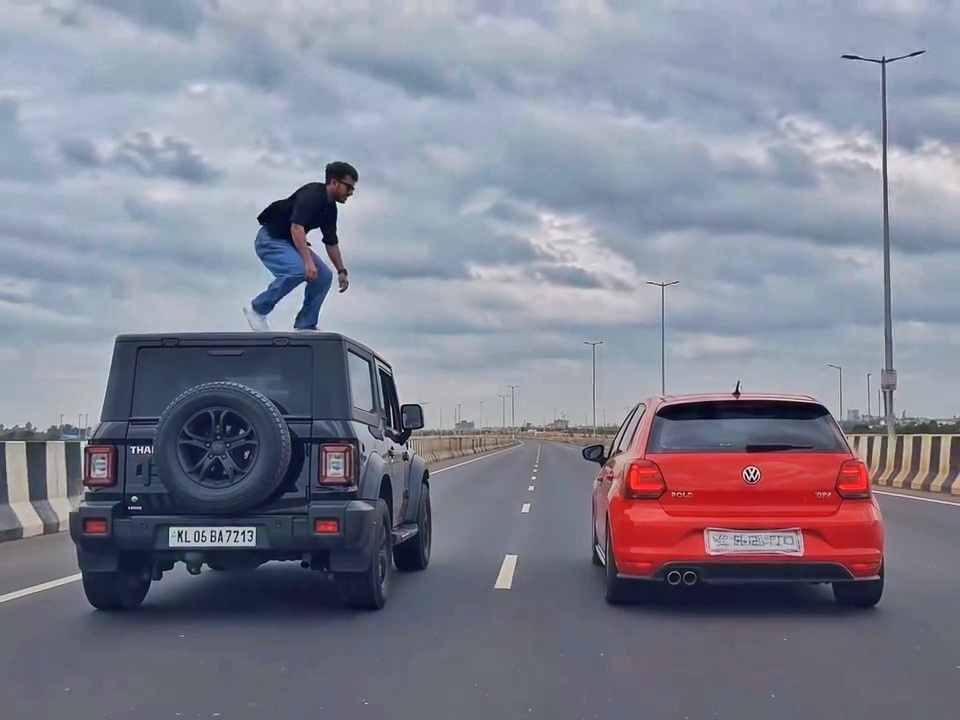
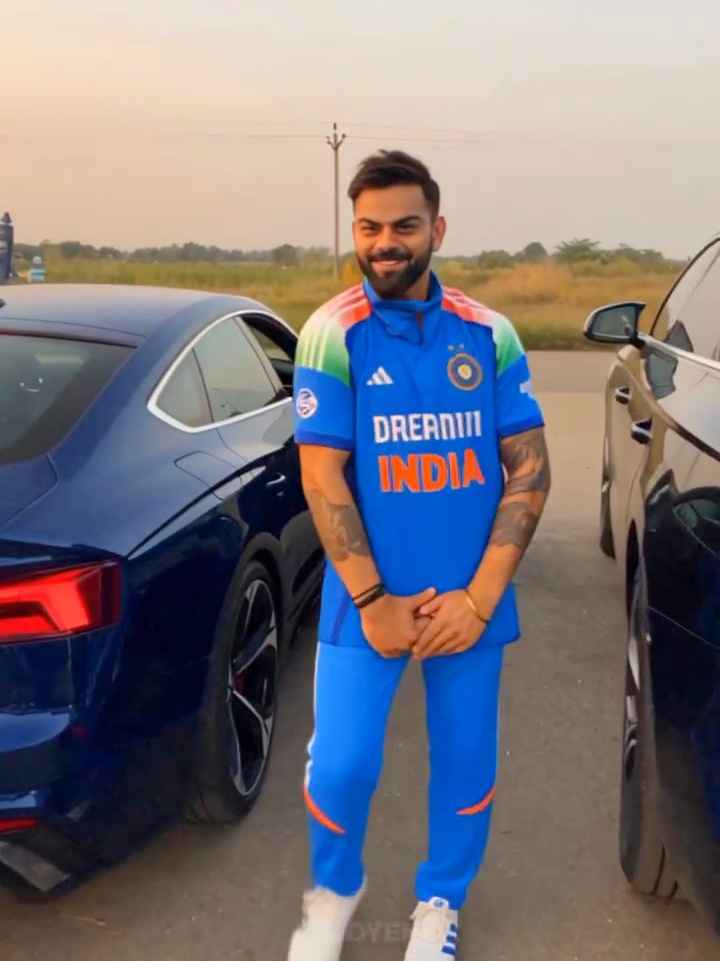
The car drift AI video trend is one of the biggest viral formats on Instagram Reels and YouTube Shorts right now. People upload one photo of themselves and turn it into a short cinematic video where they are shown next to a luxury car, inside the car, and drifting on the road. The video looks like a real movie shoot, but it is made fully with AI.
The reason people love this trend is simple. It gives a high-budget, cinematic feel without a real car, real location, or real camera crew.
Video Prompt 👇
"Use my uploaded photo as the only identity reference. Preserve my face 100% exactly: same facial structure, skin tone, hairstyle, eyebrows, beard, lips, nose, eyes, expression, and body proportions. Do not change or beautify my face. Maintain perfect facial consistency across all scenes.” Master Video Generation Prompts (Scene-by-Scene) Scene 1: Static Side Profile Shot (00:00 - 00:03) Prompt: Photorealistic cinematic side profile shot of the exact same person leaning against a luxury white BMW M4 with blue abstract graphics. The person is wearing a stylish beige trench coat and a white turtleneck sweater, looking calm and confident. Golden hour sunset lighting, industrial urban background with concrete walls, warm haze, highly detailed reflections on the car paint, 8k resolution, photorealistic. Scene 2: Interior Dashboard & Cockpit POV (00:04 - 00:05) Prompt: First-person driver's seat POV inside the luxury white BMW M4. Digital instrument cluster dashboard glowing, steering wheel with M-badge, speedometer showing 0 km/h, cinematic lighting filtering through the windshield, highly detailed interior textures, photorealistic, 4k. Scene 3: Front Grille & Headlights Close-up (00:05 - 00:06) Prompt: Close-up cinematic shot of the front grille and aggressive LED headlights of the white BMW M4. Warm golden hour sun flare reflecting off the pristine white hood and chrome details, moody industrial backdrop, hyper-realistic car commercial style, 8k. Scene 4: Dynamic Smoke Drift (00:06 - 00:07) Prompt: Dynamic action shot of the white BMW M4 performing a high-speed tire drift, creating thick white smoke clouds around the tires. Industrial concrete courtyard setting at sunset, dramatic motion blur, cinematic grading, photorealistic. Scene 5: Top-Down Drone Donut Drift (00:08 - 00:09) Prompt: Top-down aerial drone shot (birds-eye view) of the white BMW M4 doing circular donut drifts on concrete, leaving perfect dark tire track circles with thick white smoke billowing in a ring pattern. Cinematic lighting, crisp details, 4k. Scene 6: Character Close-up with Car (00:10 - 00:11) Prompt: Medium close-up shot of the exact same person wearing a beige trench coat and white turtleneck, leaning against the side of the white BMW M4. Soft cinematic golden hour lighting, serious expression, highly detailed face and clothing textures, background slightly blurred with a bokeh effect. Scene 7: Wide Angle Walkaway & Car Background (00:12 - 00:16) Prompt: Cinematic wide-angle shot of the exact same person in a beige trench coat walking away from the camera in an industrial alleyway, with the white BMW M4 parked in the background emitting tire smoke from a drift. Golden hour dramatic lighting, ultra-realistic, masterclass cinematography.
Why This Trend Is Going Viral
This format works because it mixes three things people always respond to online: a luxury car, cinematic lighting, and a real face. When your own face is preserved exactly the way it looks in real life, the video feels personal instead of generic. That is why these videos get high shares, saves, and comments compared to normal AI videos.
What You Need Before You Start
Before using the prompt below, keep these things ready:
- One clear, front-facing photo of yourself with good lighting
- An AI video tool that supports image-to-video generation
- A few minutes to generate each scene one at a time
The Complete Car Drift Video Prompt
Copy the full prompt below and paste it into your AI video tool along with your photo.
“Use my uploaded photo as the only identity reference. Preserve my face 100% exactly: same facial structure, skin tone, hairstyle, eyebrows, beard, lips, nose, eyes, expression, and body proportions. Do not change or beautify my face. Maintain perfect facial consistency across all scenes.”
Scene 1: Static Side Profile Shot (00:00 – 00:03) Photorealistic cinematic side profile shot of the exact same person leaning against a luxury white BMW M4 with blue abstract graphics. The person is wearing a stylish beige trench coat and a white turtleneck sweater, looking calm and confident. Golden hour sunset lighting, industrial urban background with concrete walls, warm haze, highly detailed reflections on the car paint, 8k resolution, photorealistic.
Scene 2: Interior Dashboard and Cockpit POV (00:04 – 00:05) First-person driver’s seat POV inside the luxury white BMW M4. Digital instrument cluster dashboard glowing, steering wheel with M-badge, speedometer showing 0 km/h, cinematic lighting filtering through the windshield, highly detailed interior textures, photorealistic, 4k.
Scene 3: Front Grille and Headlights Close-Up (00:05 – 00:06) Extreme close-up of the BMW M4 front grille and headlights, golden hour reflections moving across the glass and chrome, shallow depth of field, cinematic color grade, photorealistic detail on every panel line.
How to Use This Prompt Step by Step
- Upload one clear photo of yourself to your AI video tool
- Paste the identity preservation line first so your face stays consistent
- Generate each scene one at a time using the scene prompts above
- Once all scenes are ready, join them in order using any free video editor
- Add trending audio before posting to Reels or Shorts
Tips to Get the Best Result
- Always use a photo with even lighting and a clear view of your face
- Generate scenes in the same session so the AI keeps a consistent style
- Keep clothing and background details in the prompt unchanged across scenes for continuity
- If your face changes between scenes, regenerate that scene using the same reference photo again
FAQ
Do I need a real car photo for this prompt to work? No. The AI generates the car and the scene fully from the text prompt. You only need to upload your own photo for the face.
Which AI tools work best for this prompt? Any AI video tool that supports image-to-video generation with a reference photo will work with this prompt.
Can I change the car model or color in the prompt? Yes. You can replace the BMW M4 details with any car brand, model, or color you prefer, and the rest of the prompt will still work the same way.
Is this trend free to try? Yes. The prompt itself is free. Some AI video tools may charge for video generation credits depending on the platform you use.