In today’s social media world, normal photos don’t go viral — cinematic, aesthetic edits do. From Instagram reels to trending posts, creators are using AI tools like ChatGPT to generate powerful photo editing prompts that instantly upgrade their visuals.
A viral aesthetic cinematic photo is all about high contrast lighting, bold color grading, and a raw film-like texture. With the right prompt, you can transform any basic image into a professional, editorial-style masterpiece without expensive software or skills.
In this article, you’ll learn how to use a viral cinematic photo editing prompt that gives your photos a sharp, glossy, and eye-catching look — the exact style that grabs attention and boosts engagement online.
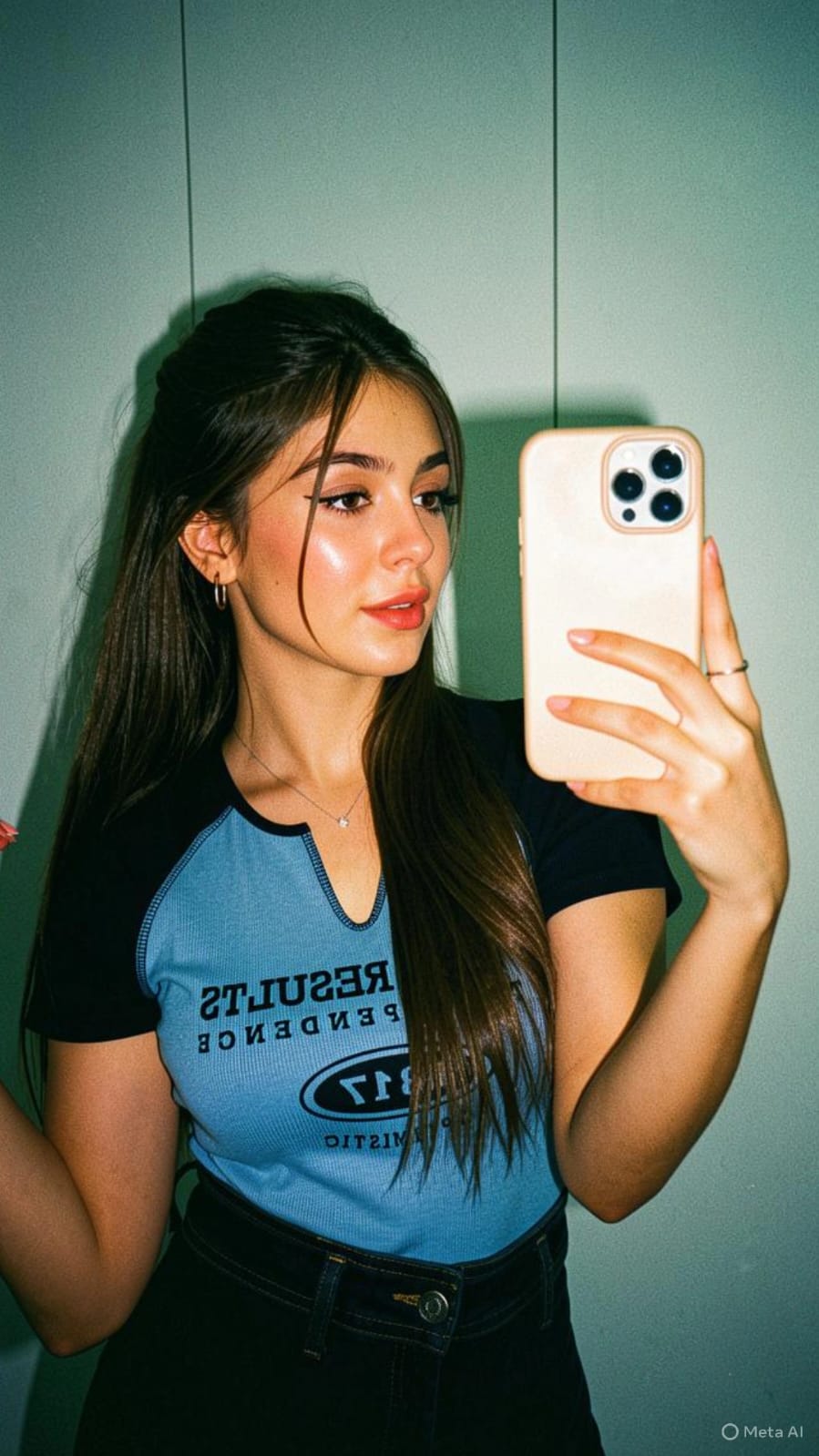
Apply a high-contrast, direct flash photography style with a harsh on-camera flash effect. The lighting should be frontal and intense, creating bright highlights on skin and reflective surfaces, with deep, sharp shadows falling behind the subject. Introduce slight overexposure on highlights while maintaining crisp subject clarity.Color grade the image with a cool, teal-tinted tone in shadows and midtones, while keeping skin tones slightly warm but desaturated. Reduce overall saturation slightly, but boost contrast heavily to create a punchy, editorial look. Add subtle cyan/green shifts in darker areas and neutral whites with a slight bluish cast.Introduce heavy film grain across the entire image—fine but dense, with a gritty texture reminiscent of high ISO analog film. Include mild noise in shadows and midtones for a raw, imperfect feel. Add slight chromatic aberration on edges and a very subtle vignette to enhance focus on the subject.Simulate a glossy, 90s fashion editorial finish: sharp details, slightly crushed blacks, lifted highlights, and a clean yet raw aesthetic. Maintain a digital + analog hybrid look with a polished but edgy vibe.”Colour grading: golden-tinted tone in shadows and midtones, while keeping skin tones, high-contrast, direct flash photography style with a glossy finish. Apply a heavy film grain and a cool, slightly desaturated color grade with a cross-processed look.Most important: don’t change my face and body angles keep it 100% fix
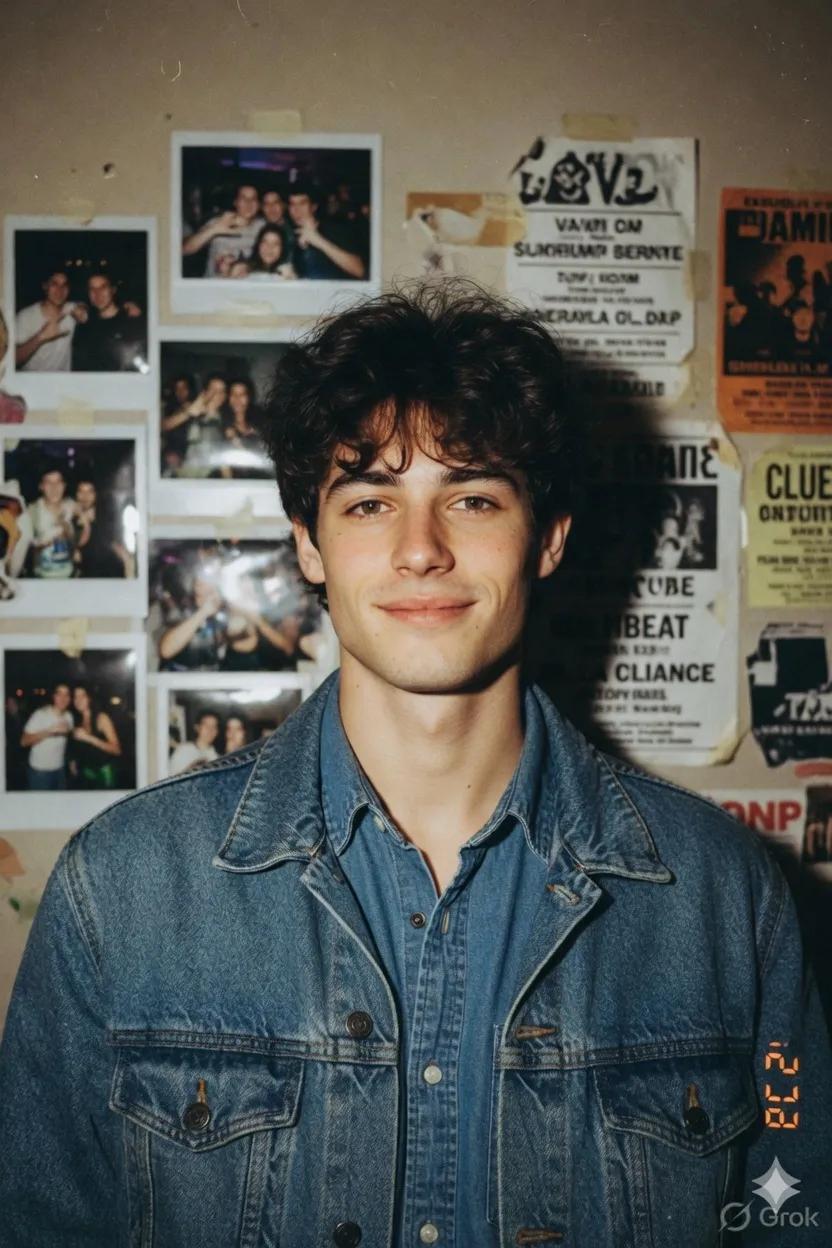
A young man with the same unchanged face and pale, soft complexion, captured in a raw 90s disposable snapshot. Modern hairstyle, faint smirk. He’s wearing a denim jacket layered over a matching denim shirt. Dim beige wall covered with polaroids and taped flyers. Harsh flash, flat lighting, vintage analog texture.
Cinematic photo editing is no longer limited to professionals. With the help of ChatGPT prompts, anyone can create stunning, high-quality visuals that stand out on social media.
The key is to focus on lighting, contrast, color tones, and texture — these elements turn an ordinary photo into a viral aesthetic shot. A well-written prompt can do most of the work for you.
Start experimenting with these prompts, stay consistent, and refine your style. With the right approach, your photos won’t just look good — they’ll grab attention, go viral, and build your personal brand.
Transform the uploaded photograph into a premium minimalist editorial collage inspired by luxury travel magazines, contemporary fashion editorials, and artistic outdoor photography FORMAT & COMPOSITION: Create a strict 3:4 vertical canvas. Use a warm ivory/off-white background with subtle paper texture and generous negative space Place a large, clean-edged vertical rectangular crop of the original
Place this person in the second photo in a realistic manner and adjust them to match the second photo; do not change anything else. Keep the background exactly as it is-do not alter it at all-and do not change the face. Enhance the image to 8K quality and set the aspect ratio to 3:4. And Backgroud ke accoding person size adjust
Create a cinematic 4K, highly detailed, photorealistic video by transferring the EXACT dance movements, body motion, performance, timing, expressions, and camera movements from the REFERENCE VIDEO onto the person shown in the TARGET IMAGE. Completely replace the original main dancer with the person from the TARGET IMAGE. Preserve the target person's exact facial identity, facial features, skin ton
Transform the uploaded mirror selfie into a luxury LED Mirror portrait. Replace the existing mitor frame with an elegant irregular organic shape mirror 1,832 featuring a soft warm golden LED Backlight glow around entire edge .keep the subject same
Create a **10-second photorealistic image-to-video recreation of the uploaded reference video**. ### REFERENCE PRIORITY — CRITICAL Use the uploaded references as follows: **REFERENCE IMAGE 1 — MY PHOTO** Use this as the ONLY identity reference for the main person. Preserve my exact face, facial proportions, eyes, eyebrows, nose, lips, jawline, skin tone, hairstyle and overall identity throughout t
Video-to-video character replacement. Keep @Video 1 exactly the same: same handheld iPhone camera movement and shake, same framing, timing, red backstage lighting, background, crowd, bodyguards, and the fan in the foreground holding the phone and the big DSLR lens. Do not change anyone else. Replace only the main man in the center (the one who walks in, talks to the fan and laughs) with the person
MASTER PROMPT — Ultra-Realistic Bridal Nail Art Car Selfie (9:16) Use the uploaded selfie as the STRICT FACIAL IDENTITY REFERENCE. Preserve the person's exact facial features, natural skin tone, eyes, nose, lips, face shape, age, and realistic skin texture. Do not beautify, reshape, or alter the facial identity. REFERENCE COMPOSITION: Create an ultra-realistic golden-hour photograph of a beautiful
Use the reference video as the exact blueprint. Recreate the SAME actions, hand movements, facial expressions, camera movement, timing, framing and transition — do not invent or change anything. Start with the first reference image as the opening look, then transition into the second reference image at the EXACT same moment and using the EXACT same transition style as the reference video. In the s