Create a Stunning Navratri Nails Transformation Video with AI
Navratri is all about vibrant colors, traditional fashion, beautiful makeup, and creative looks, and now you can bring the same festive energy to your nail transformation videos with AI. The Navratri Nails Transformation AI Video Tutorial is a simple way to create a stylish before-and-after video where your nails transform into a colorful Navratri-inspired design. You do not need advanced editing skills or professional equipment for this effect. With the right photo, reference video, and AI prompt, you can create a realistic transformation video that looks perfect for Instagram Reels, YouTube Shorts, and other social media platforms. This type of AI transformation is especially useful for creators who want to make festive content quickly while keeping the final video attractive and engaging.
What Is the Navratri Nails Transformation AI Video?
A Navratri Nails Transformation AI video shows a simple nail look changing into a detailed festive nail design using AI video generation. The transformation can include colorful nail polish, traditional Indian patterns, glitter, tiny decorative details, and vibrant shades inspired by Navratri. You can create different styles depending on the reference image you use, such as red and gold nails, colorful Garba-inspired designs, mirror-work patterns, or elegant traditional nail art. The most important part is choosing a clear hand or nail reference photo and a suitable transformation video so the AI can understand the movement and final appearance. Once generated, the result can look like a smooth beauty transformation without requiring complicated editing in CapCut or another video editor.
Use the reference video as the exact blueprint. Recreate the SAME actions, hand movements, facial expressions, camera movement, timing, framing and transition — do not invent or change anything. Start with the first reference image as the opening look, then transition into the second reference image at the EXACT same moment and using the EXACT same transition style as the reference video. In the second/after image, I must have NO GLASSES. Preserve my exact face and identity from my photo, with realistic skin and natural proportions. No dialogue, no speaking, no lip-sync — only the exact physical actions from the reference video. Bright, soft, crisp natural lighting, realistic cinematic quality, smooth motion, vertical 9:16.
Ready-to-Copy Navratri Nails AI Video Prompt
For a better result, you can use a detailed prompt that explains the nail transformation, movement, lighting, and final design. Copy the following prompt and use it with an AI video generation tool that supports reference images or videos: “Create a realistic cinematic vertical 9:16 beauty transformation video focused closely on a woman’s hands and fingernails. Start with the original natural nails exactly as shown in the reference image, preserving the original hand shape, skin tone, fingers, proportions, and overall appearance. Gradually transform the nails into an elegant Navratri-inspired festive nail art design with vibrant traditional Indian colors, rich red, pink, orange, purple, and golden accents, delicate ethnic patterns, subtle glitter, tiny decorative details, and a premium glossy finish. Make the transformation smooth and visually satisfying, with each nail changing naturally and progressively. Keep the hands realistic and anatomically correct with natural skin texture and realistic finger movement. Use warm festive lighting, soft highlights, shallow depth of field, cinematic beauty photography, realistic reflections, detailed nail texture, and subtle sparkle. Avoid distorted fingers, extra fingers, changing hand structure, artificial skin, excessive effects, or unrealistic nail shapes. The final result should look like a professional Navratri beauty campaign filmed with a high-end camera.”
How to Make the Navratri Nails Transformation Video
To create the video, first prepare a clear photo of your hand where the nails are properly visible and there is enough lighting to see the details. Next, choose a suitable Navratri nail-art reference image or transformation video that matches the style you want to create. Open your preferred AI video generation platform and upload your hand photo along with the reference video if the platform supports video references. Paste the Navratri nails transformation prompt into the prompt section and start generating the video. The AI will analyze the reference and create a transition where the original nails gradually change into the festive design. If the first result does not look natural, try generating it again with a clearer hand image or a simpler nail design because small details such as fingers, nail shape, and lighting can affect the final output.
Tips to Get a More Realistic AI Nail Transformation
For the best Navratri Nails Transformation AI Video, always use a high-quality reference photo with sharp and clearly visible nails. Avoid images where the fingers overlap too much or are hidden because AI can struggle to understand the original hand structure. Keeping the camera angle similar between your original image and reference can also make the transformation smoother. Try not to add too many complicated instructions at once, especially if you are creating your first video. A clean background, natural skin texture, good lighting, and a clearly visible nail shape can make a major difference. You can also experiment with different Navratri color combinations, including red and gold for a traditional look, pink and orange for a vibrant festive style, or purple and silver for a more modern aesthetic.
Make Your AI Video More Viral-Ready
After generating your Navratri nails transformation, you can take the final video into CapCut or another editing application to make it more suitable for social media. Add a trending festive audio track, quick text animation, subtle zoom effects, and a clean transition at the beginning and end of the video. Keep the video short and visually focused so viewers understand the transformation within the first few seconds. You can add text such as “Navratri Nails Transformation ✨” or “AI Made This Nail Art” to immediately explain the concept. A vertical 9:16 format is ideal for Instagram Reels, YouTube Shorts, and similar platforms. You can also experiment with different nail designs and create a series of videos featuring different Navratri colors and styles.
Transform the uploaded photograph into a premium minimalist editorial collage inspired by luxury travel magazines, contemporary fashion editorials, and artistic outdoor photography FORMAT & COMPOSITION: Create a strict 3:4 vertical canvas. Use a warm ivory/off-white background with subtle paper texture and generous negative space Place a large, clean-edged vertical rectangular crop of the original
Place this person in the second photo in a realistic manner and adjust them to match the second photo; do not change anything else. Keep the background exactly as it is-do not alter it at all-and do not change the face. Enhance the image to 8K quality and set the aspect ratio to 3:4. And Backgroud ke accoding person size adjust
Create a cinematic 4K, highly detailed, photorealistic video by transferring the EXACT dance movements, body motion, performance, timing, expressions, and camera movements from the REFERENCE VIDEO onto the person shown in the TARGET IMAGE. Completely replace the original main dancer with the person from the TARGET IMAGE. Preserve the target person's exact facial identity, facial features, skin ton
Transform the uploaded mirror selfie into a luxury LED Mirror portrait. Replace the existing mitor frame with an elegant irregular organic shape mirror 1,832 featuring a soft warm golden LED Backlight glow around entire edge .keep the subject same
Create a **10-second photorealistic image-to-video recreation of the uploaded reference video**. ### REFERENCE PRIORITY — CRITICAL Use the uploaded references as follows: **REFERENCE IMAGE 1 — MY PHOTO** Use this as the ONLY identity reference for the main person. Preserve my exact face, facial proportions, eyes, eyebrows, nose, lips, jawline, skin tone, hairstyle and overall identity throughout t
Video-to-video character replacement. Keep @Video 1 exactly the same: same handheld iPhone camera movement and shake, same framing, timing, red backstage lighting, background, crowd, bodyguards, and the fan in the foreground holding the phone and the big DSLR lens. Do not change anyone else. Replace only the main man in the center (the one who walks in, talks to the fan and laughs) with the person
MASTER PROMPT — Ultra-Realistic Bridal Nail Art Car Selfie (9:16) Use the uploaded selfie as the STRICT FACIAL IDENTITY REFERENCE. Preserve the person's exact facial features, natural skin tone, eyes, nose, lips, face shape, age, and realistic skin texture. Do not beautify, reshape, or alter the facial identity. REFERENCE COMPOSITION: Create an ultra-realistic golden-hour photograph of a beautiful
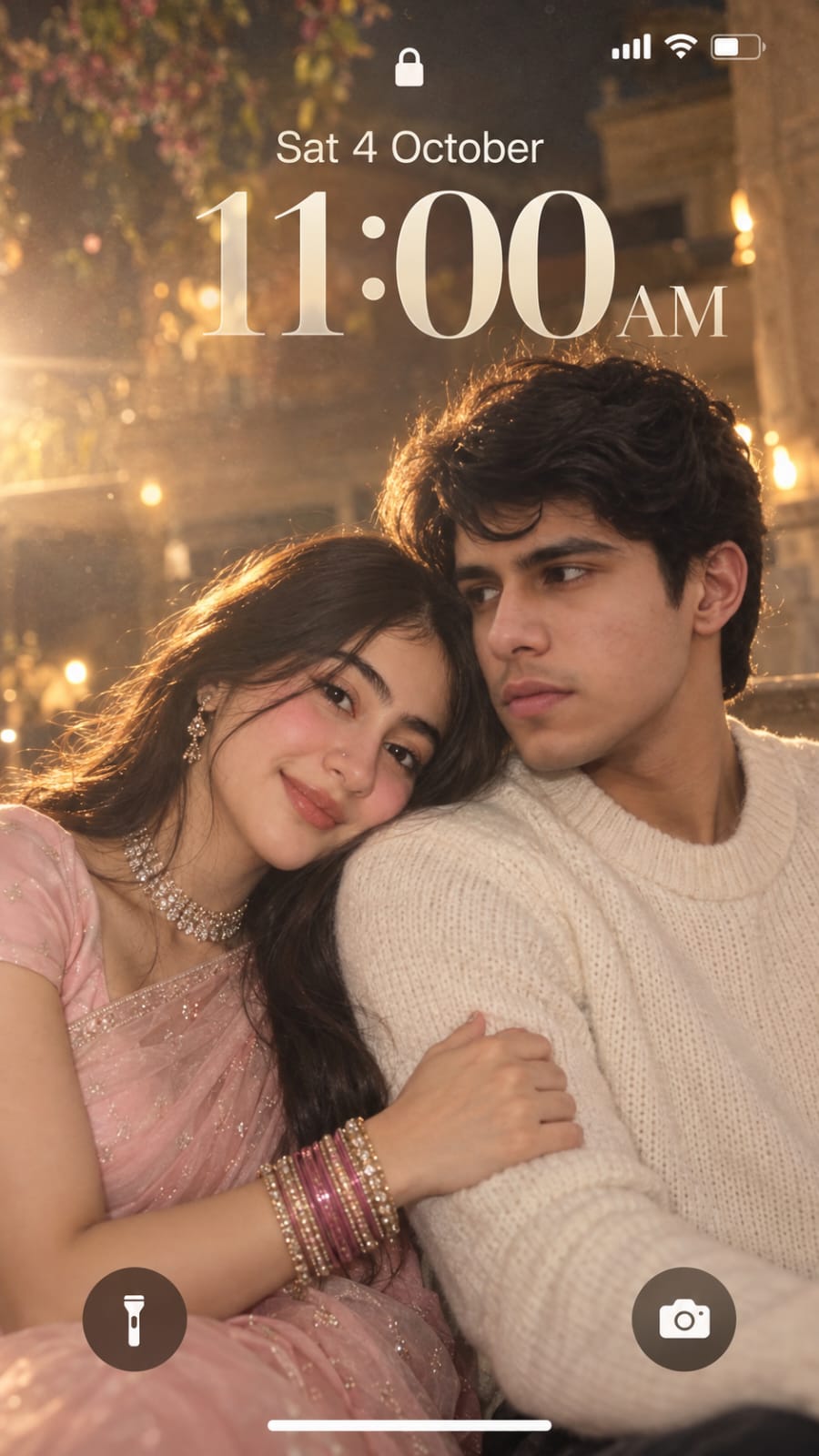
Create a dreamy, ethereal iPhone lock screen screenshot featuring an extreme close-up portrait of a young couple. Preserve the facial identity and natural facial features of both people from the uploaded reference photos. The man and woman are sitting very close together in a soft romantic pose. The woman gently rests her head on the man’s shoulder, lightly holding his arm, while both have subtle,