Prompt Scene

Minimalist Editorial Collage Photo Editing Prompt – Luxury Travel Aesthetic

By Prompt Scene ·

Minimalist editorial collage photo editing is a creative way to transform an ordinary photograph into a premium travel magazine-style design. This editing style combines natural photography, warm ivory paper textures, clean rectangular frames, and realistic cutout effects to create a sophisticated visual composition. Inspired by luxury travel magazines and contemporary fashion editorials, this aesthetic focuses on simplicity, balanced layouts, and generous negative space. The main subject remains the center of attention while the original landscape adds depth and visual interest. Whether you want to edit a mountain photograph, a travel memory, a portrait, or an outdoor fashion image, this minimalist editorial collage photo editing prompt can help you achieve a stylish and professional result using AI image editing tools.

What Makes This Luxury Travel Collage Style Unique?

The main attraction of a luxury travel aesthetic collage is its combination of simplicity and creativity. Instead of filling the entire canvas with decorative elements, the design uses a warm off-white background with subtle paper texture and a large photograph positioned slightly above the center. The subject can extend beyond the lower edge of the photo frame, creating a realistic layered-paper effect. Natural colors such as forest green, dusty blue, beige, and soft brown help maintain an elegant appearance. Subtle film grain, believable shadows, and clean photographic edges add a premium editorial finish without making the image look artificial. This style works especially well for mountain landscapes, countryside photography, travel portraits, nature photographs, and aesthetic social media posts.

Transform the uploaded photograph into a premium minimalist editorial collage inspired by luxury travel magazines, contemporary fashion editorials, and artistic outdoor photography FORMAT & COMPOSITION: Create a strict 3:4 vertical canvas. Use a warm ivory/off-white background with subtle paper texture and generous negative space Place a large, clean-edged vertical rectangular crop of the original photograph in the center, slightly above the middle. Keep the priginal scenery recognizable inside the rectangle. Let the main subject naturally overlap and extend beyond the bottom edge of the rectangle into the ivory space. Where it looks natural, allow foreground flowers, grass, foliage, or rocks to extend beyond the frame as realistic photographic cutouts. Keep the layout asymmetrical but balanced, with the subject as the focal point. PRESERVE THE ORIGINAL: Use the uploaded photo as the source. Keep the subject as faithful to the original as possible: preserve identity, face, expression,. hair, clothing, pose, proportions, colors, and distinctive details. Do not beautify, redesign, or stylize the subject. Preserve the original landscape, lighting, textures, and atmosphere. Do not crop off important parts of the subject.

STYLE: Photorealistic premium travel

editorial, minimalist Swiss-inspired art direction, warm ivory paper, muted earthy colors natural greens, subtle film grain, realistic edges, and soft believable shadows dusty blues, RESTRICTIONS: No text, typography, logos, watermarks, extra subjects, unrelated objects, illustration, cartoon effects, HDR, oversaturation artificial glow. plastic textures, or

How to Create a Minimalist Editorial Collage Using AI

Creating this effect is simple, even if you have little experience with photo editing. First, choose a high-quality photograph with a clearly visible subject and an interesting background. Images featuring mountains, meadows, forests, beaches, or scenic travel locations work particularly well. Next, upload your photograph to an AI image editing tool that supports reference-image editing. Copy the ready-to-use prompt provided below and paste it into the tool. Make sure the instructions emphasize preserving the original subject, clothing, pose, scenery, and lighting. Generate the edited image and review the result carefully. If the subject’s appearance changes or the background becomes unrealistic, try again with stronger preservation instructions. For the best outcome, use a vertical 3:4 composition, maintain natural colors, and avoid unnecessary decorations that distract from the main photograph.


Ready-to-Copy Minimalist Editorial Collage Photo Editing Prompt

Use the following prompt to create a premium minimalist editorial collage inspired by luxury travel magazines, contemporary fashion editorials, and artistic outdoor photography. Upload your original image first, then copy and paste the complete prompt into your preferred AI image editing tool.

Transform the uploaded photograph into a premium minimalist editorial collage inspired by luxury travel magazines, contemporary fashion editorials, and artistic outdoor photography. Create a strict 3:4 vertical canvas with a warm ivory or off-white background, subtle paper texture, and generous negative space. Place a large, clean-edged vertical rectangular crop of the original photograph in the center, slightly above the middle, keeping the original scenery recognizable. Let the main subject naturally overlap and extend beyond the bottom edge of the rectangular photo into the ivory background, creating a realistic photographic cutout effect. Where appropriate, allow existing foreground elements such as grass, foliage, flowers, or rocks to extend beyond the frame. Preserve the original subject as faithfully as possible, including identity, face, expression, hair, clothing, pose, proportions, colors, and distinctive details. Do not beautify, redesign, or stylize the subject. Preserve the original landscape, natural lighting, textures, and atmosphere. Use photorealistic premium travel editorial styling, minimalist Swiss-inspired art direction, muted earthy colors, natural greens, dusty blues, subtle film grain, realistic edges, and soft believable shadows. Keep the layout asymmetrical but balanced, with the subject as the focal point. Do not crop off important parts of the subject. Do not add text, typography, logos, watermarks, extra subjects, unrelated objects, illustrations, cartoon effects, HDR, oversaturation, artificial glow, or plastic-looking textures.

Tips for Getting the Best AI Editing Results

To achieve a more professional result, start with a photograph that has good lighting and a clearly separated subject. A full-body portrait or a person standing against a scenic landscape can make the overlapping cutout effect easier to create. Always use the original photograph as the reference image rather than asking the AI to recreate the scene from scratch. If your editing tool changes the person’s appearance, repeat the request with stronger instructions to preserve the original identity and pose. Keep the background simple and avoid adding too many decorative elements because the minimalist design depends on clean composition and balanced spacing. You can also experiment with slightly warmer paper tones, subtle shadows, and gentle film grain to match your preferred editorial aesthetic. Before publishing, inspect the edges around the subject, hands, hair, clothing, and foreground objects to ensure that the final image looks natural and realistic.

Where You Can Use This Editorial Collage Photo Style

This luxury travel collage style is suitable for a wide range of creative projects, including Instagram posts, Pinterest graphics, travel blogs, photography portfolios, digital scrapbooks, and personal photo collections. Content creators can use it to give travel memories a premium magazine-inspired appearance, while photographers can experiment with layered compositions without manually creating every cutout in editing software. Website owners can also feature these images in articles about AI photo editing prompts, aesthetic photography, and creative image manipulation. For the best visual consistency, use similar paper textures, muted color palettes, and clean compositions across a collection of images. Always review AI-generated results before publishing and use photographs that you own or have permission to edit.

Related prompts

Cinematic Baground Portrait Prompts
Unique Prompts
38k 4.0k
1 week ago

Cinematic Baground Portrait Prompts


Place this person in the second photo in a realistic manner and adjust them to match the second photo; do not change anything else. Keep the background exactly as it is-do not alter it at all-and do not change the face. Enhance the image to 8K quality and set the aspect ratio to 3:4. And Backgroud ke accoding person size adjust
Garba AI Dance Video Editing Tutorial – Create Viral AI Dance Videos
Unique Prompts
36k 9.7k
1 week ago

Garba AI Dance Video Editing Tutorial – Create Viral AI Dance Videos


Create a cinematic 4K, highly detailed, photorealistic video by transferring the EXACT dance movements, body motion, performance, timing, expressions, and camera movements from the REFERENCE VIDEO onto the person shown in the TARGET IMAGE. Completely replace the original main dancer with the person from the TARGET IMAGE. Preserve the target person's exact facial identity, facial features, skin ton
Viral Car Uno Reverse Transition: AI Video Editing Prompt and Tutorial
Unique Prompts
14k 5.7k
1 week ago

Viral Car Uno Reverse Transition: AI Video Editing Prompt and Tutorial


Create a **10-second photorealistic image-to-video recreation of the uploaded reference video**. ### REFERENCE PRIORITY — CRITICAL Use the uploaded references as follows: **REFERENCE IMAGE 1 — MY PHOTO** Use this as the ONLY identity reference for the main person. Preserve my exact face, facial proportions, eyes, eyebrows, nose, lips, jawline, skin tone, hairstyle and overall identity throughout t
Viral Fancam AI Video Tutorial: Create Trending AI Fancam Videos
Unique Prompts Video
35k 2.5k
1 week ago

Viral Fancam AI Video Tutorial: Create Trending AI Fancam Videos


Video-to-video character replacement. Keep @Video 1 exactly the same: same handheld iPhone camera movement and shake, same framing, timing, red backstage lighting, background, crowd, bodyguards, and the fan in the foreground holding the phone and the big DSLR lens. Do not change anyone else. Replace only the main man in the center (the one who walks in, talks to the fan and laughs) with the person
Navratri Birdal Nail Art Prompt
Unique Prompts
7.2k 2.9k
2 weeks ago

Navratri Birdal Nail Art Prompt


MASTER PROMPT — Ultra-Realistic Bridal Nail Art Car Selfie (9:16) Use the uploaded selfie as the STRICT FACIAL IDENTITY REFERENCE. Preserve the person's exact facial features, natural skin tone, eyes, nose, lips, face shape, age, and realistic skin texture. Do not beautify, reshape, or alter the facial identity. REFERENCE COMPOSITION: Create an ultra-realistic golden-hour photograph of a beautiful
Navratri Nails Transformation AI Video Tutorial
Unique Prompts Video
13k 5.0k
2 weeks ago

Navratri Nails Transformation AI Video Tutorial


Use the reference video as the exact blueprint. Recreate the SAME actions, hand movements, facial expressions, camera movement, timing, framing and transition — do not invent or change anything. Start with the first reference image as the opening look, then transition into the second reference image at the EXACT same moment and using the EXACT same transition style as the reference video. In the s
Romantic Couple Photo Prompt
Unique Prompts
36k 11k
2 weeks ago

Romantic Couple Photo Prompt


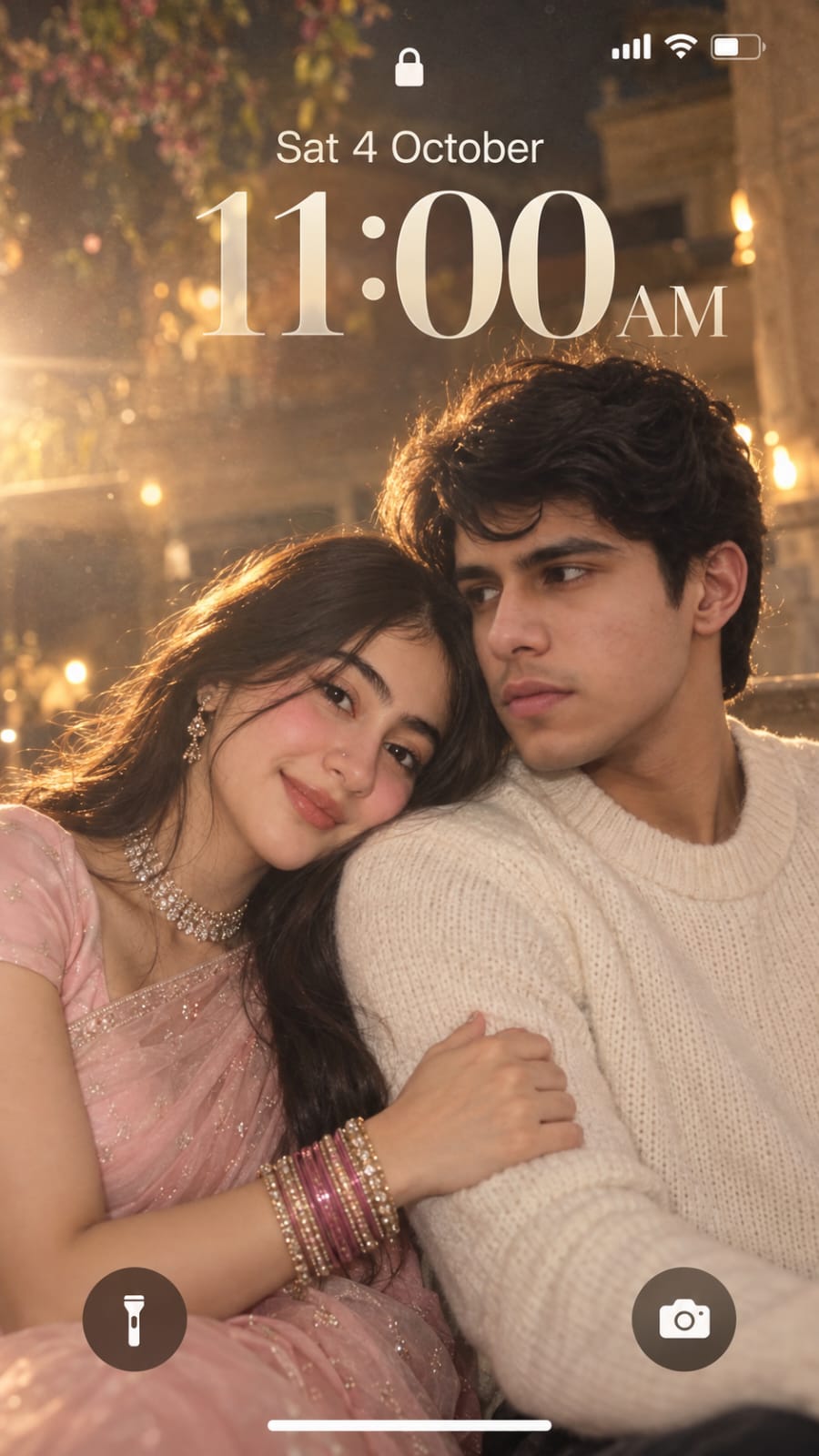
Create a dreamy, ethereal iPhone lock screen screenshot featuring an extreme close-up portrait of a young couple. Preserve the facial identity and natural facial features of both people from the uploaded reference photos. The man and woman are sitting very close together in a soft romantic pose. The woman gently rests her head on the man’s shoulder, lightly holding his arm, while both have subtle,