In today’s fast-moving social media world, creating eye-catching content is more important than ever. A viral 4K photo prompt can turn an ordinary image into a stunning, high-quality visual that grabs attention instantly.
Whether you’re a content creator, influencer, or beginner, using the right prompt can make your photos look professional and scroll-stopping.With the rise of AI tools, generating ultra-realistic 4K images has become easier and faster. You don’t need expensive equipment or editing skills anymore.
A well-crafted prompt can control lighting, details, colors, and cinematic effects—all in just a few words.In this article, you’ll learn how viral 4K photo prompts work and how you can use them to create high-quality images that stand out online. If you want more reach, better engagement, and visually powerful content, this is exactly what you need.
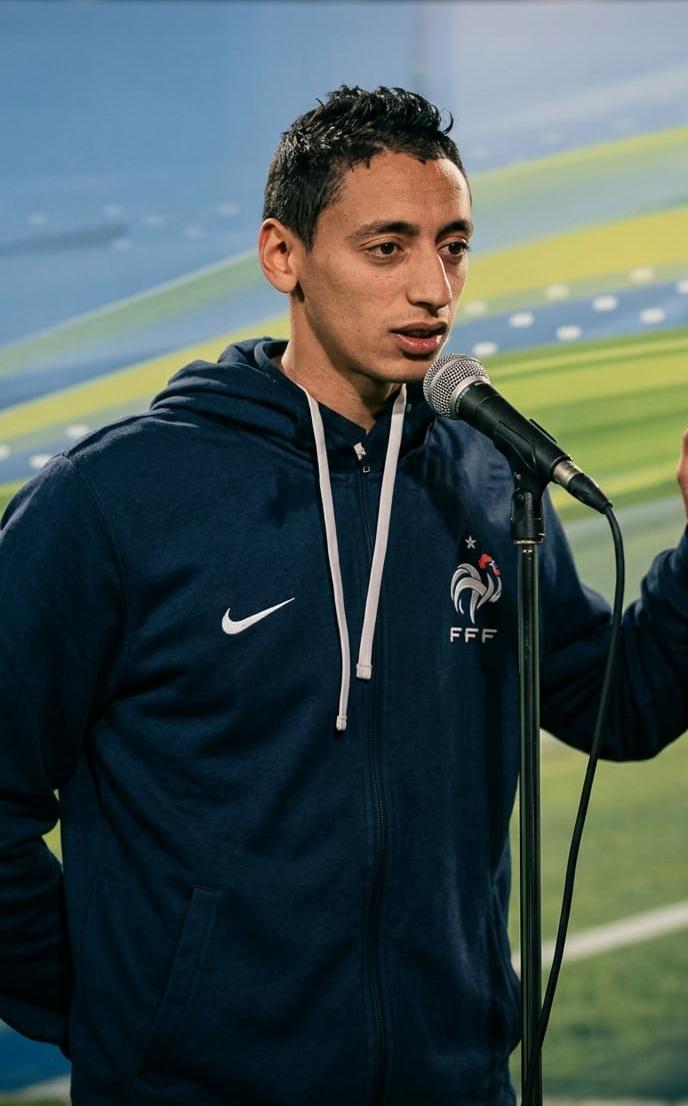
Enhance the portrait while strictly preserving the subject's identity with accurate facial geometry. Do not change their expression or face shape. Only allow subtle feature cleanup without altering who they are. Keep the exact same background from the reference image. No replacements, no changes, no new objects, no layout shifts. The environment must look identical. The image must be recreated as if it was shot on a Sony A1, using an 85mm f1.4 lens, at f1.6, ISO 100, 1/200 shutter speed, cinematic shallow depth of field, perfect facial focus, and an editorial-neutral color profile. This Sony A1+ 85mm f1.4 setup is mandatory. The final image must clearly look like premium full-frame Sony A1 quality.Lighting must match the exact direction, angle, and mood of the reference photo. Upgrade the lighting into a cinematic, subject-focused style: soft directional light, warm highlights, cool shadows, deeper contrast, expanded dynamic range, micro-contrast boost, smooth gradations, and zero harsh shadows. Maintain neutral premium color tone, cinematic contrast curve, natural saturation, real skin texture (not plastic), and subtle film grain. No fake glow, no runway lighting, no oversmoothing. Render in 4K resolution, 10-bit color, cinematic editorial style, premium clarity, portrait crop, and keep the original environmental vibe untouched. Re-render the subject with improved realism, depth, texture, and lighting while keeping identity and background fully preserved.NEGATIVE INSTRUCTIONS: No new background. No background change. No overly dramatic lighting. No face morphing. No fake glow. No flat lighting. No over-smooth skin.
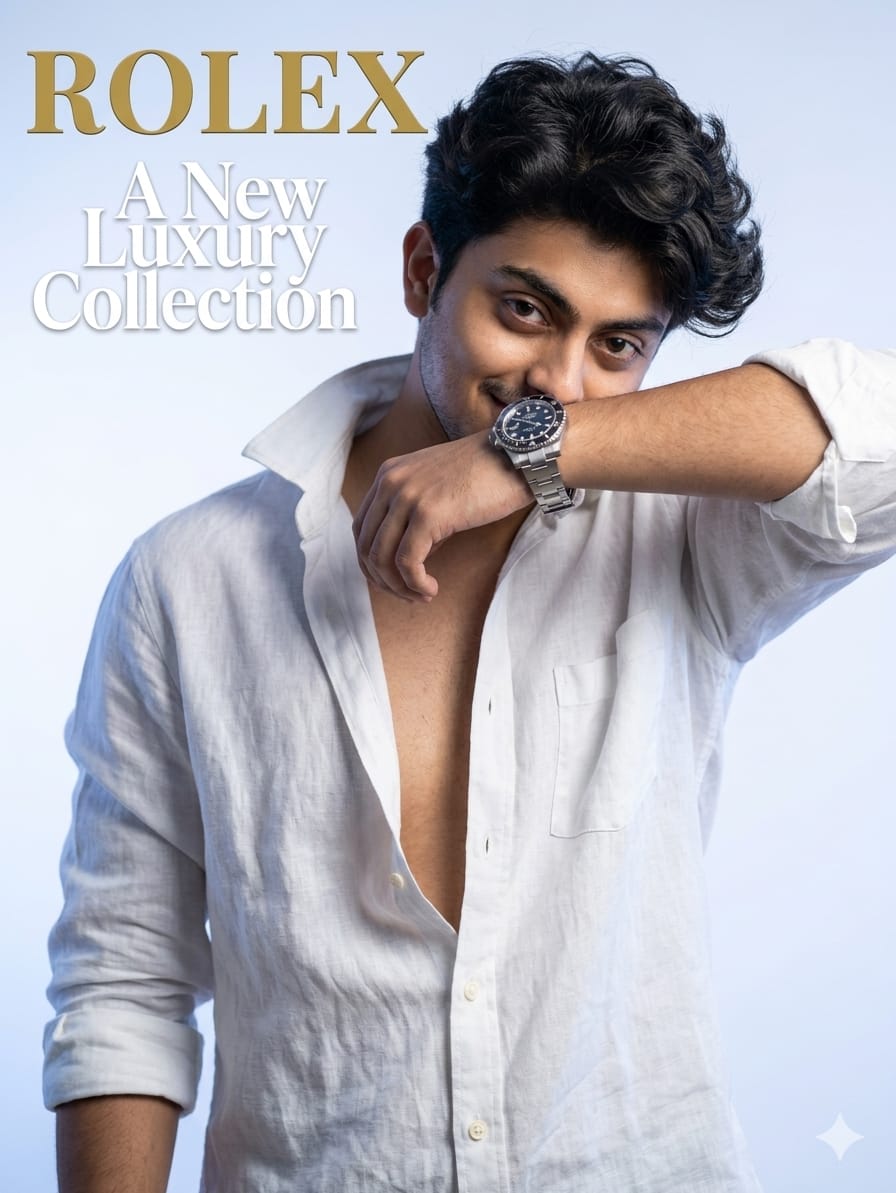
Create A white and blue gradient soft studio background with the text 'ROLEX' bold and top left'A New Luxury Collection' behind rolex text, fashion editorial cover of the portrait of A natural-looking man with a defined jawline, a 19-year-old man with a muscular and fit physique. He looking at the camera with cute and engaging expression, shy smile. He wears a loose open neck very deep white shirt with rolled sleeves, some buttons are open, arm partly covering his face metallic luxur
Viral 4K photo prompts are changing the way people create and share content online. With the right approach, you can turn simple ideas into visually stunning images that attract attention and increase engagement.
The key is to keep your prompts clear, detailed, and focused on quality.As AI continues to grow, those who learn how to use these tools effectively will always stay ahead. Start experimenting with different styles, lighting effects, and compositions to find what works best for your audience.
Now it’s your turn to try it. Use the tips from this article, create your own viral 4K photos, and take your content to the next level.
Transform the uploaded photograph into a premium minimalist editorial collage inspired by luxury travel magazines, contemporary fashion editorials, and artistic outdoor photography FORMAT & COMPOSITION: Create a strict 3:4 vertical canvas. Use a warm ivory/off-white background with subtle paper texture and generous negative space Place a large, clean-edged vertical rectangular crop of the original
Place this person in the second photo in a realistic manner and adjust them to match the second photo; do not change anything else. Keep the background exactly as it is-do not alter it at all-and do not change the face. Enhance the image to 8K quality and set the aspect ratio to 3:4. And Backgroud ke accoding person size adjust
Create a cinematic 4K, highly detailed, photorealistic video by transferring the EXACT dance movements, body motion, performance, timing, expressions, and camera movements from the REFERENCE VIDEO onto the person shown in the TARGET IMAGE. Completely replace the original main dancer with the person from the TARGET IMAGE. Preserve the target person's exact facial identity, facial features, skin ton
Transform the uploaded mirror selfie into a luxury LED Mirror portrait. Replace the existing mitor frame with an elegant irregular organic shape mirror 1,832 featuring a soft warm golden LED Backlight glow around entire edge .keep the subject same
Create a **10-second photorealistic image-to-video recreation of the uploaded reference video**. ### REFERENCE PRIORITY — CRITICAL Use the uploaded references as follows: **REFERENCE IMAGE 1 — MY PHOTO** Use this as the ONLY identity reference for the main person. Preserve my exact face, facial proportions, eyes, eyebrows, nose, lips, jawline, skin tone, hairstyle and overall identity throughout t
Video-to-video character replacement. Keep @Video 1 exactly the same: same handheld iPhone camera movement and shake, same framing, timing, red backstage lighting, background, crowd, bodyguards, and the fan in the foreground holding the phone and the big DSLR lens. Do not change anyone else. Replace only the main man in the center (the one who walks in, talks to the fan and laughs) with the person
MASTER PROMPT — Ultra-Realistic Bridal Nail Art Car Selfie (9:16) Use the uploaded selfie as the STRICT FACIAL IDENTITY REFERENCE. Preserve the person's exact facial features, natural skin tone, eyes, nose, lips, face shape, age, and realistic skin texture. Do not beautify, reshape, or alter the facial identity. REFERENCE COMPOSITION: Create an ultra-realistic golden-hour photograph of a beautiful
Use the reference video as the exact blueprint. Recreate the SAME actions, hand movements, facial expressions, camera movement, timing, framing and transition — do not invent or change anything. Start with the first reference image as the opening look, then transition into the second reference image at the EXACT same moment and using the EXACT same transition style as the reference video. In the s