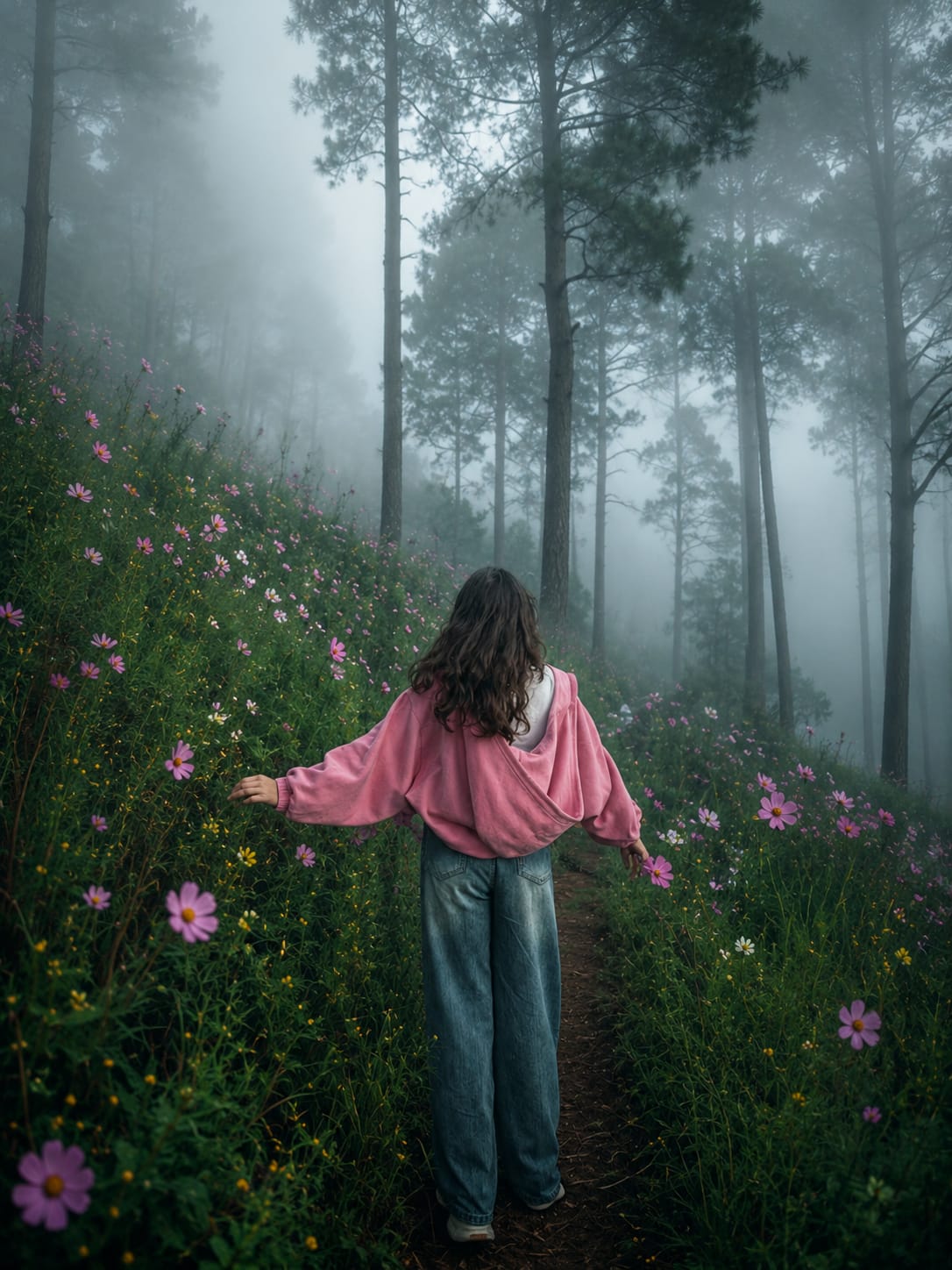
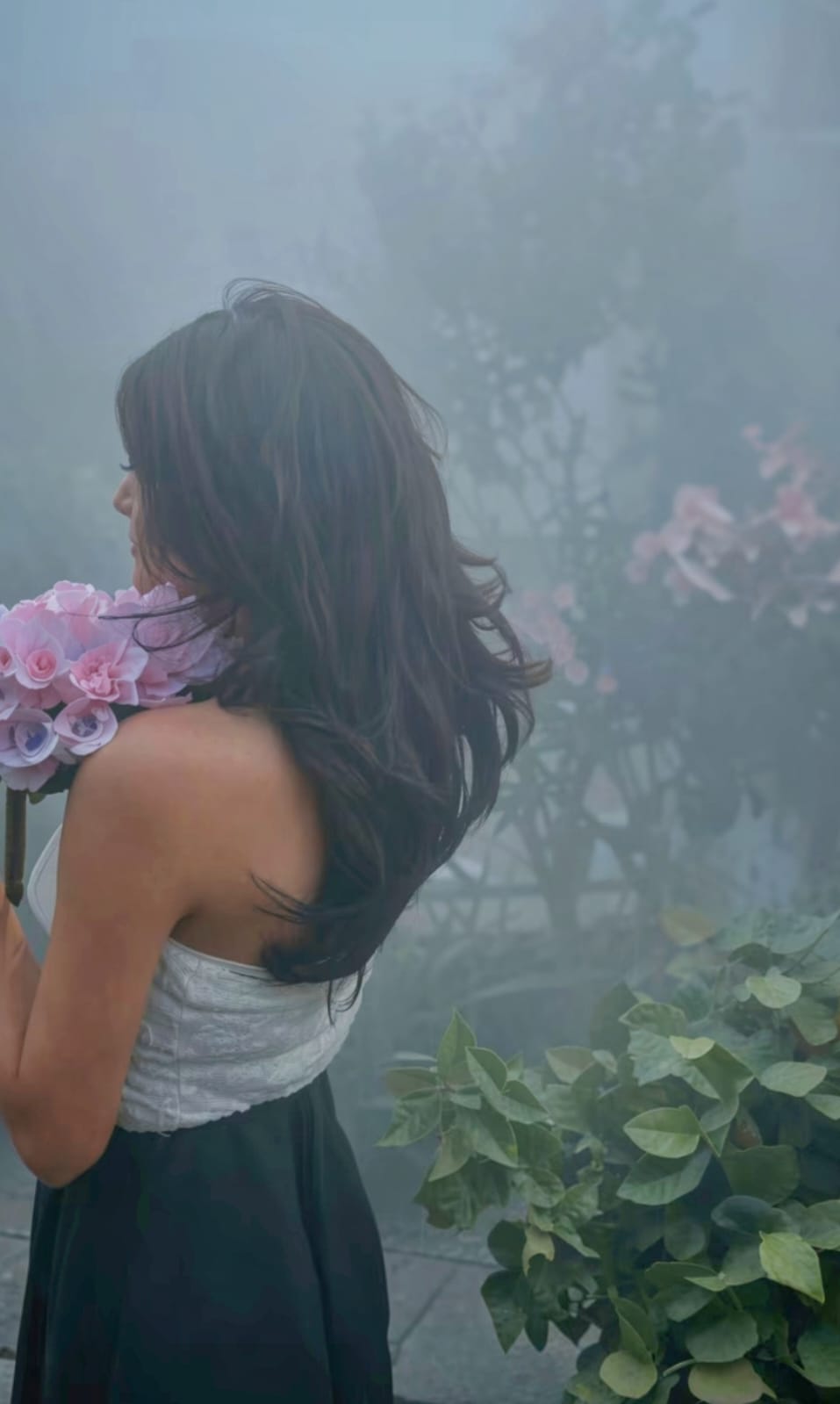
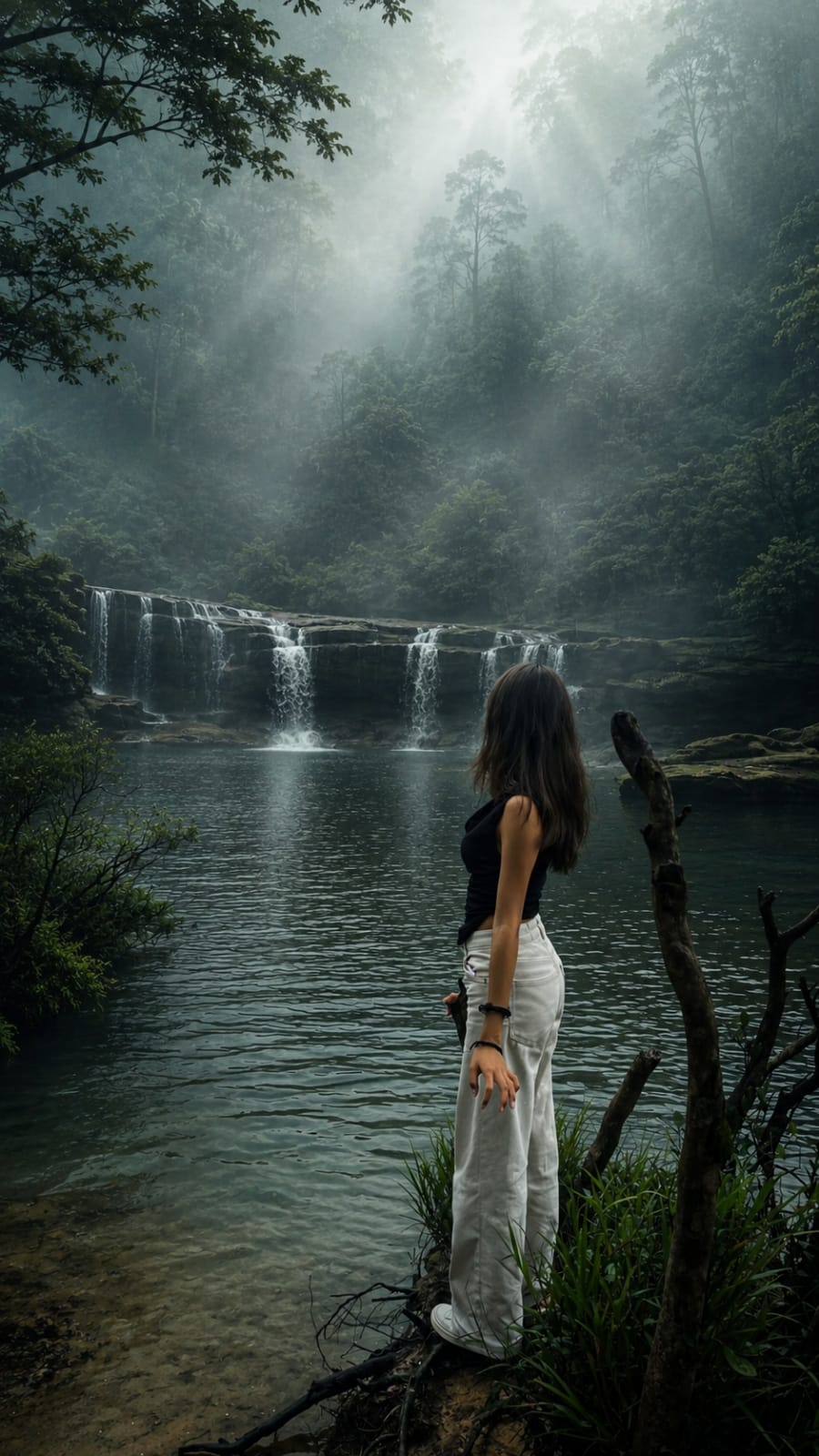
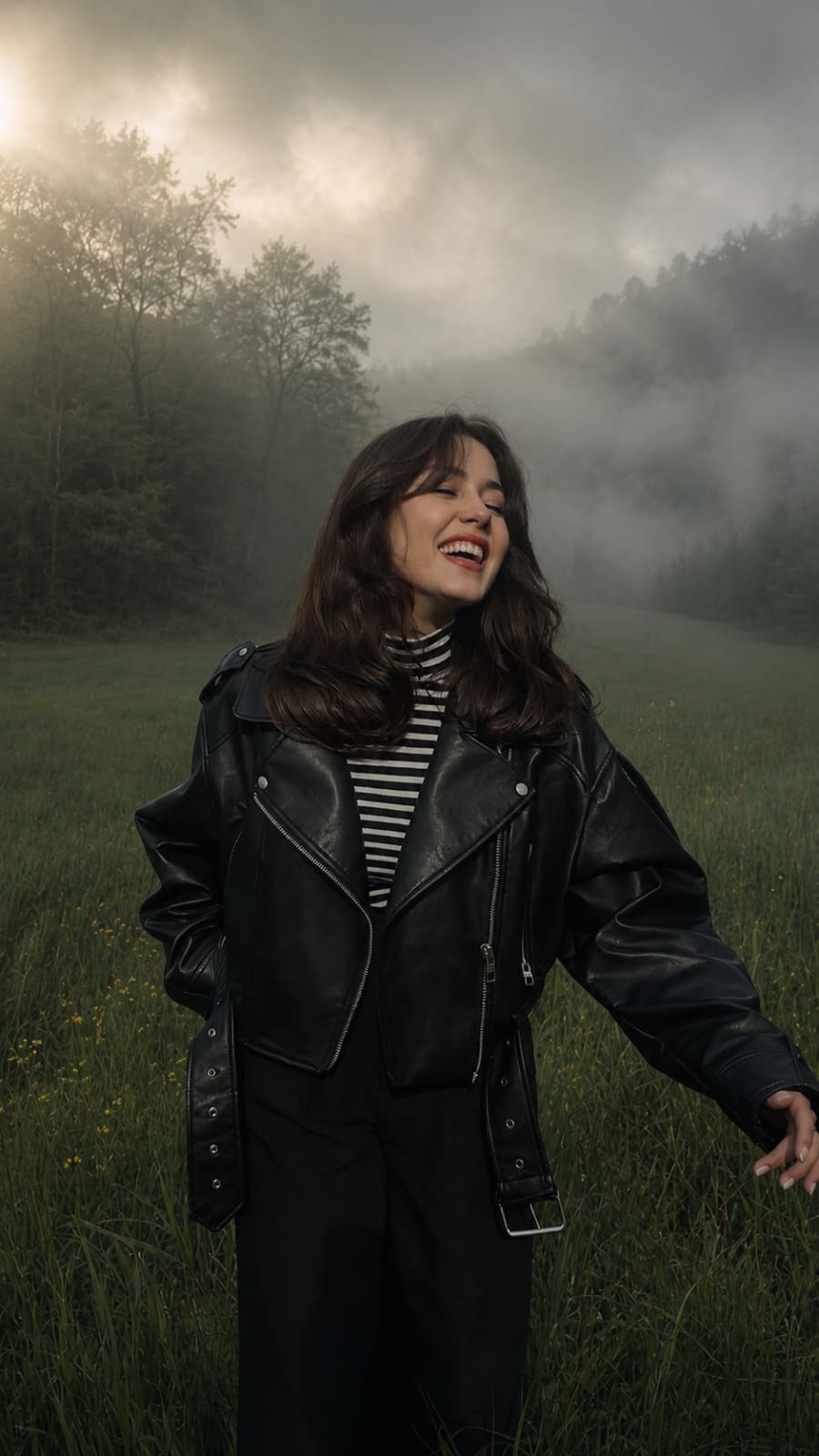
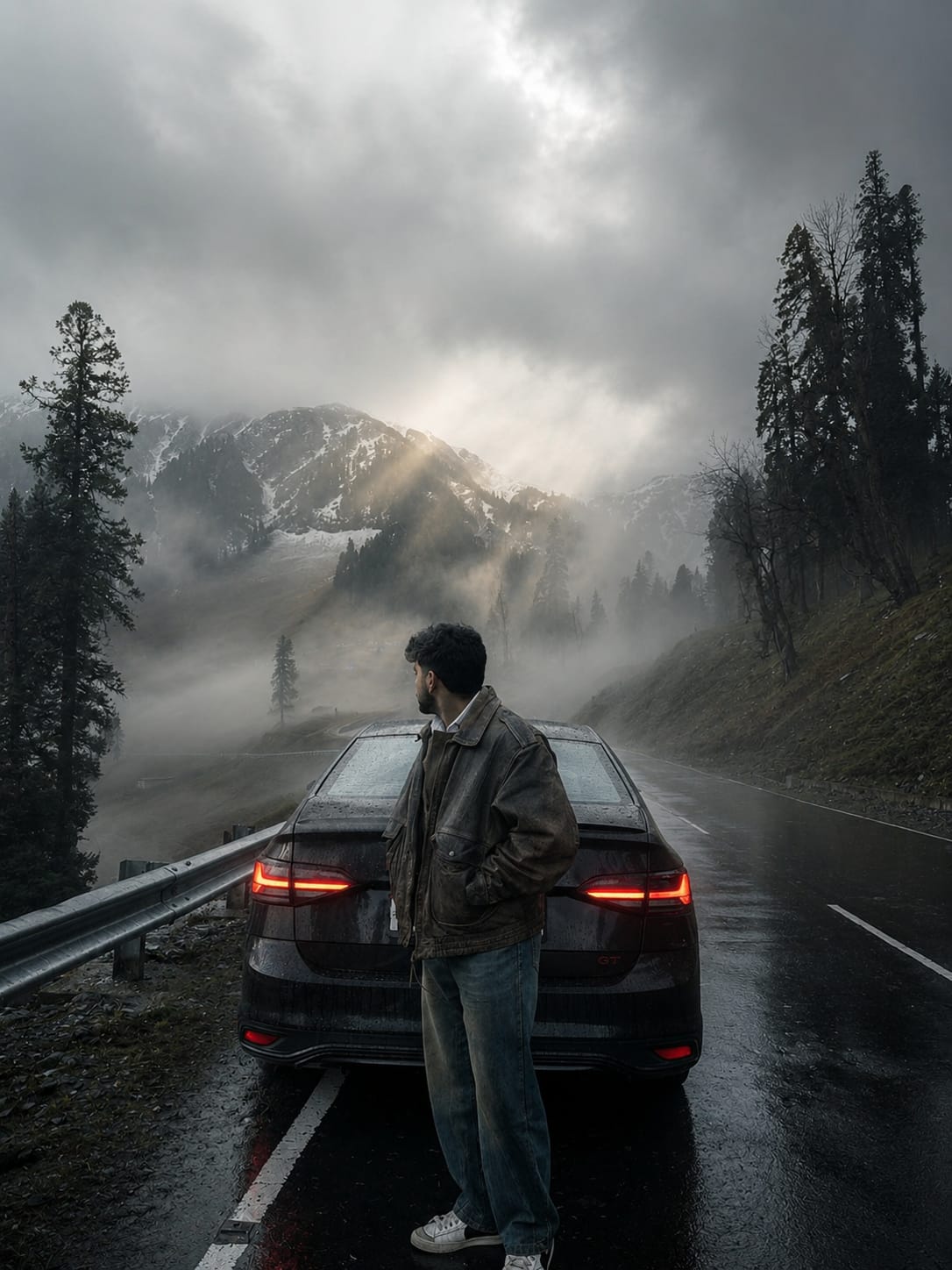
Fog photography has become one of the most popular trends in AI image generation and photo editing. The soft mist, dreamy atmosphere, and cinematic lighting create a unique mood that instantly makes any image look professional and eye-catching.
An Ultra Realistic Asthetic Fog Style Photo Prompt helps generate stunning visuals with realistic fog, natural lighting, atmospheric depth, and detailed landscapes. Whether you are using ChatGPT, Gemini, Midjourney, or any AI image tool, the right prompt can transform an ordinary photo into a breathtaking masterpiece.
In this article, we will explore the key elements of a realistic fog-style prompt and learn how to create cinematic, high-quality images that look like they were captured by a professional DSLR camera
Transform this image into a breathtaking ultra -realistic foggy forest masterpiece. Add dense natural white fog covering the entire environment, creating a mysterious and cinematic atmosphere. Apply rich forest-inspired color grading with deep emerald green, dark teal, moss green, and earthy brown tones. Enhance the trees, foliage, and background elements to resemble a lush enchanted forest hidden in the mist. Introduce soft volumetric light rays subtly penetrating through the fog, creating depth and realism. Increase overall image quality to ultra-high -definition 4K resolution with razor-sharp details, HDR enhancement, realistic textures, balanced contrast, and natural color harmony. Improve shadows, highlights, and dynamic range while maintaining a realistic appearance. Add a moody woodland aesthetic, dreamy fog layers, atmospheric perspective, and professional cinematic photography grading. The final result should look like a premium DLR forest photograph captured during a coldmist.
Moody Nature, Dense Fog Weather, Volumetric Lighting, HDR, Ultra Realistic, Professional Color Grad, 4K Quality, DSLR Shot, Atmospheric Depth, Photorealistic!
Use the uploaded image as the base photo. Transform it into an ultra-realistic cinematic foggy forest masterpiece with dense natural white fog, layered atmospheric mist, and a mysterious woodland ambience. Apply premium forest color grading using deep emerald green, dark teal, moss green, earthy brown, muted highlights, and rich natural contrast. Enhance trees, foliage, and the landscape into a lush enchanted rainforest while preserving realism. Add soft volumetric light rays filtering through the fog to create cinematic depth and atmospheric perspective.

Upgrade the image to ultra-HD DSLR quality with razor-sharp details, HDR, realistic textures, balanced exposure, refined shadows and highlights, smooth tonal transitions, natural color harmony, and professional Lightroom-style grading. Enhance realism with subtle humidity, dreamy haze, immersive depth, and a cold misty morning mood. The final result should resemble a premium DSLR landscape photograph with a photorealistic, National Geographic-style cinematic forest aesthetic.

Style: Cinematic Forest Photography, Dense Natural Fog, Moody Nature, Volumetric Lighting, HDR, Ultra Realistic, Professional Lightroom Color Grading, DSLR Quality, Atmospheric Depth, Photorealistic, 4K.
The ORIGINAL SUBJECT is the primary visual focus of this transformation.
Preserve the subject with absolute pixel-level fidelity.
The subject must remain the sharpest, most visually dominant element in the frame while preserving every original detail exactly as photographed.
Do NOT regenerate, reinterpret, beautify, or modify the subject in any way.
Enhance only the cinematic lighting interaction and color rendering on the subject while keeping identity, pose, clothing, facial features, skin texture, body proportions, and placement completely unchanged.
The background must remain fully intact with all original environmental details preserved naturally. Apply only cinematic depth, premium color separation, atmospheric realism, and filmic rendering without altering or replacing any landscape elements.
Apply a premium luxury cinematic color grade inspired by ARRI Alexa Mini LF, Kodak Vision3 500T, Kodak 2383 Print LUT, Leica Color Science, and DaVinci Resolve. Produce rich yet natural colors with elegant tonal separation, warm golden highlights, cool cinematic shadows, smooth highlight roll-off, deep organic contrast, realistic color depth, and a refined feature-film finish. The result should feel visually striking, immersive, and luxurious without appearing oversaturated, HDR, or artificially processed.
Transform this image into a breathtaking ultra-realistic foggy forest masterpiece. Add dense natural white fog covering the entire environment, creating a mysterious and cinematic atmosphere. Apply rich forest-inspired color grading with deep emerald green, dark teal, moss green, and earthy brown tones. Enhance the trees, foliage, and background elements to resemble a lush enchanted forest hidden in the mist. Introduce soft volumetric light rays subtly penetrating through the fog, creating depth and realism.
Increase overall image quality to ultra-high-definition 4K resolution with razor-sharp details, HDR enhancement, realistic textures, balanced contrast, and natural color harmony. Improve shadows, highlights, and dynamic range while maintaining a realistic appearance. Add a moody woodland aesthetic, dreamy fog layers, atmospheric perspective, and professional cinematic photography grading. The final result should look like a premium DSLR forest photograph captured during a cold misty morning, with ultra-realistic details, immersive depth, soft natural lighting, and stunning visual quality.
Style: Cinematic Forest Photography, Moody Nature, Dense Fog Weather, Volumetric Lighting, HDR, Ultra Realistic, Professional Color Grading, 4K Quality, DSLR Shot, Atmospheric Depth, Photorealistic.
Ultra-realistic moody nature landscape, dense fog and mist, volumetric god rays, realistic weather, soft diffused natural light, HDR, atmospheric depth, wet foliage, cinematic color grading, DSLR photography, ultra-detailed textures, natural shadows, photorealistic, 4K, sharp focus, National Geographic style, realistic fog scattering, breathtaking atmosphere.
Ultra Realistic Asthetic Fog Style Photo Prompts are perfect for creating cinematic and emotional images with a natural, professional look. By combining realistic fog effects, soft lighting, detailed textures, and atmospheric depth, you can produce stunning visuals that stand out on social media and creative projects.
The secret to great fog photography is balancing realism with artistic mood. Small details such as mist scattering, wet surfaces, natural shadows, and soft color grading can make a huge difference in the final result.
Use the techniques and prompt ideas shared in this guide to create your own breathtaking fog-style images and bring a new level of realism to your AI-generated artwork.
Transform the uploaded photograph into a premium minimalist editorial collage inspired by luxury travel magazines, contemporary fashion editorials, and artistic outdoor photography FORMAT & COMPOSITION: Create a strict 3:4 vertical canvas. Use a warm ivory/off-white background with subtle paper texture and generous negative space Place a large, clean-edged vertical rectangular crop of the original
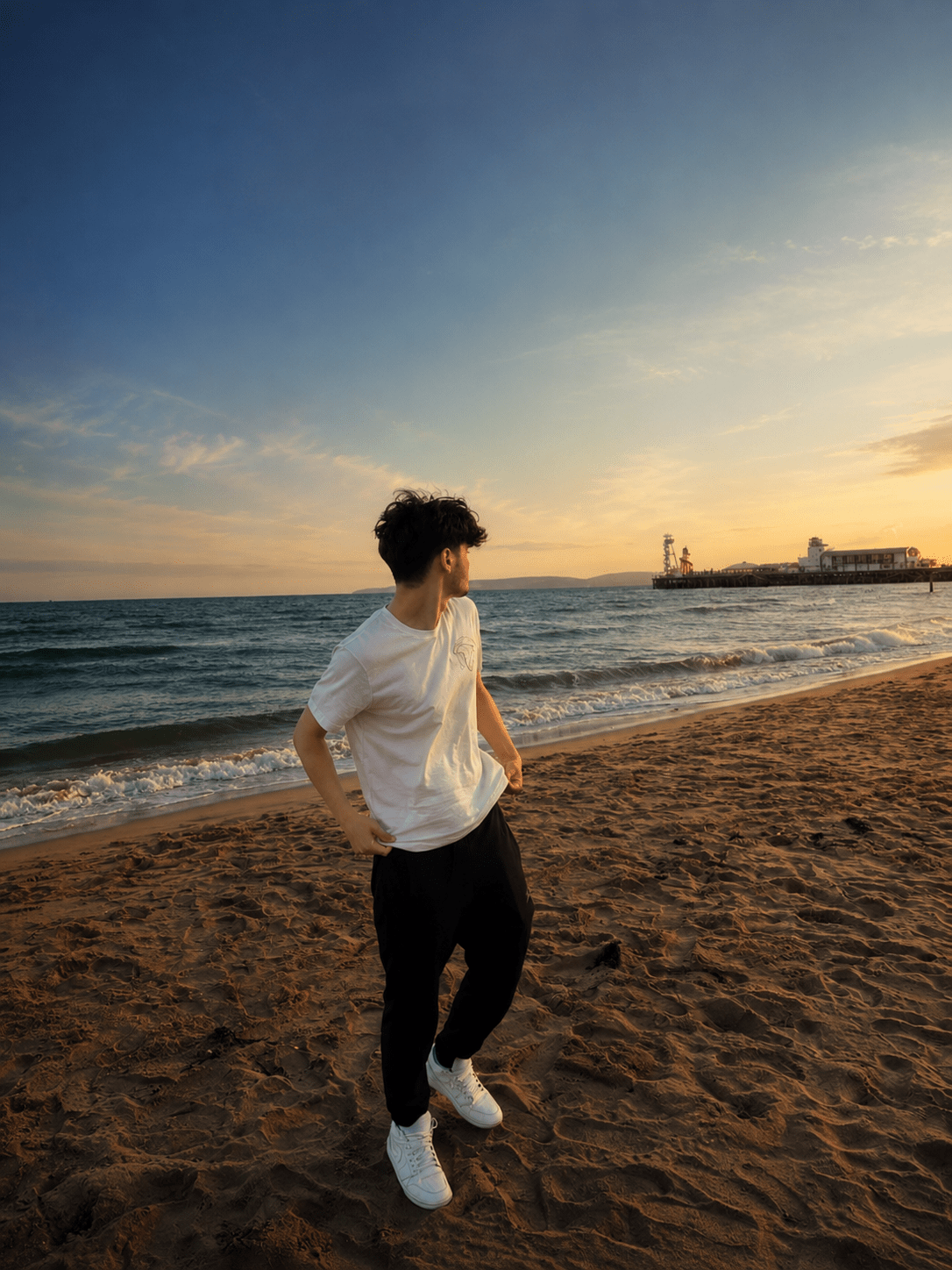
Place this person in the second photo in a realistic manner and adjust them to match the second photo; do not change anything else. Keep the background exactly as it is-do not alter it at all-and do not change the face. Enhance the image to 8K quality and set the aspect ratio to 3:4. And Backgroud ke accoding person size adjust
Create a cinematic 4K, highly detailed, photorealistic video by transferring the EXACT dance movements, body motion, performance, timing, expressions, and camera movements from the REFERENCE VIDEO onto the person shown in the TARGET IMAGE. Completely replace the original main dancer with the person from the TARGET IMAGE. Preserve the target person's exact facial identity, facial features, skin ton
Transform the uploaded mirror selfie into a luxury LED Mirror portrait. Replace the existing mitor frame with an elegant irregular organic shape mirror 1,832 featuring a soft warm golden LED Backlight glow around entire edge .keep the subject same
Create a **10-second photorealistic image-to-video recreation of the uploaded reference video**. ### REFERENCE PRIORITY — CRITICAL Use the uploaded references as follows: **REFERENCE IMAGE 1 — MY PHOTO** Use this as the ONLY identity reference for the main person. Preserve my exact face, facial proportions, eyes, eyebrows, nose, lips, jawline, skin tone, hairstyle and overall identity throughout t
Video-to-video character replacement. Keep @Video 1 exactly the same: same handheld iPhone camera movement and shake, same framing, timing, red backstage lighting, background, crowd, bodyguards, and the fan in the foreground holding the phone and the big DSLR lens. Do not change anyone else. Replace only the main man in the center (the one who walks in, talks to the fan and laughs) with the person
MASTER PROMPT — Ultra-Realistic Bridal Nail Art Car Selfie (9:16) Use the uploaded selfie as the STRICT FACIAL IDENTITY REFERENCE. Preserve the person's exact facial features, natural skin tone, eyes, nose, lips, face shape, age, and realistic skin texture. Do not beautify, reshape, or alter the facial identity. REFERENCE COMPOSITION: Create an ultra-realistic golden-hour photograph of a beautiful
Use the reference video as the exact blueprint. Recreate the SAME actions, hand movements, facial expressions, camera movement, timing, framing and transition — do not invent or change anything. Start with the first reference image as the opening look, then transition into the second reference image at the EXACT same moment and using the EXACT same transition style as the reference video. In the s