How to Create Ghibli-Style Images in ChatGPT: A Super Easy Guide
By Prompt Scene ·
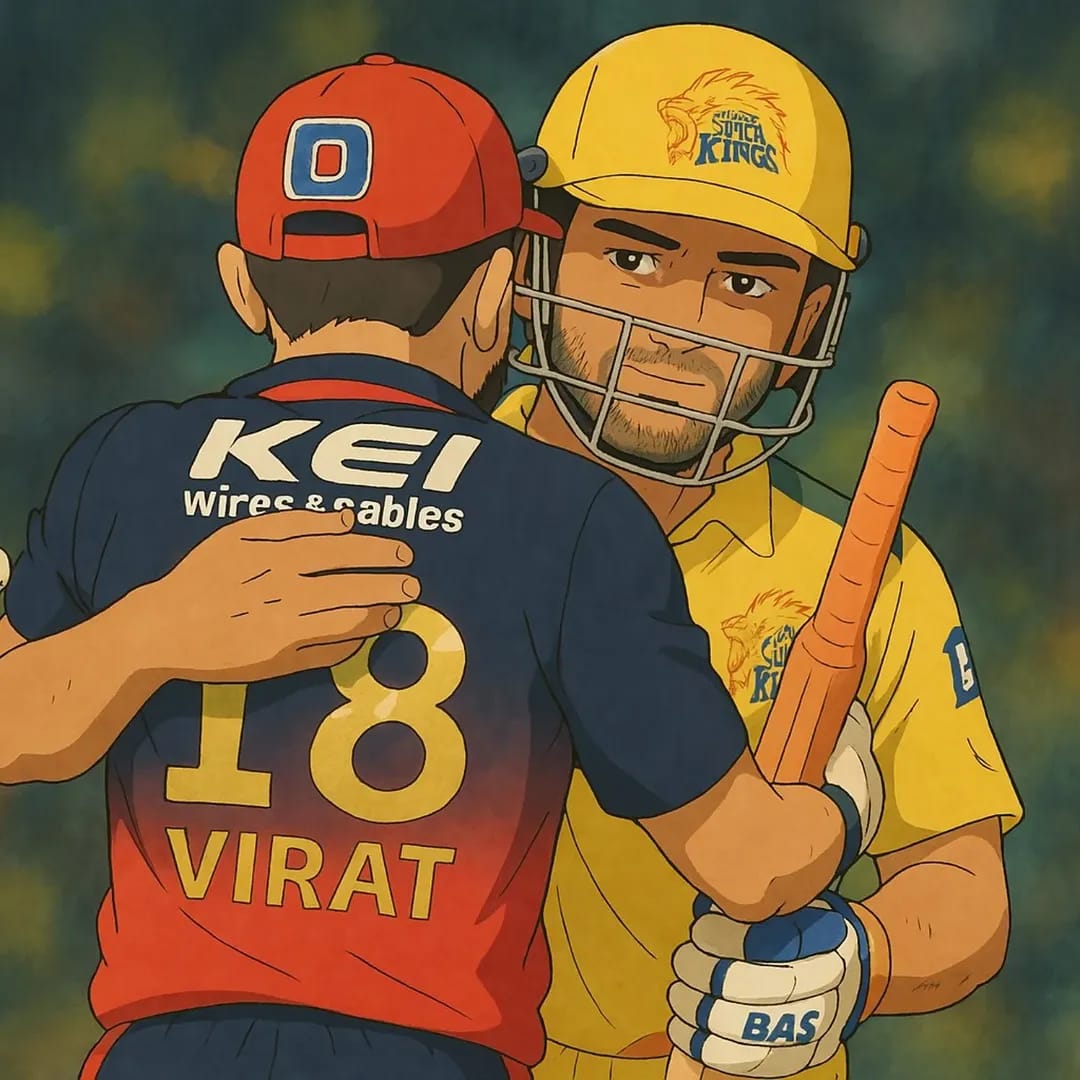
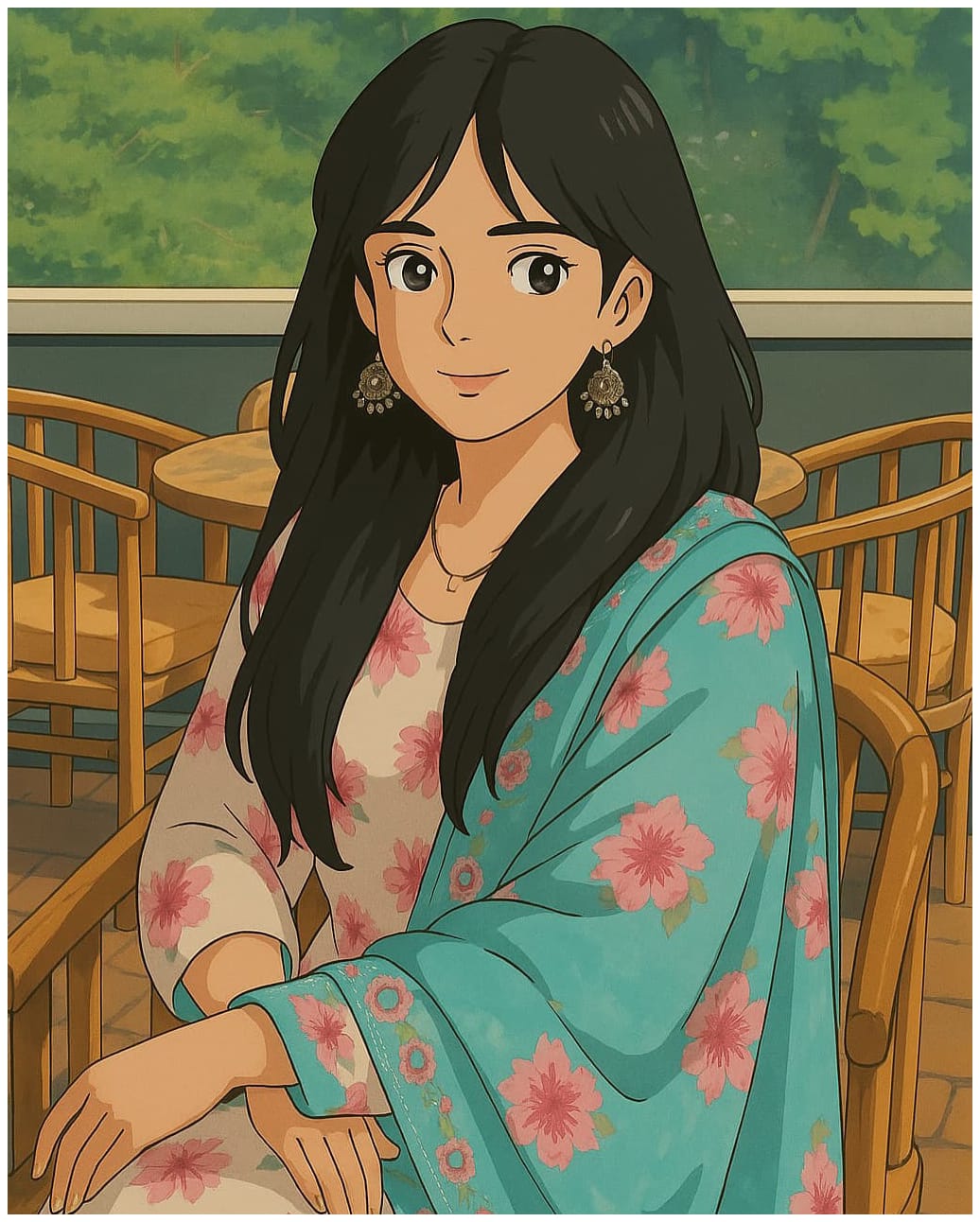
Hey there! Want to turn your photos into magical Ghibli-style artwork? You know, like those dreamy scenes from Spirited Away or My Neighbor Totoro?
Good news—you can do it with ChatGPT, and it’s easier than you think! I’m here to walk you through every step. No fancy skills needed, just a little creativity.
First things first—what’s this Ghibli vibe all about? Studio Ghibli makes amazing animated movies. Think soft colors, pretty forests, and a sprinkle of wonder. Their art feels warm and alive. Now, with ChatGPT, we can copy that style for free. It’s so much fun! Ready to try?
Why ChatGPT?
ChatGPT isn’t just for chatting anymore. It’s got a cool new trick—making images! With its GPT-4o update, you can create or tweak pictures right in the app. It’s simple, fast, and free to start. That’s why it’s perfect for making Ghibli-style images. Plus, you can do it all online. No downloads needed!
Steps To Create Ghibli-Style Images in ChatGPT
Let’s get to the good stuff. Here’s how to make your own Ghibli-style images. I’ll keep it super clear and easy.
Step 1: Open ChatGPT
Grab your phone or laptop. Anything with internet works.
Make sure you’re using GPT-4o. Check the little menu at the top. That’s the one that does images!
Step 2: Pick Something to Work With
Got a photo? Awesome! Use a selfie, your pet, or even a tree outside.
No photo? No problem. You can describe something instead—like “a cute fox in a forest.”
Clear pictures are best. Blurry ones don’t work as well.
Step 3: Write a Simple Prompt
A prompt is just what you tell ChatGPT to do. It’s like giving it directions.
For a photo, try this: “Turn this picture into a Ghibli-style image with soft colors and a pretty forest.”
For a new idea, say: “Make a Ghibli-style scene of a girl by a lake with flowers and a breeze.”
Add words like “dreamy,” “gentle,” or “magical” to get that Ghibli feel.
Step 4: Add Your Photo (If You Have One)
See the paperclip button? Click it.
Upload your photo. Easy peasy.
Type your prompt right after. ChatGPT will mix them together.
Heads-up: Sometimes it won’t change real people’s faces. That’s a safety thing. Try a different photo if it says no.
Step 5: Hit Go and Watch the Magic
Press “Enter” after your prompt. Now wait a sec.
ChatGPT takes like 10-30 seconds to make your image.
Boom! There’s your Ghibli-style art. Free users get a few tries a day, so make them count.
Step 6: Fix It Up (If You Want)
Love it? Great! Not quite right? Tell ChatGPT what to change.
Say stuff like “Add more trees” or “Make it brighter.” Then hit “Enter” again.
Keep playing until it’s perfect.
Step 7: Save Your Masterpiece
On a computer, right-click the image. Pick “Save Image As.”
On a phone, hold the picture and tap “Save.”
Done! Now you’ve got a Ghibli-style image to show off.
Extra Tips for Awesome Results
Be clear in your prompt. More details = better pictures.
Try fun ideas! Like “my cat flying with balloons, Ghibli-style.”
Don’t overthink it. Simple prompts work too.
Check out our Prompt Ideas on Prompt Scene.com for more inspo!
Why This Is So Cool in 2025
This Ghibli trend is huge right now. Why? ChatGPT’s new image powers dropped in March 2025, and everyone’s loving it. Plus, Studio Ghibli’s 40th birthday is making people extra excited. It’s the perfect time to jump in!
A Little Heads-Up
Some folks say AI art isn’t as special as Ghibli’s real stuff. Hayao Miyazaki, the Ghibli genius, isn’t a fan—he loves the human touch. I get that. But I think this is just a fun way to play with their style. It’s not about replacing anything. It’s about creating something new!
Show Off Your Ghibli Art
Made something cool? Share it with me! Post it on X with #GhibliStyle and tag @Prompt Scene. I’d love to see what you come up with. Maybe I’ll even feature it here on Prompt Scene.com!
Wrap-Up: Start Creating Today!
That’s it—you’re ready to make Ghibli-style images in ChatGPT. It’s free, it’s easy, and it’s super fun. Grab a photo or an idea, head to ChatGPT, and let’s get started. Want more tips? Check out our AI Art Guides or Prompt Library right here on the site.
What’s your first Ghibli idea? Tell me in the comments below—I can’t wait to hear!
Transform the uploaded photograph into a premium minimalist editorial collage inspired by luxury travel magazines, contemporary fashion editorials, and artistic outdoor photography FORMAT & COMPOSITION: Create a strict 3:4 vertical canvas. Use a warm ivory/off-white background with subtle paper texture and generous negative space Place a large, clean-edged vertical rectangular crop of the original
Place this person in the second photo in a realistic manner and adjust them to match the second photo; do not change anything else. Keep the background exactly as it is-do not alter it at all-and do not change the face. Enhance the image to 8K quality and set the aspect ratio to 3:4. And Backgroud ke accoding person size adjust
Create a cinematic 4K, highly detailed, photorealistic video by transferring the EXACT dance movements, body motion, performance, timing, expressions, and camera movements from the REFERENCE VIDEO onto the person shown in the TARGET IMAGE. Completely replace the original main dancer with the person from the TARGET IMAGE. Preserve the target person's exact facial identity, facial features, skin ton
Transform the uploaded mirror selfie into a luxury LED Mirror portrait. Replace the existing mitor frame with an elegant irregular organic shape mirror 1,832 featuring a soft warm golden LED Backlight glow around entire edge .keep the subject same
Create a **10-second photorealistic image-to-video recreation of the uploaded reference video**. ### REFERENCE PRIORITY — CRITICAL Use the uploaded references as follows: **REFERENCE IMAGE 1 — MY PHOTO** Use this as the ONLY identity reference for the main person. Preserve my exact face, facial proportions, eyes, eyebrows, nose, lips, jawline, skin tone, hairstyle and overall identity throughout t
Video-to-video character replacement. Keep @Video 1 exactly the same: same handheld iPhone camera movement and shake, same framing, timing, red backstage lighting, background, crowd, bodyguards, and the fan in the foreground holding the phone and the big DSLR lens. Do not change anyone else. Replace only the main man in the center (the one who walks in, talks to the fan and laughs) with the person
MASTER PROMPT — Ultra-Realistic Bridal Nail Art Car Selfie (9:16) Use the uploaded selfie as the STRICT FACIAL IDENTITY REFERENCE. Preserve the person's exact facial features, natural skin tone, eyes, nose, lips, face shape, age, and realistic skin texture. Do not beautify, reshape, or alter the facial identity. REFERENCE COMPOSITION: Create an ultra-realistic golden-hour photograph of a beautiful
Use the reference video as the exact blueprint. Recreate the SAME actions, hand movements, facial expressions, camera movement, timing, framing and transition — do not invent or change anything. Start with the first reference image as the opening look, then transition into the second reference image at the EXACT same moment and using the EXACT same transition style as the reference video. In the s