Hanuman Jayanti is a special occasion for devotees of Lord Hanuman. If you want to create a unique, personalized AIenerated photo for this festival, you’re in the right place.
With AI tools, you can design stunning images featuring yourself or your name alongside Lord Hanuman—no editing skills required!
How to Create Hanuman Jayanti AI Photos?
Using AI-powered platforms like Bing Image Creator (powered by DALL·E), you can generate custom Hanuman Jayanti images in minutes. Follow these simple steps:
Copy one of these ready-to-use prompts and replace the name with yours:
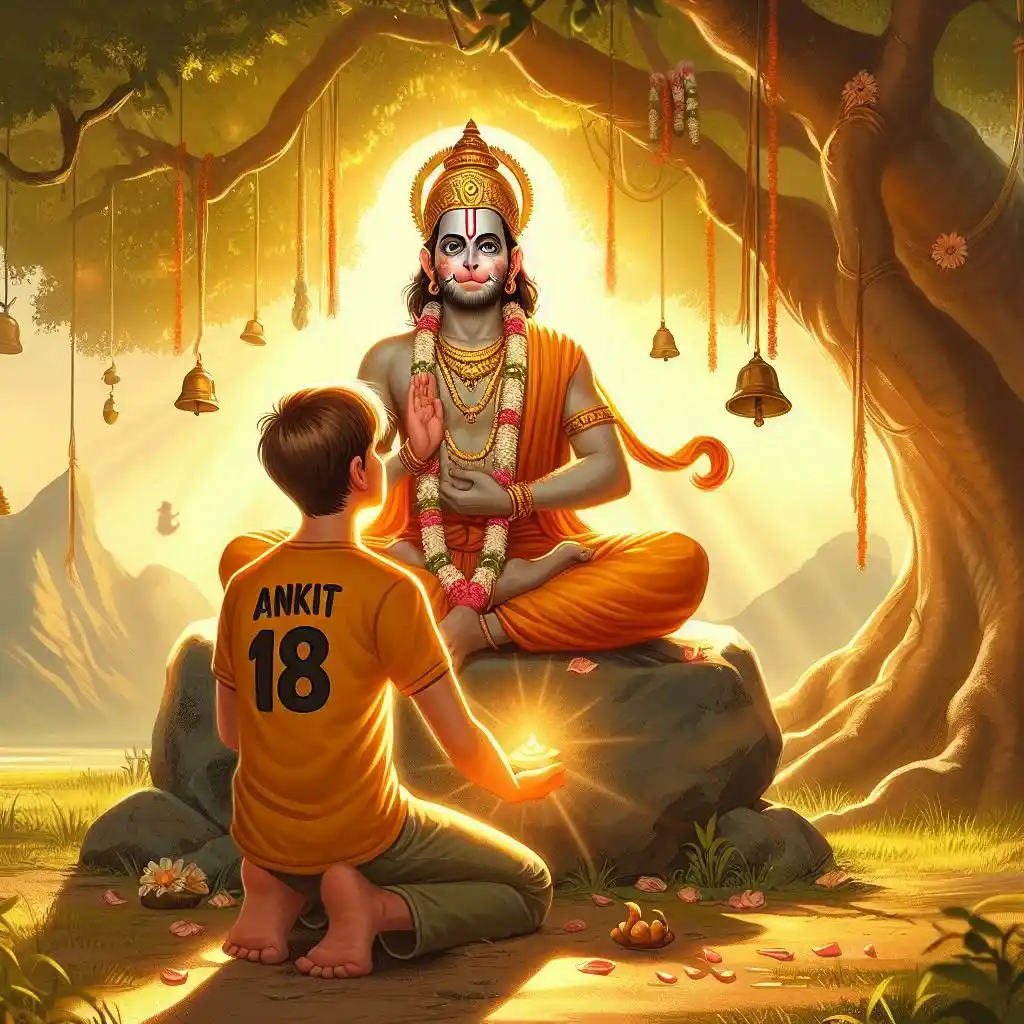
Lord Hanuman meditating on a stone under a banyan tree. An 18-year-old boy kneels, wearing a saffron T-shirt with his name ‘Raj’ clearly printed on the front. He offers flowers and lights a diya. Hanuman ji blesses him as divine light glows. ‘Happy Hanuman Jayanti’ appears in golden Sanskrit font in the scenic background with bells and soft sunlight.
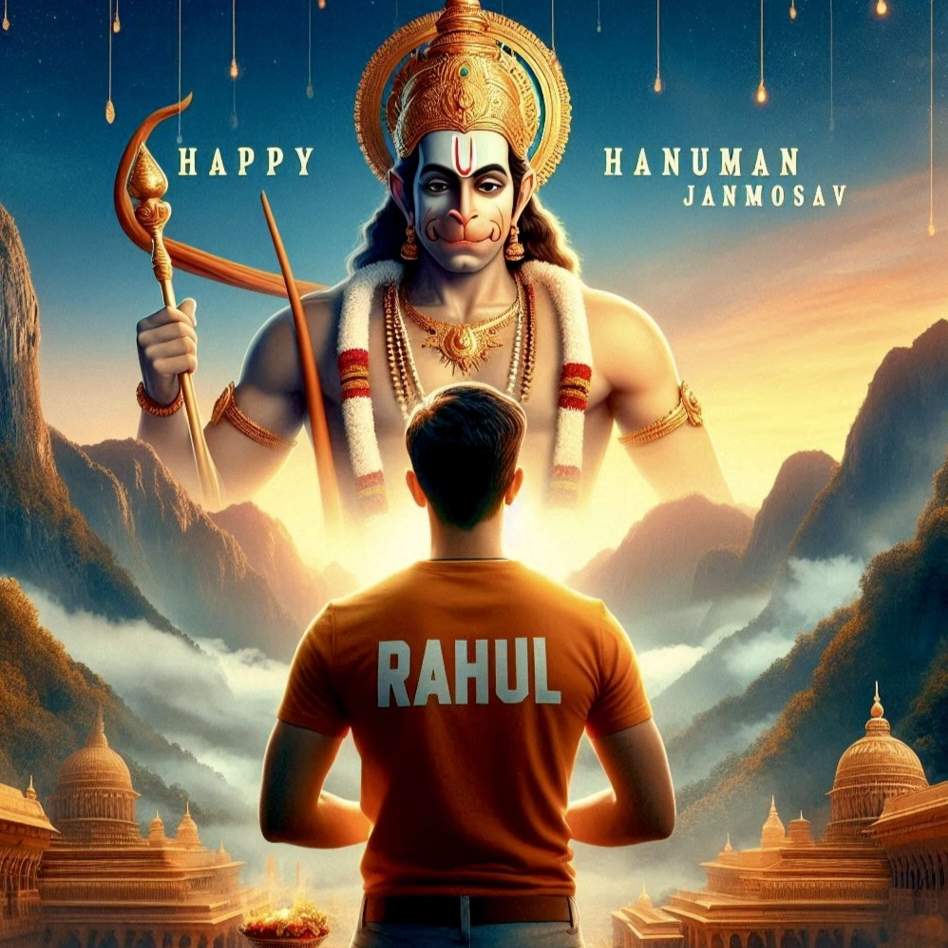
A majestic image of Lord Hanuman stands tall against a backdrop of serenemountains and a colorful sunrise. In the foreground, an 18-year-old boy clad in a saffron T-shirt, emblazoned with the name "RAHUL" in bold white letters, performs a reverent pooja in front of the divine figure. The words "Happy Hanuman Janmotsav" adorn the sky, adding to the etherealambiance of the scene.
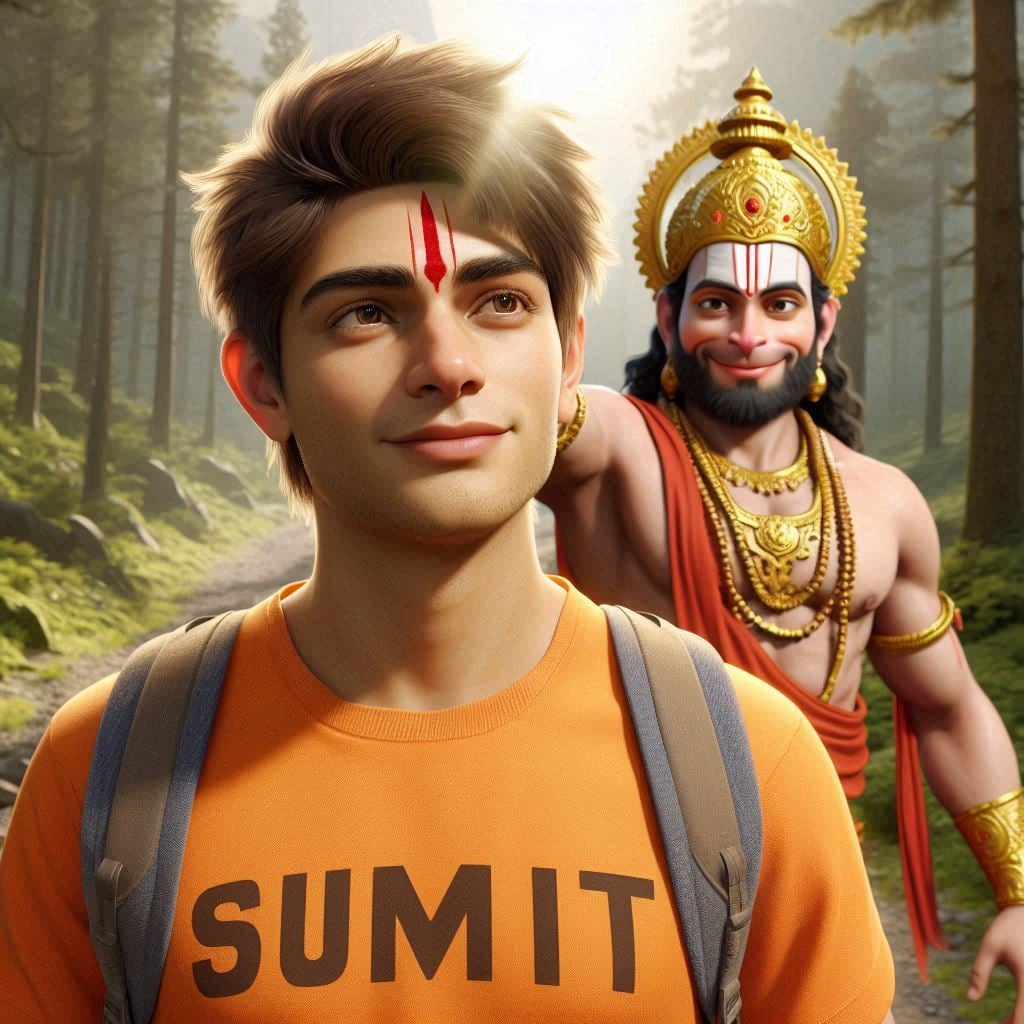
A realistic 20-year-old young boy, wearing a saffron T-shirt with ‘SUMIT’ clearly printed in bold, walks on a mountain trail. Lord Hanuman appears behind him, smiling and placing his hand on Ashok’s head. A red tilak shines on Ashok’s forehead. Sunlight reflects through the forest, and ‘Happy Hanuman Janmotsav’ is clearly visible in golden letters in the sky.
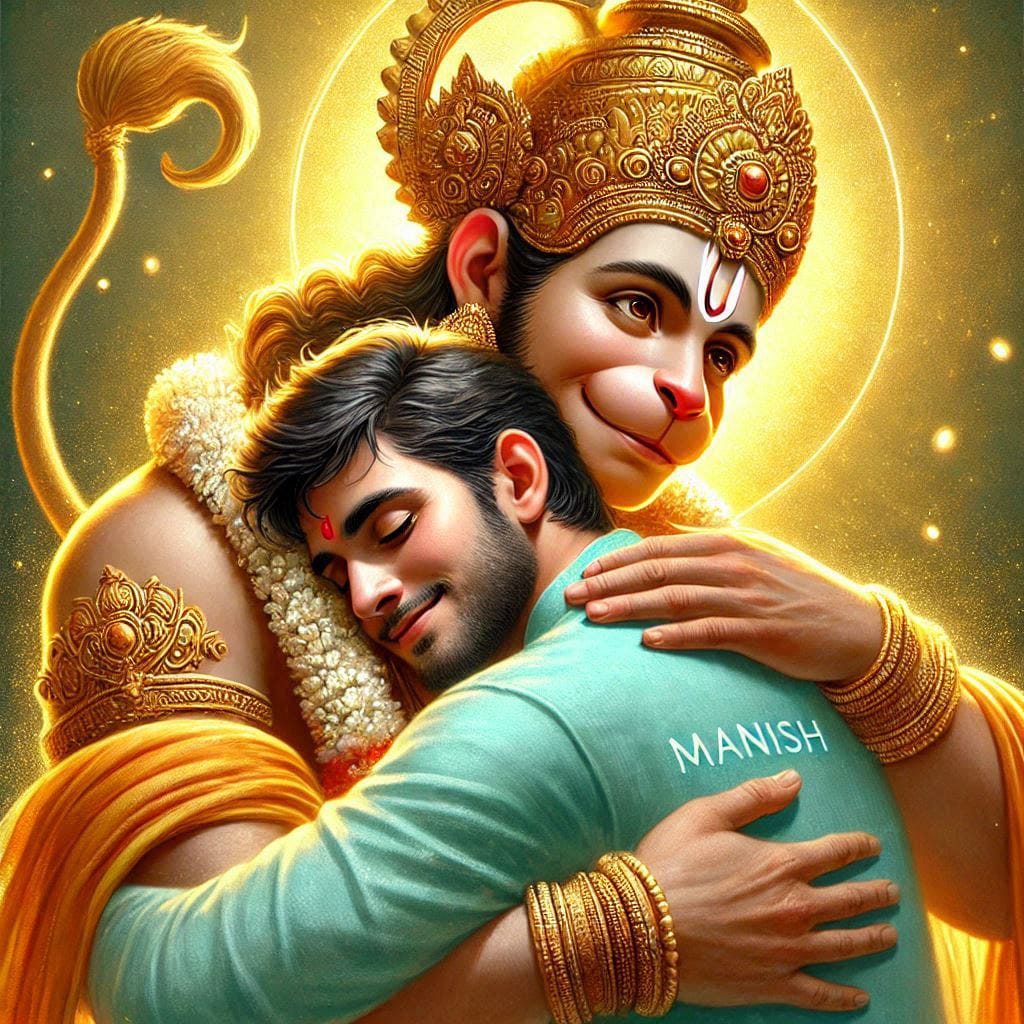
"A divine and emotional artwork depicting Lord Hanuman embracing a young man with affection and blessings. Lord Hanuman is portrayed with a radiant golden crown, traditional ornaments, and a glowing aura, symbolizing divinity. His expression is compassionate and serene. The young man, wearing a light teal kurta with the name 'MANISH' written on it, leans into the embrace with a peaceful smile, conveying gratitude and faith. The background features a warm, golden sunset
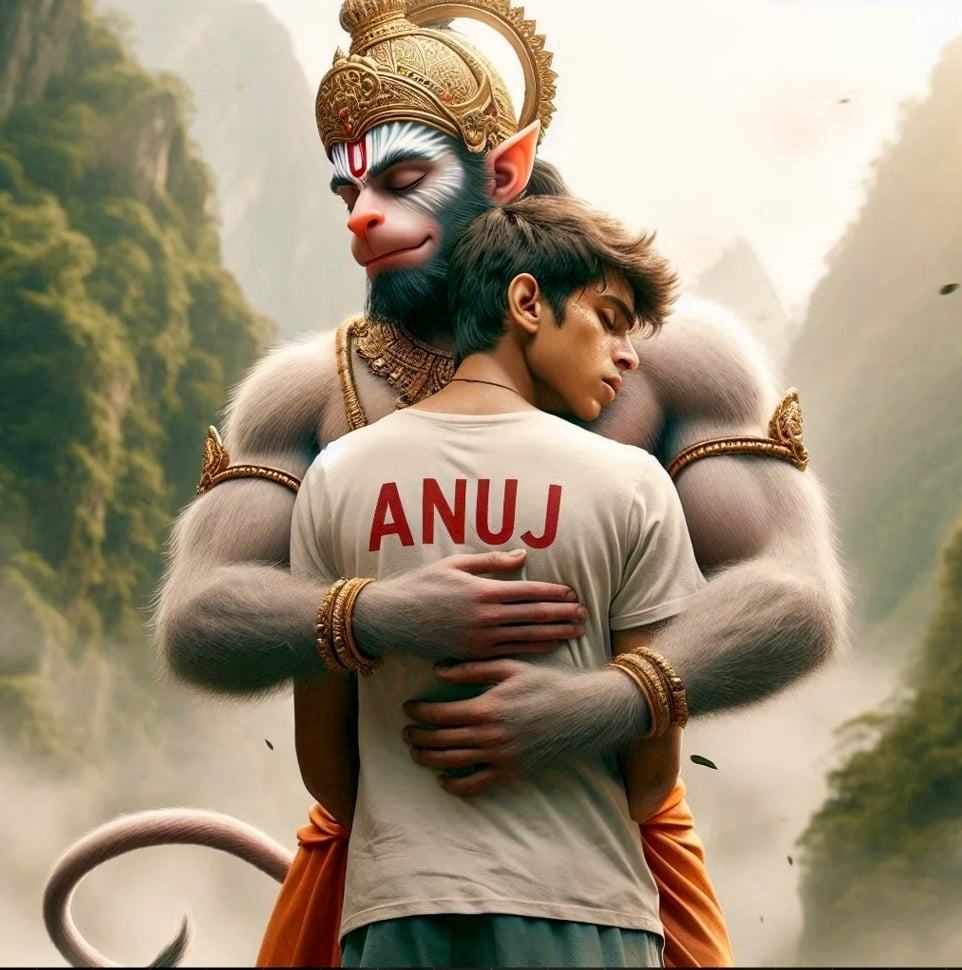
breathtaking image depicts Lord Hanuman and an 18-year-old teenage boy embracing each other warmly as they walk together. The boy wears a white T-shirt, with his name "Anuj" boldly written on top, while both figures display deep emotional expressions. The background showcases majestic mountains and lush trees,creating a serene and hyper-realistic environment. The image is rendered in ultra-clear, hyper-realistic detail, suitable for 4K resolution.
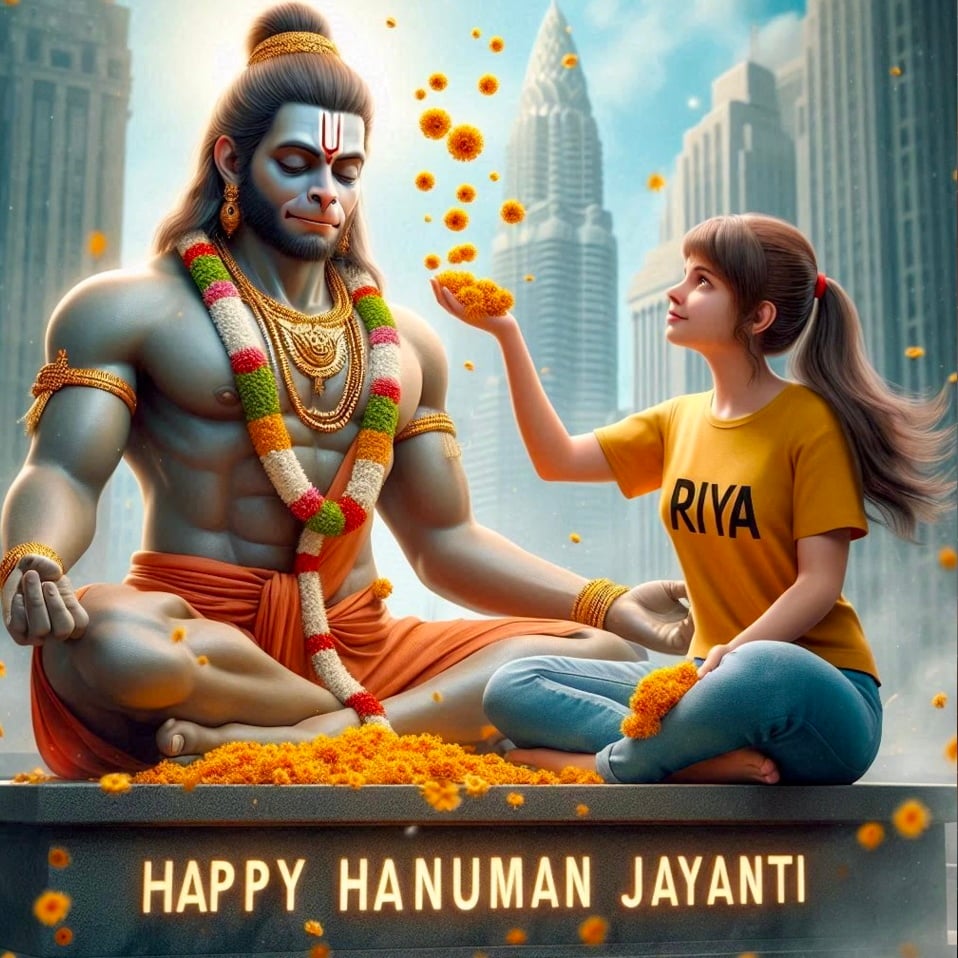
Create a Realistic Picture of LORD HANUMAN is depicted in meditation. Sitting on a Stone. A Realistic 20 year old girl with yallow Tshirt sprinkles flowers to HANUMAN and performs pooja. "Riya" is written in the Girl Tshirt. The Background features "Happy Hanuman Jayanti" in back wall Light. Background City. HD
Click “Create” and wait for AI to generate 4 image options.
Select your favorite and download it.
Why Use AI for Hanuman Jayanti Photos?
✅ No Editing Skills Needed – AI does all the work. ✅ 100% Unique Images – No copyright issues. ✅ Personalized with Your Name – Stand out on social media. ✅ Fast & Free – Create in seconds without cost.
Pro Tips for Better Results
Use clear, descriptive prompts for best quality.
Experiment with different backgrounds (temples, mountains, forests).
Try varying poses (meditating, praying, holding a diya).
Final Thoughts
Creating a custom Hanuman Jayanti AI photo is now easier than ever. Whether for WhatsApp DP, Facebook, or Instagram, these AI-generated images will make your celebration special. Try it today and share your devotion in a unique way!
Q: Is Bing Image Creator free? A: Yes, completely free with a Microsoft account.
Q: Can I edit the AI-generated photo later? A: Yes, use tools like Canva or Photoshop for further tweaks.
Q: How do I get the best quality images? A: Use detailed prompts and high-resolution AI tools like Leonardo.AI for premium results.
Liked this guide? Share it with friends & family! 🙏
This version is concise, user-friendly, and SEO-optimized while keeping it unique and valuable compared to competitors. Let me know if you’d like any refinements! 🚀
Transform the uploaded photograph into a premium minimalist editorial collage inspired by luxury travel magazines, contemporary fashion editorials, and artistic outdoor photography FORMAT & COMPOSITION: Create a strict 3:4 vertical canvas. Use a warm ivory/off-white background with subtle paper texture and generous negative space Place a large, clean-edged vertical rectangular crop of the original
Place this person in the second photo in a realistic manner and adjust them to match the second photo; do not change anything else. Keep the background exactly as it is-do not alter it at all-and do not change the face. Enhance the image to 8K quality and set the aspect ratio to 3:4. And Backgroud ke accoding person size adjust
Create a cinematic 4K, highly detailed, photorealistic video by transferring the EXACT dance movements, body motion, performance, timing, expressions, and camera movements from the REFERENCE VIDEO onto the person shown in the TARGET IMAGE. Completely replace the original main dancer with the person from the TARGET IMAGE. Preserve the target person's exact facial identity, facial features, skin ton
Transform the uploaded mirror selfie into a luxury LED Mirror portrait. Replace the existing mitor frame with an elegant irregular organic shape mirror 1,832 featuring a soft warm golden LED Backlight glow around entire edge .keep the subject same
Create a **10-second photorealistic image-to-video recreation of the uploaded reference video**. ### REFERENCE PRIORITY — CRITICAL Use the uploaded references as follows: **REFERENCE IMAGE 1 — MY PHOTO** Use this as the ONLY identity reference for the main person. Preserve my exact face, facial proportions, eyes, eyebrows, nose, lips, jawline, skin tone, hairstyle and overall identity throughout t
Video-to-video character replacement. Keep @Video 1 exactly the same: same handheld iPhone camera movement and shake, same framing, timing, red backstage lighting, background, crowd, bodyguards, and the fan in the foreground holding the phone and the big DSLR lens. Do not change anyone else. Replace only the main man in the center (the one who walks in, talks to the fan and laughs) with the person
MASTER PROMPT — Ultra-Realistic Bridal Nail Art Car Selfie (9:16) Use the uploaded selfie as the STRICT FACIAL IDENTITY REFERENCE. Preserve the person's exact facial features, natural skin tone, eyes, nose, lips, face shape, age, and realistic skin texture. Do not beautify, reshape, or alter the facial identity. REFERENCE COMPOSITION: Create an ultra-realistic golden-hour photograph of a beautiful
Use the reference video as the exact blueprint. Recreate the SAME actions, hand movements, facial expressions, camera movement, timing, framing and transition — do not invent or change anything. Start with the first reference image as the opening look, then transition into the second reference image at the EXACT same moment and using the EXACT same transition style as the reference video. In the s