Prompt Scene

Cinematic Journey Golden Hour Ultra-Realistic 8K Gemini Ai Prompt

By Prompt Scene ·

This prompt generates a short cinematic video of a young man walking and posing near a grand white Gothic cathedral during golden hour. The video moves through seven scenes, from a silhouette shot to a close-up, all using the same character, outfit, and location so the video feels like one continuous story instead of random clips stitched together.

"A cinematic ultra-realistic 8K video of a young man with short dark hair and light beard, wearing a black half-sleeve shirt and white trousers with white sneakers, at a grand white Gothic cathedral with tall spires and a clock tower, golden-hour to bright daylight lighting.
Scene 1: Silhouette shot — he walks toward the cathedral across a wide green lawn, warm golden sunlight flaring behind the building, dramatic backlit silhouette, cinematic wide shot.
Scene 2: Wide shot — he stands on the lawn facing the cathedral with arms spread wide open, warm sunlight streaming through tree branches above, blue sky with soft clouds, joyful expansive pose.
Scene 3: Low-angle close-up — he tilts his head back with eyes closed, hand behind his neck, the cathedral's clock tower rising dramatically behind him, soft warm light on his face, peaceful confident expression.
Scene 4: Wide golden-hour shot — he walks across a sunlit green and golden field with the illuminated cathedral in the background, warm glowing light, cinematic lens flare.
Scene 5: Wide shot — he walks along a paved pathway beside neatly trimmed green hedges in front of the cathedral, cool teal-toned daylight, candid natural walking motion.
Scene 6: Medium shot — he walks confidently across the lawn with the full cathedral facade and clock tower behind him, bright blue sky, crisp cinematic teal-and-gold color grade.
Scene 7: Final shot — he stands on the lawn adjusting his sleeve, cathedral and scaffolding softly visible behind him, natural candid moment, warm afternoon light, cinematic close-to-medium framing.
Overall style: same face, same body, same black shirt and white pants outfit consistent in every scene, no identity change, realistic skin and fabric texture, same white Gothic cathedral location throughout, warm golden-teal cinematic color grading, natural sunlight and lens flares, filmic contrast, smooth cinematic transitions, ultra-realistic 8K quality, continuous story flow from start to end, no scene skipped."

The result is a warm, teal-and-gold color graded video with soft lens flares, gentle camera movement, and a natural, candid feel. It looks like footage from a travel film or a fashion reel, not a typical AI-generated clip.

Why This Prompt Works So Well

Most AI video prompts fail because they change the character’s face, clothes, or the background between scenes. This prompt fixes that by repeating the same details in every scene: same face, same body, same black shirt and white pants, same cathedral. This consistency is what makes the final video look realistic instead of glitchy.
The prompt also uses real filmmaking language like silhouette shot, low-angle close-up, and lens flare. Gemini responds well to these terms because they match how actual cinematographers describe shots.

How to Use This Prompt

  1. Copy the full prompt given above.
  2. Paste it into Gemini or Veo’s video generation tool.
  3. Let the AI generate all seven scenes in one go.
  4. If any scene breaks consistency, regenerate just that scene using the same character description.

Tips to Customize This Prompt

  • Change the outfit color if you want a different mood, but keep the same outfit across all scenes.
  • Swap the cathedral for another landmark, but keep the lighting and lens flare instructions unchanged.
  • Reduce the scene count to 3 or 4 if you only need a short reel instead of a full video.

Frequently Asked Questions

Which AI tool works best for this prompt? This prompt is written for Gemini’s video generation models, especially Veo, since it understands detailed cinematic instructions well.

Can I use a female character instead? Yes. Just replace the character description with a female character and keep the rest of the prompt the same.

Why does my output look different in each scene? This usually happens when the AI loses track of character details over long prompts. Keep the character description short, clear, and repeated in every scene.

Is this prompt free to use? Yes, you can copy and use this prompt for personal or commercial video projects.

Related prompts

Trending Car Roof Backflip AI Video Editing Prompt
Video Prompts
16k 4.2k
3 weeks ago

Trending Car Roof Backflip AI Video Editing Prompt


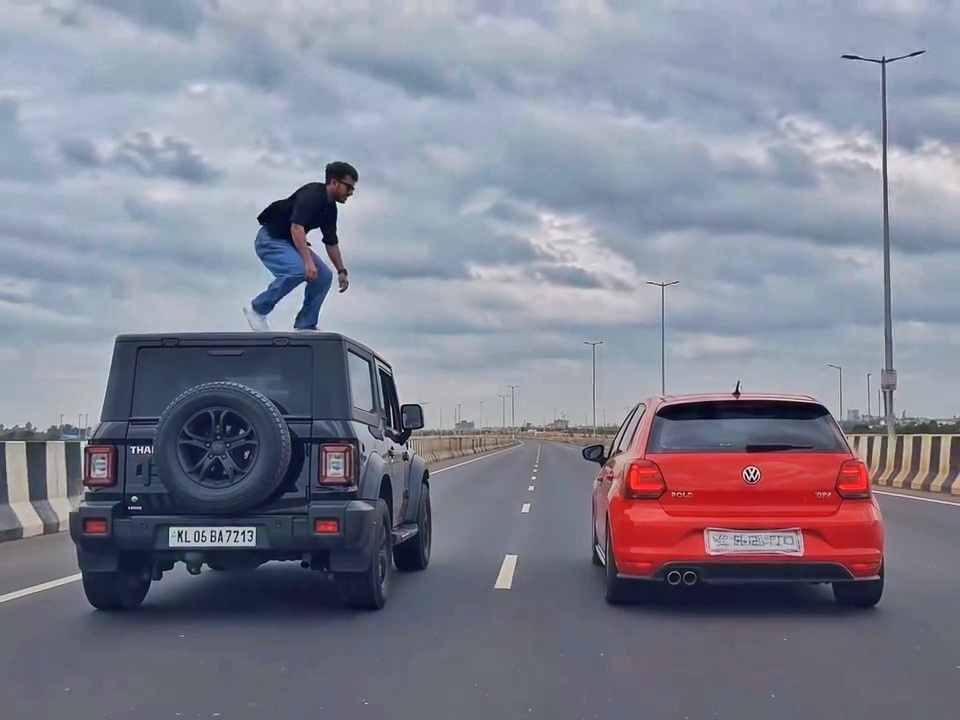
A rear-view, wide-angle cinematic shot on a wide highway under an overcast sky. A black SUV driving on the left lane and a red hatchback driving parallel on the right lane at medium speed. A young man emerges from the roof of the black SUV, stands up, and performs a dramatic acrobatic backflip through the air across the gap between the vehicles, successfully landing on top of the roof of the red h
Zombie to Love Story Memory AI Video Editing Prompt
Video Prompts
48k 6.1k
3 weeks ago

Zombie to Love Story Memory AI Video Editing Prompt


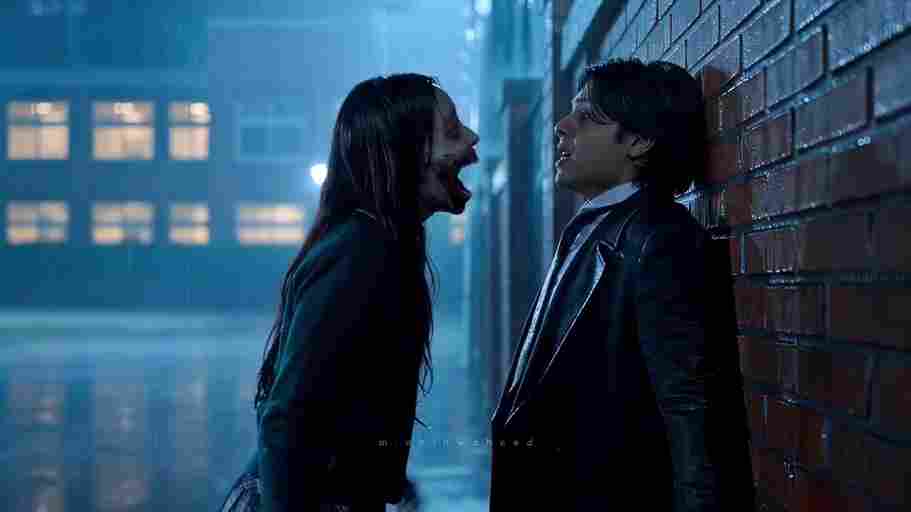
Create a 10-second photorealistic cinematic video using the 2 uploaded reference images. Reference Image 1 = MAN and Reference Image 2 = WOMAN. Preserve both faces, identities, facial features, and hair exactly from the references. Create a scene inside an abandoned snow-covered mountain cabin. The man wears a beige beanie and petrol-blue winter parka and is crying while aiming a handgun at the wo
Celebrity Funny Dance AI Video Editing Prompt 2026
Video Prompts
30k 11k
3 weeks ago

Celebrity Funny Dance AI Video Editing Prompt 2026


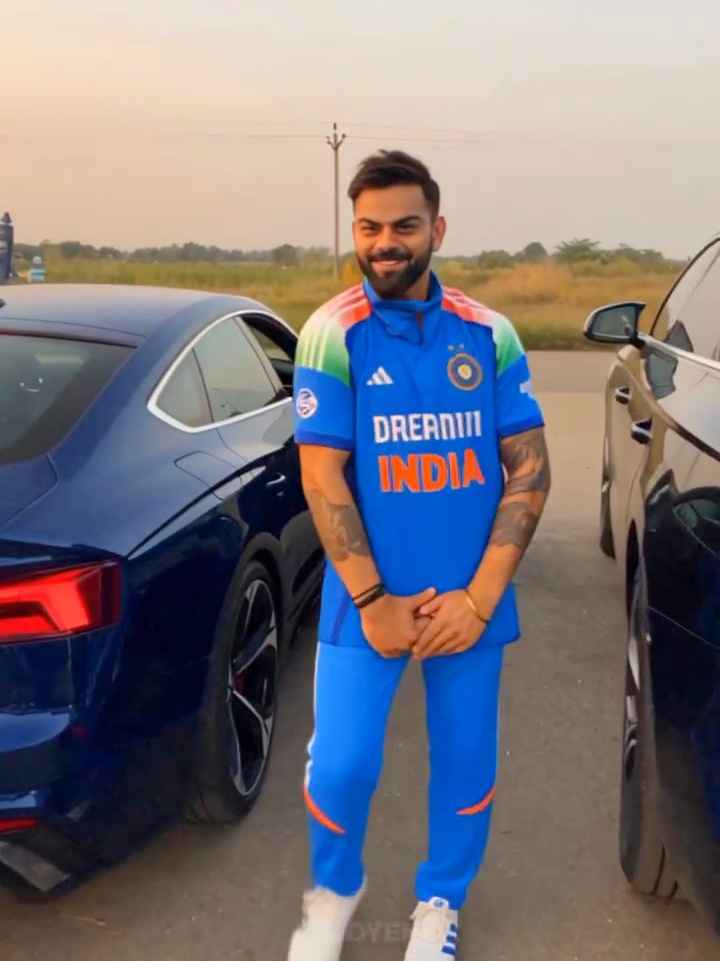
Use the uploaded reference video as the PRIMARY visual and motion reference. Recreate the video as closely as possible to the reference video, matching its exact shot structure, timing, pacing, camera movement, framing, subject movement, gestures, facial expressions, environment, lighting, transitions, motion blur and overall cinematic style. Do not reinterpret the sequence or create a different c
Trending Flying Fairy AI Video Editing Prompt
Video Prompts
10.0k 4.0k
3 weeks ago

Trending Flying Fairy AI Video Editing Prompt


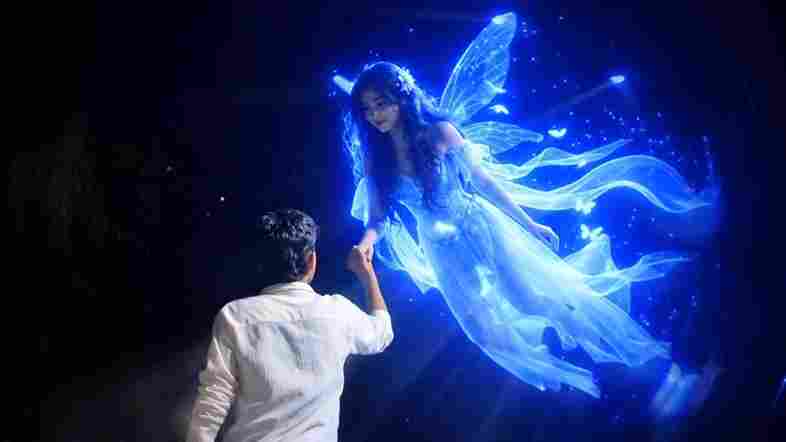
Cinematic ultra-realistic 16:9 video, 4K quality, real natural textures, rich built-in color grading, no scene cuts, continuous flow. Shots 1-3 are bright sunny daylight; during the 2-second pause in Shot 4 the sky slowly turns into a magical starry night. From Shot 5 onward everything moves in graceful SLOW MOTION. IDENTITY LOCK: the main person must be exactly the person in the uploaded referenc
Couple Love Story AI Video Editing Prompt
Video Prompts
53k 2.4k
3 weeks ago

Couple Love Story AI Video Editing Prompt


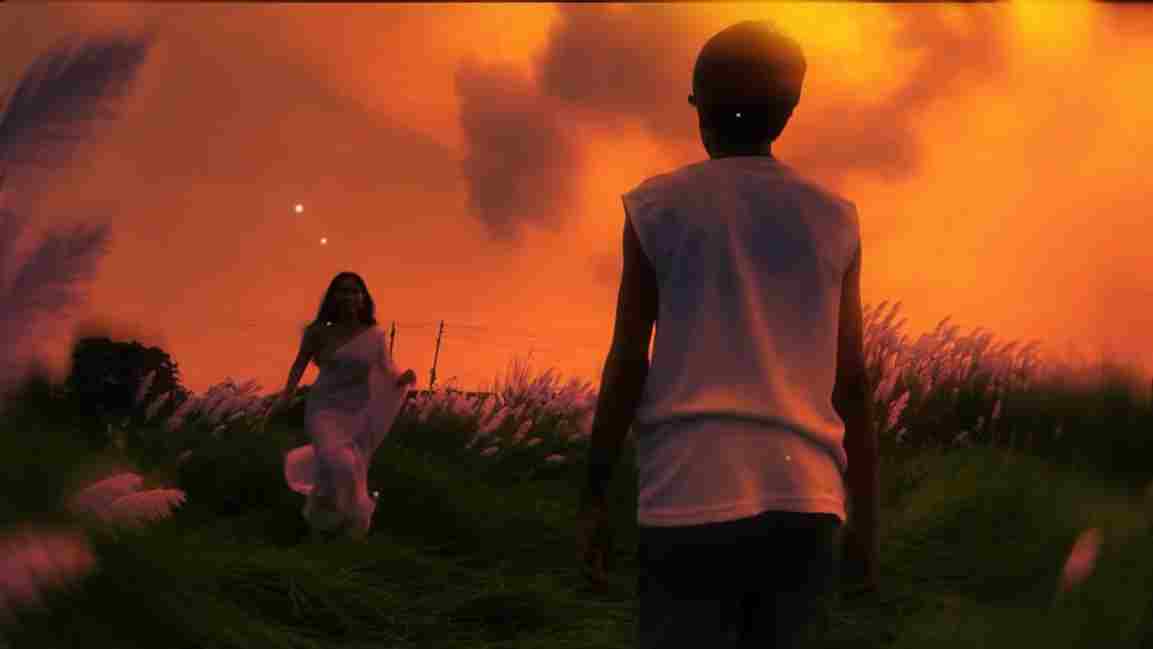
Use the uploaded photo as the exact base and preserve everything already present without any changes, including my face, facial features, hair, body shape, clothes, pose, skin tone, objects, background, lighting, colors, camera angle, perspective, depth, and composition. Add only one realistic adult Indian woman wearing a simple, elegant saree, naturally running toward me from the front. Match her
Trending Maa Durga AI Video Editing Prompt 2026
Video Prompts
53k 6.5k
4 weeks ago

Trending Maa Durga AI Video Editing Prompt 2026


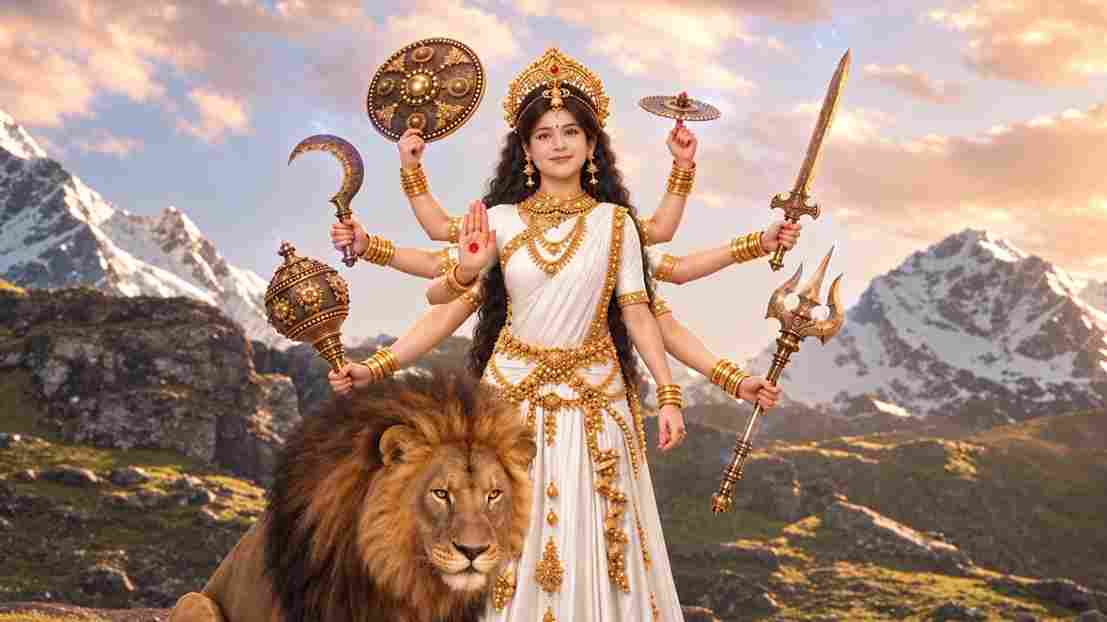
A hyper-realistic, cinematic 8k portrait of a serene Indian goddess sitting on a mossy granite cliff ledge in the Himalayas, framed by snow-capped mountain peaks and a distant cascading waterfall in the mist. She is dressed in an opulent white silk saree featuring intricate gold zari borders and a matching fitted crop blouse with crossed gold body chains. She wears heavy royal temple jewelry: an e
Trending Ganpati Bappa AI Video Editing Prompt
Video Prompts
30k 3.9k
1 month ago

Trending Ganpati Bappa AI Video Editing Prompt


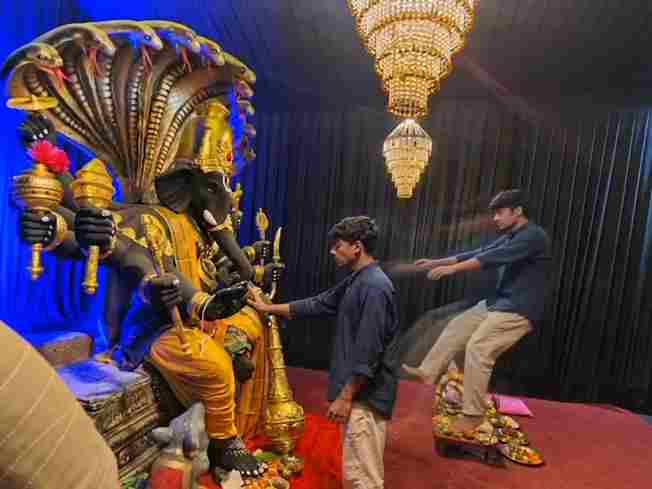
Create a near-square devotional VFX fantasy video inside a richly decorated Ganesh pandal hall. A young barefoot devotee with curly dark hair, light stubble, a dark navy button-up kurta-shirt, and beige trousers stands before a colossal graphite-black Ganesha murti seated in lalitasana on a carved throne. Ganesha wears a golden jeweled crown, white tusks, a left-curving trunk, multiple arms holdin

Viral Spider-m@n AI Video Editign Prompt For Flow AI


Swap the face of the lead male character in the source video with my face, using Image 1 as the identity reference. The attached collage shows me from several angles — use every angle to lock in an accurate likeness. Match my facial structure precisely: proportions, eye shape, nose, lips, jawline, and skin tone, along with any unique facial markers. My identity must stay stable and clearly recogni