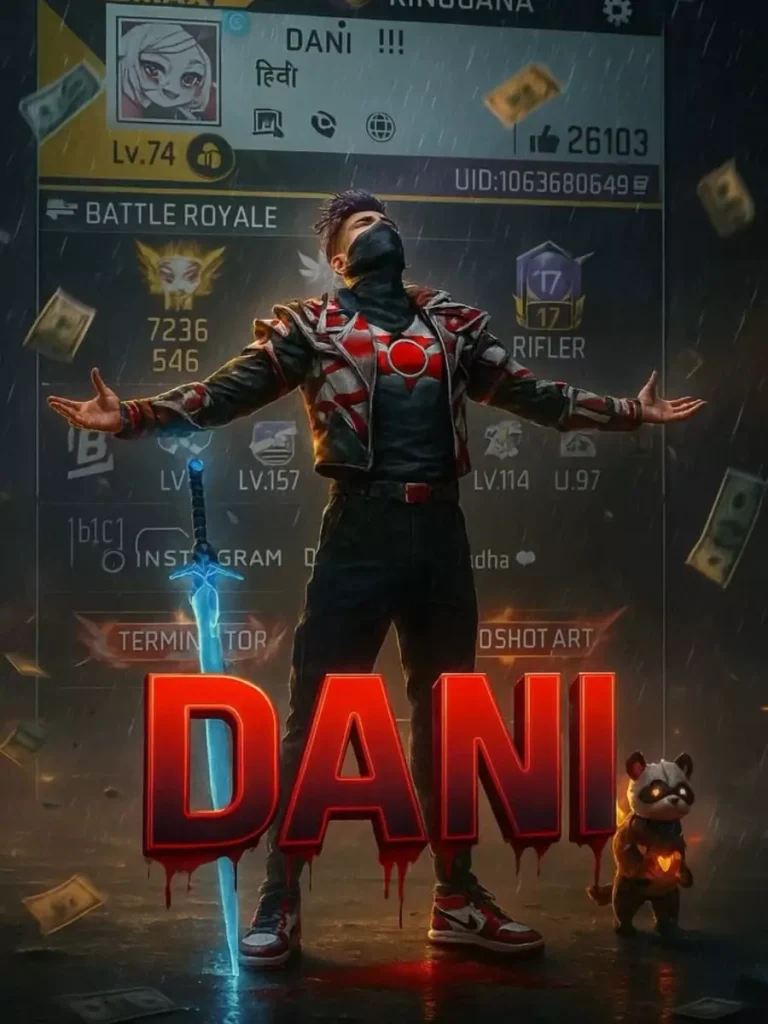
Free Fire fans know the thrill of showing off their in-game profile, characters, and achievements. Lately, Instagram reels and gaming edits are going viral — especially when they look cinematic and personal. The best part? You can create the same style of edits yourself using AI and a few powerful prompts.
In this guide, I’ll give you ready-to-use ChatGPT prompts for Free Fire AI photo editing, plus step-by-step instructions so your edits have the best chance to go viral.
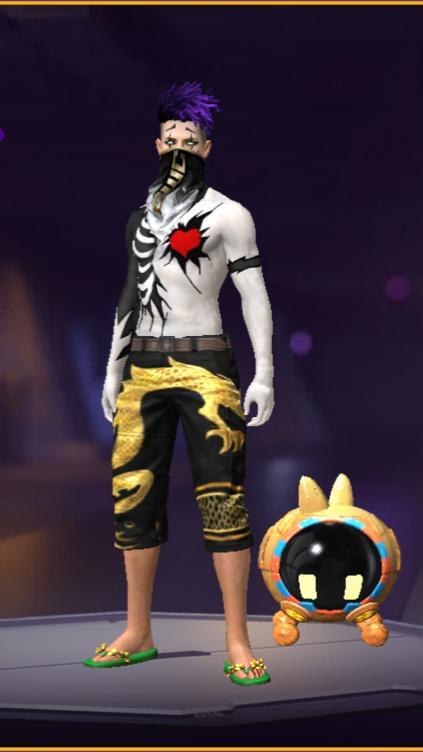
Create a cinematic digital poster for a Free Fire MAX player. In the background, clearly display the uploaded profile screenshot without hiding or blurring any part. The image should remain sharp and readable every detail that naturally appears in the profile (such as stats, icons, text, badges numbers, tags, button) must be fully visible . In the foreground, place the uploaded character image standing in a proud, victorious pose – with both arm stretched outword (T-pose). The character’s head is tilted slightly upward, facing the sky, given a heroic and thankful expression. Include a glowing blue sword by his side and his pet standing nearby. Add a dramatic rain, flying money, and soft shadows to enhance the atmosphere. Use contrast to make sure both and the profile are clearly visible and not overlapping confusingly. In the centre of the poster overlay bold, glowing, 3D gaming-style text “(MR_SUMIT)” with a bleeding black red blood and blood must come from text to down side floatinYou can copy these prompts and paste them directly into ChatGPT (or other AI image tools that support image uploads).