Social media is full of cinematic and aesthetic photo edits, and Krishna-themed edits are becoming very popular among young creators. These edits combine devotion, emotions, and creative photography to create stunning visuals that look magical and spiritual at the same time.
With the help of AI photo editing prompts, anyone can create hyper-realistic Lord Krishna images in just a few minutes. You only need a good photo and the right cinematic Krishna editing prompt to generate beautiful results with glowing effects, dramatic lighting, and devotional vibes.
In this article, you will get the best Cinematic God Krishna Photo Editing Prompt ideas that can help you create viral Instagram photos, reels thumbnails, wallpapers, and aesthetic AI portraits easily.
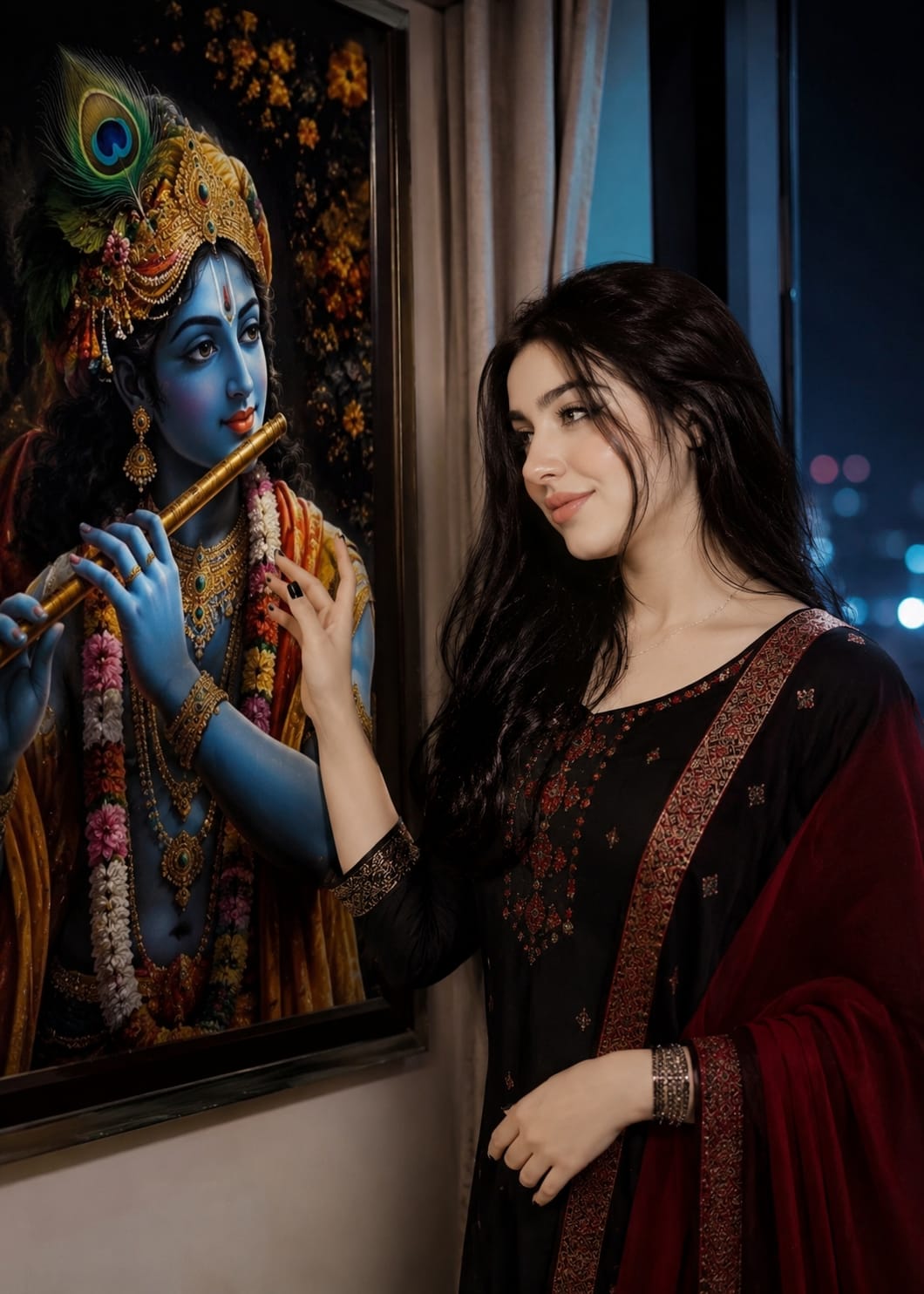
A beautiful young Indian woman with long flowing black hair, wearing an elegant black and deep red traditional outfit, standing beside a window at night, gently reaching toward a life-sized artwork of Lord Krishna.Krishna with radiant blue skin, peacock-feather turban, gold jewelry, and a golden flute.
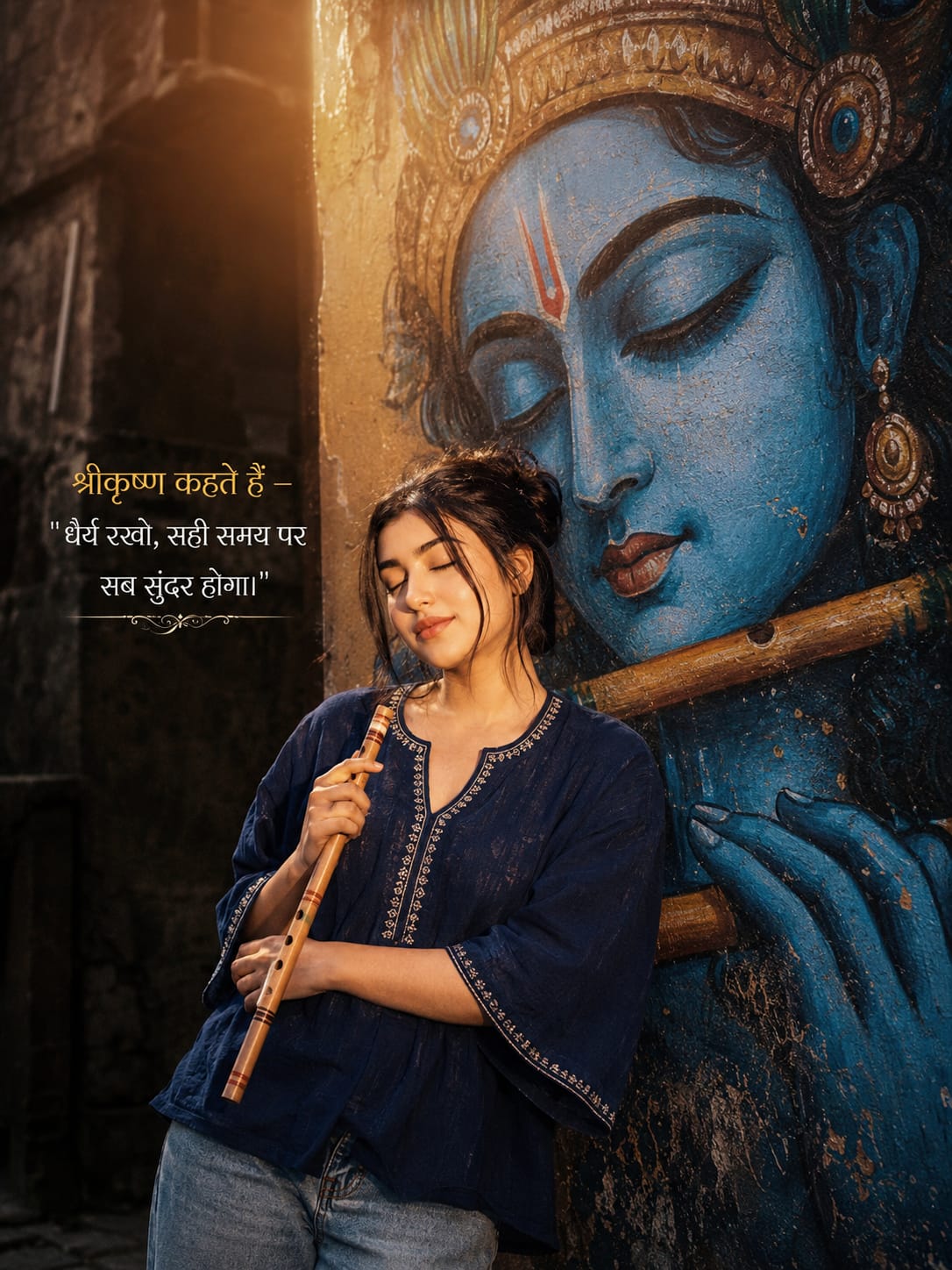
Ultra-realistic cinematic portrait of a young South Asian woman standing beside a giant blue Lord Krishna mural, eyes closed, holding a wooden flute, wearing an oversized navy-blue trendy short kurti with light-wash jeans, warm golden sunset backlight, ethereal glow, dark textured wall, spiritual devotional vibe, grainy 90s film aesthetic, realistic street photography, elegant Hindi typography on left side saying — “श्रीकृष्ण कहते हैं — धैर्य रखो, सही समय पर सब सुंदर होगा।”
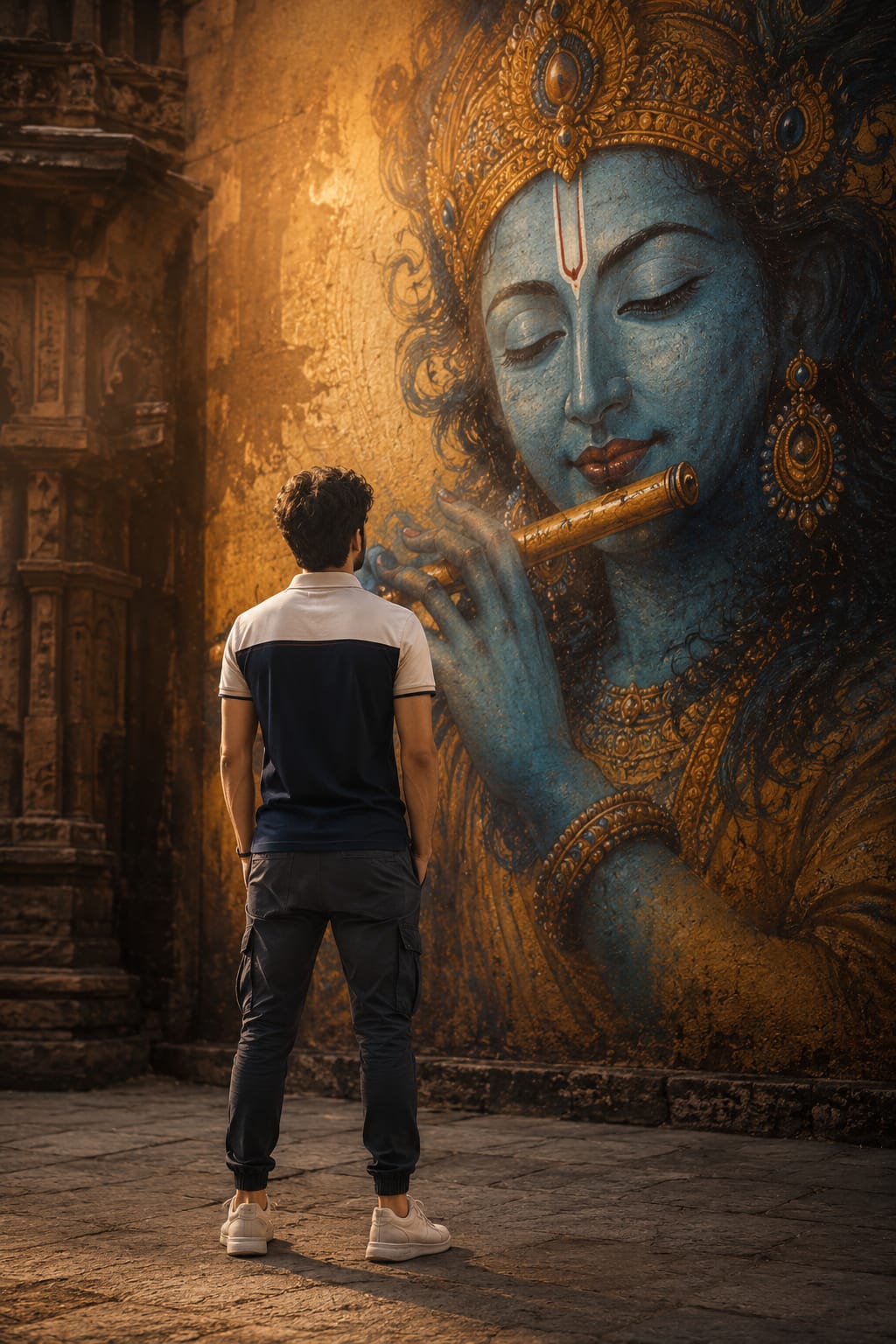
HYPER-REALISTIC CINEMATIC photography of a young Indian man standing with his back to the camera, facing a massive hyper-realistic Lord Krishna mural painted on a large amber-golden wall. The man has short curly dark hair, wearing a white and navy blue color-block polo t-shirt, dark grey jogger pants, white sneakers, hands loosely at his sides. He stands on an old stone-paved courtyard.
Cinematic Krishna photo editing is a perfect mix of creativity, devotion, and modern AI art. Whether you want to create spiritual wallpapers, Instagram posts, or cinematic portraits, using the right prompt can completely transform your photos into eye-catching masterpieces.
The best part is that you don’t need professional editing skills anymore. With AI tools and detailed Krishna photo editing prompts, anyone can create high-quality cinematic images in just a few clicks.
Try different poses, lighting styles, and devotional themes to make your edits more unique and attractive. Keep experimenting with new prompts and create stunning Lord Krishna-inspired artwork that truly stands out online.
Transform the uploaded photograph into a premium minimalist editorial collage inspired by luxury travel magazines, contemporary fashion editorials, and artistic outdoor photography FORMAT & COMPOSITION: Create a strict 3:4 vertical canvas. Use a warm ivory/off-white background with subtle paper texture and generous negative space Place a large, clean-edged vertical rectangular crop of the original
Place this person in the second photo in a realistic manner and adjust them to match the second photo; do not change anything else. Keep the background exactly as it is-do not alter it at all-and do not change the face. Enhance the image to 8K quality and set the aspect ratio to 3:4. And Backgroud ke accoding person size adjust
Create a cinematic 4K, highly detailed, photorealistic video by transferring the EXACT dance movements, body motion, performance, timing, expressions, and camera movements from the REFERENCE VIDEO onto the person shown in the TARGET IMAGE. Completely replace the original main dancer with the person from the TARGET IMAGE. Preserve the target person's exact facial identity, facial features, skin ton
Transform the uploaded mirror selfie into a luxury LED Mirror portrait. Replace the existing mitor frame with an elegant irregular organic shape mirror 1,832 featuring a soft warm golden LED Backlight glow around entire edge .keep the subject same
Create a **10-second photorealistic image-to-video recreation of the uploaded reference video**. ### REFERENCE PRIORITY — CRITICAL Use the uploaded references as follows: **REFERENCE IMAGE 1 — MY PHOTO** Use this as the ONLY identity reference for the main person. Preserve my exact face, facial proportions, eyes, eyebrows, nose, lips, jawline, skin tone, hairstyle and overall identity throughout t
Video-to-video character replacement. Keep @Video 1 exactly the same: same handheld iPhone camera movement and shake, same framing, timing, red backstage lighting, background, crowd, bodyguards, and the fan in the foreground holding the phone and the big DSLR lens. Do not change anyone else. Replace only the main man in the center (the one who walks in, talks to the fan and laughs) with the person
MASTER PROMPT — Ultra-Realistic Bridal Nail Art Car Selfie (9:16) Use the uploaded selfie as the STRICT FACIAL IDENTITY REFERENCE. Preserve the person's exact facial features, natural skin tone, eyes, nose, lips, face shape, age, and realistic skin texture. Do not beautify, reshape, or alter the facial identity. REFERENCE COMPOSITION: Create an ultra-realistic golden-hour photograph of a beautiful
Use the reference video as the exact blueprint. Recreate the SAME actions, hand movements, facial expressions, camera movement, timing, framing and transition — do not invent or change anything. Start with the first reference image as the opening look, then transition into the second reference image at the EXACT same moment and using the EXACT same transition style as the reference video. In the s