Cinematic night portrait and Asthetic beach photos are trending everywhere on Instagram, Pinterest, and TikTok. These photos look stylish, dreamy, and professional with glowing lights, dark backgrounds, and dramatic effects. The best part is that now you can also create this type of picture with the help of Chat Gpt .
A good cinematic night portrait prompt and Asthetic beach helps create realistic lighting, soft glow effects, sharp details, and a movie-like atmosphere. Whether you want a moody portrait, neon lighting, or a DSLR-style night photo Asthetic beach, the right prompt can completely transform your image in seconds.
In this article, you will discover a trending cinematic night and Asthetic beach Portrait photo prompt . Its easy to use with the help of one magic prompt . Its Beginner-friendly , and perfect for creating Ai viral Photos.
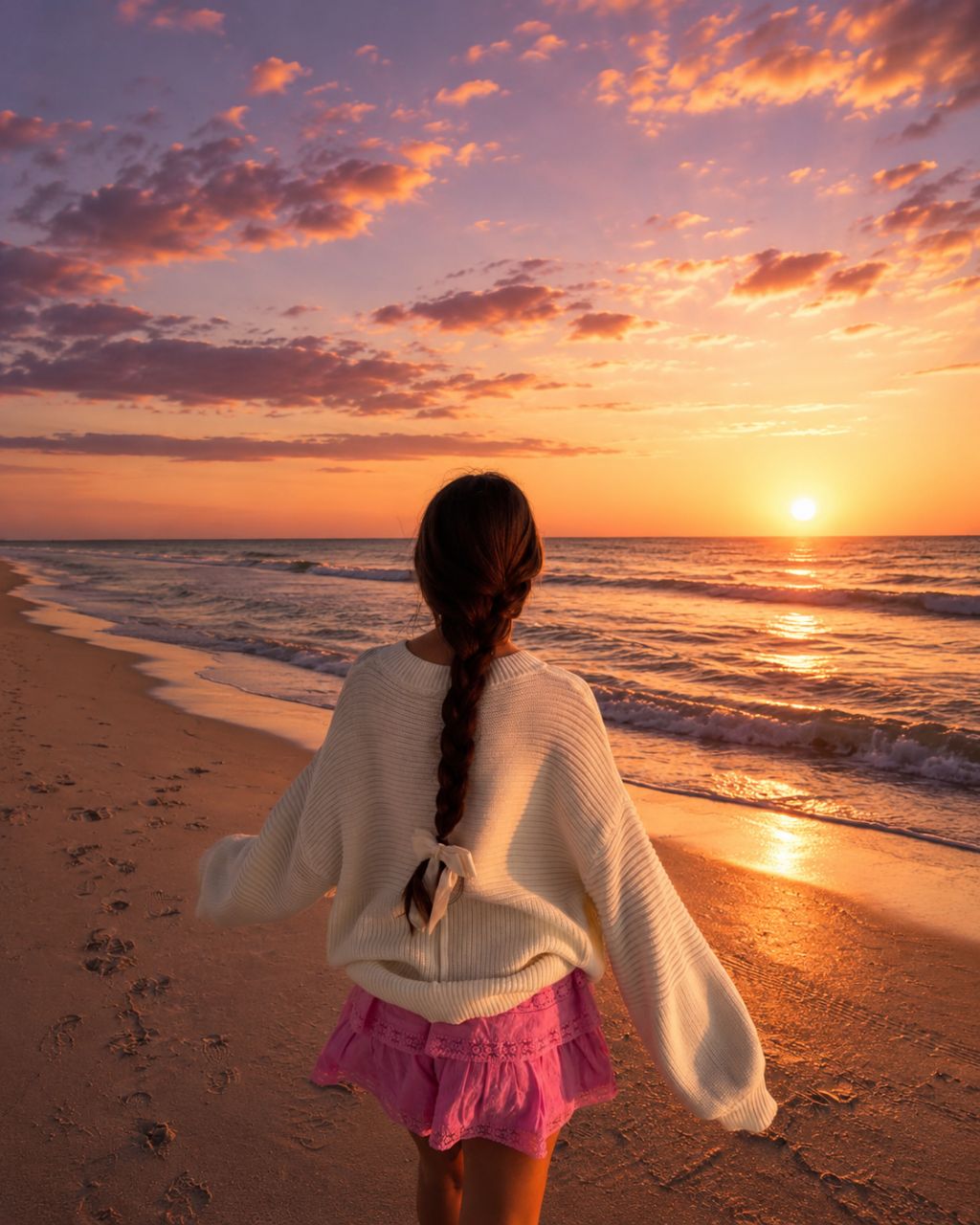
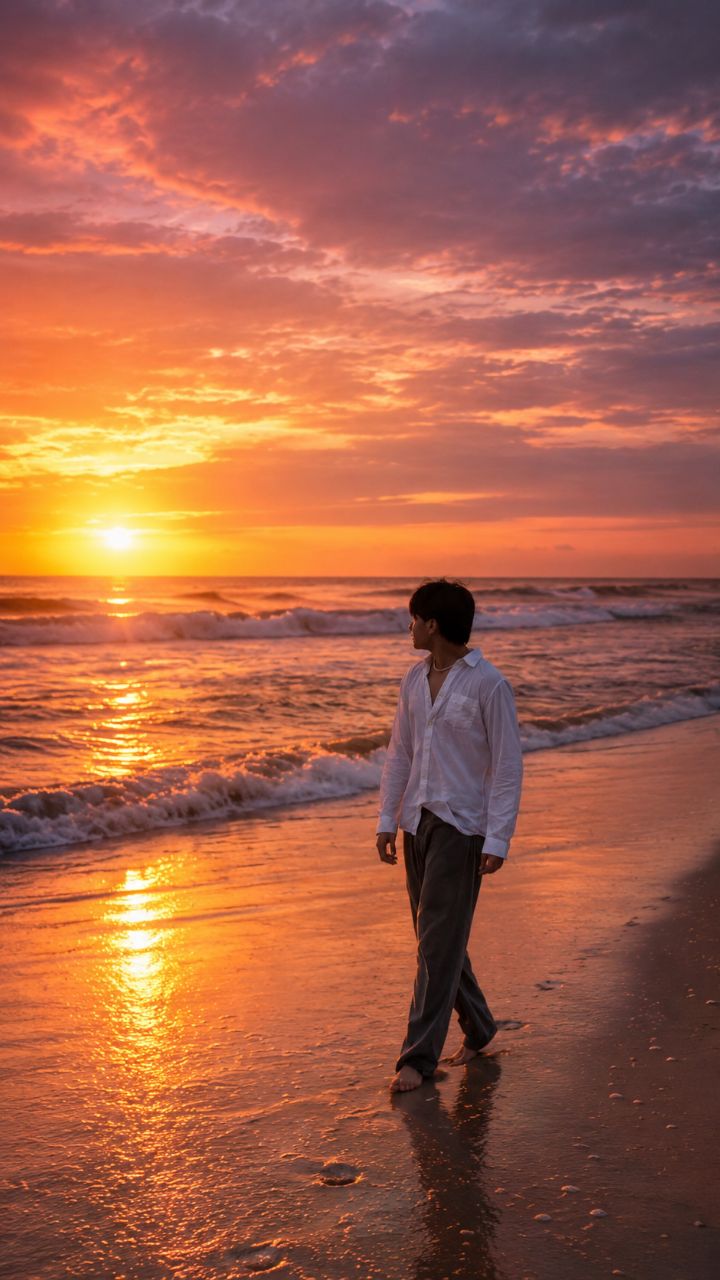
Create a cinematic aesthetic beach sunset photo with a soft orange-pink-purple gradient sky, glowing sunset near the horizon, realistic ocean waves, warm reflections on wet sand, and dreamy golden-hour lighting. Use the uploaded person as the exact reference and preserve 100% facial features, identity, skin tone, hairstyle, body shape, outfit, and proportions exactly the same. Do not change the face, eyes, jawline, nose, lips, hair texture, beard, clothes, physique, or any personal details in any way. Identity lock enabled, exact character preservation, no face modification, no beautification, no AI-generated facial changes. Subject standing alone in the center facing the sea from the back in a natural candid pose, with realistic shadows and reflections on wet sand. Add soft glow around the sunlight, slightly moody vibe, ultra realistic details, smooth cinematic color grading, Instagram story aesthetic, DSLR look, natural skin tones, subtle contrast, calm ocean atmosphere, depth of field, realistic lighting, high dynamic range, ultra detailed texture, professional photography style, 4K ultra HD quality.
Ultra-realistic cinematic beach sunset portrait of the uploaded person standing alone near the shoreline, captured in a dreamy golden-hour atmosphere with a soft orange, pink, lavender, and deep purple gradient sky blending naturally across the horizon. The glowing sunset reflects beautifully on the wet sand and flowing ocean waves, creating a calm yet emotional cinematic mood. Preserve the exact identity, facial structure, skin tone, hairstyle, outfit, body proportions, and every personal detail exactly as the original reference image. Identity lock enabled — absolutely no face alteration, beautification, AI facial redesign, or change in appearance.The subject is viewed from behind in a natural candid pose while looking toward the ocean, with gentle wind moving the clothes and hair realistically. Add realistic barefoot footprints on wet sand, subtle reflections beneath the subject, soft sunlight bloom, and cinematic lens flare from the horizon. Ocean waves should feel dynamic and realistic with smooth foam textures, glowing reflections, and natural motion. The entire composition should feel peaceful, emotional, and visually aesthetic like a luxury travel film scene.Use ultra-detailed textures, HDR lighting, cinematic depth of field, realistic shadows, DSLR photography realism, volumetric sunset lighting, soft moody contrast, smooth film-style color grading, atmospheric haze, realistic skin tones, and highly detailed environmental reflections. Add subtle grain, calm ocean mist, and warm golden light wrapping naturally around the subject for a premium Instagram-reel aesthetic. Professional photography look, hyper realistic details, masterpiece composition, 4K ultra HD quality, vertical 9:16 format.
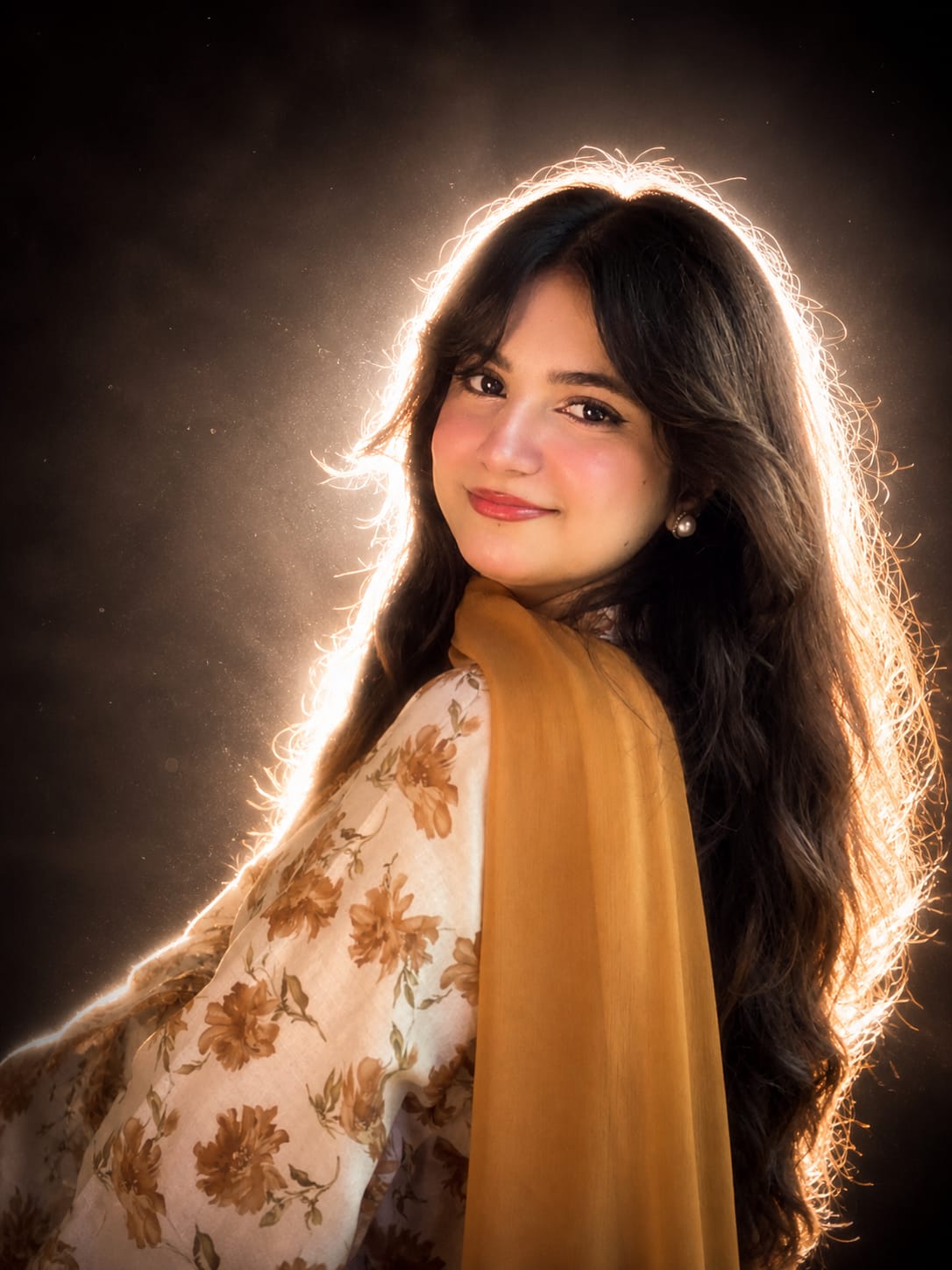
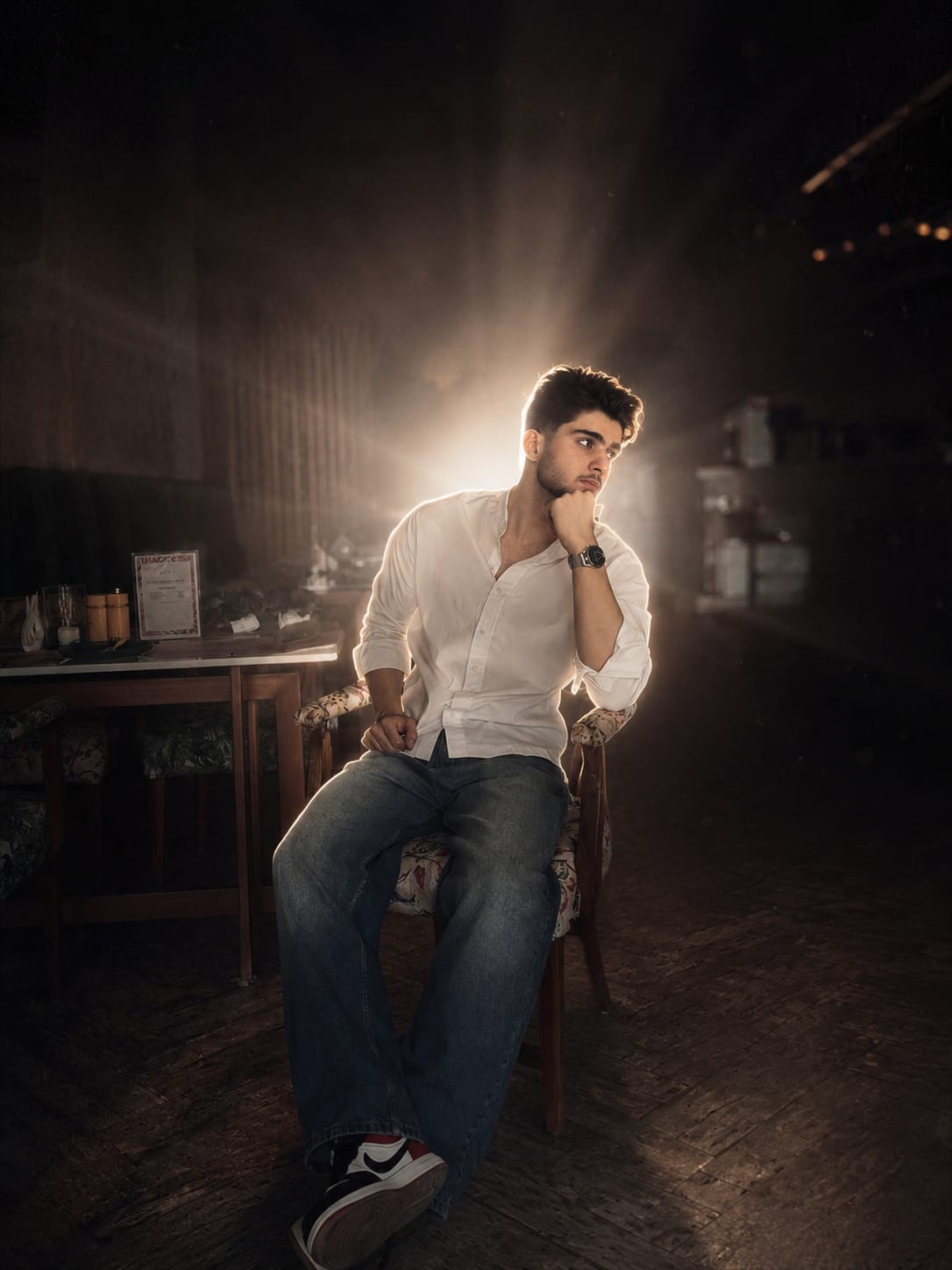
Create a cinematic dreamy night portrait with a strong soft white backlight glow behind the subject, creating a bright natural halo around the hair and body edges. Keep the face 100% original and realistic with no changes to facial features, skin tone, hairstyle, pose, outfit, expression, or body structure. Add clean white rim lighting with a very slight warm tone, soft bloom glow, glowing edges, subtle lens flare, smooth skin highlights, and DSLR flash photography aesthetics. Background should remain dark and minimal to make the white backlight stand out beautifully. Add soft atmospheric haze, floating dust particles, shallow depth of field, cinematic contrast, and ultra realistic skin texture. Enhance the image with premium cinematic color grading, dreamy mood, and high-detail glowing outline around the subject. Viral Instagram aesthetic, ultra realistic, soft white glow, elegant cinematic lighting.
“Create a professional cinematic studio-style edit of the uploaded photo while keeping the person’s face, hairstyle, beard, skin tone, body proportions, pose, outfit, motorcycle, and overall identity 100% unchanged and realistic. Keep the original outdoor background intact without replacing it. Add a strong glowing backlight behind the person to create a soft white halo and rim light around the hair, shoulders, arms, and body edges. Use clean white glow with a slightly warm tone, soft bloom, subtle lens flare, and smooth cinematic lighting. Enhance the image with deep blacks, high contrast, sharp Sony A1 portrait quality, realistic skin texture, detailed shadows, and premium DSLR photography aesthetics. Add soft depth of field, dramatic cinematic color grading, and a polished high-end editorial look while preserving the natural environment and original composition.”
Trending cinematic night portrait and Asthetic beach prompts are becoming one of the easiest ways to create eye-catching AI images for social media. With the right lighting effects, realistic details, and cinematic mood, your photo can be instantly enhanced by the use of this prompt
You do not need expensive cameras or advanced editing skills to create these portraits. Just copy the prompt, upload your photo, and let AI generate a stunning cinematic result within seconds. It gives you a shocking results you can’t believe.
Transform the uploaded photograph into a premium minimalist editorial collage inspired by luxury travel magazines, contemporary fashion editorials, and artistic outdoor photography FORMAT & COMPOSITION: Create a strict 3:4 vertical canvas. Use a warm ivory/off-white background with subtle paper texture and generous negative space Place a large, clean-edged vertical rectangular crop of the original
Place this person in the second photo in a realistic manner and adjust them to match the second photo; do not change anything else. Keep the background exactly as it is-do not alter it at all-and do not change the face. Enhance the image to 8K quality and set the aspect ratio to 3:4. And Backgroud ke accoding person size adjust
Create a cinematic 4K, highly detailed, photorealistic video by transferring the EXACT dance movements, body motion, performance, timing, expressions, and camera movements from the REFERENCE VIDEO onto the person shown in the TARGET IMAGE. Completely replace the original main dancer with the person from the TARGET IMAGE. Preserve the target person's exact facial identity, facial features, skin ton
Transform the uploaded mirror selfie into a luxury LED Mirror portrait. Replace the existing mitor frame with an elegant irregular organic shape mirror 1,832 featuring a soft warm golden LED Backlight glow around entire edge .keep the subject same
Create a **10-second photorealistic image-to-video recreation of the uploaded reference video**. ### REFERENCE PRIORITY — CRITICAL Use the uploaded references as follows: **REFERENCE IMAGE 1 — MY PHOTO** Use this as the ONLY identity reference for the main person. Preserve my exact face, facial proportions, eyes, eyebrows, nose, lips, jawline, skin tone, hairstyle and overall identity throughout t
Video-to-video character replacement. Keep @Video 1 exactly the same: same handheld iPhone camera movement and shake, same framing, timing, red backstage lighting, background, crowd, bodyguards, and the fan in the foreground holding the phone and the big DSLR lens. Do not change anyone else. Replace only the main man in the center (the one who walks in, talks to the fan and laughs) with the person
MASTER PROMPT — Ultra-Realistic Bridal Nail Art Car Selfie (9:16) Use the uploaded selfie as the STRICT FACIAL IDENTITY REFERENCE. Preserve the person's exact facial features, natural skin tone, eyes, nose, lips, face shape, age, and realistic skin texture. Do not beautify, reshape, or alter the facial identity. REFERENCE COMPOSITION: Create an ultra-realistic golden-hour photograph of a beautiful
Use the reference video as the exact blueprint. Recreate the SAME actions, hand movements, facial expressions, camera movement, timing, framing and transition — do not invent or change anything. Start with the first reference image as the opening look, then transition into the second reference image at the EXACT same moment and using the EXACT same transition style as the reference video. In the s