ChatGPT Combine Two Photo AI Photo Editing Prompts | Create Viral Photos
By Prompt Scene ·
Guys, today I’m going to share something super cool and trending—ChatGPT Combine Two Photo AI Editing Prompts that will help you merge two separate photos into one stunning, realistic image.
You’ve probably seen those cinematic-style merged photos on Instagram lately—people adding themselves with their favorite celebrities, friends, or even fictional characters—and they look so seamless, it feels like the pic was actually taken together.
In today’s guide, I’ll give you ready-to-use ChatGPT prompts that you can copy and paste to create these viral-style images.
Right now, AI photo edits are blowing up on Instagram. Whether it’s duo selfies, cinematic meetups, or celeb collabs, people are creating and posting insane edits that look super professional. And the best part? You don’t need editing skills. Just use these ChatGPT photo prompts, upload your pics, and you’re done!
Here are some of the top prompts that will help you create viral-worthy merged photos:
ChatGPT Photo Editing Prompts
Prompt 1:
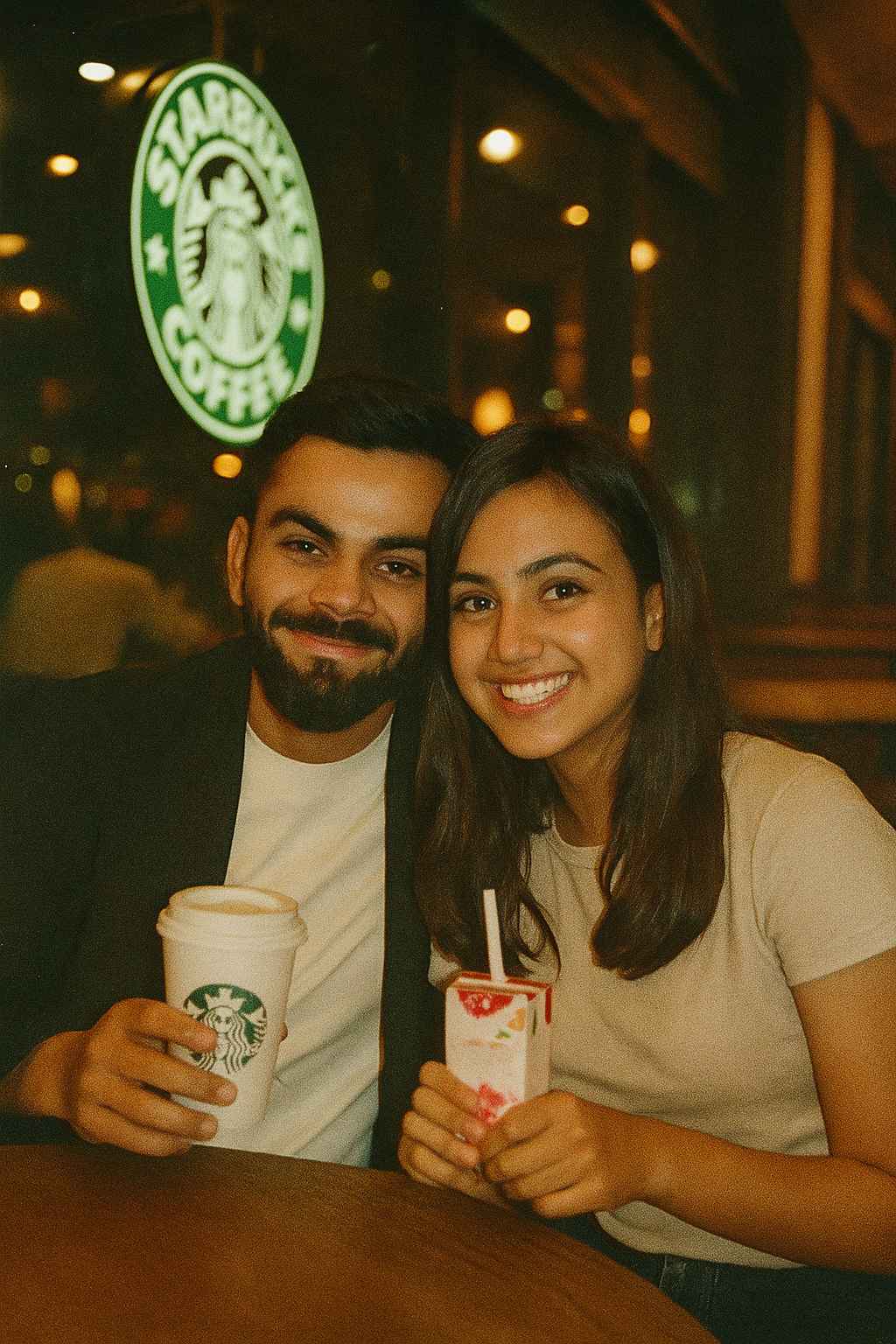
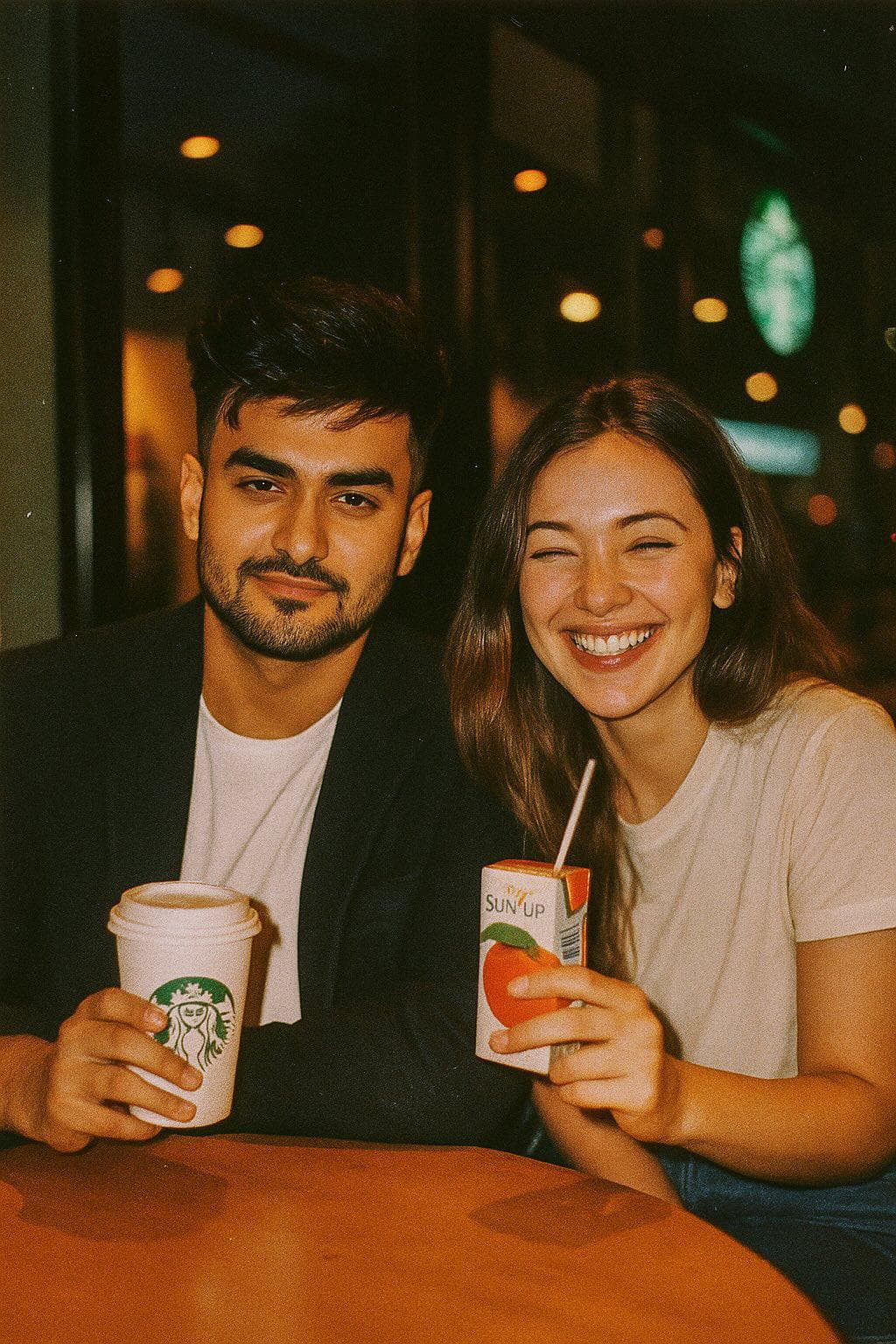
Create a cinematic photo of a couple sitting together at a Starbucks café at night. The man in the first photo wearing a black blazer over a white shirt, holding a Starbucks coffee cup. The girl in the second photo wearing a light beige shirt, smiling cheerfully while holding a fruit drink box with a straw. The photo style uses an analog camera flash, vintage tone, a little blur and grain of warm shop light, relaxed and happy atmosphere.
Prompt 2:
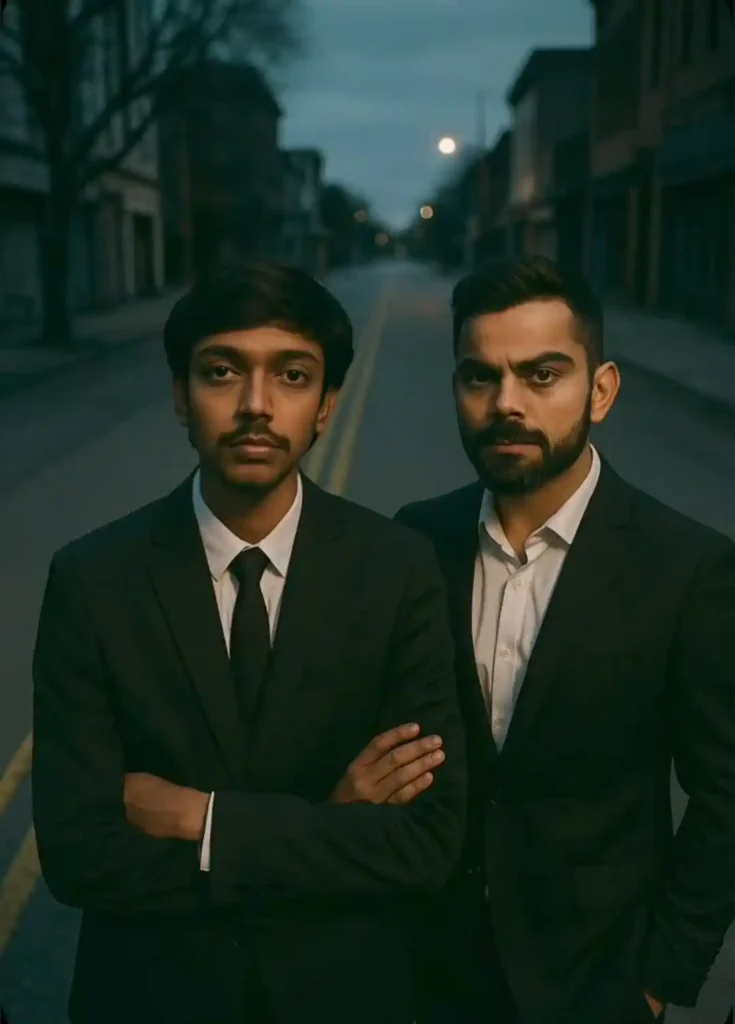
Cinematic overhead shot of me standing in the middle of the road in a black suit with a black tie, evening time. arms crossed. To my right, Virat Kohli resting shoulder to shoulder with me in a black suit with a white shirt, The street is empty and dramatic. Moody lighting with a 35mm film look. Shallow depth of field, sharp focus on the three of us. Aspect ratio 9:16.
Prompt 3:
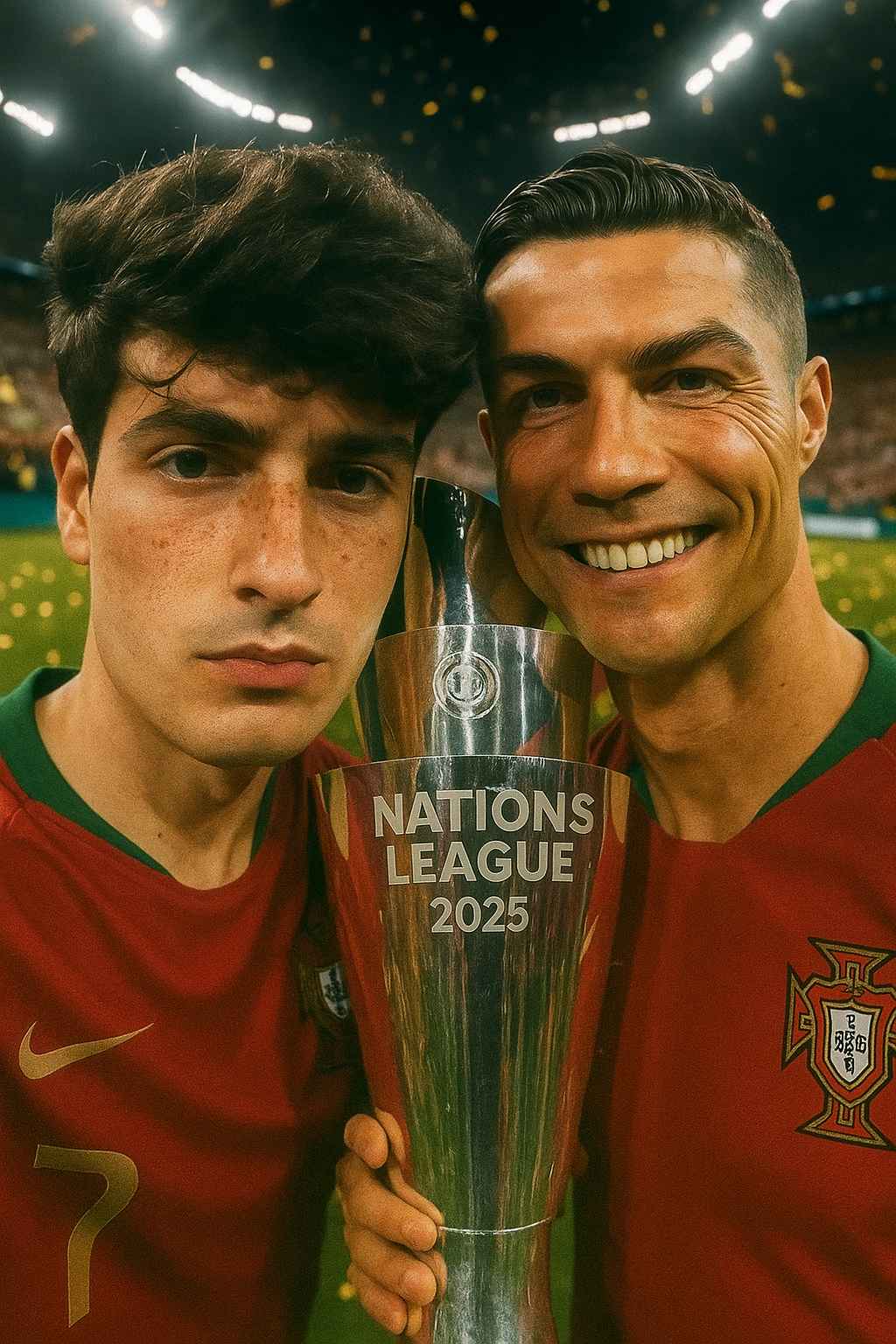
Ultra-realistic vertical selfie. A young man (use uploaded face) and Cristiano Ronaldo, both wearing 2025 Portugal jerseys. The young man is clicking the selfie, Ronaldo holds the UEFA Nations League 2025 trophy. Background: packed stadium, confetti, stadium lights, victory vibe. Apply fisheye wide-angle selfie effect. Maintain accurate faces, skin textures, lighting, and cinematic realism. Trophy clearly in Ronaldo’s hands, no overlap behind heads.
Prompt 4:
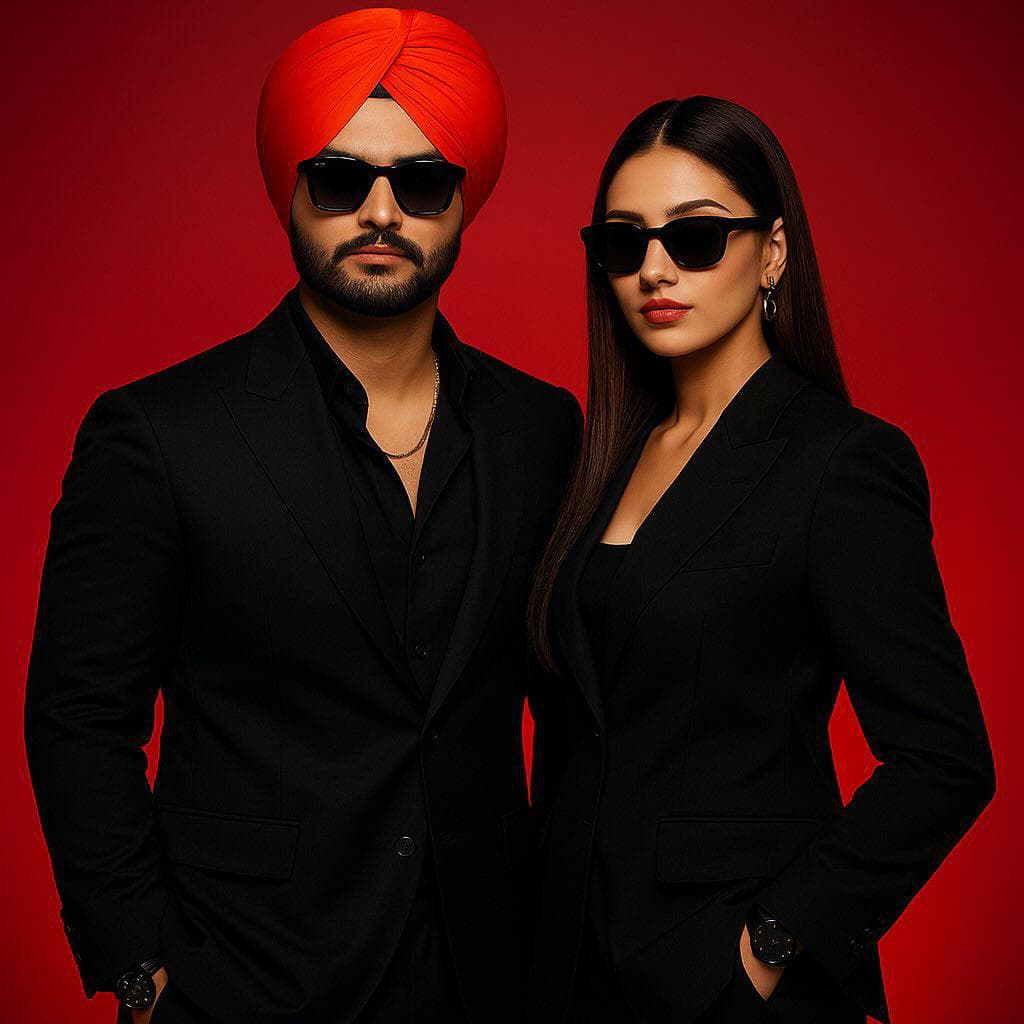
A cinematic duo prompt standing together boldly give cold vibes and expression one person is adjusting his cap another one is giving cold expression and on hand in pocket Standing under a flickering street light sharp focus on bothe of them 35mm lens. People running from fear across us both blurred motion foggy night cold vibes dark scary texture Potrait 4:3
Prompt 5:
store with a lit board, the guy in the first photo wearing a dark shirt holding iced tea in a large plastic cup. the girl in the second photo wearing a light beige shirt, smiling cheerfully while holding a fruit drink box with a straw. the photo style uses an analog camera flash, vintage tone, a little blur and grain of warm shop light, relaxed and happy atmosphere.
Sometimes, the faces in the AI-generated image don’t match perfectly with your original photo. But don’t worry—there’s a solution! You can fix this using any AI face replacer tool.
Here’s how:
Visit a face-editing site like Remake AI.
Upload the original image and the face you want to apply.
Click Submit, and let the site replace the mismatched face with your actual one.
Done! Now it looks 100% real and clean.
Final Thoughts
So friends, this is how you can combine two different photos into one realistic, cinematic image using ChatGPT. It literally feels like a scene from a movie. And guess what? You don’t need editing software or skills. Just a prompt and your two favorite photos.
If you liked this guide, do check out our other articles where I’ve shared top trending AI photo editing prompts for Instagram and Reels. Use these to grow your followers fast and stand out in the crowd!
If you’d like, I can also help you design a thumbnail, optimize for SEO, or even generate hashtags and Instagram captions to go along with your AI photo posts. Just let me know!
Transform the uploaded photograph into a premium minimalist editorial collage inspired by luxury travel magazines, contemporary fashion editorials, and artistic outdoor photography FORMAT & COMPOSITION: Create a strict 3:4 vertical canvas. Use a warm ivory/off-white background with subtle paper texture and generous negative space Place a large, clean-edged vertical rectangular crop of the original
Place this person in the second photo in a realistic manner and adjust them to match the second photo; do not change anything else. Keep the background exactly as it is-do not alter it at all-and do not change the face. Enhance the image to 8K quality and set the aspect ratio to 3:4. And Backgroud ke accoding person size adjust
Create a cinematic 4K, highly detailed, photorealistic video by transferring the EXACT dance movements, body motion, performance, timing, expressions, and camera movements from the REFERENCE VIDEO onto the person shown in the TARGET IMAGE. Completely replace the original main dancer with the person from the TARGET IMAGE. Preserve the target person's exact facial identity, facial features, skin ton
Transform the uploaded mirror selfie into a luxury LED Mirror portrait. Replace the existing mitor frame with an elegant irregular organic shape mirror 1,832 featuring a soft warm golden LED Backlight glow around entire edge .keep the subject same
Create a **10-second photorealistic image-to-video recreation of the uploaded reference video**. ### REFERENCE PRIORITY — CRITICAL Use the uploaded references as follows: **REFERENCE IMAGE 1 — MY PHOTO** Use this as the ONLY identity reference for the main person. Preserve my exact face, facial proportions, eyes, eyebrows, nose, lips, jawline, skin tone, hairstyle and overall identity throughout t
Video-to-video character replacement. Keep @Video 1 exactly the same: same handheld iPhone camera movement and shake, same framing, timing, red backstage lighting, background, crowd, bodyguards, and the fan in the foreground holding the phone and the big DSLR lens. Do not change anyone else. Replace only the main man in the center (the one who walks in, talks to the fan and laughs) with the person
MASTER PROMPT — Ultra-Realistic Bridal Nail Art Car Selfie (9:16) Use the uploaded selfie as the STRICT FACIAL IDENTITY REFERENCE. Preserve the person's exact facial features, natural skin tone, eyes, nose, lips, face shape, age, and realistic skin texture. Do not beautify, reshape, or alter the facial identity. REFERENCE COMPOSITION: Create an ultra-realistic golden-hour photograph of a beautiful
Use the reference video as the exact blueprint. Recreate the SAME actions, hand movements, facial expressions, camera movement, timing, framing and transition — do not invent or change anything. Start with the first reference image as the opening look, then transition into the second reference image at the EXACT same moment and using the EXACT same transition style as the reference video. In the s