If you want to create stylish and eye-catching edits, an Aesthetic Spotify Background Photo Prompt is a great choice. This prompt helps you generate modern backgrounds inspired by Spotify’s dark theme, giving your photos a clean, cinematic, and premium look.
These Spotify-style backgrounds are perfect for Instagram posts, profile pictures, wallpapers, reels, and digital collage edits. They add a music-inspired vibe that makes your images look more creative and visually appealing.
With the right AI prompt, you can create high-quality Spotify aesthetic backgrounds in just a few seconds. In this article, you’ll find an amazing prompt that is easy to use and perfect for creating viral photo edits.
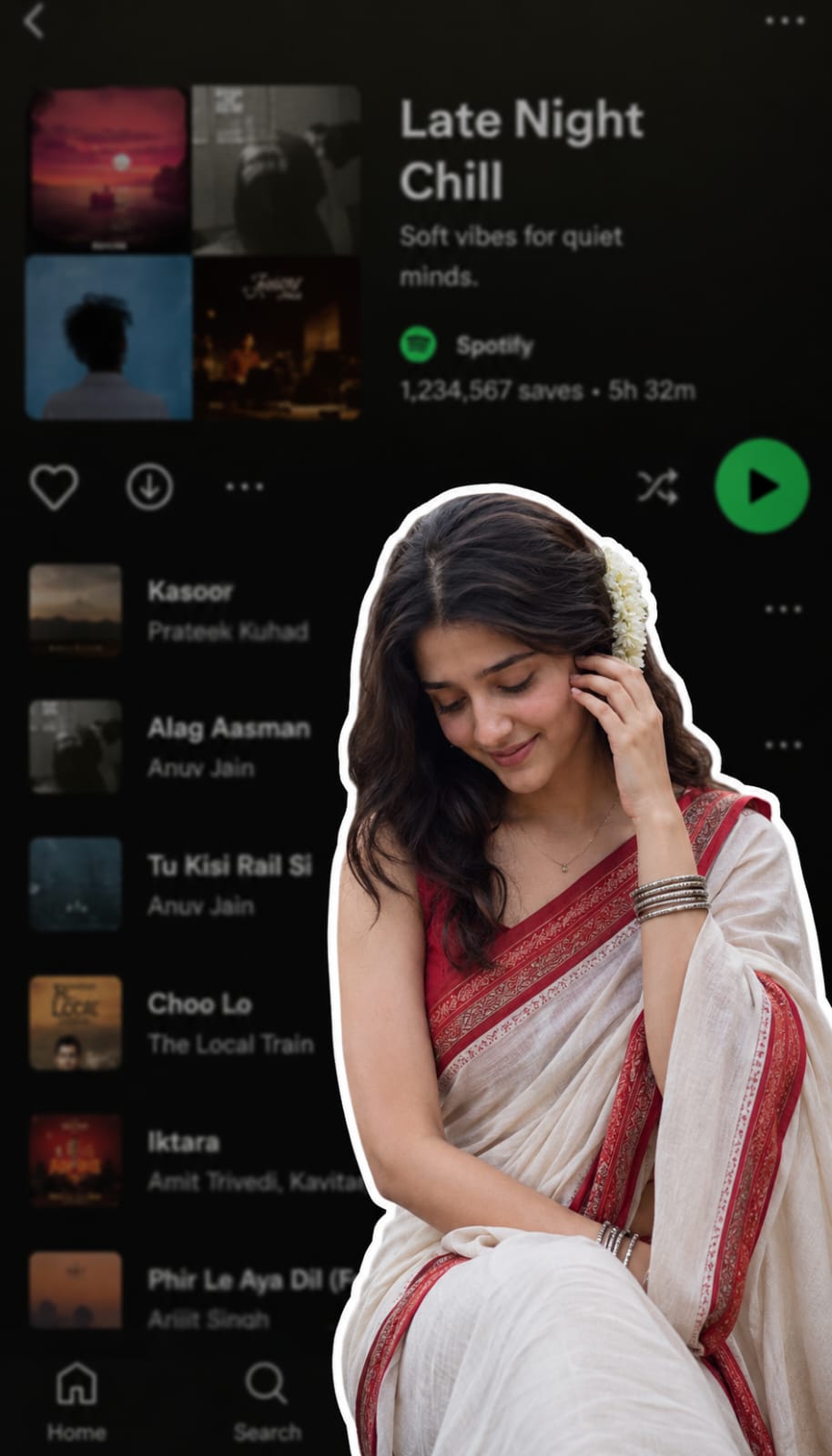
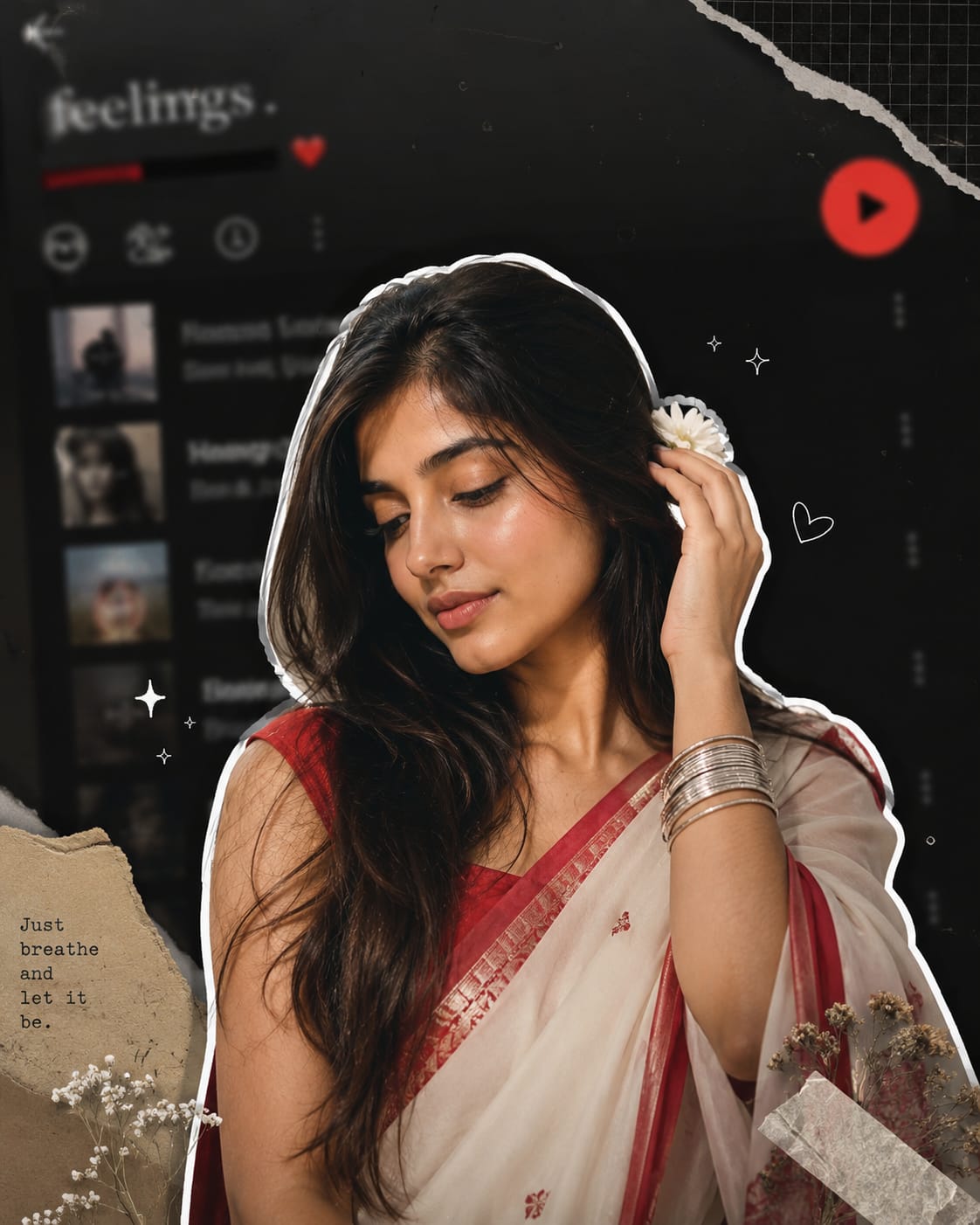
A digital collage style image. In the foreground, a young South Asian woman is cut out with a thick white sticker-like outline. She is wearing a traditional white saree with a red border, a red blouse, and silver bangles, with a white flower tucked into her long dark hair. She is looking downwards with a soft, serene expression, gently touching her hair near her ear. The background is a heavily blurred, dark-mode screenshot of a mobile music streaming app playlist.
Here's a more aesthetic, premium-quality version of your prompt with stronger visual direction and a modern editorial feel:

> Create an ultra-aesthetic digital collage portrait featuring a beautiful young South Asian woman as the main subject. She is precisely cut out with a bold, thick white sticker-style outline, creating a layered scrapbook effect. She wears an elegant white saree with a rich red border, a matching deep red blouse, delicate silver bangles, and fresh white jasmine flowers woven into her long, flowing black hair. She gently looks downward with a calm, graceful expression while softly tucking a strand of hair behind her ear, radiating serenity and timeless beauty.

The background is a heavily blurred dark-mode mobile music streaming app playlist interface, creating a dreamy, nostalgic atmosphere without readable text. Blend subtle torn-paper textures, soft grain, paper cutouts, masking tape accents, tiny white doodles, sparkles, and minimalist graphic elements around the subject for a modern Pinterest/Y2K scrapbook aesthetic. Add soft white glow, gentle drop shadows, and realistic layered depth so the subject appears lifted from the background.

Use a sophisticated color palette of deep charcoal black, muted gray, crisp white, and rich crimson red. Enhance the mood with cinematic soft lighting, diffused highlights, smooth skin tones, natural shadows, shallow depth of field, subtle film grain, and premium editorial styling. The composition should feel clean, balanced, luxurious, emotionally warm, and highly shareable, resembling a high-end Instagram aesthetic collage created by a professional digital artist. Ultra-realistic, 8K, HDR, DSLR-quality, crisp details, premium graphic design, elegant, minimal, and visually striking.
An Aesthetic Spotify Background Photo Prompt is one of the easiest ways to create trendy and professional-looking AI images. Whether you’re making social media content or unique photo edits, this style gives your images a modern and artistic feel.
Feel free to customize the prompt by changing colors, lighting, textures, or design elements to match your personal style. Small changes can create completely different and unique results.
If you enjoy creating AI-generated images, save this prompt and try different creative ideas. Keep experimenting to make your edits stand out and stay ahead of the latest aesthetic photo editing trends.
Transform the uploaded photograph into a premium minimalist editorial collage inspired by luxury travel magazines, contemporary fashion editorials, and artistic outdoor photography FORMAT & COMPOSITION: Create a strict 3:4 vertical canvas. Use a warm ivory/off-white background with subtle paper texture and generous negative space Place a large, clean-edged vertical rectangular crop of the original
Place this person in the second photo in a realistic manner and adjust them to match the second photo; do not change anything else. Keep the background exactly as it is-do not alter it at all-and do not change the face. Enhance the image to 8K quality and set the aspect ratio to 3:4. And Backgroud ke accoding person size adjust
Create a cinematic 4K, highly detailed, photorealistic video by transferring the EXACT dance movements, body motion, performance, timing, expressions, and camera movements from the REFERENCE VIDEO onto the person shown in the TARGET IMAGE. Completely replace the original main dancer with the person from the TARGET IMAGE. Preserve the target person's exact facial identity, facial features, skin ton
Transform the uploaded mirror selfie into a luxury LED Mirror portrait. Replace the existing mitor frame with an elegant irregular organic shape mirror 1,832 featuring a soft warm golden LED Backlight glow around entire edge .keep the subject same
Create a **10-second photorealistic image-to-video recreation of the uploaded reference video**. ### REFERENCE PRIORITY — CRITICAL Use the uploaded references as follows: **REFERENCE IMAGE 1 — MY PHOTO** Use this as the ONLY identity reference for the main person. Preserve my exact face, facial proportions, eyes, eyebrows, nose, lips, jawline, skin tone, hairstyle and overall identity throughout t
Video-to-video character replacement. Keep @Video 1 exactly the same: same handheld iPhone camera movement and shake, same framing, timing, red backstage lighting, background, crowd, bodyguards, and the fan in the foreground holding the phone and the big DSLR lens. Do not change anyone else. Replace only the main man in the center (the one who walks in, talks to the fan and laughs) with the person
MASTER PROMPT — Ultra-Realistic Bridal Nail Art Car Selfie (9:16) Use the uploaded selfie as the STRICT FACIAL IDENTITY REFERENCE. Preserve the person's exact facial features, natural skin tone, eyes, nose, lips, face shape, age, and realistic skin texture. Do not beautify, reshape, or alter the facial identity. REFERENCE COMPOSITION: Create an ultra-realistic golden-hour photograph of a beautiful
Use the reference video as the exact blueprint. Recreate the SAME actions, hand movements, facial expressions, camera movement, timing, framing and transition — do not invent or change anything. Start with the first reference image as the opening look, then transition into the second reference image at the EXACT same moment and using the EXACT same transition style as the reference video. In the s