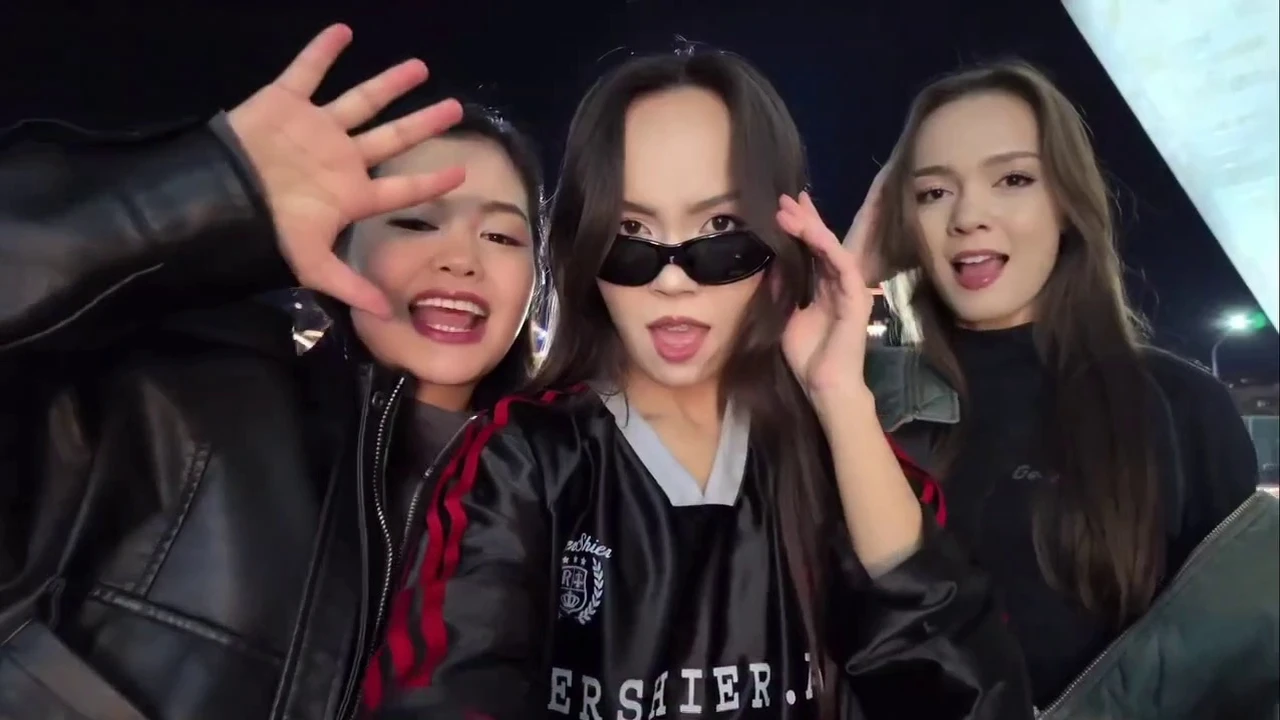
Make a celebrity-style funny dance reel in seconds with a paste-ready text-to-video prompt built for vertical, handheld, realistic motion.
Creating a Viral Celebrity Funny Dance
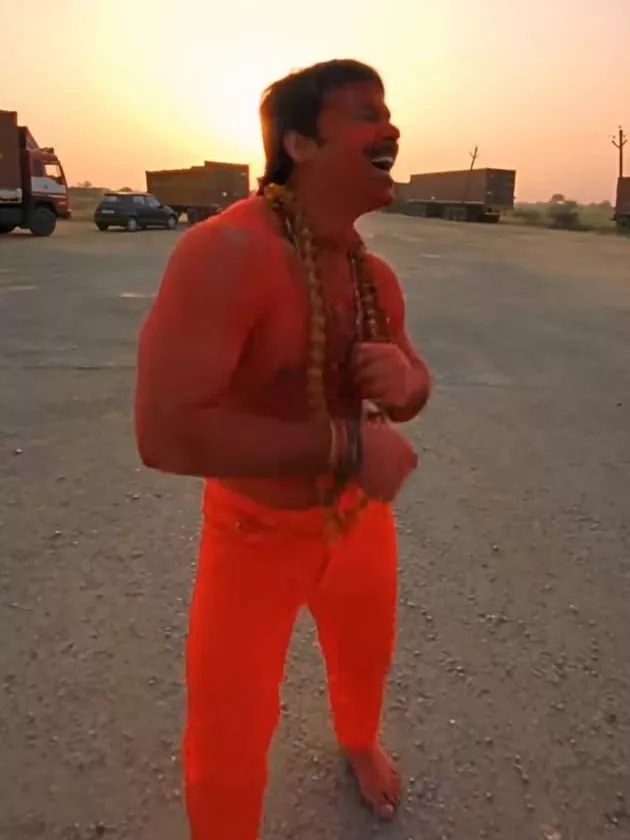
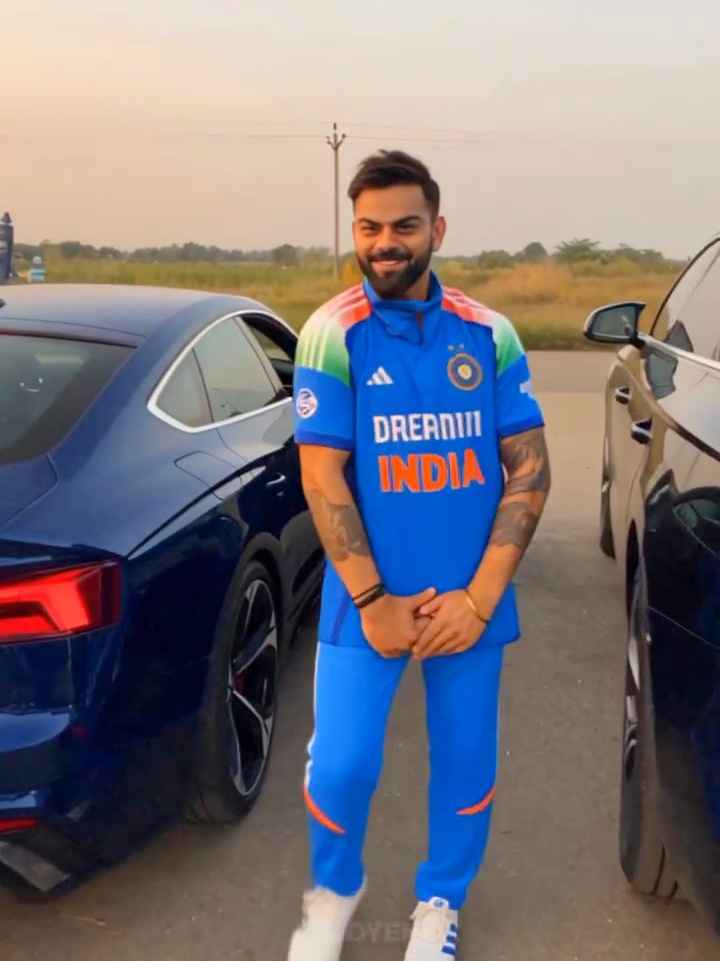
=== GOOGLE FLOW — PASTE-READY PROMPT (Text to Video, 9:16, 8 seconds) ===A vertical 9:16 handheld smartphone-style video, 8 seconds, filmed in golden-hour sunset light on a dusty roadside with parked vehicles in the background. Warm backlight, soft rim light on the subjects, light atmospheric haze and a gentle natural lens flare. Photorealistic, natural skin texture, authentic smartphone footage with slight camera shake and imperfect framing.0:00-0:02.5 — Opening shot: A young adult man dances casually in the middle of the dusty ground, relaxed rhythm, playful hand gestures, confident smile. Medium shot, handheld camera at a natural distance, sunset behind him, parked vehicles and dust in the background.0:02.5-0:03 — A fast handheld whip-pan to the right with natural motion blur, like a real phone camera being swung quickly.0:03-0:05 — Second person reveal: another adult, wearing sunglasses and a casual outfit, stands close to the wide-angle lens, moves their head and makes a small funny hand gesture. Same sunset and roadside background.0:05-0:05.5 — Another quick handheld camera swing away, with motion blur, briefly showing the roadside and parked vehicles.0:05.5-0:08 — Final close-up: a tight shallow-depth-of-field shot of an adult wearing glasses, sunset glow on their face, giving a deadpan, comedic look straight into the camera, then holding the stare.Camera: handheld phone camera, wide-angle where close to subjects, natural shake, realistic motion blur.
Audio: only soft ambient outdoor sound and light wind; no dialogue, no speech, no music with lyrics.
No text, subtitles, logos or watermarks on screen.=== OPTIONAL: IF USING “INGREDIENTS TO VIDEO” WITH YOUR OWN IMAGE ===
(Upload an image you own or have permission to use. Flow takes images, not video, as references.)Add this line at the start of the prompt:
“Use the person in the reference image as the first character (the dancing man), keeping his face and outfit consistent throughout the video.”Then keep the shot descriptions above unchanged.
“A highly realistic video of [Celebrity Name] doing a fast-paced, energetic hip-hop dance routine in a neon-lit studio. Exaggerated, funny facial expressions, smooth motion, 4k resolution, cinematic lighting.”“Full body shot of [Celebrity Name] wearing casual streetwear, performing a popular viral TikTok dance trend with a goofy smile. High frame rate, highly detailed background using higgsfield ai style processing.”How to use this prompt
- Open your generator (Gemini or Google Flow) and start a new video generation/project.
- Upload your reference media if you’re using one (a photo/clip, depending on the tool).
- Paste the prompt into the tool’s prompt field (add the optional “reference image” line first if needed).
- Set key parameters like aspect ratio (9:16) and duration (about 8 seconds for this setup).
- Generate, review the result, then tweak wording (lighting, energy, camera shake, pacing) and re-generate if needed.
- Export/download as MP4 for Reels/Shorts.