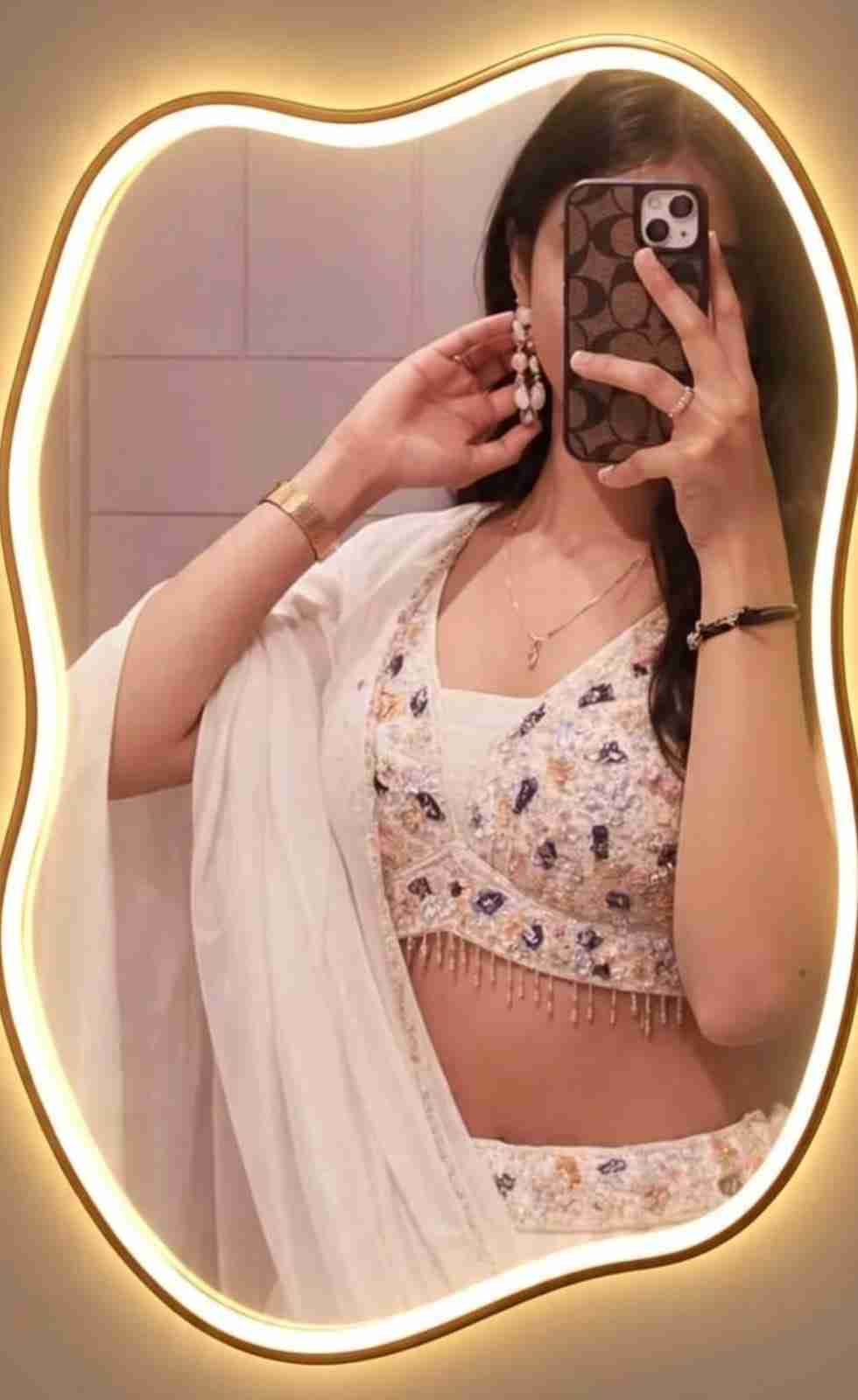
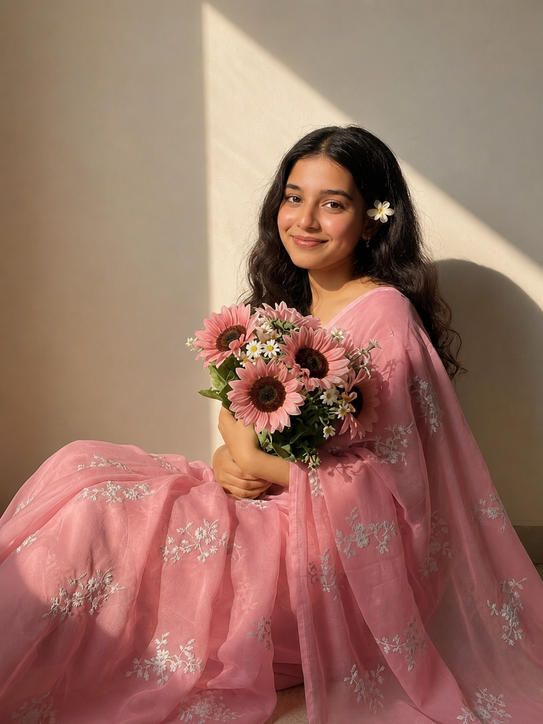
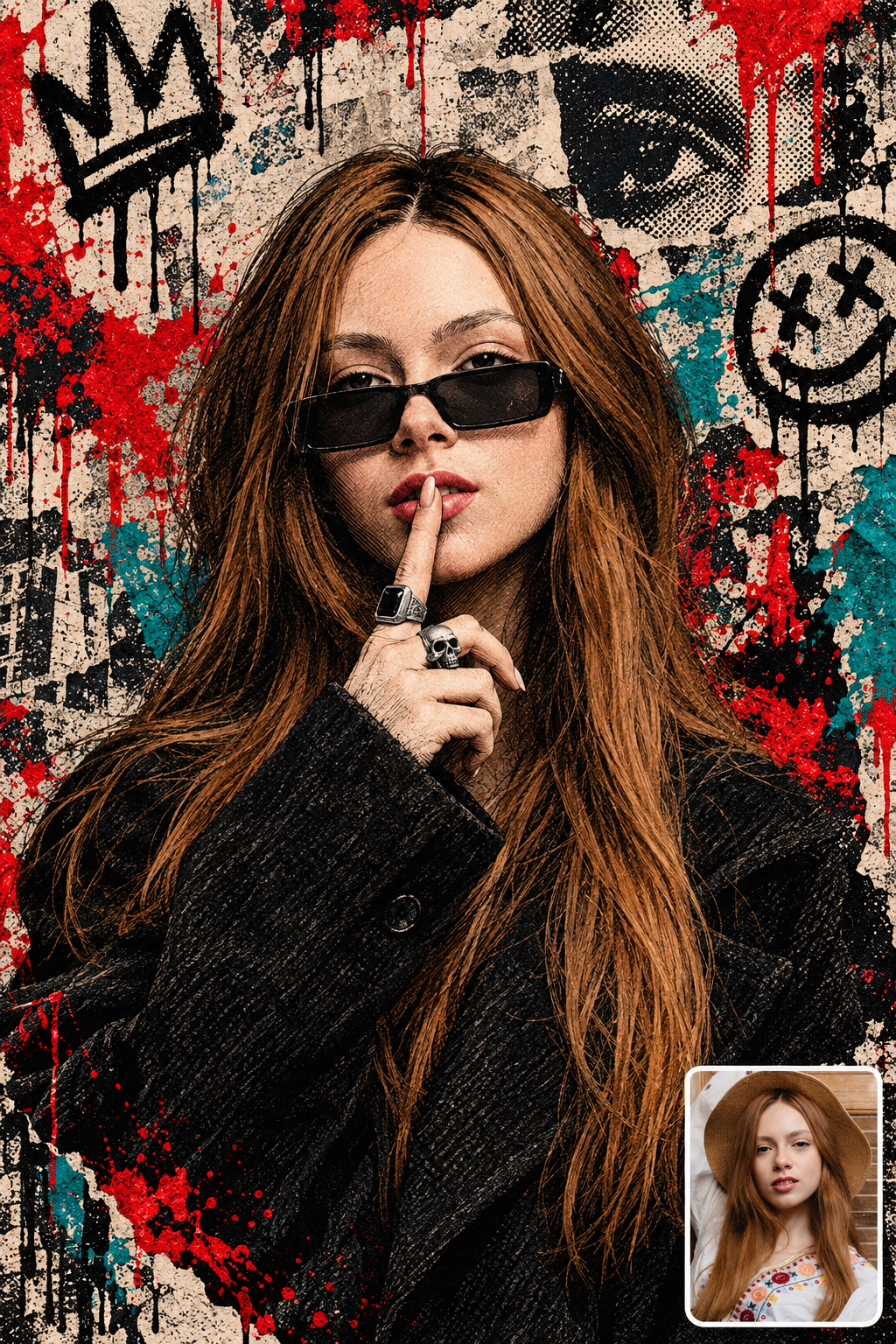
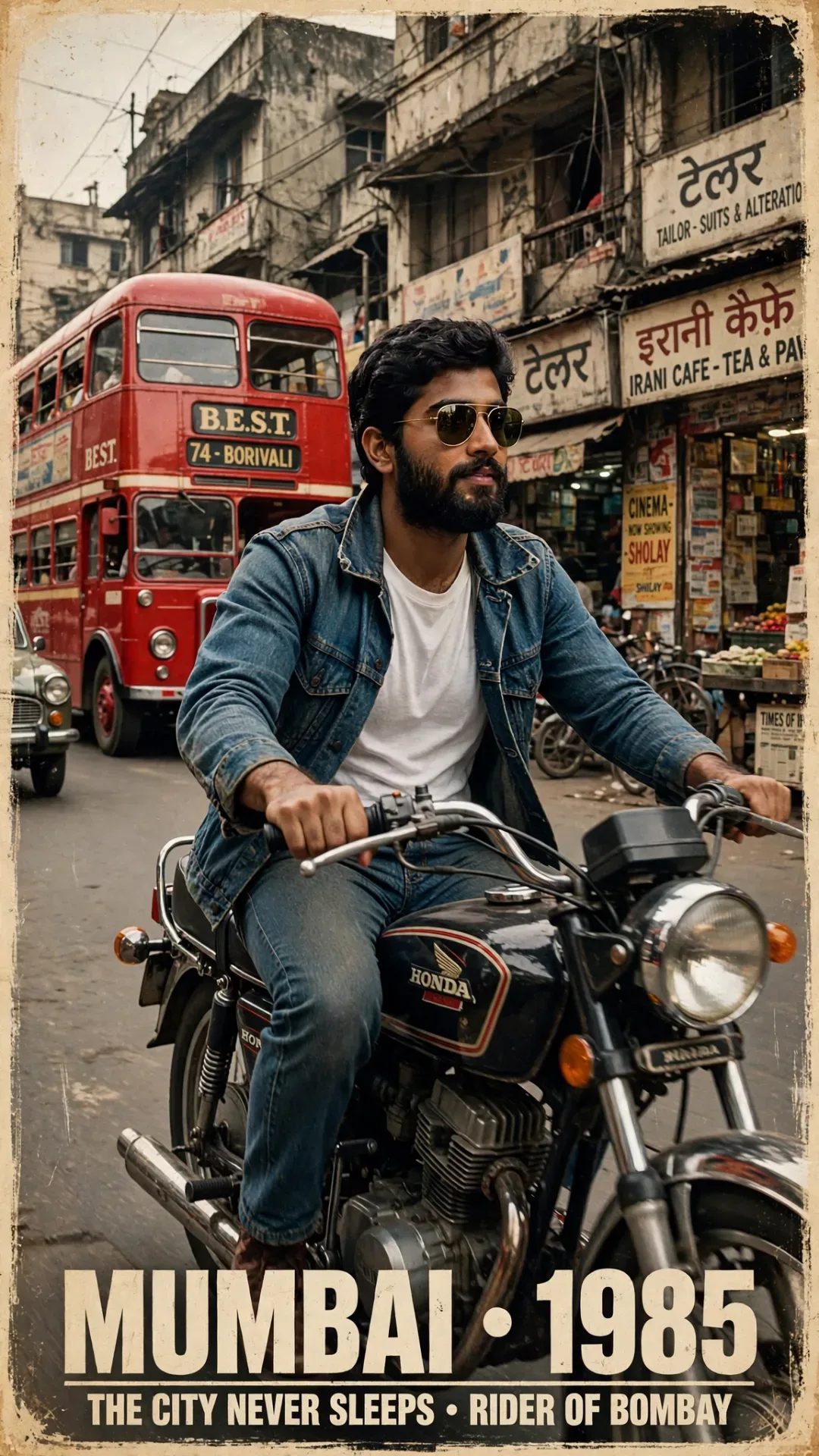
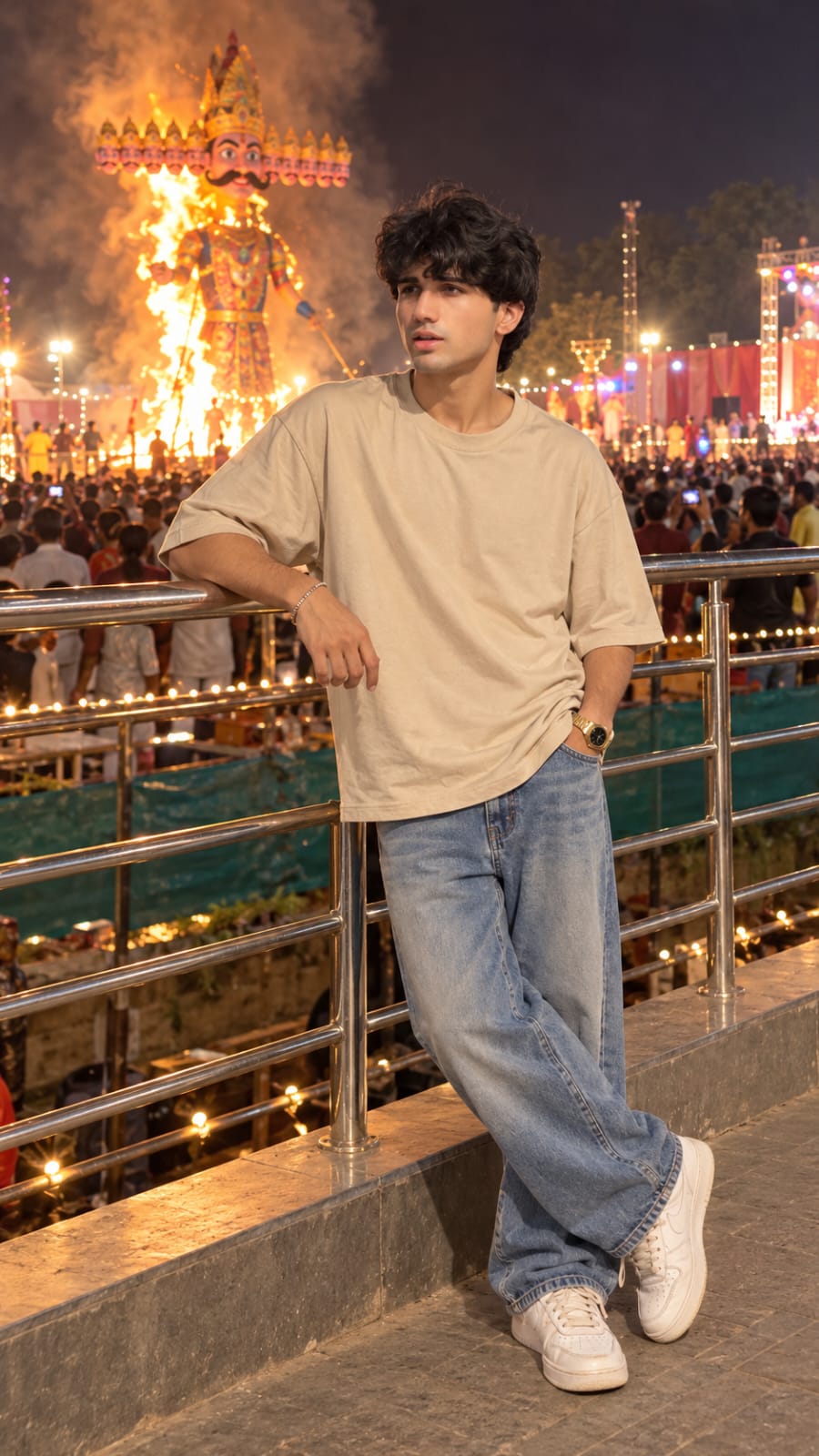
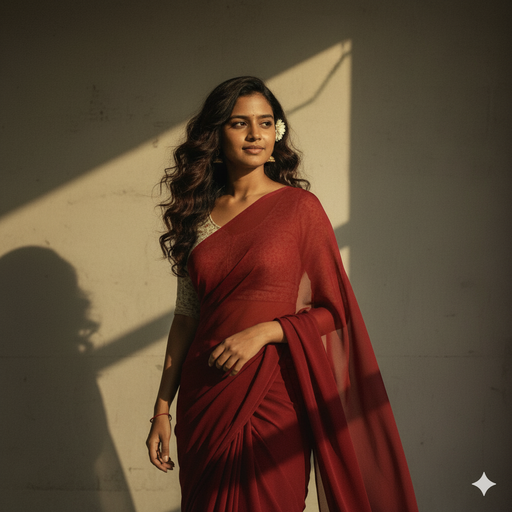
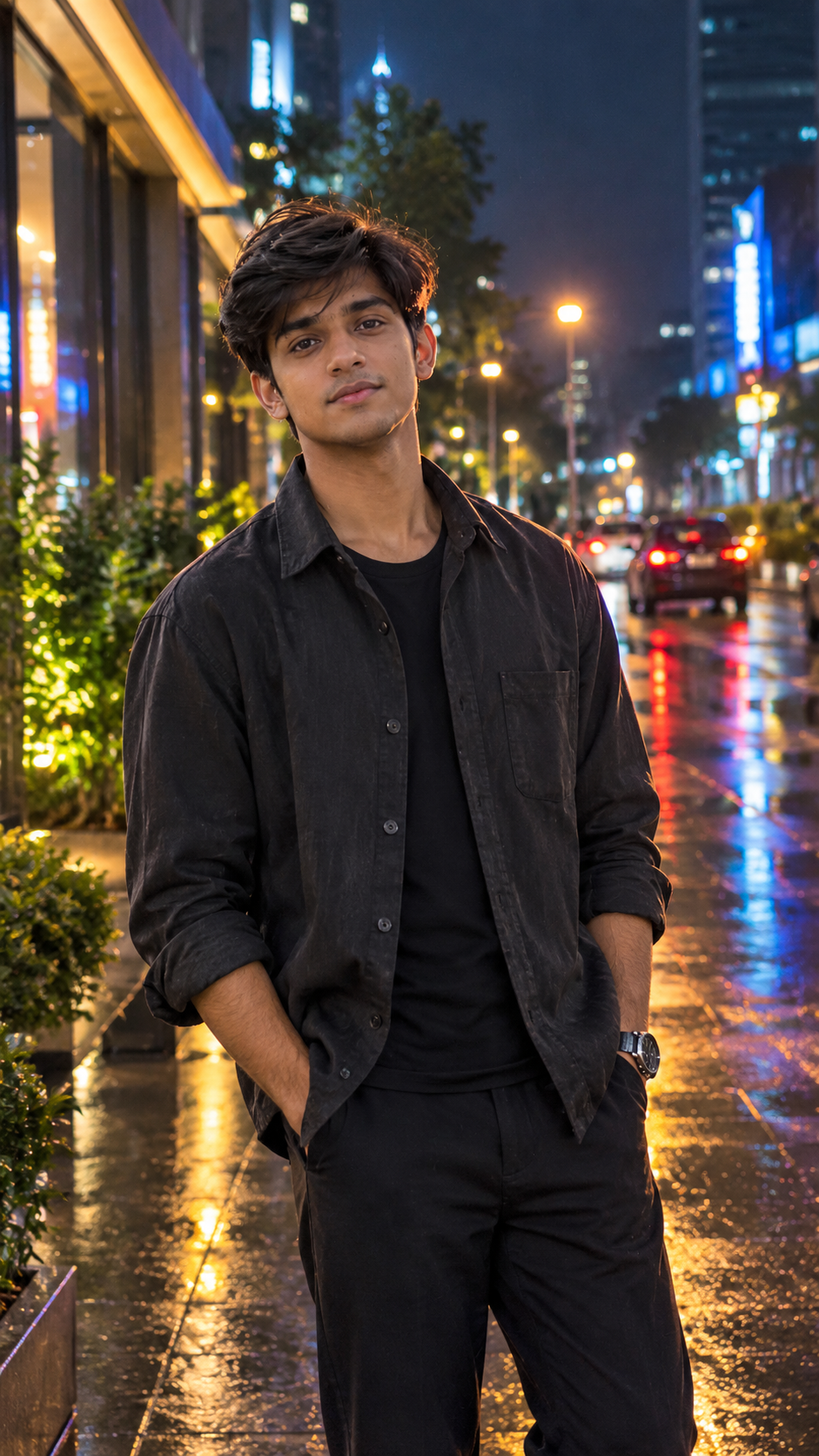
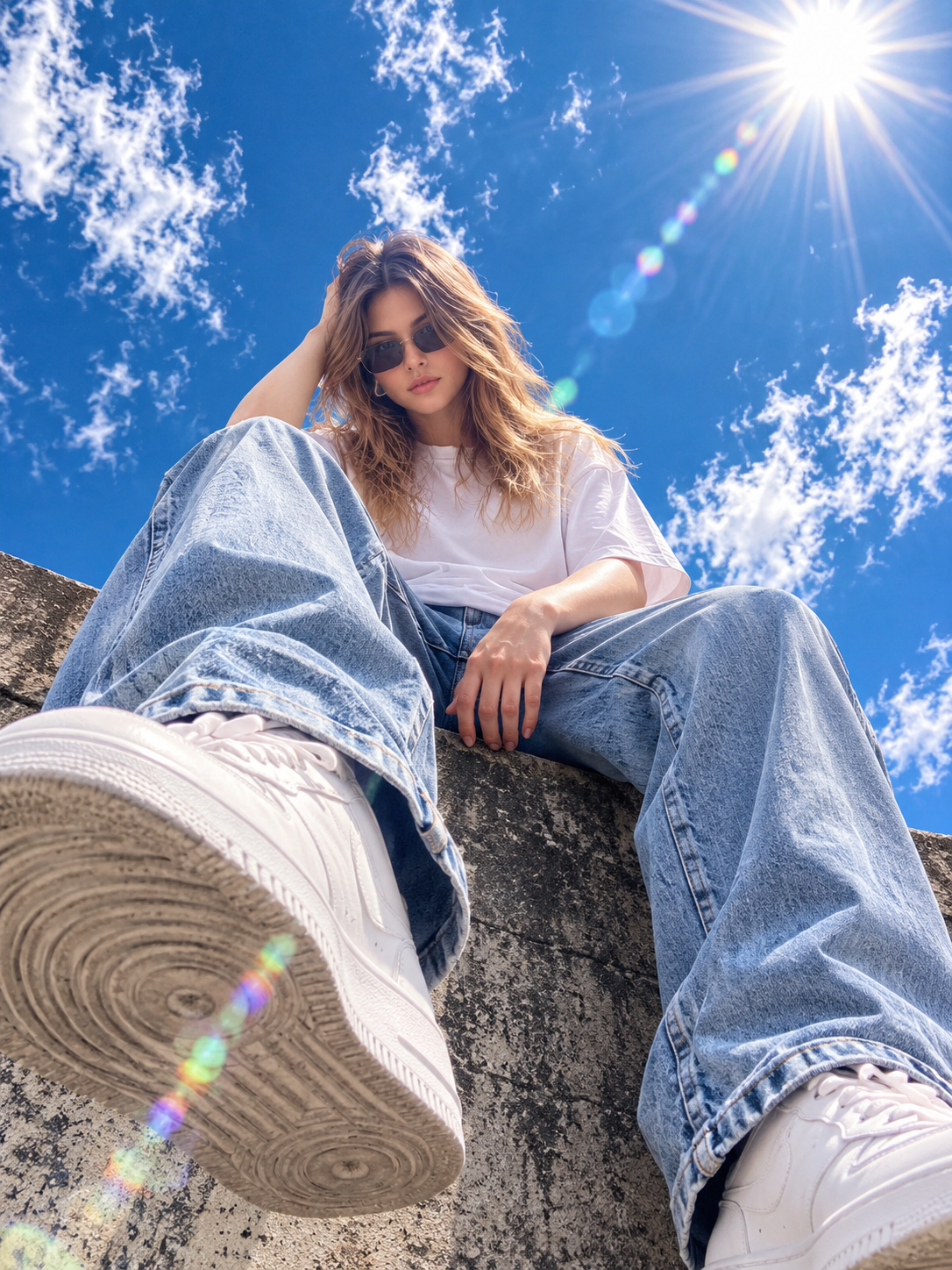
Creating a stylish mirror selfie with Instagram Restyle is very easy. You can use your existing photo and transform its appearance into a realistic mirror selfie with the help of a suitable Restyle description. This editing style can include a modern mirror, smartphone in hand, stylish indoor setting, soft lighting, realistic reflections, and a clean background. You do not need advanced photo-editing skills for this effect. In this article, you will find a copy-ready mirror selfie prompt, simple steps to use it, and useful tips for creating a natural-looking result.
What Is Instagram Restyle?
Instagram Restyle is a creative feature that can help users change the visual appearance of their photos using AI-based editing. For a mirror selfie effect, you can provide a suitable photo and describe the style you want to create. The result can include details such as a large mirror, smartphone selfie pose, indoor background, natural lighting, and realistic reflections. The available options and features may change over time, so the exact experience can vary depending on your Instagram version and device. Always use the latest officially available version of Instagram when trying the feature.
Best Mirror Selfie Restyle Prompt
Use the prompt below with your photo in Instagram Restyle:
Transform the uploaded mirror selfie into a luxury LED mirror portrait. Replace the existing mitor frame with an elegant irregular organic shape mirror featuring a soft warm golden LED Backlight glow around e entire edge. keep the subject same
How to Create a Mirror Selfie with Instagram Restyle
Creating a mirror selfie effect with Instagram Restyle is simple. Just follow the steps below:
- Open Instagram and select your photo.
- Open the Restyle option.
- Choose the option for creating or describing a style.
- Copy the mirror selfie prompt.
- Add the prompt to Restyle.
- Generate the new image.
- Check the face, hands, phone, and reflection.
- Try another variation if needed.
- Save or share the final image.
Choose the Right Photo
Choosing a suitable photo can help you get a better mirror selfie result. Use a clear image where your face, hairstyle, and clothing are easy to see. A well-lit photo can also help maintain a more natural appearance after applying the Restyle effect. Avoid extremely blurry images or photos with too many objects covering the person. If your original photo already has a natural standing pose, the AI may have more useful visual information for creating the new composition. You can also experiment with different photos to see which one produces the most realistic result.
Create a Realistic Mirror Selfie Look
The mirror and background are important elements of this editing style. You can describe a modern bedroom, dressing area, living room, or simple indoor space depending on the look you want. Adding realistic mirror reflections, soft indoor lighting, clean surroundings, and natural shadows can make the result look more believable. Keep the description simple rather than adding too many effects. The main focus should remain on the person, mirror, and smartphone. You can also change the room style, lighting, clothing appearance, and overall atmosphere to create different versions.
Tips for Better Restyle Results
If the first result does not look the way you expected, try making small changes to your description. You can ask for a more natural phone position, realistic hands, a cleaner mirror, softer lighting, or a simpler background. It is better to change one detail at a time so you can understand which description works best. Also check the final image carefully for unusual facial details, hands, reflections, or proportions. Creating a few variations can help you find the version that looks most natural and suitable for sharing.
Final Words
The Mirror Selfie Instagram Restyle AI Photo Editing Prompt makes it simple to give your regular photo a stylish mirror selfie look. Just upload a clear picture, use the prompt above, and let Instagram Restyle transform the scene with a modern background, natural lighting, realistic reflection, and a fresh visual style. You can also adjust the room, pose, outfit, or lighting to create different results. I hope this guide helps you create a mirror selfie you love. If you face any issues while editing, feel free to share them in the comment box or on our Instagram page.