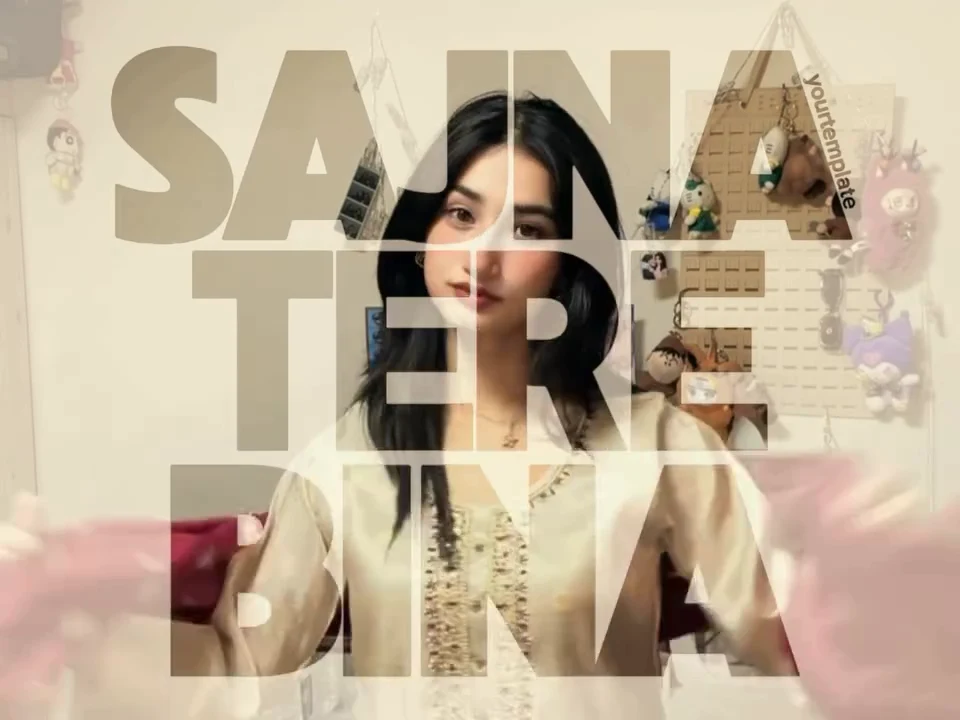
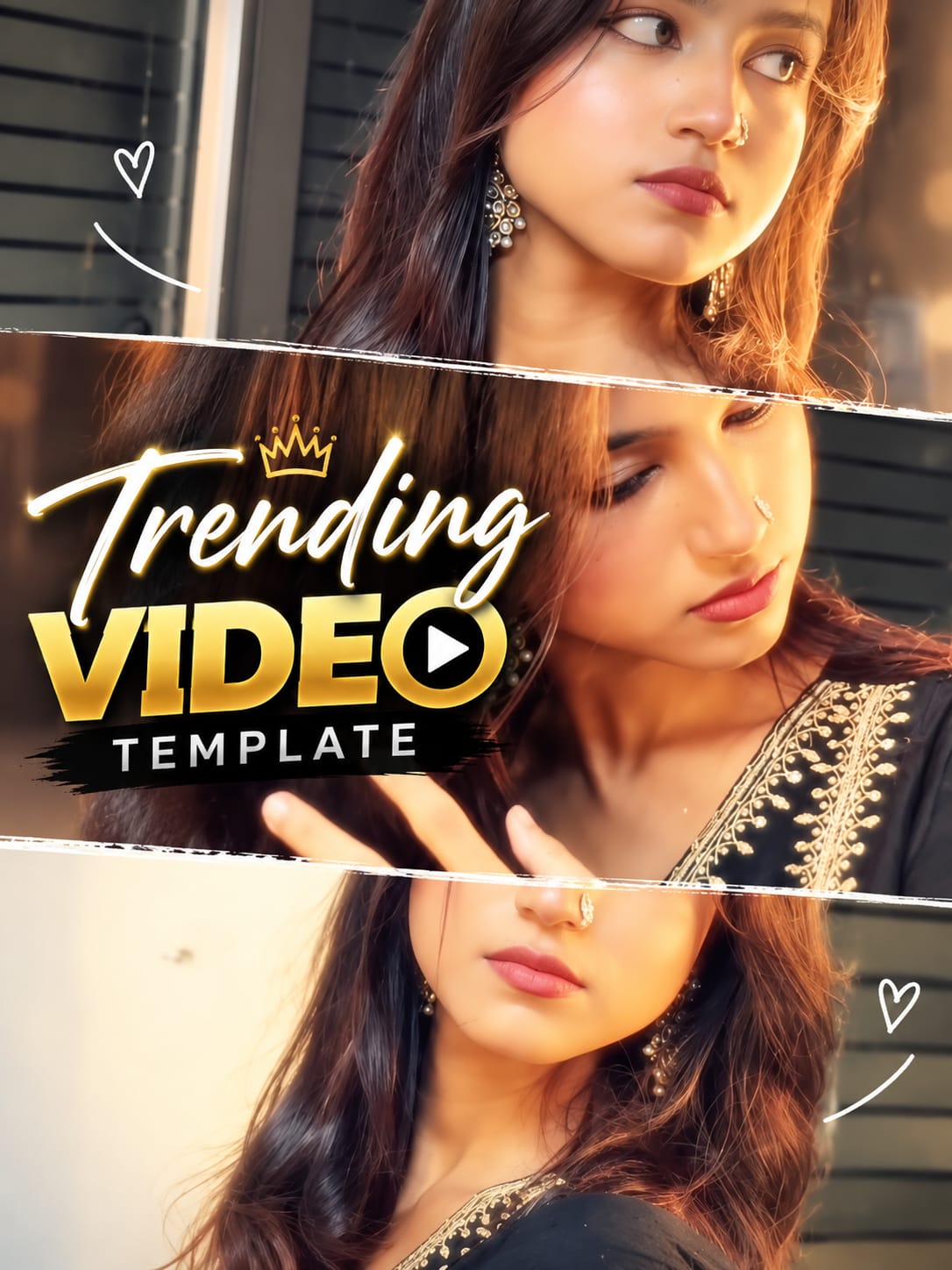
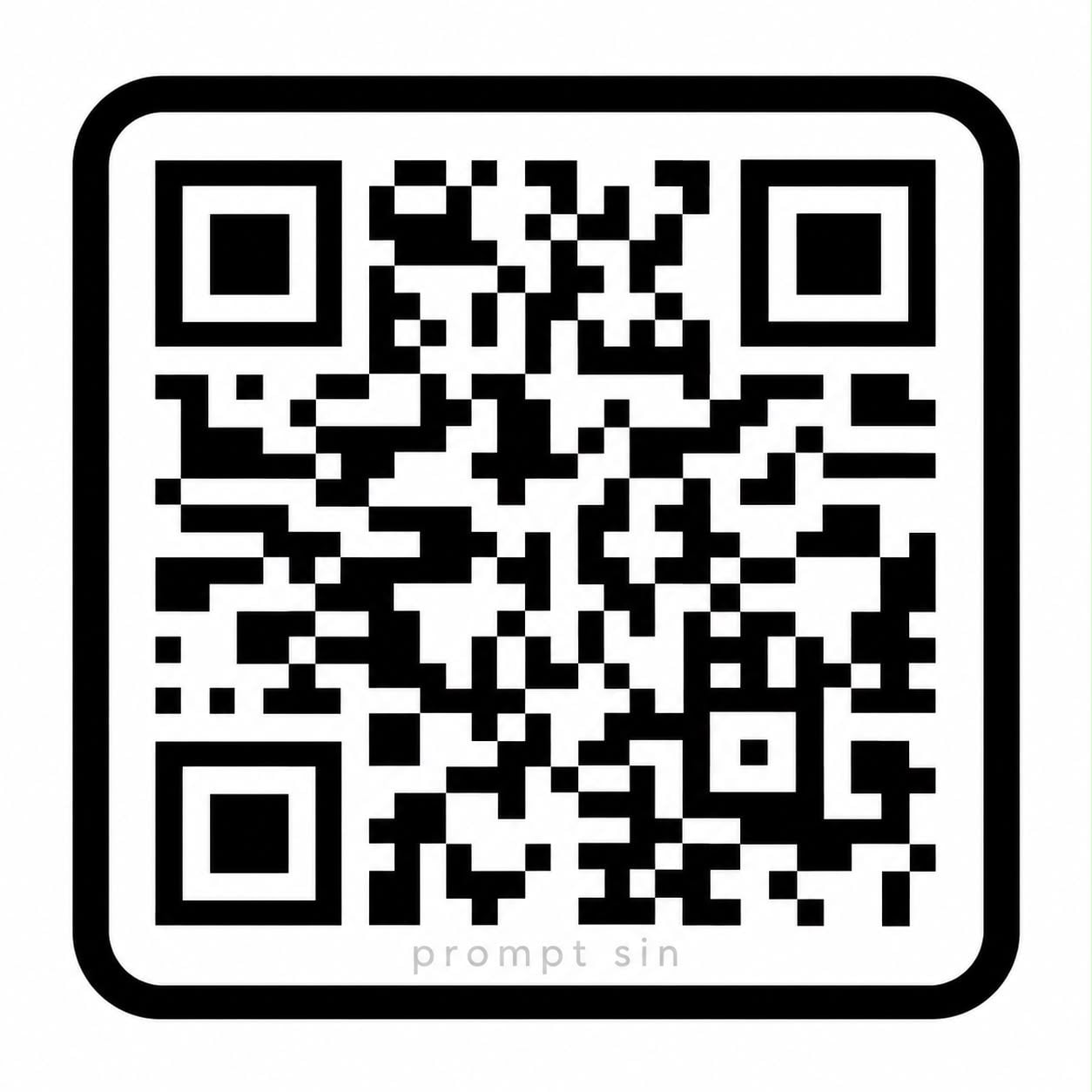
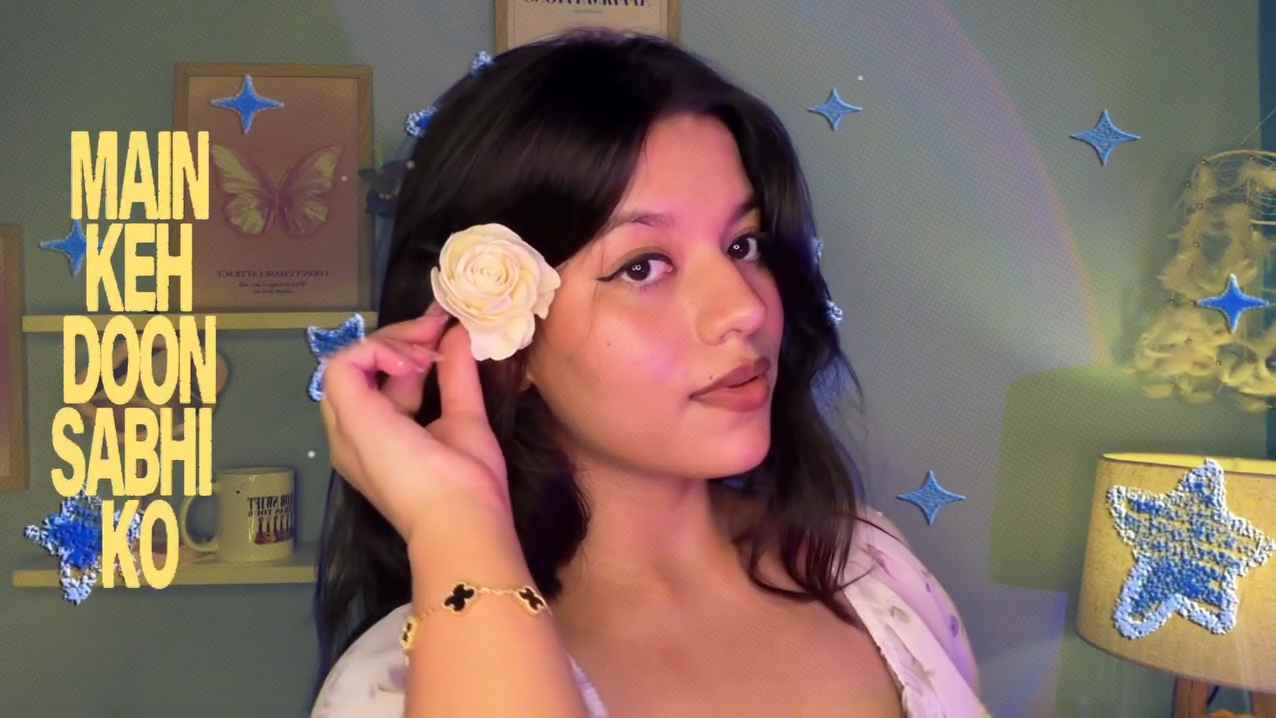
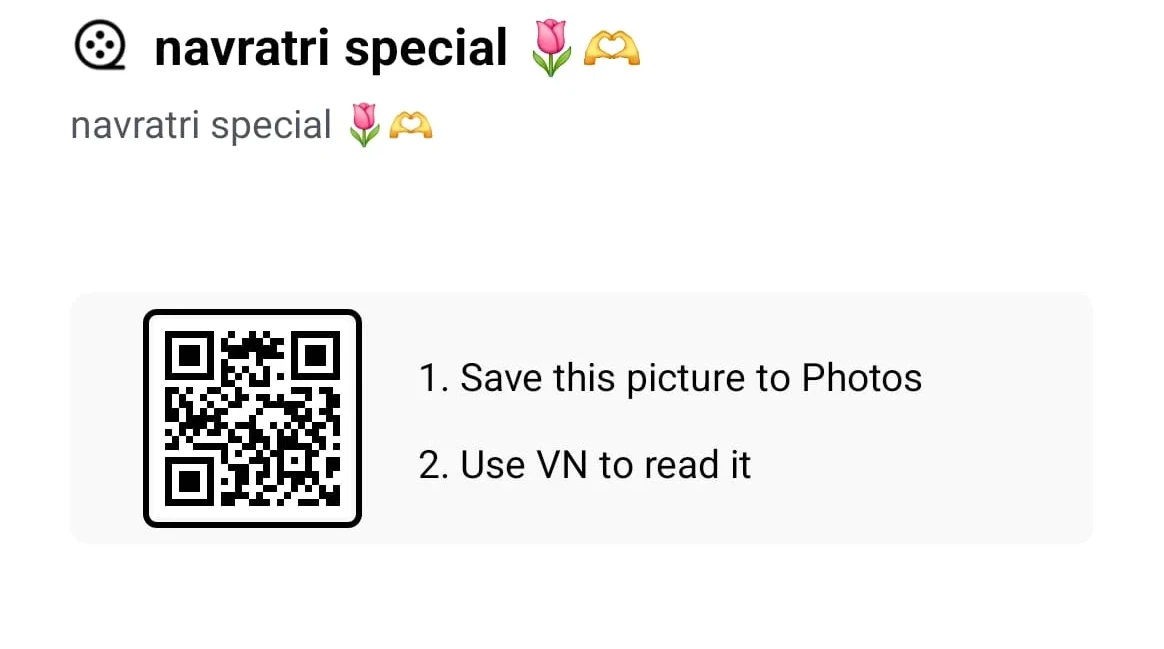
Make a Navratri/Dandiya couple reel fast with this VN template—just scan the QR code (or open the deep link) and swap in your own clips.

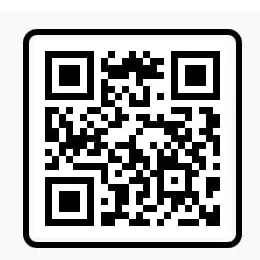
How to use this template
- Save the QR code image to your phone (or open the VN deep link if you’re on mobile).
- Open the VN Video Editor app.
- From the home screen, tap the three dots (•••) or the Scan icon at the top right.
- Tap the Picture/Gallery icon in the scanner, then select the saved QR code image.
- When VN detects the template (ID 943621), tap Get → Use Template, then replace the placeholders with 6–9 couple photos/videos.
- Preview, then tap Export to save your reel.