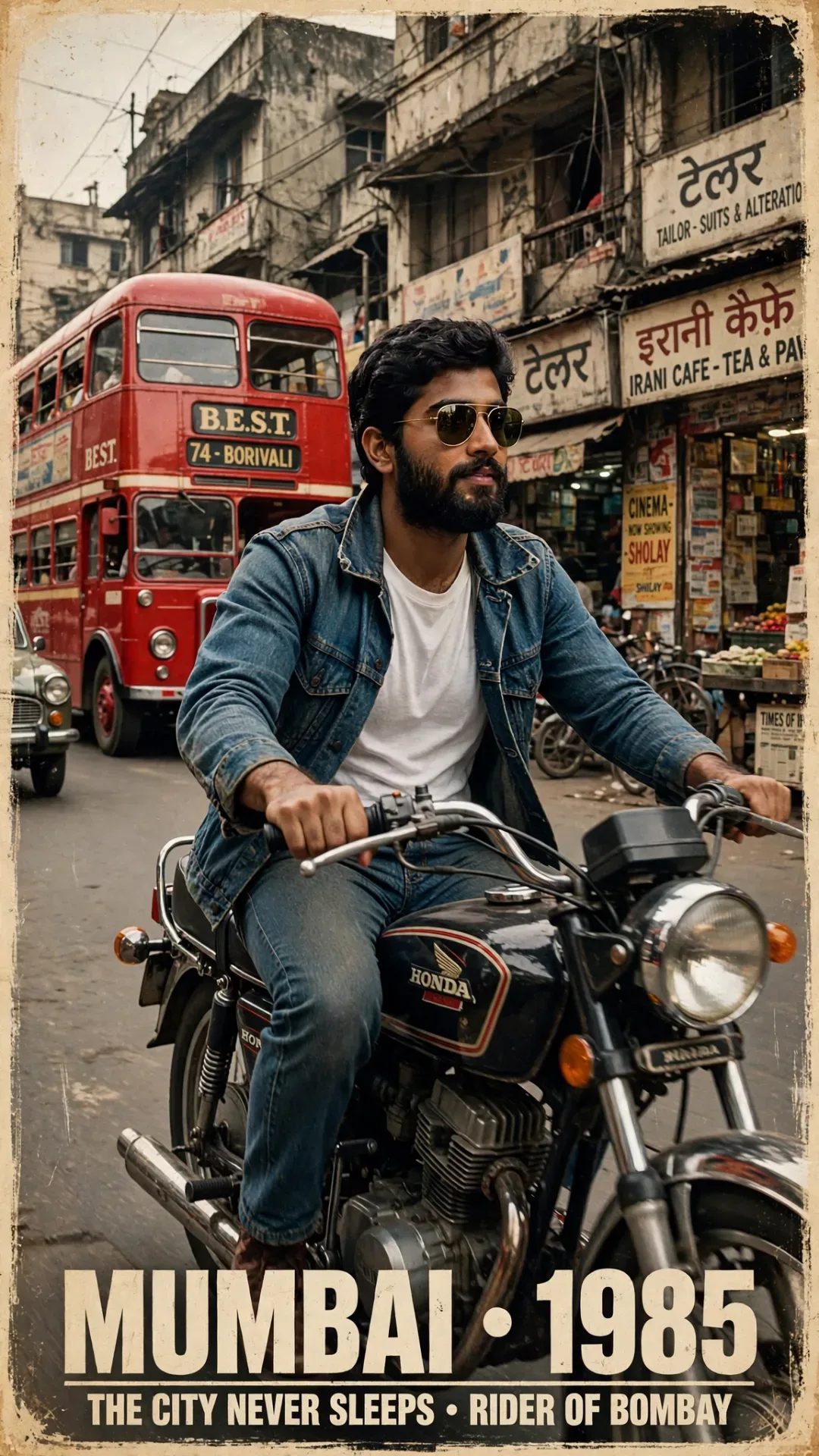
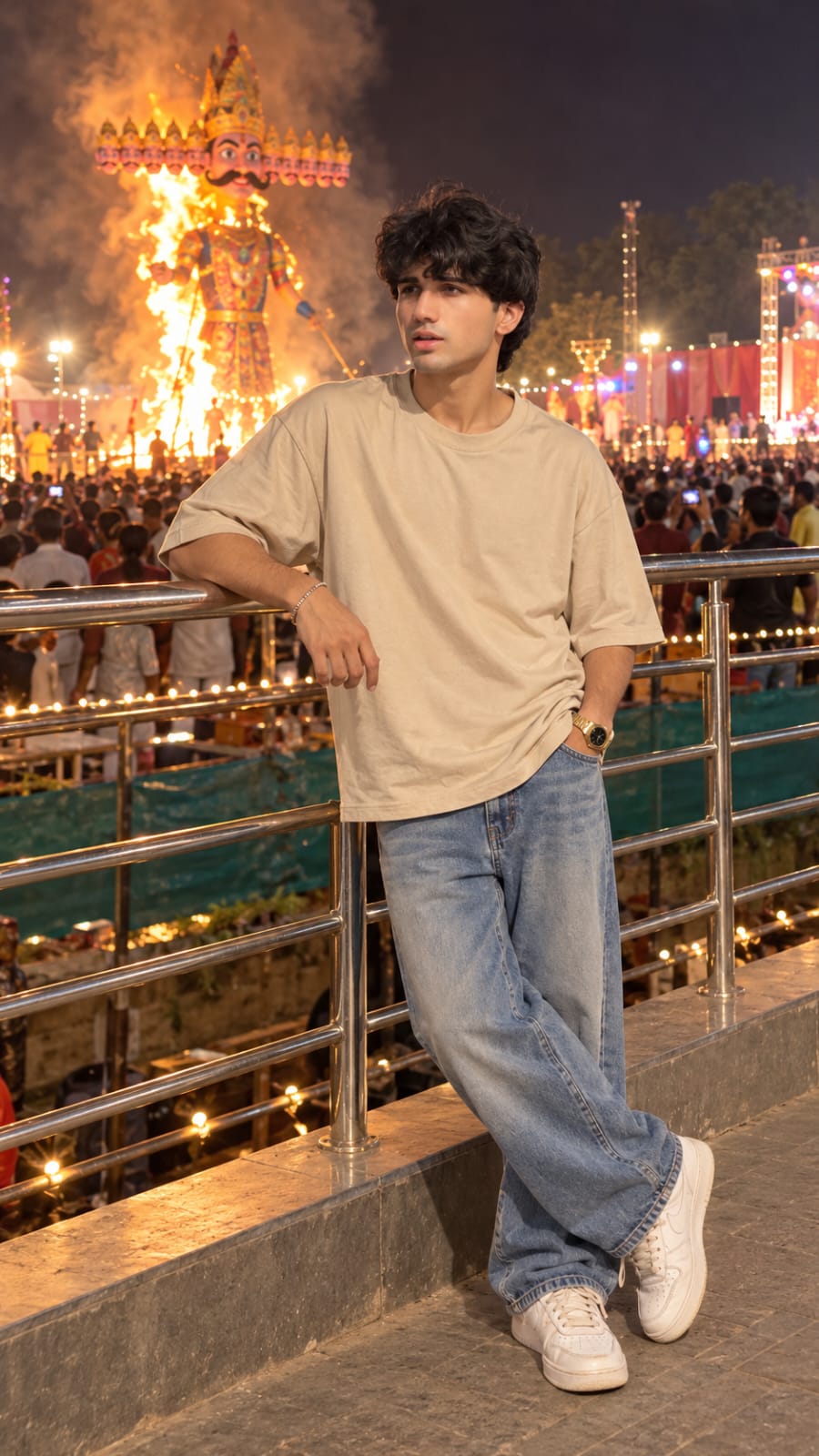
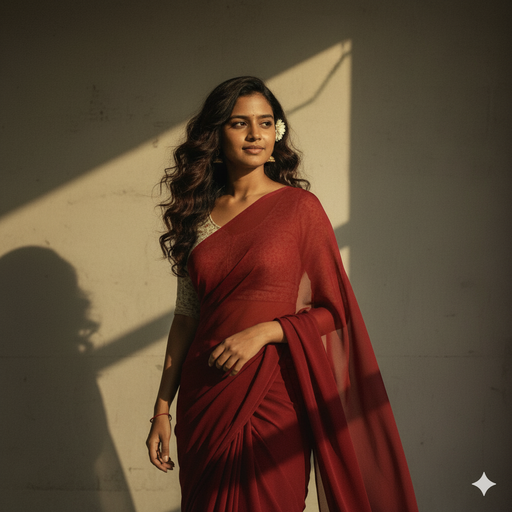
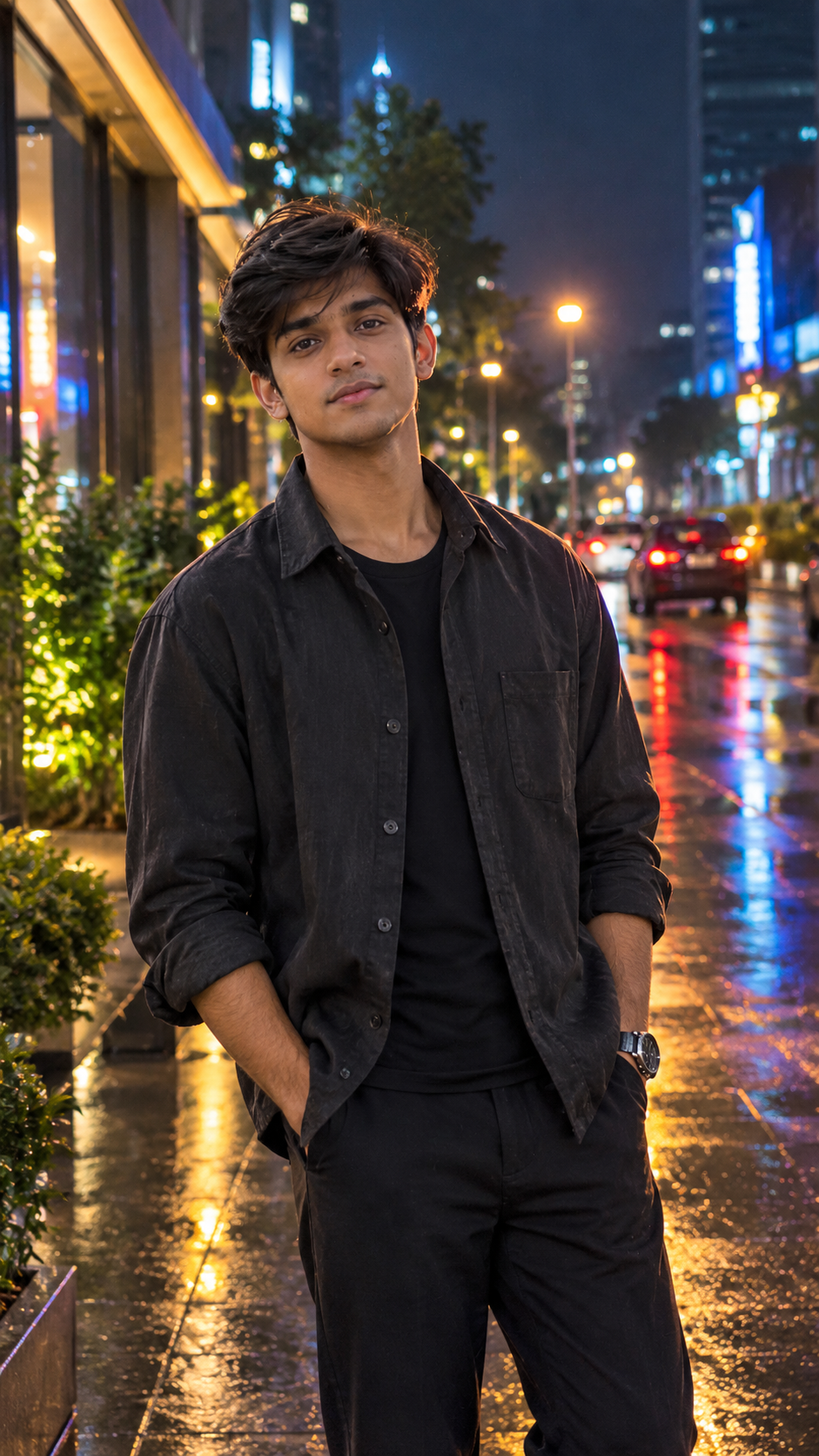
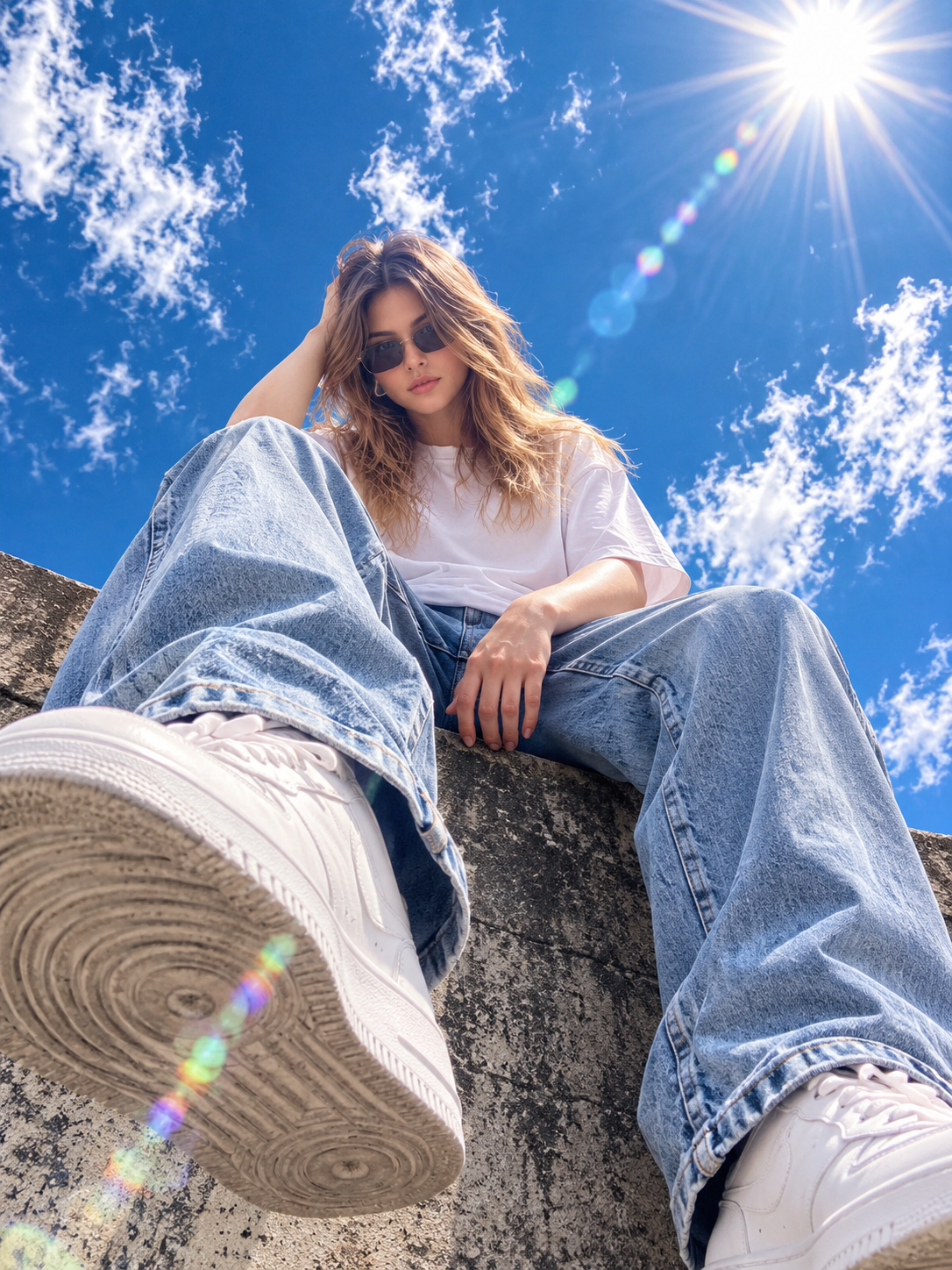
Creating a beautiful 12 Rabi Ul Awal Mubarak photo with AI is very easy. You can turn your normal portrait into an elegant Islamic-themed image using a simple AI photo editing prompt. The design can include traditional clothing, a peaceful background, soft lighting, green and white elements, and beautiful 12 Rabi Ul Awal Mubarak text. All you need is a clear photo and an AI image-editing tool. In this article, you will find a copy-ready prompt, simple steps, useful editing tips, and ideas to create a beautiful and respectful 12 Rabi Ul Awal Mubarak AI photo.
What Is 12 Rabi Ul Awal?
12 Rabi Ul Awal is a significant date in the Islamic calendar and is widely associated with the remembrance of the birth of Prophet Muhammad. Muslims in different parts of the world observe this occasion according to their traditions and beliefs. People may take part in gatherings, share greetings, recite devotional poetry, and learn about the life and teachings of Prophet Muhammad. The occasion is also known as Mawlid or Eid Milad-un-Nabi in many communities. The way people observe this occasion can differ between regions and communities, making it a meaningful date for many Muslims around the world.
12 Rabi Ul Awal Mubarak AI Photo Editing Prompt
Use the prompt below with your uploaded photo to create a beautiful Islamic-themed image.
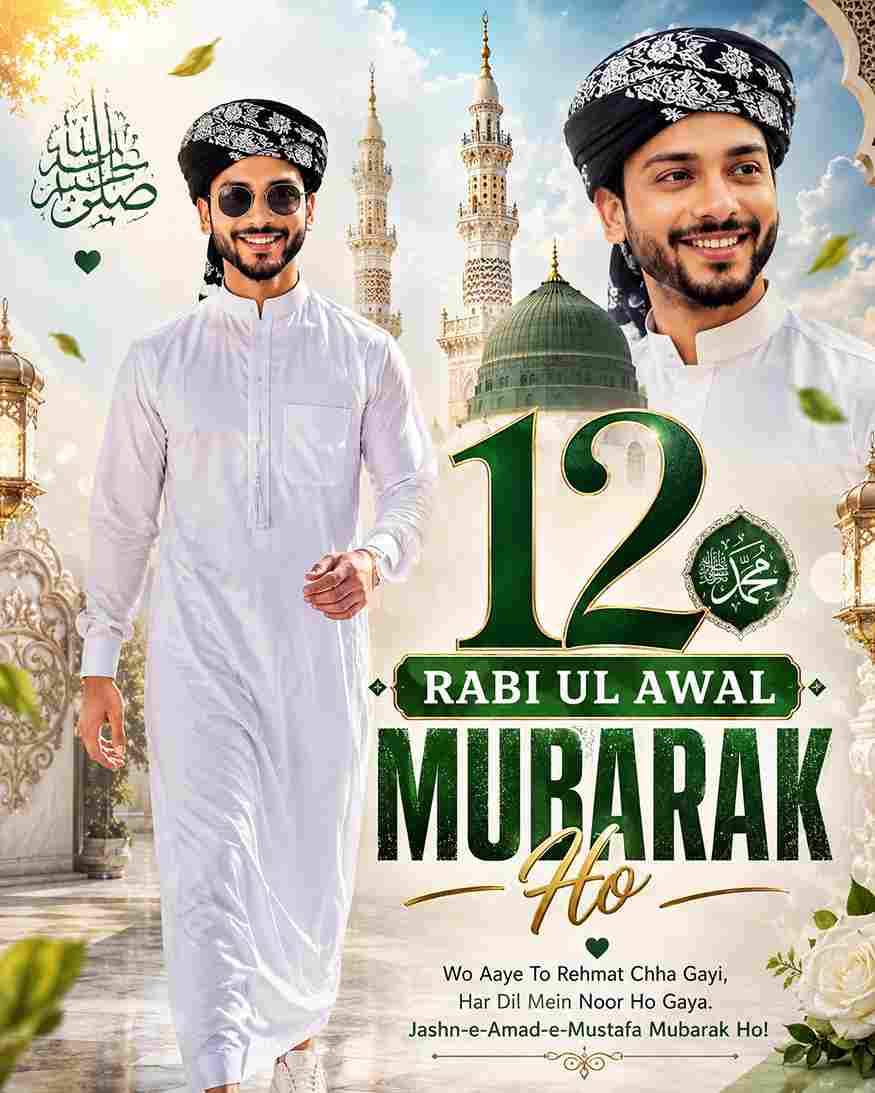
A Ultra-HD 8K realistic size 9:16 12, Rabi Ul Awal Mubarak HO photo A stylized digital composition featuring a young man (reference image) He appears in two instances within the frame. The main instance is on the left, depicted walking towards the viewer, wearing a White Arabic stylish jubbah, Black imamah pagri white design and white sneakers, and round sunglasses. He has dark, and a light stubble
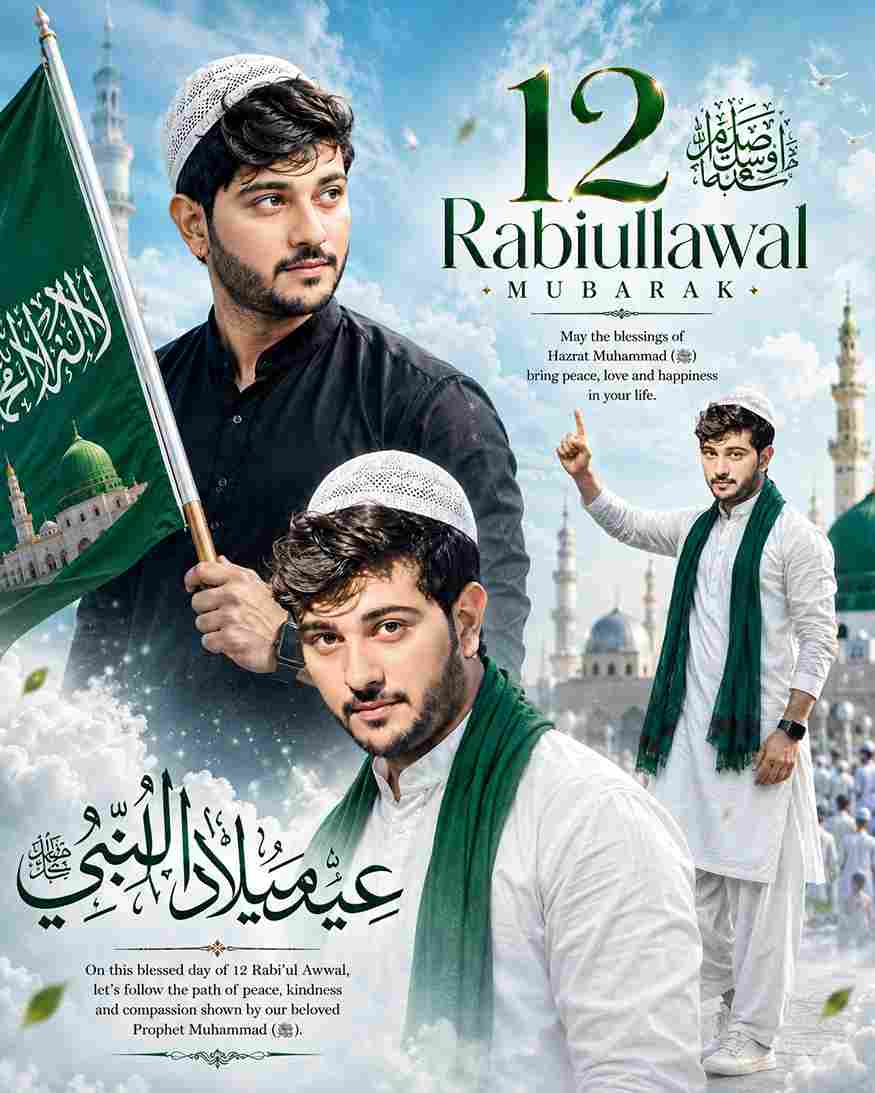
id milad un Nabi A stylish poster design featuring a young man with trendy voluminous hair and a short beard, wearing a whait salwar kmeez whait Islamic cap neck green showl too logo text 12 rsbiullawal mobarak The poster has a soft sky-blue theme with cloud-like background effects. Three same portraits of the same person are artistically blended: one close-up portrait wearing black looking sideway hand Islamic flag poss and one standing confidently with an arm raised. 9:16
How to Create 12 Rabi Ul Awal Mubarak Photo
Creating a 12 Rabi Ul Awal Mubarak photo with ChatGPT is very easy. Just follow the simple steps below:
- Open ChatGPT and log in to your account.
- Upload a clear photo of yourself.
- Copy the 12 Rabi Ul Awal Mubarak prompt.
- Paste the prompt along with your uploaded photo.
- Generate the image and wait for the result.
- Check your face, outfit, hands, and background.
- Ask ChatGPT to correct anything that looks unnatural.
- Try different backgrounds, poses, or lighting if needed.
- Save your final 12 Rabi Ul Awal Mubarak photo.
Choose a Clear Reference Photo
For the best result, choose a clear and high-quality photo where your face is properly visible. A front-facing or slightly angled portrait can work well because the AI can understand your facial features more easily. Avoid extremely blurry, dark, or heavily edited pictures because they may affect the final result. If you want your appearance to remain recognizable, keep the identity instructions in the prompt. A good reference image combined with a detailed description of the outfit, background, lighting, and composition can help create a more natural-looking AI photo.
Tips for Better AI Photo Results
Always use a clear reference photo and describe the important elements of the image in your prompt. If the first result is not perfect, you can ask the AI to correct a specific detail, such as the face, hands, clothing, background, or text. You can also experiment with different poses, camera angles, lighting styles, and backgrounds. If you want a professional appearance, keep the design simple and avoid excessive decorations. Make sure the final text is readable and check the generated image carefully before sharing it. Small prompt changes can help you create different styles from the same reference photo.
Final Words
The 12 Rabi Ul Awal Mubarak AI Photo Editing Prompt is an easy way to create a personalized and elegant Islamic-themed photo using AI. With a clear reference image and a detailed prompt, you can create a beautiful design featuring traditional clothing, peaceful surroundings, soft lighting, and Mubarak greeting text. Try the prompt above and make small changes according to your preferred style. I hope this article helps you create your desired 12 Rabi Ul Awal Mubarak photo, and if you have any problems, please let me know in the comment box or on our Instagram page.