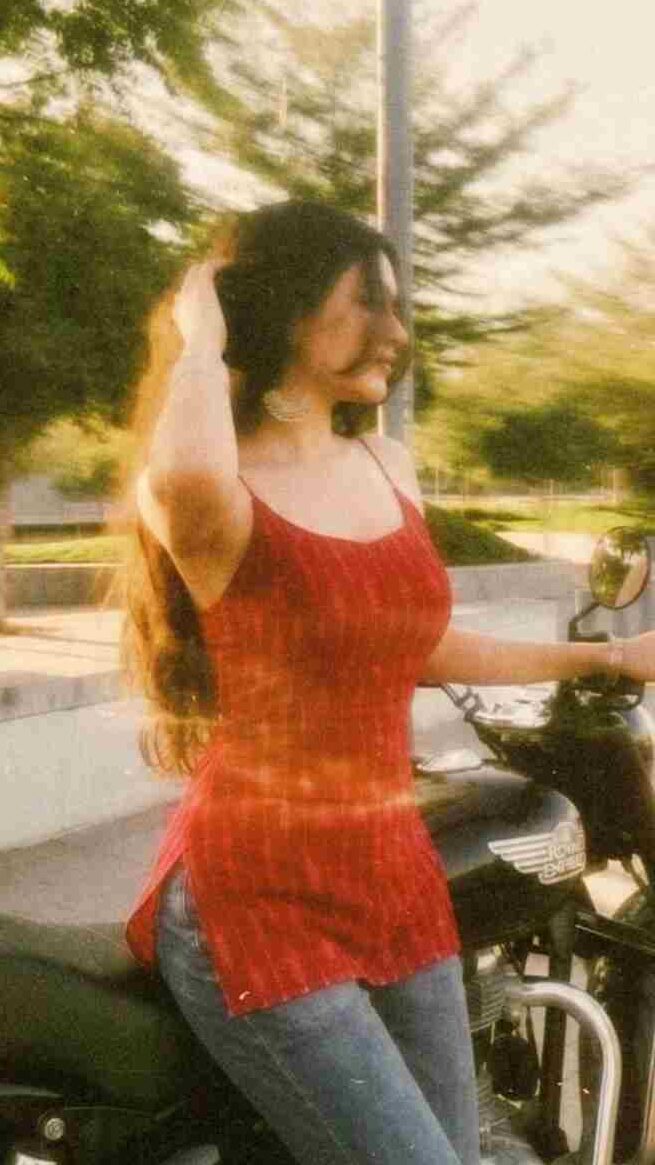
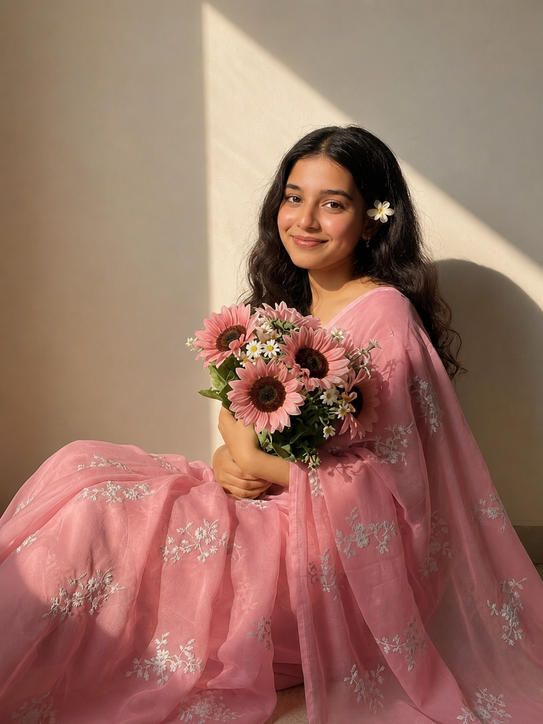
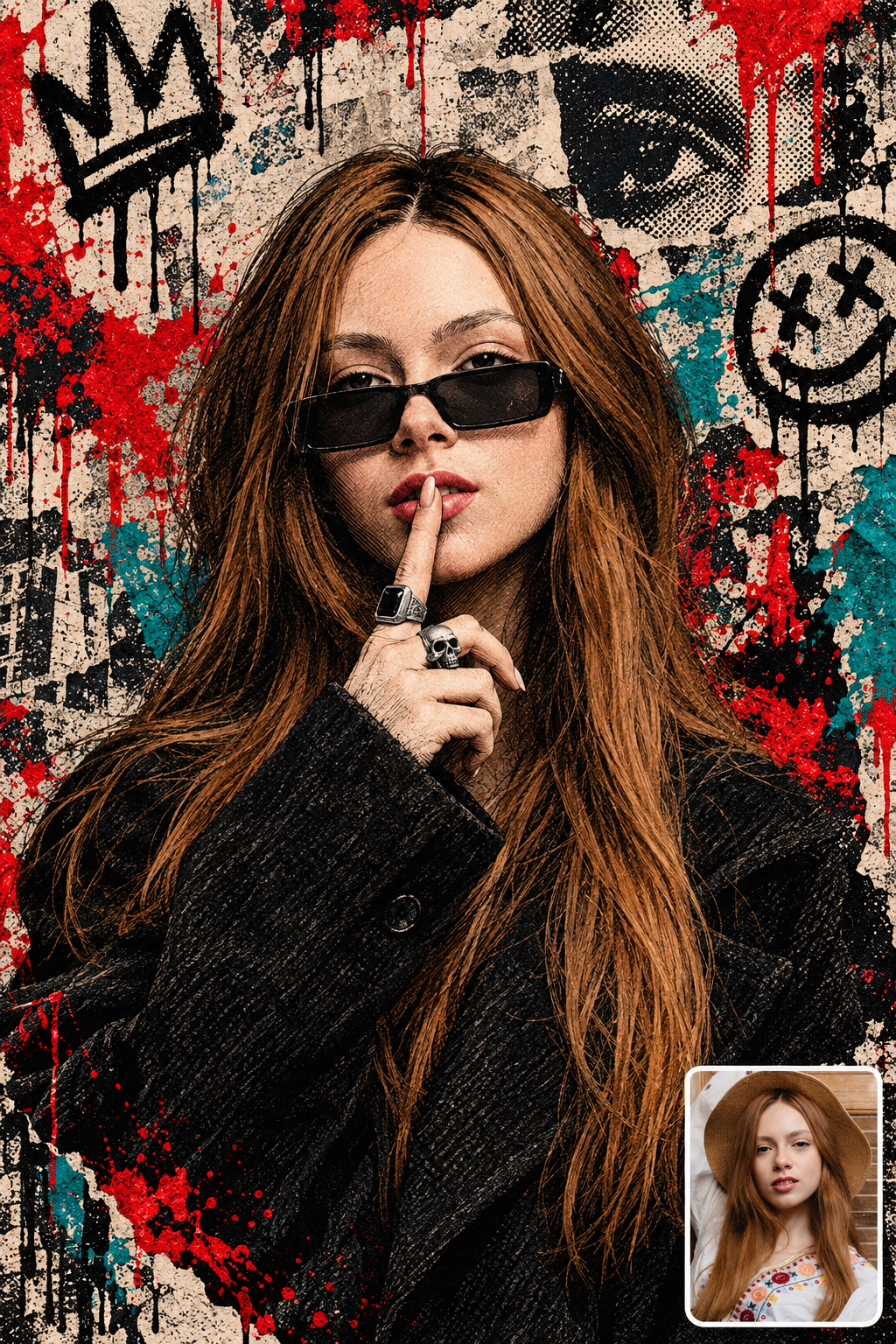
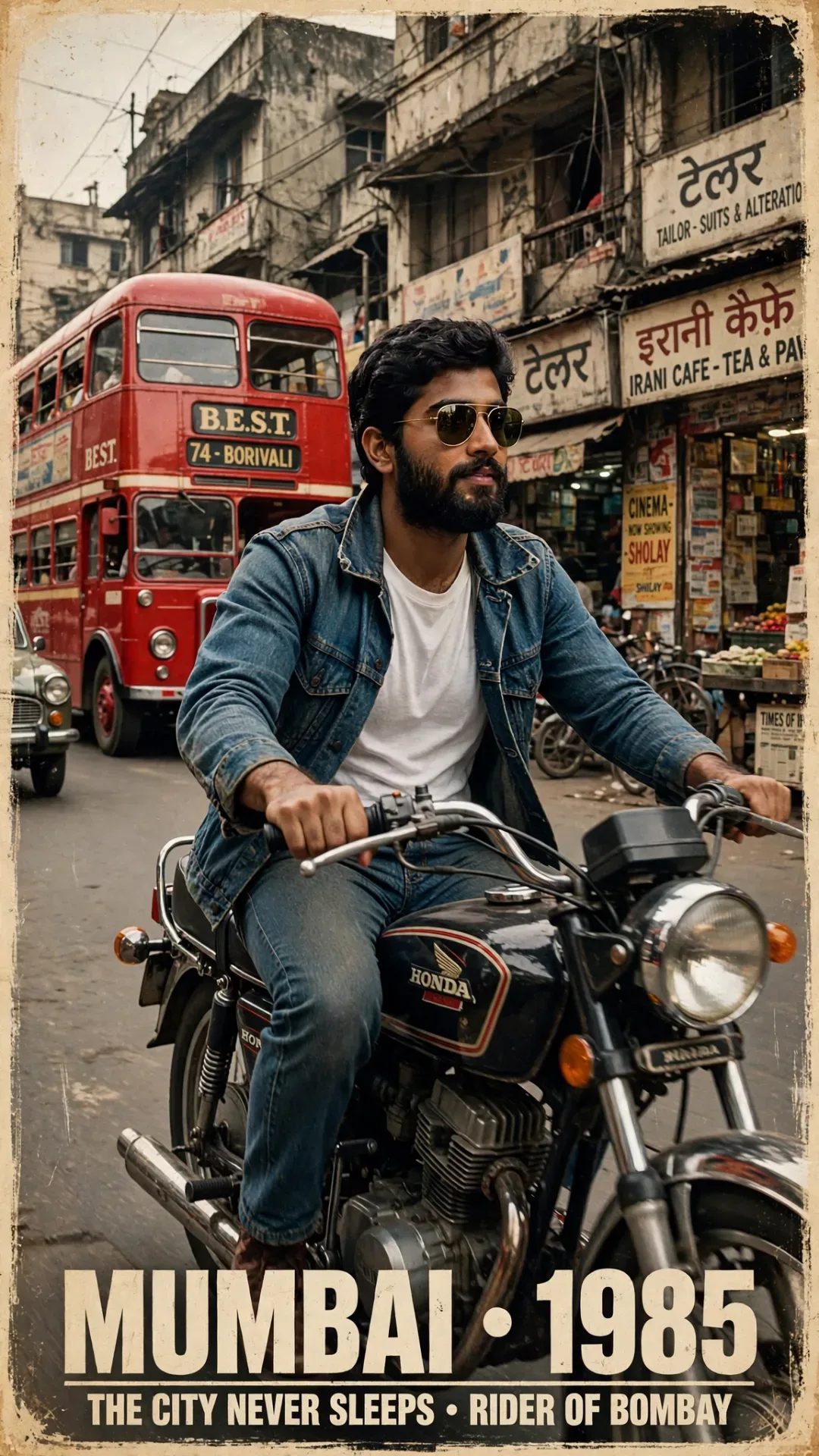
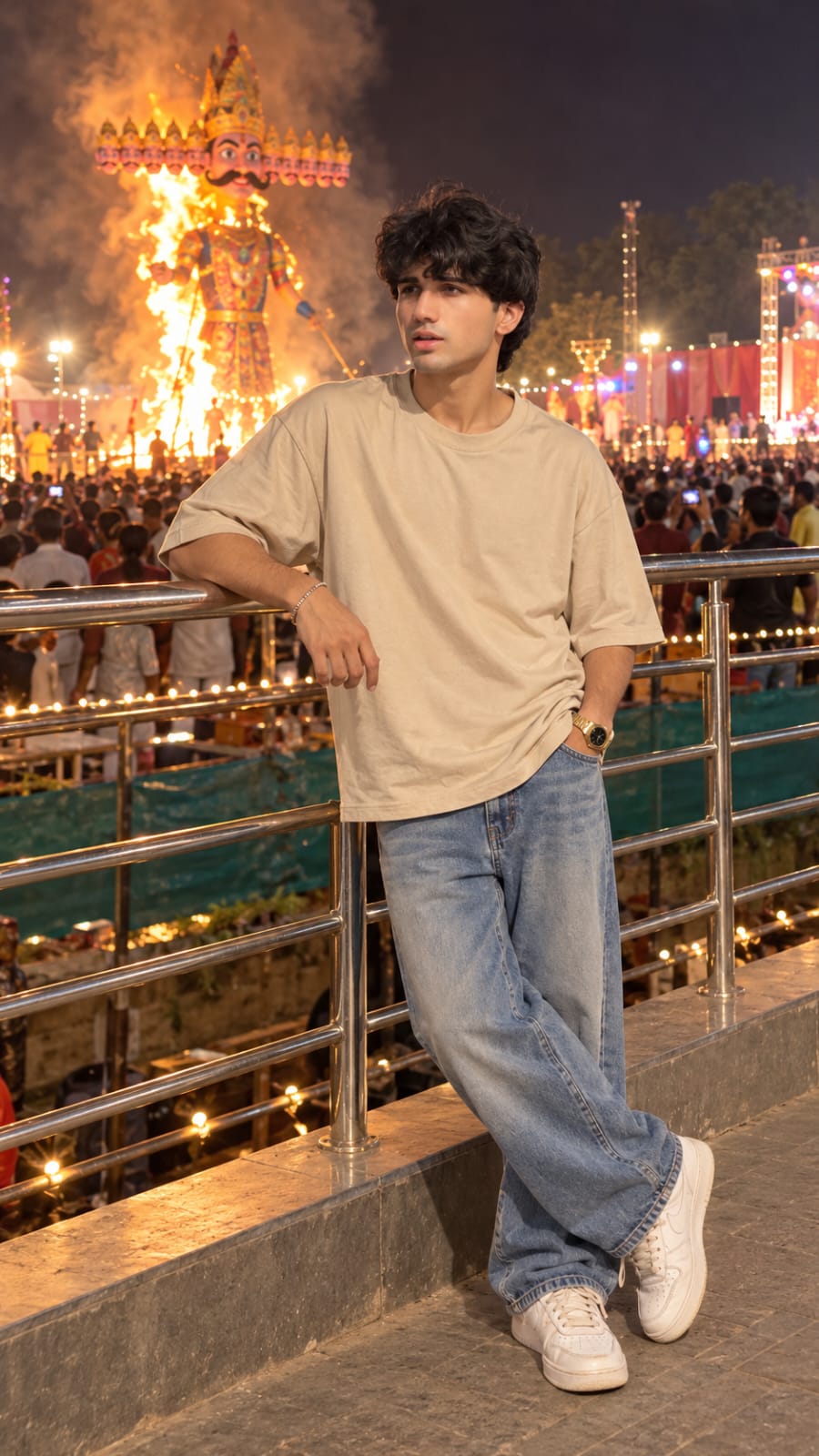
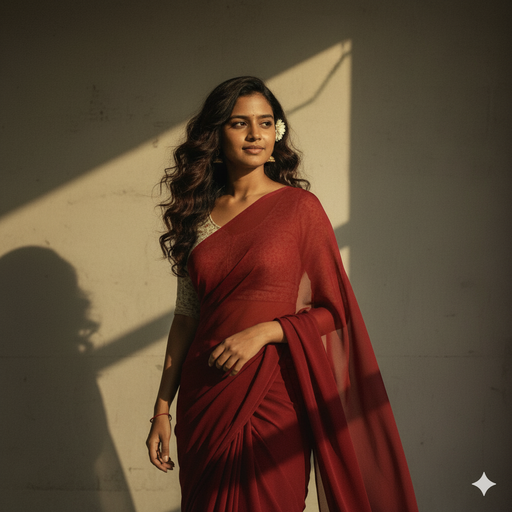
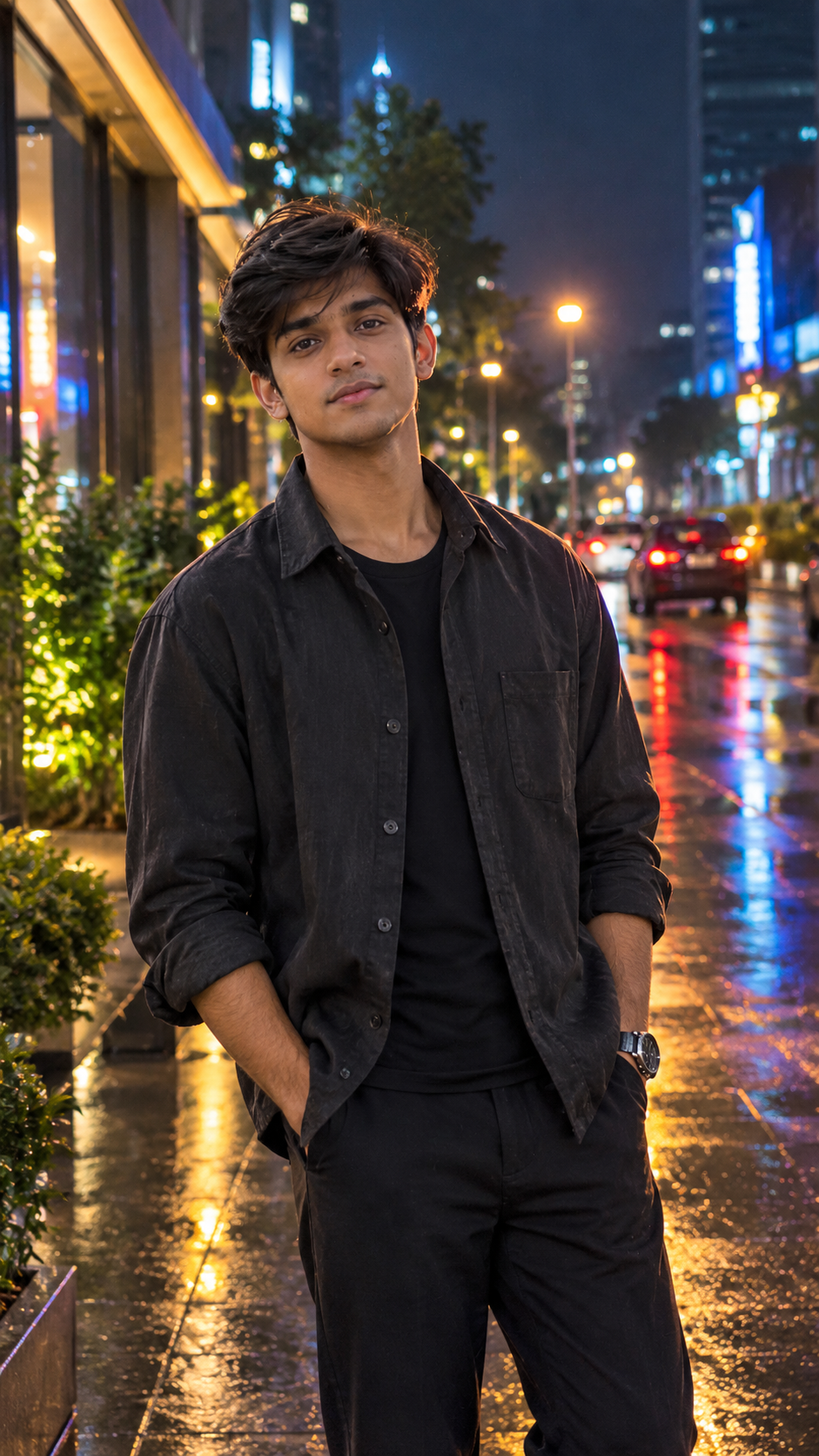
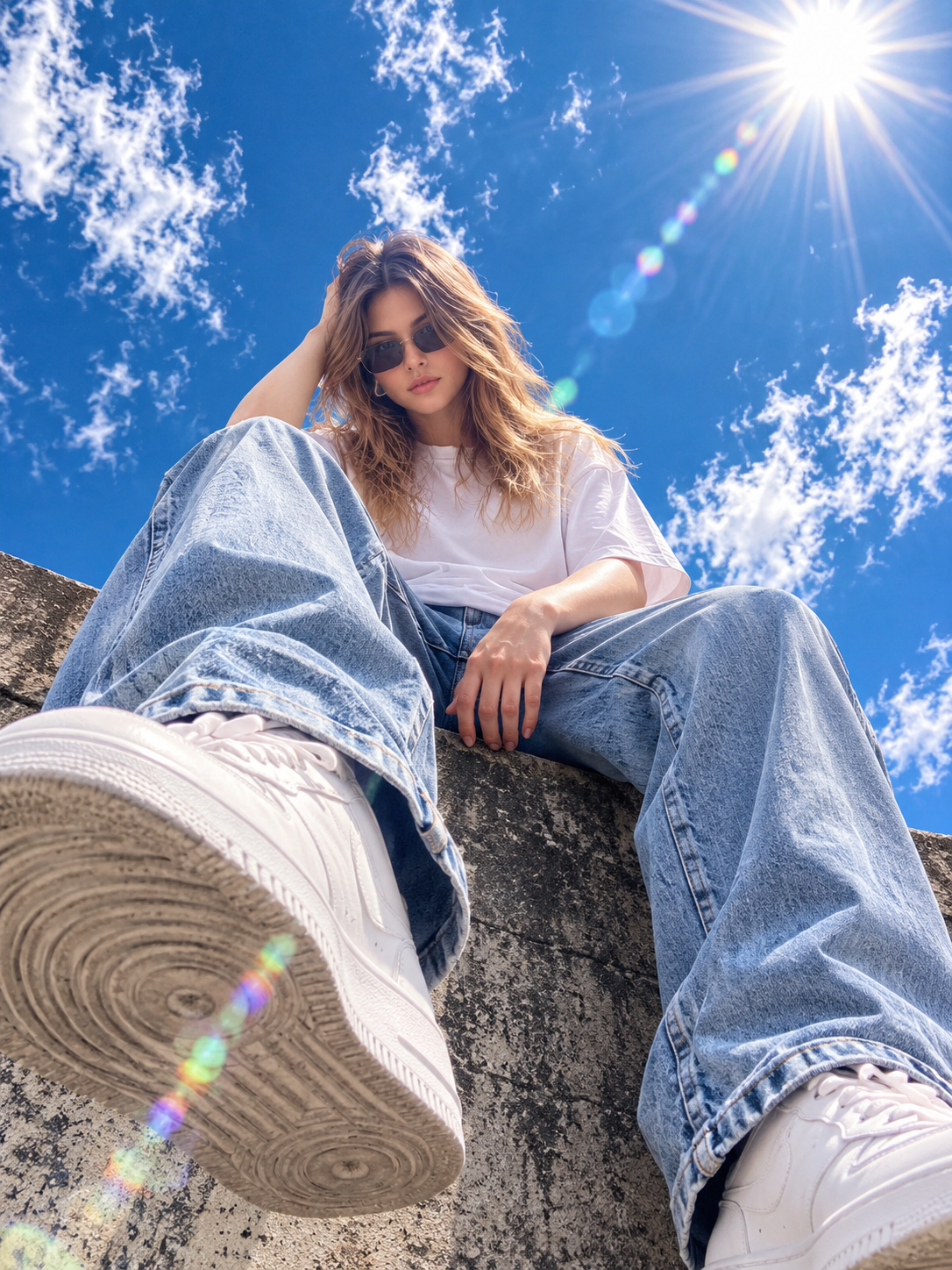
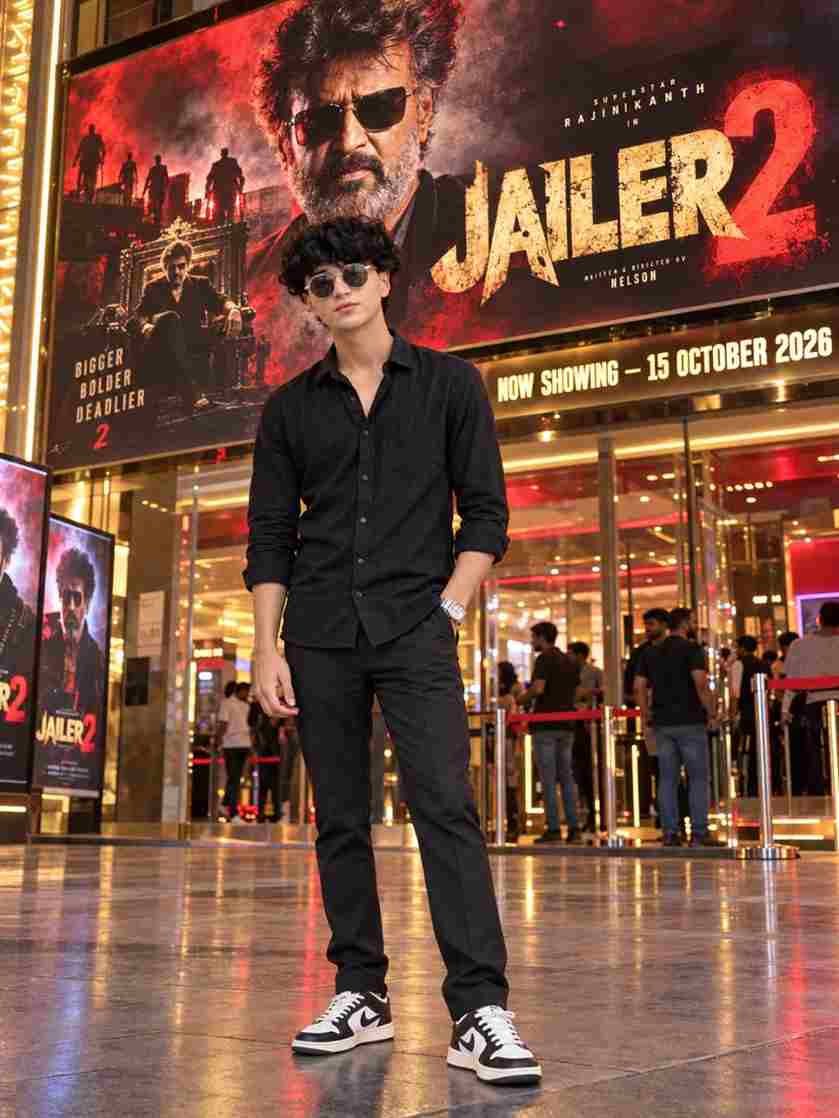
The Long Exposure AI Photo Editing Prompt is a simple way to give your normal photo a stylish motion effect using Instagram Restyle. This photo transformation creates the appearance of movement across the subject while adding a subtle vintage photography feel. You can use your own photo and enter a simple prompt to experiment with this trending visual style. The process does not require advanced editing skills, as Instagram Restyle can help transform the overall appearance based on your description. In this article, you will find the prompt, easy steps, and useful tips for creating the effect.
What Is Long Exposure Photo Editing?
Long exposure photography is a style where movement is captured as a soft blur or trail in the final image. This creates a dynamic appearance that can make an ordinary photo look more artistic. With Instagram Restyle, you can describe this type of visual effect and use your existing photo as the starting point. The AI transformation can add motion across the subject while maintaining important details such as the face and overall appearance. The final result can vary depending on the original photo and the editing options available in Instagram.
Best Long Exposure Instagram Restyle Prompt
Use the prompt below with your uploaded photo:
Add strong realistic long-exposure across the entire subject as if captured while moving, vintage film aesthetic, natural lighting, land unchanged facia eatures.
How to Create Long Exposure Photo Using Instagram Restyle
Creating the long-exposure effect with Instagram Restyle is easy. Just follow the steps below:
- Open Instagram on your device.
- Select the photo you want to transform.
- Open the available Restyle option.
- Choose the option to describe your desired style.
- Copy the long-exposure prompt.
- Paste or enter the prompt with your photo.
- Generate the transformed image.
- Check the motion effect and facial details.
- Save your final photo.
Choose the Right Photo
The original photo can make a big difference to the final long-exposure effect. Try to use a clear image where your face, clothing, and body are easy to see. A photo with a simple background can also help the motion effect stand out more clearly. Walking poses, fashion photos, and outdoor portraits can work well because they naturally suggest movement. Avoid extremely blurry or low-quality images because the AI may have difficulty maintaining important details. A clear reference photo gives you a better starting point for the transformation.
Keep the Background Unchanged
If you want the long-exposure effect to focus mainly on the person, clearly mention that the background should remain unchanged. This can help maintain the original environment while the motion effect is applied to the subject. A consistent background can also make the movement appear more noticeable. If the background changes during generation, try asking Instagram Restyle to preserve the original background, surroundings, and composition. You can also use a photo with a simple background if you want the subject and motion trails to remain the main focus.
How to Get a Realistic Long Exposure Effect
The goal of this editing style is to create visible movement without making the entire image look excessively blurry. Ask for smooth and controlled motion trails while keeping the person’s important facial details recognizable. A subtle vintage film appearance can add character without overpowering the main effect. If the first result looks too blurred, reduce the intensity of the motion in your next prompt. You can also ask for natural lighting, realistic shadows, and balanced exposure to make the final image look more like a professionally captured photograph.
Tips for Better Instagram Restyle Results
If the first result is not what you expected, make one small change at a time. For example, you can ask for stronger motion, softer trails, clearer facial features, or a more natural film appearance. Check the eyes, face, hands, clothing, and background after generating the image. If one detail looks unusual, specifically ask for that area to be corrected. Creating a few variations can also help you find the version that best matches your preferred style. Always review the final image carefully before saving or sharing it.
Final Words
The Long Exposure AI Photo Editing Prompt is an easy way to experiment with a creative photography effect using Instagram Restyle. By starting with a clear photo and using the prompt above, you can create realistic motion trails while keeping your facial features and overall appearance recognizable. Try different levels of motion and make small adjustments until you find a result you like. I hope this guide helps you create your long-exposure photo using Instagram Restyle. If you have any problems, please let me know in the comment box or on our Instagram page.