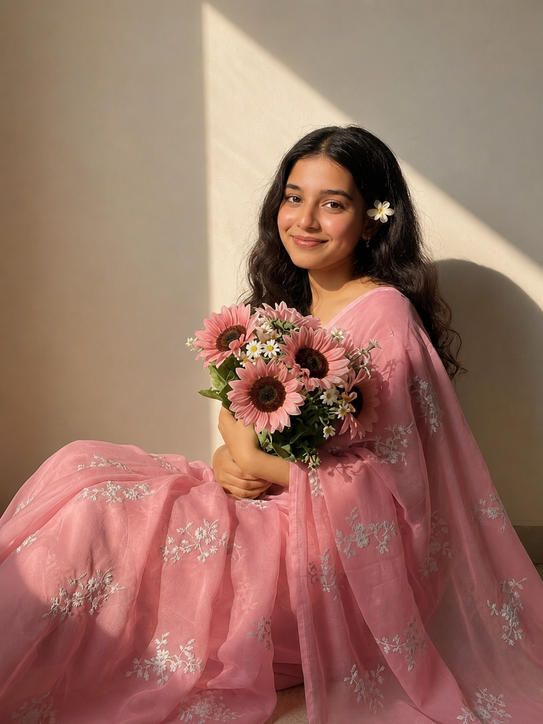
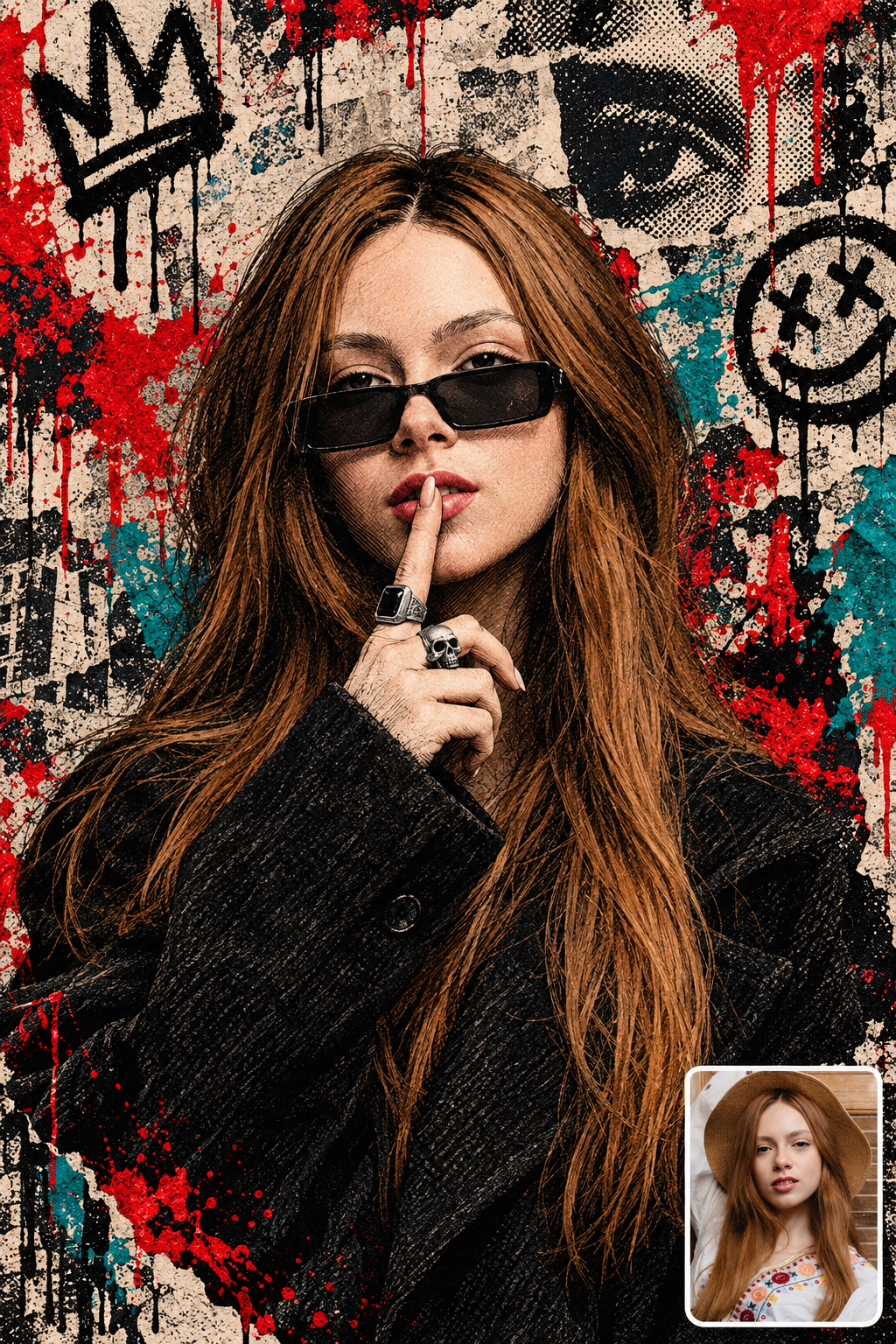
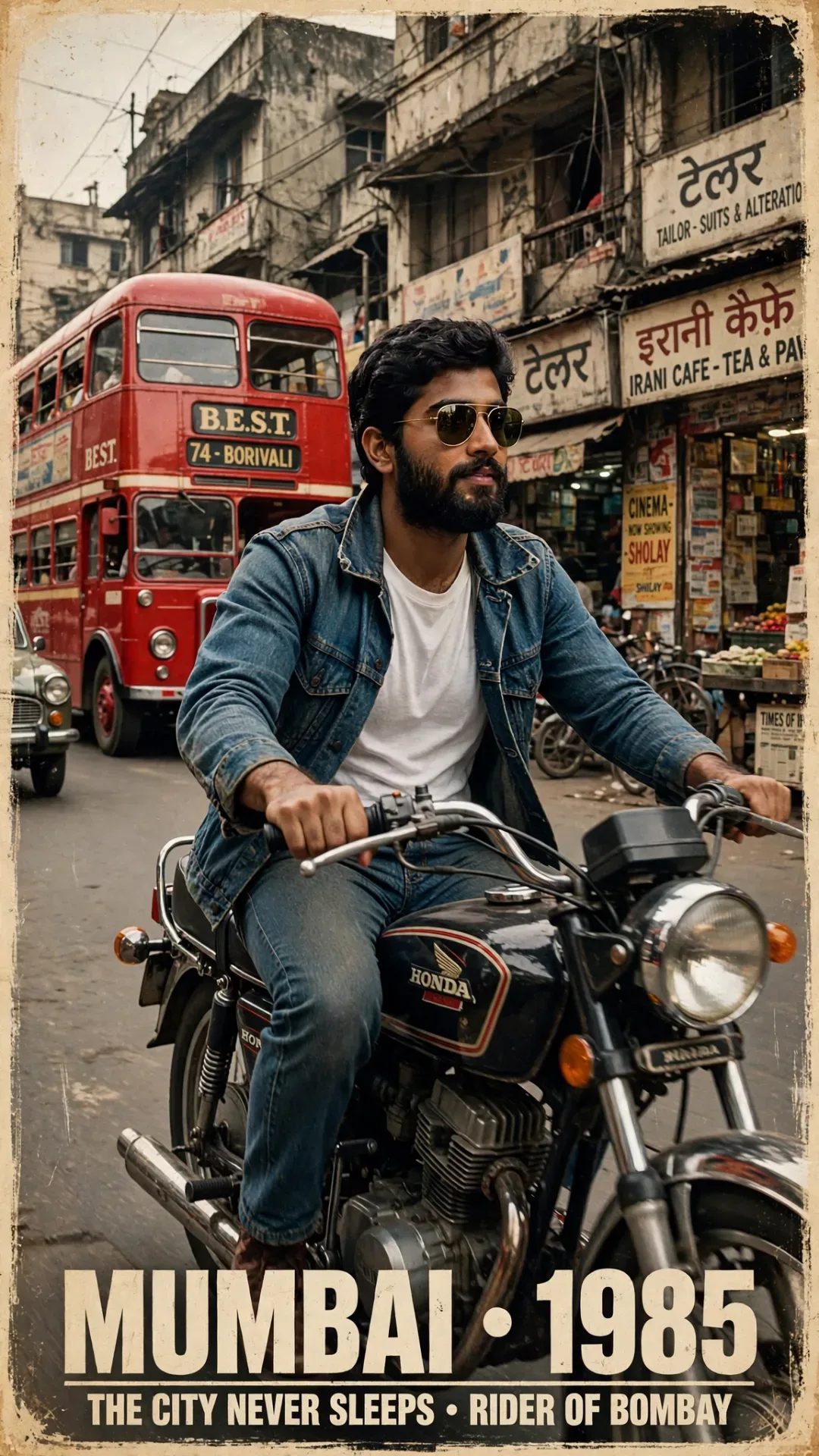
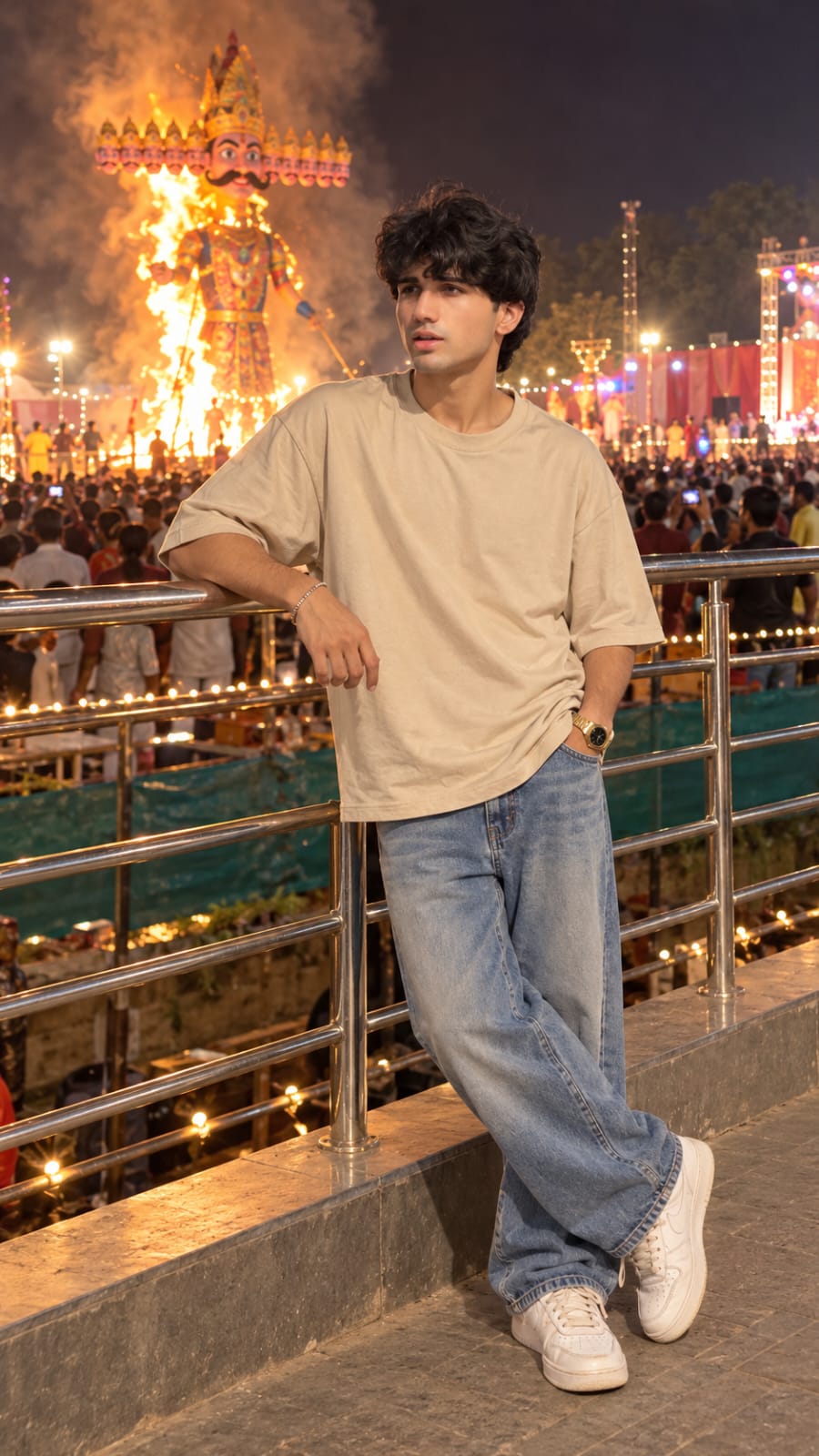
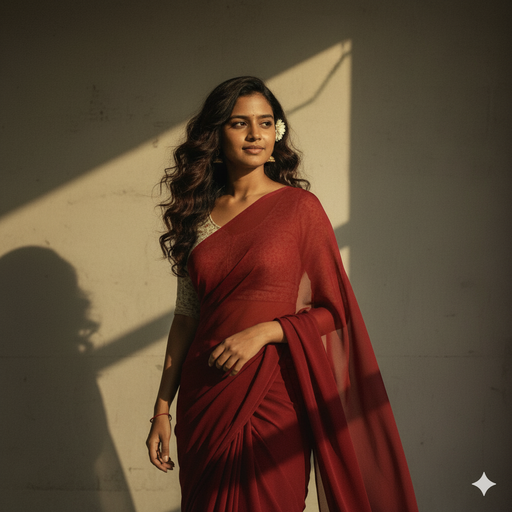
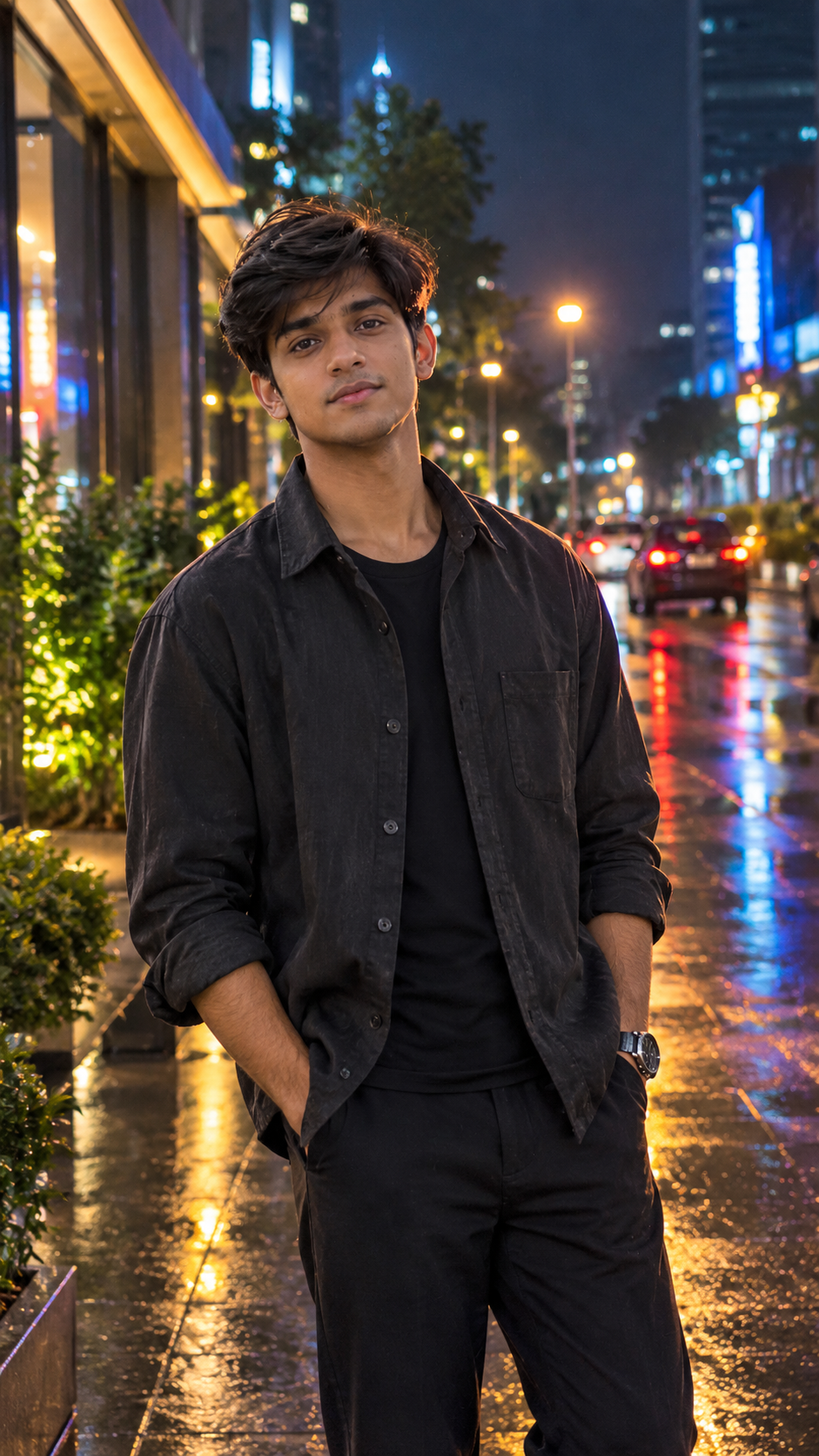
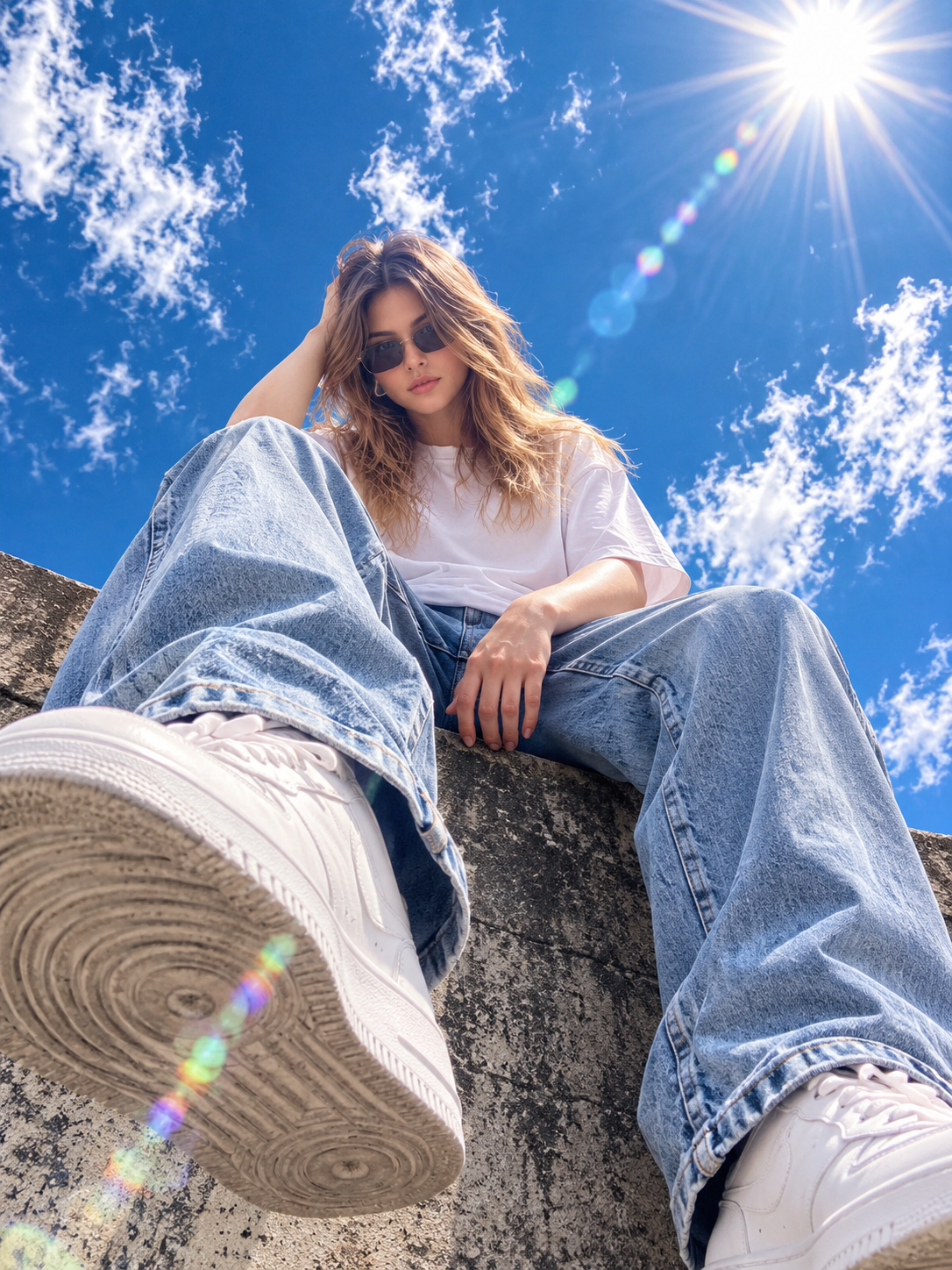
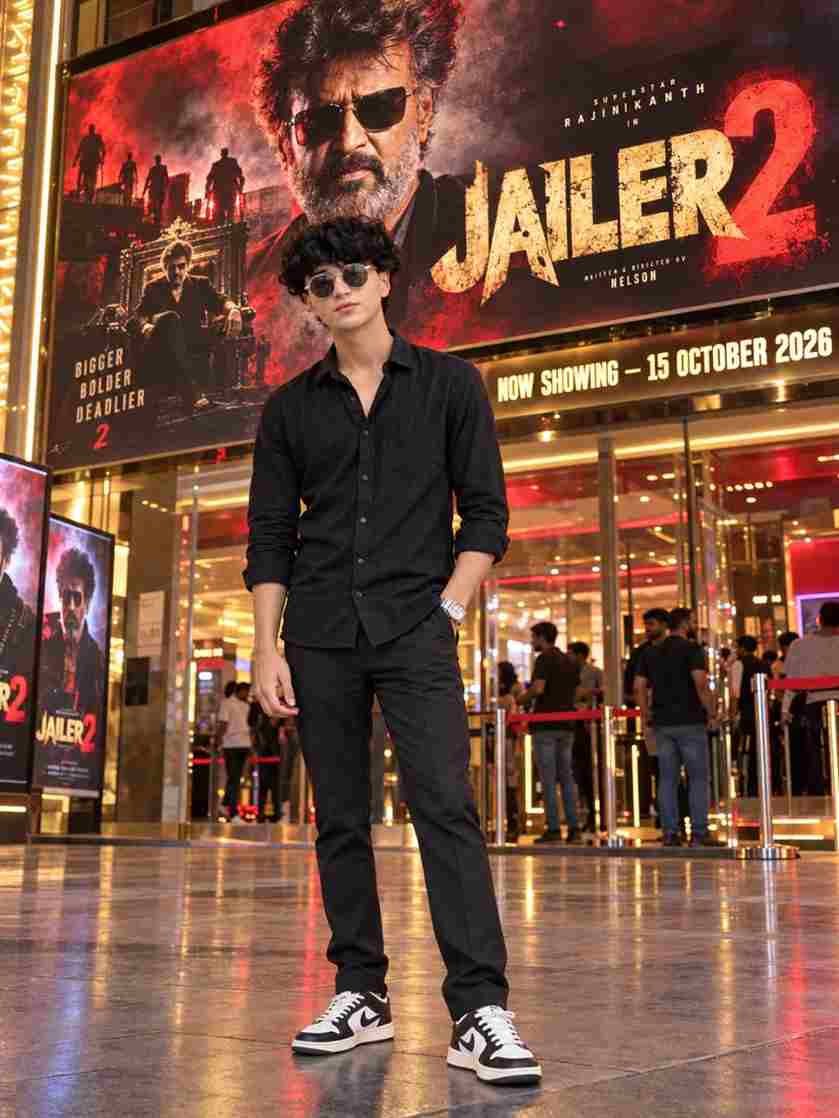
Want to create a unique and cinematic photo using AI? The Face Bandage AI Photo Editing Prompt 2026 can help you transform a normal portrait into a dramatic bandage-style image with a realistic photography look. This editing style has become popular among people who enjoy experimenting with creative AI photo transformations. You can use your own photo as a reference and apply a detailed prompt to change the appearance of the head and face area while keeping the original pose, clothing, body position, and composition consistent. Below, you will find a ready-to-use prompt and simple steps to create this effect.
What Is Face Bandage AI Photo Editing?
Face Bandage AI Photo Editing is an AI-based photo transformation that creates a bandage-wrapped appearance around the head and face. Instead of manually adding fabric, shadows, folds, and textures in a photo editing application, you can describe the desired look through a text prompt. The AI then uses your reference image to generate a new version based on those instructions. You can control important details such as bandage texture, wrapping style, lighting, background, camera angle, and image quality. The result can have a distinctive cinematic and mysterious photography style.
Face Bandage AI Photo Editing Prompt
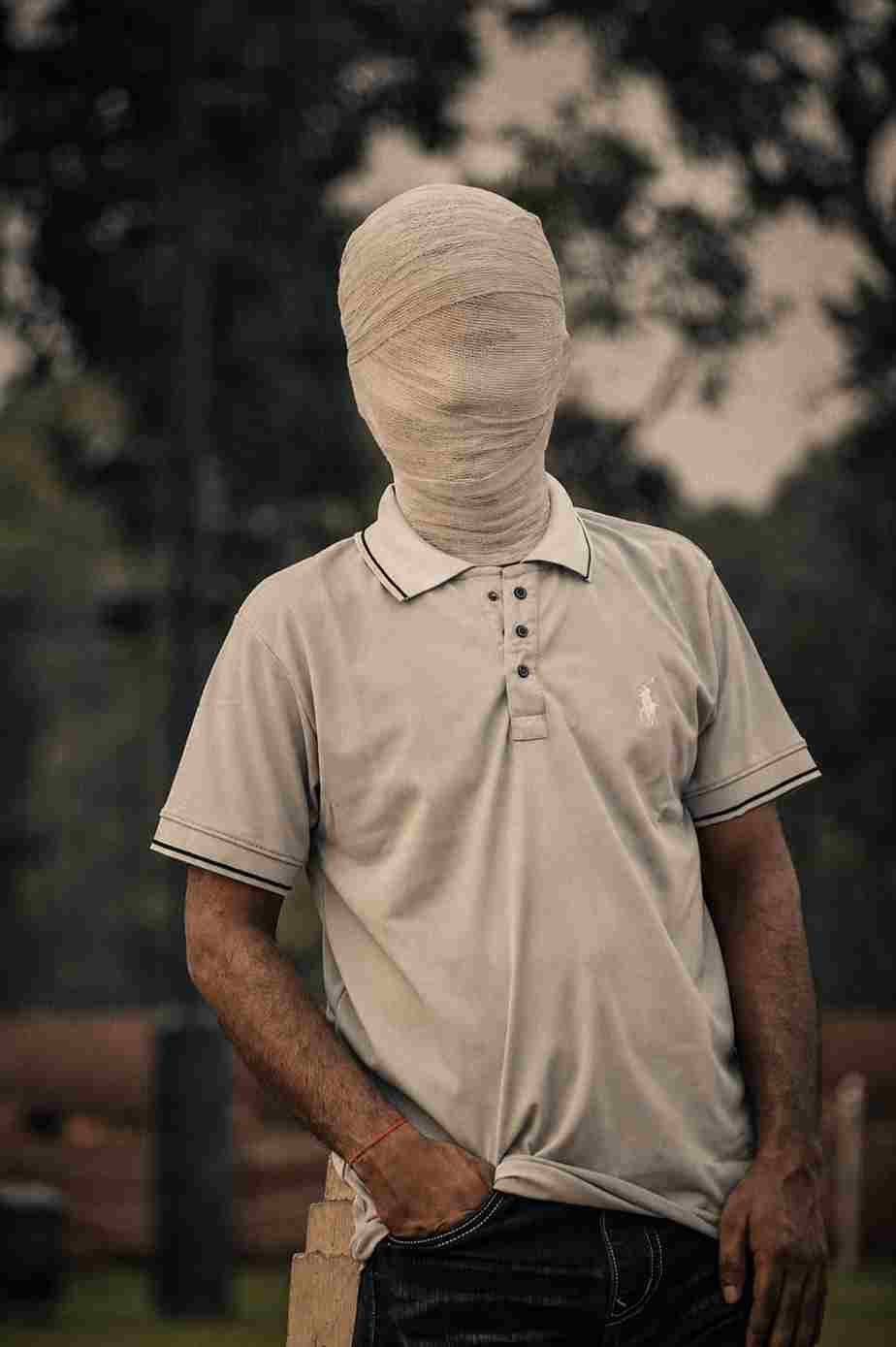
Create an ultra-realistic cinematic portrait using the uploaded photo as the exact reference. Preserve body proportions, pose, posture, hands, arms, clothing, accessories, camera angle, composition and framing unchanged. Completely wrap the entire head and face in thick, opaque off-white cotton bandages with overlapping layers. Fully cover hair, forehead, eyes, eyebrows, nose, cheeks, mouth, jawline, chin and ears. No facial features, skin, gaps, openings or recognizable face shape should be visible. Keep the original background unchanged. Apply a dark moody cinematic color grade in the photo, deep shadows, subtle warm highlights, atmospheric haze, natural HDR, contrast and film grain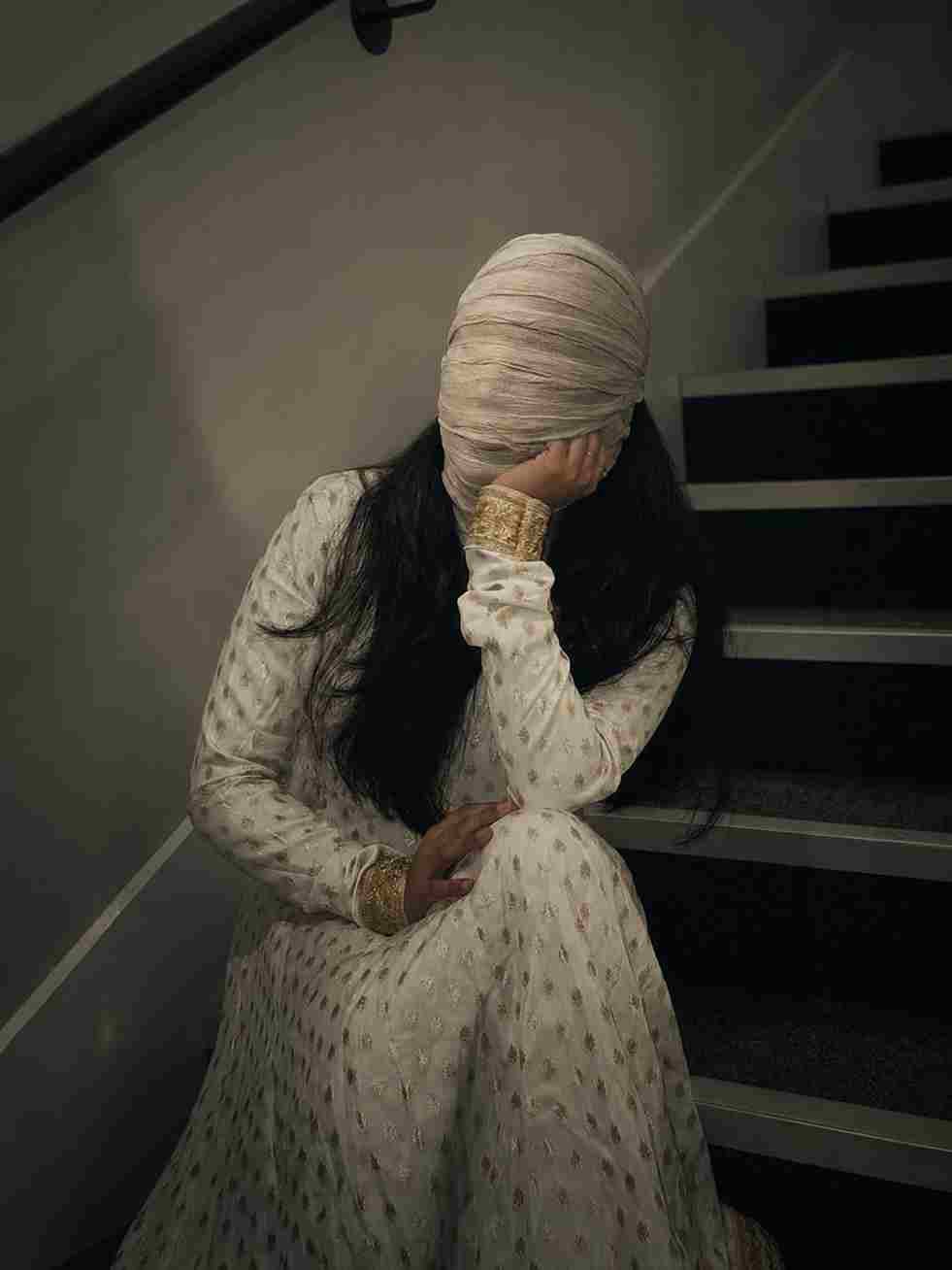
Create an ultra-realistic cinematic portrait of the same young girl using the uploaded photo as the exact reference. Preserve her body proportions, pose, posture, hands, arms, clothing, accessories, camera angle, composition and framing completely unchanged. Completely wrap her entire head and face in thick, opaque off-white cotton bandages with realistic overlapping layers and natural fabric texture. Fully cover her hair, forehead, eyes, eyebrows, nose, cheeks, mouth, jawline, chin and ears. No facial features, skin, gaps, openings, exposed hair, or recognizable face shape should be visible. The bandages should look naturally wrapped around the entire head with realistic folds, compression, shadows and subtle fabric imperfections. Keep the original background completely unchanged. Apply a dark, moody cinematic color grade with deep shadows, subtle warm highlights, atmospheric haze, natural HDR, rich contrast, realistic skin-independent lighting, fine film grain and dramatic cinematic depth. Maintain photorealistic details, natural lighting, realistic proportions and high-end cinematic photography quality. Do not add any extra objects, people, text, logos or background changes.How to Create Face Bandage AI Photo
Creating this AI photo edit is simple if you have a good reference image. Start by selecting a clear portrait with the subject’s body position, clothing, and accessories visible. Upload the image to an AI editing tool that allows you to provide a reference photo and text instructions. Paste the Face Bandage AI Photo Editing Prompt and generate the image. Once the result is ready, carefully review the head coverage, clothing, hands, body proportions, and background. If something does not look correct, make a small change to the prompt and generate another version.