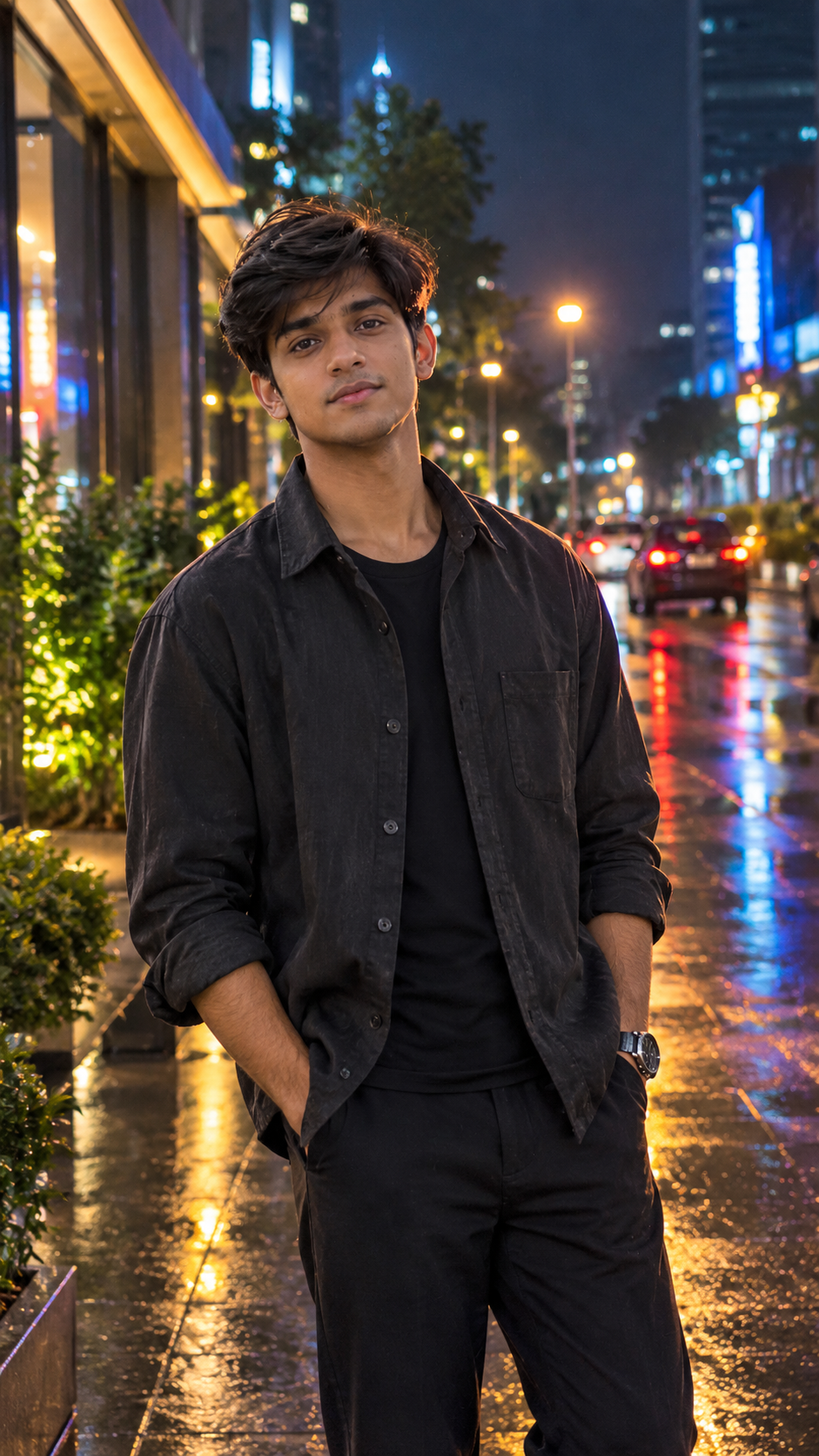
Heartbreak moments can be difficult to express through words, but a powerful image can sometimes tell the whole story. With ChatGPT AI photo editing, you can transform a normal portrait into a cinematic heartbreak scene with emotional lighting, a dramatic atmosphere, and a realistic movie-style look. This type of AI photo editing is perfect for creating Instagram posts, Reels covers, profile pictures, and emotional edits. By using a clear reference photo and the right prompt, you can create a visually strong heartbreak portrait while keeping the person’s natural appearance and identity recognizable.
What Is Cinematic Heartbreak Photo Editing?
Cinematic Heartbreak Photo Editing is an AI-based editing style that transforms an ordinary portrait into an emotional, dramatic scene inspired by cinematic photography. Instead of simply applying a filter, the AI can change the environment, lighting, mood, background, and overall composition according to your instructions. A heartbreak-themed edit can include a lonely atmosphere, cloudy sky, wet surroundings, sunset light, dramatic shadows, and emotional body language. The main purpose is to create a realistic image that visually communicates sadness, separation, loneliness, or emotional pain while still keeping the photograph natural and believable.
AI Prompt for Heartbreak Photo Editing
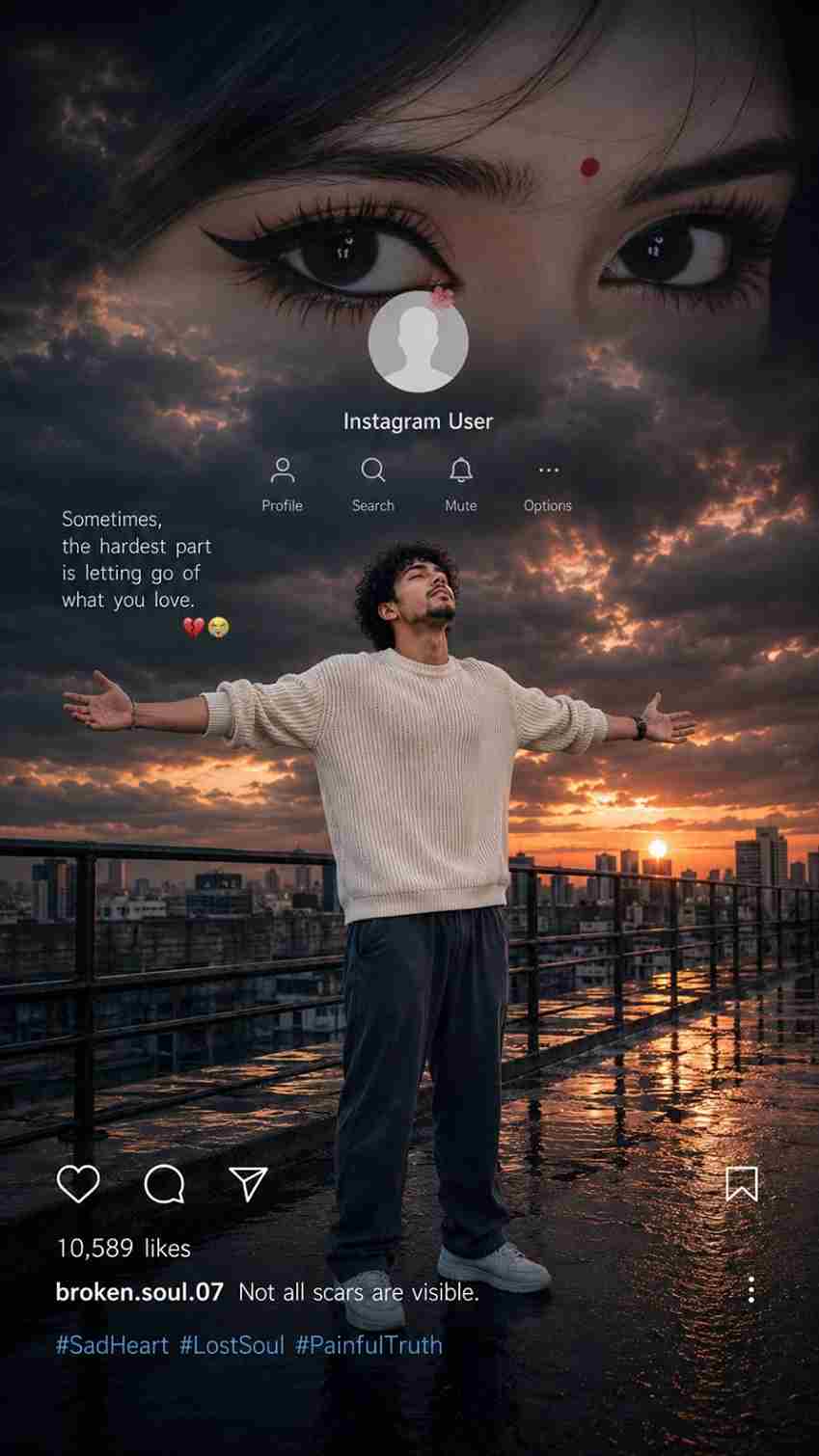
Create an ultra-realistic cinematic vertical 9:16 Instagram heartbreak edit based on the uploaded reference image. Preserve the boy’s exact facial identity, face shape, hairstyle, curly hair texture, skin tone, body proportions, natural appearance, clothing, and overall identity with maximum accuracy. Do not redesign, beautify, replace, age, or alter his face.

Place the boy naturally on a wet rooftop/industrial walkway at sunset. He is standing in the center of the scene with both arms fully spread wide, palms open, chest slightly lifted, and his face tilted upward while looking toward the sky, expressing deep heartbreak, loneliness, emotional pain, and surrender. Keep his same cream/off-white knitted sweater, loose dark pants, and white sneakers. His clothing should look naturally wet and realistic, with subtle reflections on the wet ground.

Create a dramatic dark stormy sky filled with heavy clouds, warm orange and golden sunset light breaking through the clouds, cinematic blue-gray shadows, and a glowing sun near the city skyline. Add a realistic modern cityscape in the background with distant buildings, rooftop railings, wet reflective flooring, puddles, atmospheric haze, and realistic sunset reflections.

At the top, create a large cinematic close-up of a girl’s expressive eyes blended naturally into the dark cloudy sky, suggesting memories of someone he has lost. Add subtle emotional depth without making the eyes look artificial.

Include a realistic Instagram-style profile overlay in the upper-middle area with a circular profile picture placeholder, the text “Instagram User”, and minimal Instagram-style icons for Profile, Search, Mute, and Options.

Add the heartbreak quote on the left side:
“Sometimes, the hardest part is letting go of what you love.”
followed by 💔😭

At the bottom, include a realistic Instagram post interface with heart, comment, share, and bookmark icons, “10,589 likes”, username “broken.soul.07”, caption “Not all scars are visible.”, and hashtags “#SadHeart #LostSoul #PainfulTruth”.

Use photorealistic DSLR quality, cinematic HDR, realistic skin texture, natural facial details, realistic fabric texture, dramatic volumetric lighting, soft atmospheric depth, accurate reflections, subtle film grain, high dynamic range, realistic shadows, and professional color grading. Make the entire composition emotionally powerful, melancholic, cinematic, and believable, like a real viral Instagram heartbreak edit. No cartoon look, no artificial face, no distorted hands, no extra fingers, no duplicate limbs, no warped body, no blurry face, no text distortion.How to Create Heartbreak Photo with ChatGPT
Creating a beautiful cinematic heartbreak photo with ChatGPT is very easy. Just follow the simple steps below: